Introduction
Flow AI Video Generator is a Google creative studio for building and refining visual stories. It supports video creation, image generation, scene editing, and asset organization in one workflow. This review covers Flow AI features, use cases, free trial options, and how it compares with alternatives.
What is Flow AI Video Generator?
Flow AI Video Generator, often called Google Flow AI, is a creative studio that combines image generation, video generation, editing, and project planning. It helps creators move from an idea or reference image to a finished clip without jumping between many separate tools. The Flow AI video generator connects prompts, ingredients, frames, and existing assets in a connected workspace. It solves a common problem: keeping visual projects organized while iterating on scenes. It suits filmmakers, marketers, designers, and content creators who need AI video creation and scene editing. Because it includes Flow Agent for planning and Collections for asset reuse, it matters for projects that require multiple shots and consistent visual direction.
Key Features of Flow AI Video Generator
Creative Planning with Flow Agent
Flow Agent can work with project context to help develop ideas and explore story choices. Use it to plan dialogue, alternative scene directions, and the next shot before generating video.
Image and Video Generation
Generate images and video clips with the studio’s supported models. Carry those assets into the same project for continued refinement.
Reference Images and Ingredients
Add reference images to shape a scene and guide visual style. Use product, setting, or character references as video ingredients for more controlled AI video creation.
Natural-Language Scene Editing
Select an image area or clip and describe a targeted change in natural language. Refine mood, design direction, or details without complex manual editing.
Variations and Continued Refinement
Create variations and edit results beyond the first draft. Use built-in tools to adjust scenes and improve consistency across shots.
Collections for Asset Reuse
Group related images and clips into Collections. Reuse references and clips in later shots so a project stays organized and coherent.
Flow AI Mobile App
A Flow mobile app has been announced, with platform and regional availability varying. Check official listings because web and mobile features can differ.
Use Cases for Flow AI Video Generator
Short-Film Opening
Develop dialogue and alternative scene directions with Flow Agent before generating shots. Use the plan to decide which moment to show first and what the next shot must establish.
Product Concept Video
Use product and setting references as video ingredients, then remove distracting objects. Reuse the references to explore another setting while keeping the product as the focus.
Visual Treatment and Mood Boards
Select an image area and describe a targeted change to refine a mood or design direction. This helps teams test a visual treatment before full production.
Campaign Asset Library
Group references and clips into Collections so the next variation starts from useful material. This supports campaign work that needs many related assets.
Google Flow Alternative Workflow
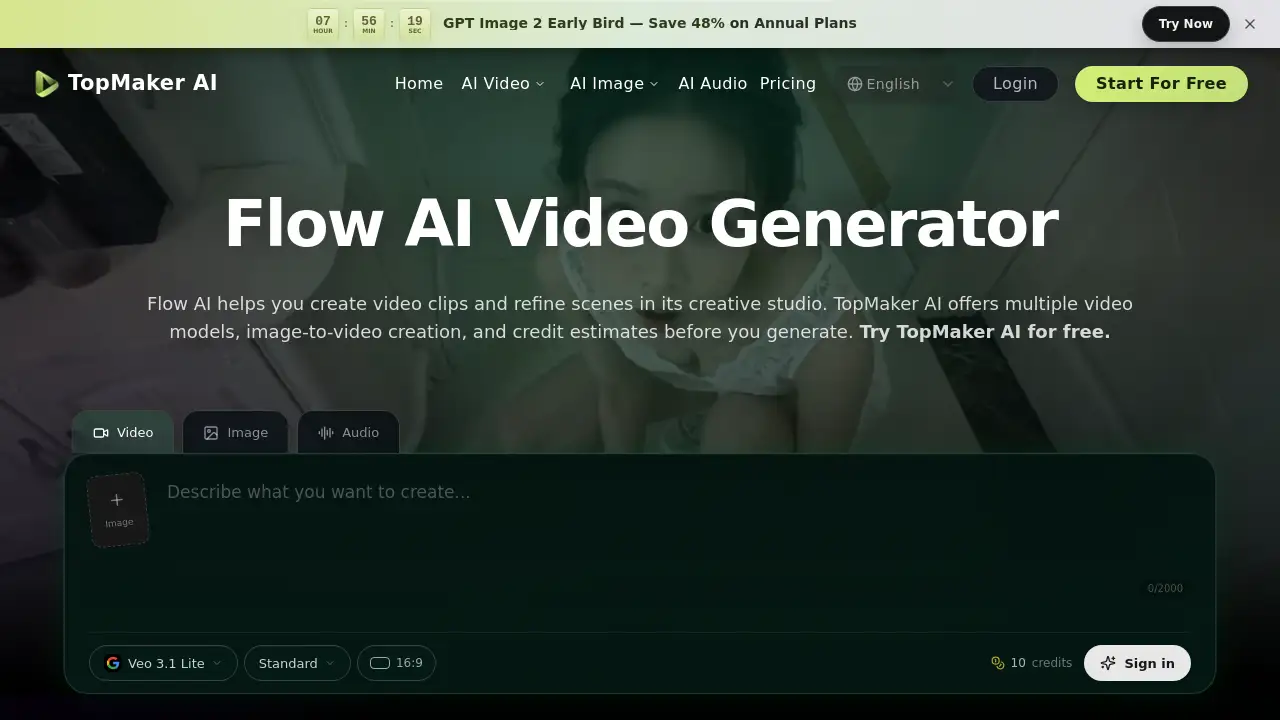
Creators who need a model outside the Flow ecosystem may compare it with a Google Flow alternative. TopMaker AI, for example, is an independent editor that offers generation with supported models and upfront credit estimates.
How to Use Flow AI Video Generator
- Start with an idea or image: describe your scene or add reference images in the studio. Use existing assets or create images for your video.
- Generate and refine: generate a clip, review the result, and use editing tools or variations to refine your scene.
- Organize your project: group related images and clips into Collections so you can find and reuse them as the story develops.
- Check model and access: review model options, feature access, region availability, and subscription terms before relying on a workflow.
- Export or continue iterating: use the studio’s supported tools to prepare the final asset or develop the next variation.
Target Audience for Flow AI Video Generator
- Filmmakers and video editors who want to plan and refine scenes in one studio.
- Marketers and campaign teams that need reusable visual assets and product concept videos.
- Designers and creative directors exploring visual treatments and mood directions.
- Content creators who use prompts, reference images, and AI video generation.
- Teams comparing Google Flow AI with a Google Flow alternative for model choice and access costs.
Is Flow AI Video Generator Free?
Flow AI Video Generator offers free daily credits to try the studio without a subscription. Available models and features depend on access and region, and video generation for non-subscribers can be limited during peak hours. Some models and tools require a subscription. Paid plans offer different credits and features, and the cost of a generation depends on the selected model and settings. Check the official Google Flow studio for current pricing, credit requirements, and regional availability.
| Plan | Price | Features |
|---|---|---|
| Free | $0 | Daily credits to try the studio; limited video generation for non-subscribers during peak hours; model and feature availability varies |
| Paid | Check official studio | Different credits and features; access depends on model, settings, region, and subscription terms |
TopMaker AI is an independent service and is not affiliated with or endorsed by Google. On the TopMaker AI page, eligible new users can receive free signup credits for eligible models, but those credits do not unlock models that require paid access.
Flow AI Video Generator's Pros and Cons
| Aspect | Pros | Cons |
|---|---|---|
| Workflow | Connected studio for scenes, images, video, and assets | Less direct access to models outside the Flow ecosystem |
| Features | Creative planning, natural-language editing, variations, Collections | Capabilities can vary by region and between web and mobile |
| Pricing | Free daily credits available to try the studio | Some models and tools require a subscription; non-subscriber video generation can be limited at peak hours |
| Model Choice | Built-in models support image and video generation in one project | Model options are limited to the Flow ecosystem |
| Access | Web and mobile app announced; check availability | Feature and platform availability may differ by region |
Frequently Asked Questions about Flow AI Video Generator
What is Flow AI Video Generator?
Flow AI Video Generator is the Google Flow AI creative studio described in this review. It combines image and video generation, editing, creative planning, and asset management in a project workspace.
Is Google Flow AI free?
Yes, Flow offers free daily credits to try the studio without a subscription. Available models and features depend on access and region, and video generation for non-subscribers can be limited during peak hours. Check the current terms in the official studio.
Can Flow AI Video Generator animate an image?
Yes. Flow can use images as ingredients or frames for video generation, including images created within Flow. The available inputs and controls depend on the chosen model.
Can I edit images and videos in Flow AI?
Yes. Flow supports natural-language editing, targeted image changes, and video refinement. Available tools can include adding or removing elements and creating variations, depending on model and access.
Is TopMaker AI the same as Flow AI Video Generator?
No. TopMaker AI is an independent service and is not affiliated with or endorsed by Google. It offers generation with supported models and does not provide the Google Flow studio, Flow Agent, or Flow Collections.
When should I choose a different video editor?
Choose Flow when you want to develop a visual project in a connected studio. Consider another editor when you need a model outside its ecosystem or want to generate a specific asset with an upfront credit estimate. Compare available inputs and controls with your project’s needs.
Flow AI Video Generator Tags
Flow AI Video Generator, Google Flow AI, AI video generator, Google Flow alternative, AI video creation, scene editing, Flow AI free trial, Flow AI features, natural-language video editing, Flow AI use cases, TopMaker AI, AI video studio