Introduction
A free AI video generator for cinematic 1080p videos from text or images.
What is HappyHorse?
HappyHorse is an AI video generator designed to transform text descriptions and reference images into high-quality, cinematic video clips. It addresses the common challenge of creating professional-looking video content without requiring extensive technical skills, expensive software, or large production teams. Powered by the HappyHorse 1.0 model, this tool is suitable for content creators, marketers, social media managers, and businesses looking to produce engaging text-to-video and image-to-video content quickly. The platform's emphasis on cinematic AI video generation with native 1080p HD output makes it a significant tool for democratizing video production.
Key Features of HappyHorse
Text-to-Video and Image-to-Video
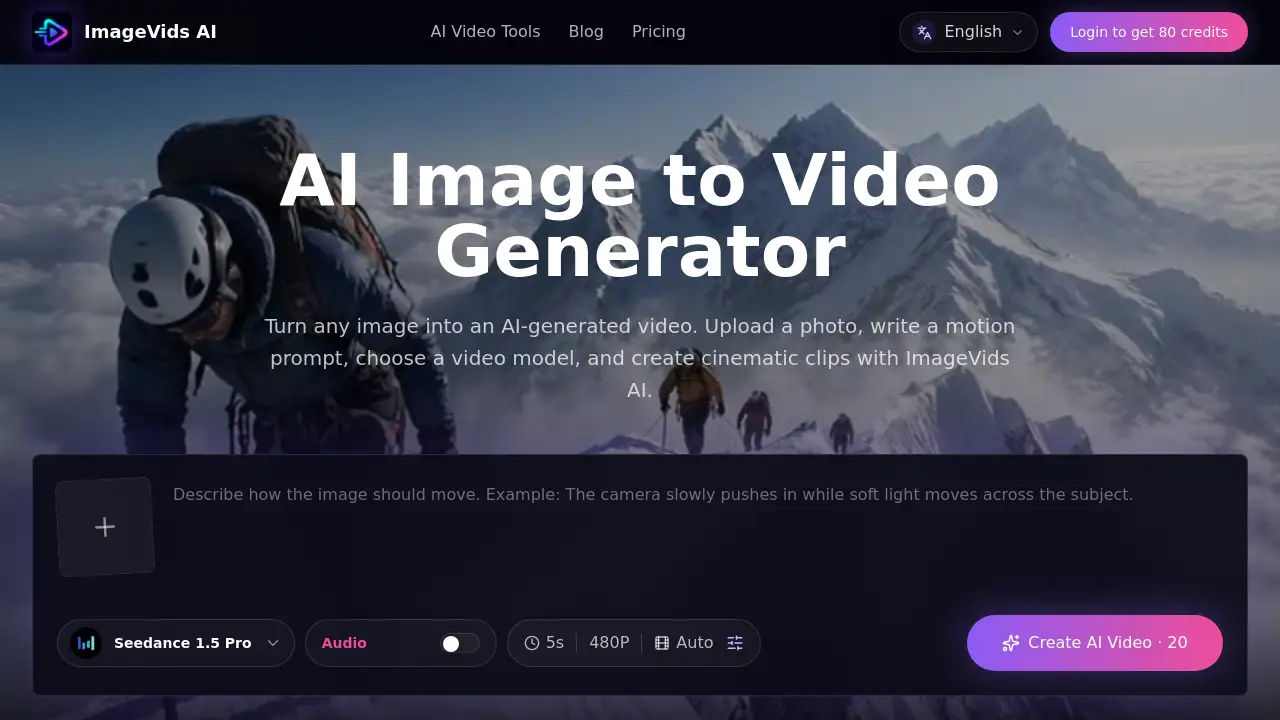
Generate cinematic videos from simple text prompts or by uploading a reference image. The HappyHorse 1.0 model is built for strong prompt adherence and realistic motion in both modes.
Human-Centric Control
Guide the AI's output using images, storyboards, or concept frames to achieve better facial performance, body motion, and subject continuity, which is ideal for digital-human clips and advertisements.
Unified Video + Audio Thinking
The single-stream architecture learns text, video, and audio tokens together, making the model well-suited for dialogue scenes, trailers, and any workflow that benefits from sound-aware AI video generation.
One-Click Creative Effects
Access a library of creative templates and effects, such as viral transformations, with a single click. This feature is perfect for quickly creating eye-catching content for social media and marketing.
Professional-Grade 1080p Output
All videos are generated in native 1080p HD quality, ensuring a polished and professional look suitable for various platforms without additional upscaling.
Fast Generation Speed
The platform offers turbo generation modes, allowing users to create videos in as fast as 5 seconds, significantly speeding up the content creation workflow.
Use Cases for HappyHorse
Social Media Content Creation
Quickly produce trending, high-quality video clips and effects for platforms like TikTok, Instagram, and YouTube to boost engagement.
Marketing and Advertisement
Create polished video ads, product showcases, and promotional clips with cinematic AI video quality to capture audience attention.
Storyboarding and Pre-Visualization
Use the image-to-video function to animate concept art or storyboards, helping visualize scenes before live-action filming.
Educational and Explainer Videos
Generate clear, visually appealing videos from text scripts to explain complex topics or demonstrate products.
How to Use HappyHorse
Using HappyHorse is a straightforward process designed for user convenience.
- Choose Your Mode: Navigate to the HappyHorse website and select either the "Text to Video" or "Image to Video" tool.
- Input Your Content: For text-to-video, enter a detailed descriptive prompt. For image-to-video, upload a reference image or storyboard frame.
- Apply Customization (Optional): Use available controls to guide human motion or select from one-click creative effects in the Effect Center.
- Generate and Download: Click the generate button. Once your 1080p HD video is ready, you can preview, edit if necessary, and download it to your device.
Target Audience for HappyHorse
- Social Media Influencers and Content Creators
- Digital Marketers and Advertising Agencies
- Small Business Owners and Entrepreneurs
- Educators and Trainers
- Freelance Video Editors and Designers
Is HappyHorse Free?
HappyHorse offers a free online trial that requires no credit card to start. According to the reference information, users can try the AI video generator for free. For specific details on subscription plans, premium features, or usage limits, users should visit the official HappyHorse pricing page for the most current information.
| Plan | Price | Key Features |
|---|---|---|
| Free Trial | $0 | Access to core text-to-video and image-to-video features, 1080p output. |
| Subscription Plans | Information on Official Site | Likely includes higher generation limits, priority processing, and advanced effects. |
HappyHorse's Pros and Cons
| Aspect | Pros | Cons |
|---|---|---|
| Accessibility | Free to try with no credit card; user-friendly interface. | Full feature set and high-volume usage may require a paid subscription. |
| Output Quality | Generates native 1080p HD, cinematic AI video with realistic motion. | As an AI tool, results may vary and require precise prompts for optimal outcomes. |
| Speed & Workflow | Very fast generation times; one-click effects speed up creative processes. | Advanced controls for human-centric details might have a learning curve. |
| Technology | Features unified multimodal thinking for better audio-video alignment. | Dependent on the underlying HappyHorse 1.0 model's limitations and training data. |
Frequently Asked Questions about HappyHorse
Is HappyHorse really free to use?
Yes, HappyHorse AI offers a free tier that allows users to generate videos online without providing credit card details. This makes it easy to test the text-to-video and image-to-video capabilities.
What video quality does HappyHorse produce?
HappyHorse generates videos in native 1080p HD quality. The HappyHorse 1.0 model is specifically designed to produce cinematic and professional-grade video output.
Can I use my own images to create videos?
Absolutely. The image-to-video feature is a core function. You can upload reference images, storyboards, or concept frames to guide the AI video generator and create animations based on your visuals.
Who is HappyHorse best suited for?
HappyHorse is an excellent tool for a wide range of users, including social media creators, marketers, small businesses, educators, and anyone needing to create engaging video content quickly without a full production team.
Does HappyHorse include audio in the videos?
The platform features unified video + audio thinking, meaning the AI model is trained with audio tokens. This makes it particularly strong for scenes where sound and timing are important, though specific audio generation features should be checked on the site.
How fast can I generate a video?
HappyHorse is optimized for speed, with turbo generation modes that can create videos in as little as 5 seconds, allowing for rapid iteration and content creation.
HappyHorse Tags
AI video generator, HappyHorse AI, text-to-video, image-to-video, cinematic AI video, free video maker, 1080p HD video, HappyHorse 1.0, AI video creator, video from text, AI effects, social media video tool, marketing video AI, multimodal AI