Introduction
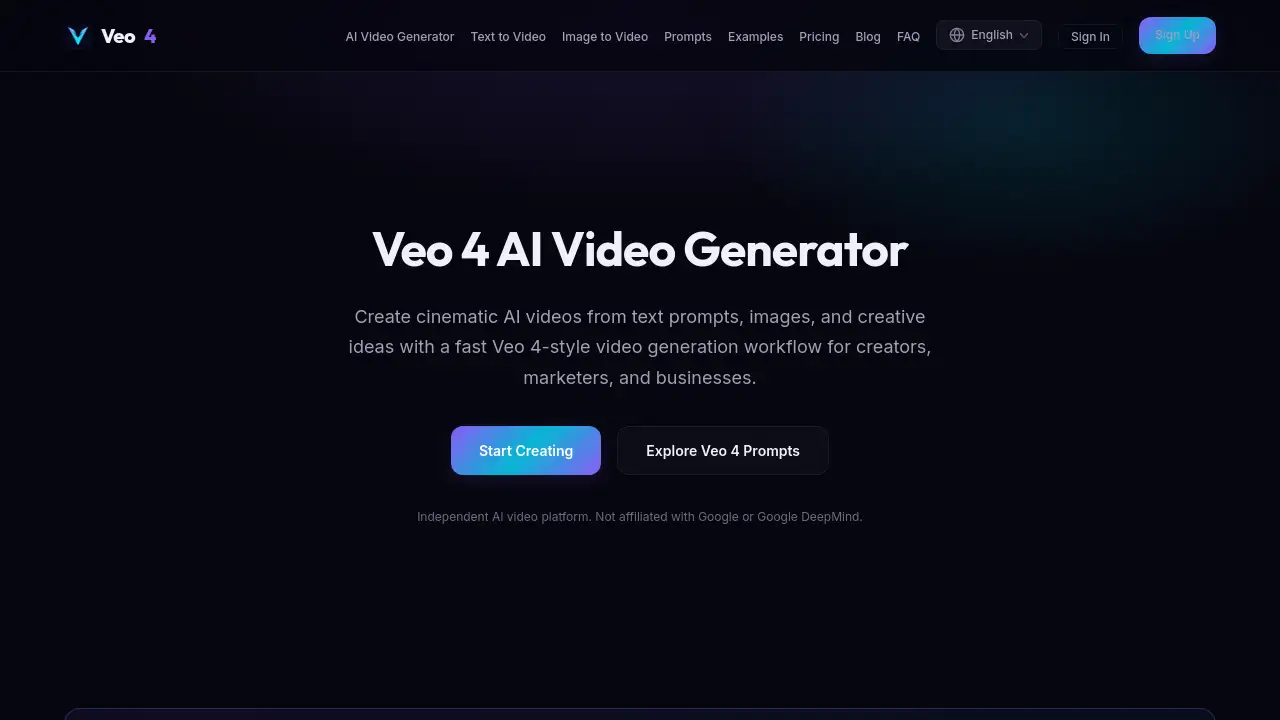
Create cinematic AI videos from text and images with Veo 4 AI Video Generator.
What is Veo 4 Ai?
Veo 4 AI is an independent platform for generating cinematic AI videos. It solves the challenge of creating high-quality, production-ready video content without needing extensive filming equipment, a crew, or advanced editing skills. The tool transforms detailed text prompts or uploaded images into short video clips with realistic motion, camera work, and visual style. It is suitable for creators, marketers, and businesses looking to produce engaging content for social media, advertising, and brand storytelling quickly and affordably.
Key Features of Veo 4 Ai
Text-to-Video Generation
Turn written descriptions into cinematic videos by detailing the subject, action, scene, and desired visual style in your text prompt.
Image-to-Video Animation
Upload any reference image, such as a product photo or portrait, and animate it into a video with realistic motion and camera movement.
Advanced Prompt Control
Achieve production-quality results by specifying camera movement, lighting, audio direction, and visual style within your prompt for more cinematic output.
Multi-Format Export
Generate videos optimized for various platforms, including 16:9 for YouTube, 9:16 for TikTok and Instagram Reels, and 1:1 for square content.
Built-in Audio Support
Create immersive videos with integrated sound options, including dialogue, music, ambient noise, and sound effects, as directed in your prompt.
Extensive Prompt Library
Access a free library of ready-to-use prompts for product ads, social media videos, real estate tours, fashion lookbooks, and cinematic scenes.
Use Cases for Veo 4 Ai
Product Advertisement Videos
Create stunning, cinematic commercials for e-commerce products, luxury items, tech gadgets, and beauty brands.
Social Media Content
Generate trend-ready vertical videos optimized for platforms like TikTok, YouTube Shorts, and Instagram Reels.
Real Estate Marketing
Animate property photos into engaging cinematic walkthrough videos to showcase listings.
Brand Campaign Storytelling
Build cohesive and visually striking brand story videos and campaign concepts from creative prompts.
Fashion and Lifestyle Content
Produce editorial-style fashion video lookbooks and atmospheric lifestyle clips from image references.
How to Use Veo 4 Ai
- Access the Platform: Navigate to the Veo 4 AI video generation website to begin.
- Choose Your Workflow: Select either the text-to-video or image-to-video creation mode.
- Craft Your Input: For text-to-video, write a detailed prompt. For image-to-video, upload your reference image.
- Specify Details: Include details like camera movement, lighting, style, and audio direction for the best results.
- Generate and Export: Click to generate your AI video clip, then download it in your chosen format and aspect ratio.
Target Audience for Veo 4 Ai
- Content Creators and Video Artists
- Digital Marketers and Social Media Managers
- Small Business Owners and E-commerce Brands
- Advertising Agencies and Brand Teams
- Real Estate Agents and Property Marketers
Is Veo 4 Ai Free?
Veo 4 AI offers a free trial with credits to test the AI video generation. For ongoing use with advanced features, Pro plans are available. Users are directed to the official platform, veo4ai.com, for the most current access details and pricing.
| Plan | Price | Key Features |
|---|---|---|
| Free Trial | $0 | Limited credits to test generation. |
| Pro Plans | Variable | Unlocks 4K resolution, longer clips, audio features, and commercial usage rights. |
Veo 4 Ai's Pros and Cons
| Aspect | Pros | Cons |
|---|---|---|
| Accessibility | Fast, no-filming-required workflow for video creation. | Requires learning to write effective, detailed prompts. |
| Output Quality | Generates cinematic clips with realistic motion and styles. | Output is limited to short clips, not full-length videos. |
| Use Case Range | Extremely versatile for ads, social media, and branding. | Best results require specific, creative input from the user. |
| Cost | Free resources and trial available to start. | Advanced features and commercial use require a paid plan. |
Frequently Asked Questions about Veo 4 Ai
Is Veo 4 AI affiliated with Google?
No. Veo 4 AI is an independent AI video generation platform and is not affiliated with, endorsed by, or sponsored by Google or Google DeepMind.
Can I actually create videos on this site?
Yes. The site provides prompts, examples, and workflows, and includes links to the generation platform at veo4ai.com where you can create AI videos.
Are there ready-to-use prompts for different video types?
Yes. The free prompt library includes examples for product ads, social videos, cinematic scenes, real estate, fashion, and more that you can copy and use.
What is text-to-video AI generation?
Text-to-video AI takes a written prompt describing a scene—including subject, action, camera movement, lighting, and style—and generates a corresponding cinematic video clip.
What is image-to-video AI generation?
Image-to-video AI allows you to upload a reference image, which the tool then animates into a video clip with added motion, camera movement, and visual effects.
Can I add sound to my AI-generated videos?
Yes. Advanced AI video generation supports adding dialogue, ambient sound, music, and sound effects based on the audio direction included in your prompt.
Veo 4 Ai Tags
AI video generator, Veo 4 AI, text to video, image to video, cinematic AI video, AI video creator, video marketing tool, social media video maker, product ad generator, free AI video, prompt library, video for TikTok, YouTube Shorts maker, brand video AI, e-commerce video ads