Introduction
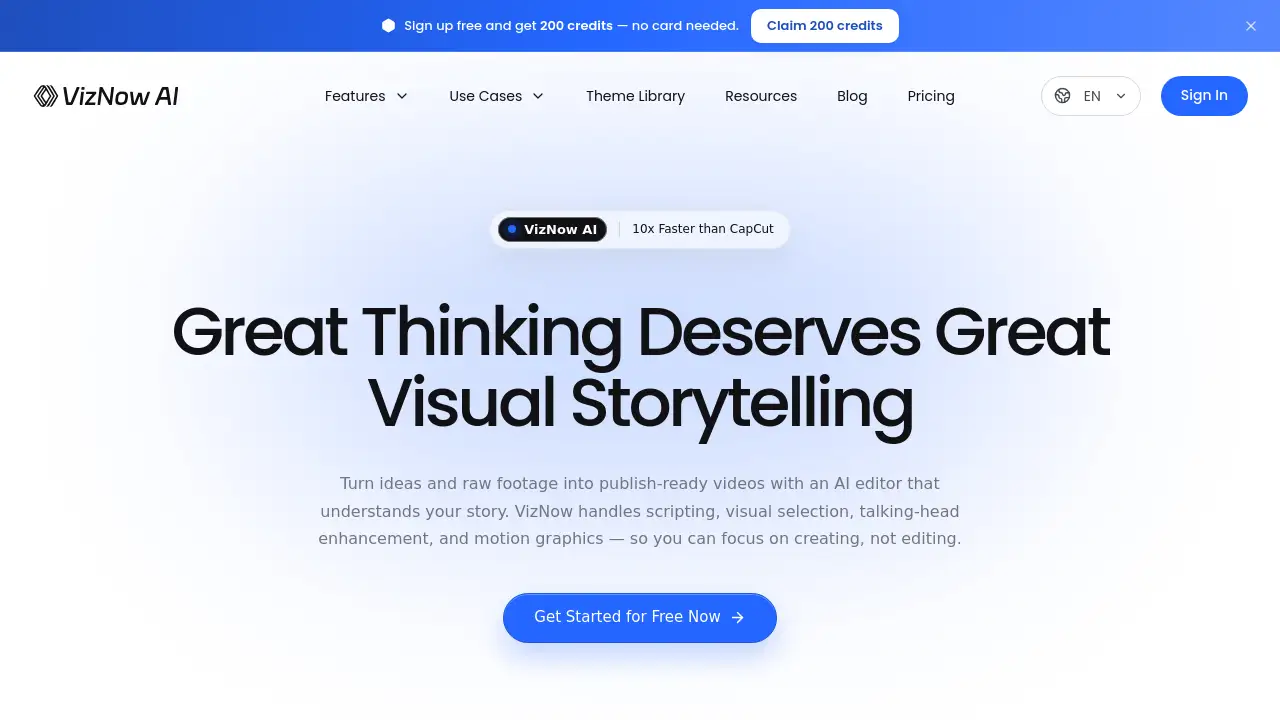
VizNow AI is an AI video editor built to turn ideas, scripts, audio, and recorded footage into publish-ready videos. It combines AI video creation, motion graphics, B-roll, and talking-head video enhancement in one workflow. This review covers what VizNow AI does, its key features, use cases, pricing, pros and cons, and common questions.
What is VizNow AI?
VizNow AI is an AI video creation and enhancement tool. It is designed for people who need relevant B-roll, charts, captions, and motion graphics without assembling every visual by hand. The product supports three main starting points: recorded footage; an idea, finished script, or voice recording; and a text prompt for a standalone motion graphic.
Instead of generating pixels from scratch, VizNow AI directs the edit. It aims to understand the story, source supporting visuals, time cuts, and compose dynamic layouts. This makes it useful for knowledge creators, educators, marketers, and small teams that want an AI video editor that can handle scripting, visual selection, talking-head video enhancement, and motion graphics.
The main value is speed and structure. Users can start with raw material and guide VizNow AI through chat rather than editing every timeline detail manually. It is an AI video editor for people who want to move from concept to publish-ready output faster.
Key Features of VizNow AI
Talking-Head Video Enhancement
VizNow AI can enrich recorded talking-head footage with motion graphics, animated effects, charts, information overlays, and optional B-roll based on narration. Users can review and refine supported visuals before exporting the enhanced video.
Script or Audio to Video
Turn a topic, brief, finished script, or voice recording into a structured explainer video. VizNow AI can develop or use narration, find supporting visual material, and assemble B-roll, charts, overlays, and motion graphics into a complete video. This script-to-video workflow is useful for narration-led content.
Transparent Motion Graphics
Generate a standalone transparent WebM motion graphic from a text instruction. This feature supports numbers, comparisons, trends, and concepts without needing a source video. It is helpful for editors who need clean assets to place into another project.
Live Web Sourcing
VizNow AI does not just match keywords. It interprets the narrative and finds visuals intended to support the message. This helps create more relevant B-roll and supporting scenes for an AI video creation workflow.
Perfectly Timed Cuts
The AI video editor helps shape pacing, structure, and visual rhythm. It aims to make cuts feel intentional rather than random, so the final video is easier to follow.
Dynamic Layouts
Automatically combine B-roll, charts, animations, and motion graphics into layouts that make ideas easier to understand. This reduces the need to manually position every element.
Edit by Talking
Users can tell VizNow AI what to change through chat. Adjust visuals, scenes, and styles without wrestling with a complex timeline.
Use Cases for VizNow AI
YouTube Explainers and Tutorials
Creators can turn a script or voice recording into an explainer video with B-roll, charts, captions, and motion graphics. This reduces manual editing time for educational and commentary content.
Marketing and Product Videos
Marketers can enhance talking-head footage with information overlays, charts, and motion graphics for product updates, demos, or reports. The AI video editor can help small teams produce clearer marketing content.
Social Media Short-Form Content
Social media managers can start from an idea and generate a structured video with relevant visuals. This suits platforms that need fast, clear storytelling and consistent visual support.
Educational and Training Videos
Educators and course creators can use VizNow AI to turn lessons, audio, or scripts into complete videos. Supporting visuals and motion graphics can make complex topics easier to explain.
Standalone Motion Graphics for Editors
Video editors can generate transparent motion graphics for numbers, comparisons, trends, or concepts. These assets can then be handed off to another editing workflow or production tool.
How to Use VizNow AI
- Choose a starting point: an idea, recorded footage, a finished script, or a voice recording.
- Let VizNow AI build the plan: structure, visuals, scenes, and motion elements.
- Refine through chat: ask for changes to visuals, pacing, style, or details.
- Review the output: check claims, numbers, units, labels, and source licenses before export.
- Export the finished video, enhanced talking-head content, or standalone transparent WebM motion graphic.
Target Audience for VizNow AI
- Knowledge creators and YouTubers
- Educators and course creators
- Marketers and small teams
- Social media managers
- Video editors who need motion graphics assets
- Podcasters and creators with voice recordings
Is VizNow AI Free?
VizNow AI offers a free entry point for new accounts. The homepage states that new users can sign up free and get 200 credits with no card required. Paid plan details are not fully listed in the reference information.
| Plan | Price | Features |
|---|---|---|
| Free credits | $0 | 200 credits for new accounts; no card required; access to AI video creation workflows |
| Paid plans | Not specified in reference | Visit the official pricing page for current plan details and credit limits |
VizNow AI's Pros and Cons
| Aspect | Pros | Cons |
|---|---|---|
| Pricing | Free 200 credits for new accounts; no card required | Paid plan pricing is not listed in the reference information; credit limits may apply |
| Features | Three connected workflows: talking-head enhancement, script or audio to video, and transparent motion graphics | Generated charts and assets are not guaranteed to be correct |
| Usability | Start from an idea, script, audio, or footage; refine with chat | Some workflow limits may exist, and advanced refinement can require review |
| Output | Publish-ready videos, enhanced talking-head content, and standalone transparent WebM graphics | Claims, numbers, labels, and source licenses require manual checking before export |
| Positioning | Clear focus on directing visuals rather than generating random pixels | Users who need full timeline control may still prefer traditional editing tools |
Frequently Asked Questions about VizNow AI
What is VizNow AI, and who is it for?
VizNow AI is an AI video creation and enhancement tool with three ways to start: recorded footage; an idea, finished script, or audio; or a prompt for a standalone motion graphic. It is built for knowledge creators, educators, marketers, and small teams that need relevant B-roll, charts, captions, and motion graphics without assembling every visual by hand.
Can VizNow AI enhance an existing talking-head video?
Yes. VizNow AI can plan and add motion graphics, animated effects, charts, information overlays, and optional B-roll based on the narration. Users can review and refine supported visuals before exporting the enhanced video.
Can I turn an idea, script, or voice recording into a complete video?
Yes. VizNow AI can develop or use the narration, search for supporting visual material, and assemble B-roll, charts, overlays, and motion graphics into a complete video. A finished script can remain the narration basis, while a voice recording can be transcribed and used through the audio-to-video workflow.
Can VizNow AI create a motion graphic without a source video?
Yes. Users can enter a text instruction to generate one self-contained transparent WebM motion graphic without a source video. It is recommended to review the current feature page for format, duration, and workflow limits before planning an editor handoff.
Can I review the video plan before VizNow AI renders it?
VizNow AI can use search-assisted research and source-grounding checks in supported workflows, but generated charts and assets are not guaranteed to be correct. Users should review claims, numbers, units, labels, and source licenses before export.
How is VizNow AI different from other AI video tools?
VizNow AI supports three connected jobs: enhancing recorded video, creating complete narration-led video from an idea, script, or audio, and generating standalone transparent motion graphics. Across those workflows, it combines motion graphics, relevant B-roll, charts, and information overlays with a review and refinement step.
VizNow AI Tags
VizNow AI, AI video editor, AI video creation tool, talking-head video enhancement, script to video, audio to video, transparent motion graphics, AI video generator, motion graphics generator, B-roll AI, video enhancement tool, AI editing workflow