Introduction
Try Google DeepMind's Veo 4 AI for cinematic 1080p video generation from text and images.
What is veo 4?
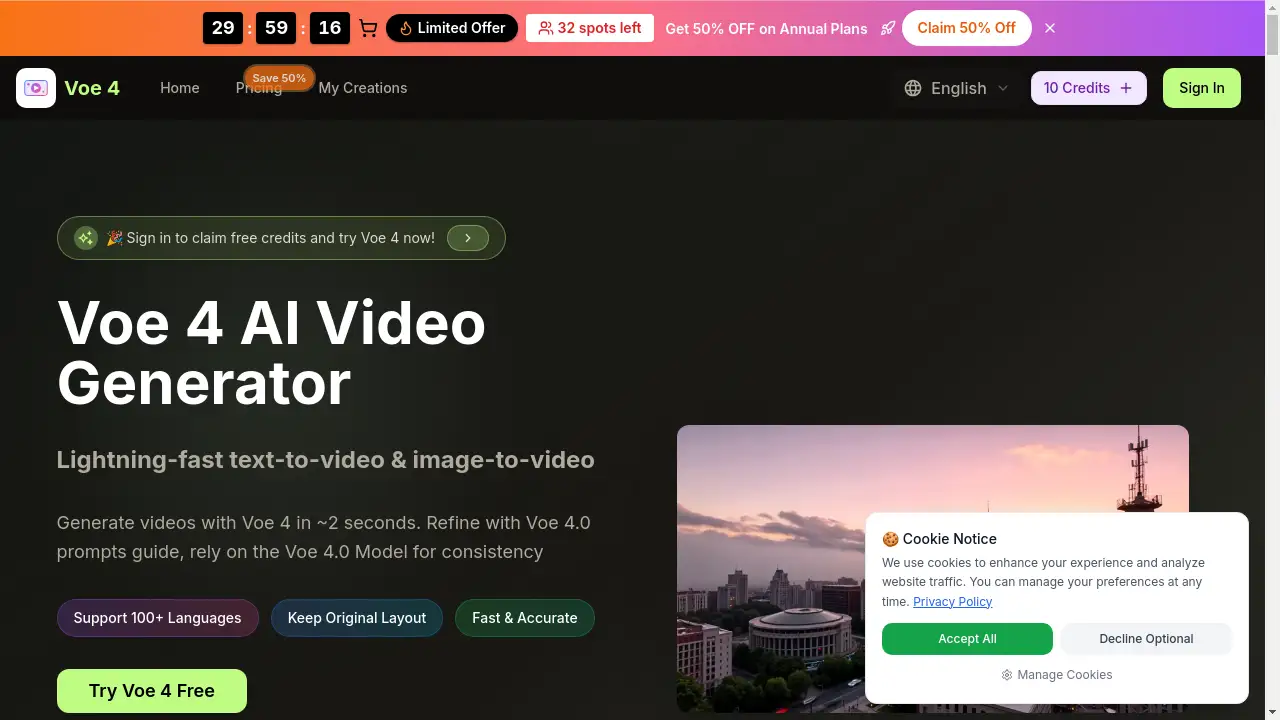
Veo 4 represents the latest advancement in AI video generation technology from Google DeepMind. This online platform allows anyone to create high-definition, cinematic videos in seconds simply by typing a text description or uploading an image. It solves the problem of complex, time-consuming, and expensive video production by offering an accessible, web-based tool that generates professional-looking results without requiring any software installation or advanced technical skills. The Veo 4 AI is particularly notable for its ability to handle multi-shot storytelling, producing cohesive narrative sequences with multiple scenes and transitions in a single generation. It is suitable for a wide range of users, from individual content creators and marketers to educators and storytellers looking to bring their ideas to life quickly.
Key Features of veo 4
Text & Image to Video
Users can generate cinematic 1080p videos from a simple text prompt or by transforming a static image into a dynamic scene. The AI has advanced language parsing to understand detailed descriptions.
1080p HD Video Quality
The platform generates videos in stunning native 1080p resolution, ensuring professional output quality with smooth motion synthesis for every video generation.
Multi-Shot Storytelling
Unlike basic generators, Veo 4 AI delivers breakthrough multi-shot storytelling, creating cohesive narrative videos with multiple shots and seamless transitions in a single render.
Ultra-Fast Processing
It offers industry-leading generation speed, creating high-quality cinematic videos in seconds, not hours, allowing for rapid iteration and content creation.
No Installation Required
As an online tool, Try Veo 4 is immediately accessible through a web browser, removing the barrier of downloading and installing complex software.
Free Credits to Start
The platform provides free initial credits, allowing new users to experiment with AI video generation and test the capabilities of the Veo 4 model at no cost.
Use Cases for veo 4
Social Media Content Creation
Quickly produce eye-catching, short-form video clips for platforms like TikTok, Instagram Reels, and YouTube Shorts to engage audiences.
Marketing and Advertising
Generate product demonstration videos, promotional clips, or explainer content to support digital marketing campaigns without a full production crew.
Educational Content
Teachers and educators can create visual aids, historical reenactments, or scientific concept videos to enhance learning materials.
Personal Storytelling
Individuals can turn personal photos or ideas into short, cinematic movies for personal projects, family events, or creative portfolios.
Prototyping and Storyboarding
Filmmakers and writers can use Veo 4 to rapidly visualize scenes, test concepts, and create animatics or storyboards for larger projects.
How to Use veo 4
- Visit the Platform: Go to the official Try Veo 4 website using any modern web browser.
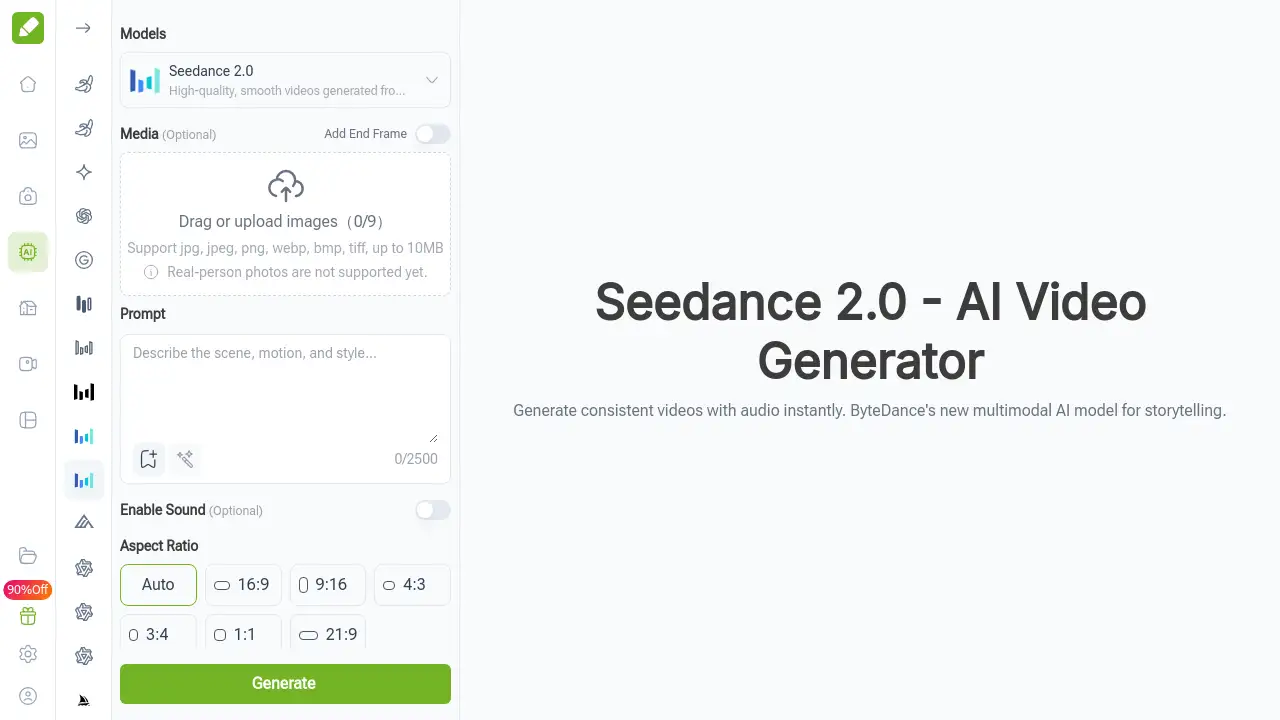
- Choose Your Input Method: Select either the "Text to Video" or "Image to Video" tool based on your starting point.
- Provide Your Prompt or Image: For text, write a detailed description of the scene you envision. For image-to-video, upload a photo you want to animate.
- Generate and Review: Click the generate button. Veo 4 AI will process your request and present a 1080p video in seconds. You can then download or modify your creation.
Target Audience for veo 4
- Social Media Influencers and Content Creators
- Digital Marketers and Small Business Owners
- Educators and Trainers
- Hobbyists and Creative Enthusiasts
- Bloggers and Digital Storytellers
- Startups and entrepreneurs needing quick video assets
Is veo 4 Free?
The reference information confirms that Try Veo 4 offers free credits for users to try the service online. While specific paid plan details are not listed in the provided content, the website mentions subscription plans for continued use beyond the free tier. For the latest and most detailed information on pricing, features, and credit allowances, it is best to visit the official "Plans & Pricing" section on the Try Veo 4 website.
veo 4's Pros and Cons
| Aspect | Pros | Cons |
|---|---|---|
| Accessibility | No software install; web-based and easy to start. | Requires a stable internet connection to function. |
| Speed & Quality | Generates 1080p HD videos in seconds with cinematic quality. | Output is limited to the AI's interpretation of prompts, which may not always match exact vision. |
| Features | Advanced multi-shot storytelling and image-to-video capabilities. | Specific control over fine details like actor expressions or precise object placement may be limited. |
| Cost | Offers free credits to try the Veo 4 AI model. | Ongoing creation likely requires a paid subscription after free credits are used. |
Frequently Asked Questions about veo 4
What is Veo 4 AI?
Veo 4 AI is an advanced artificial intelligence model developed by Google DeepMind, designed for AI video generation. The online platform Try Veo 4 provides access to this technology, allowing users to create videos from text or images.
Do I need to download software to use Veo 4?
No. Try Veo 4 is a completely online platform. You can access it through a web browser on your computer or mobile device without any installation.
What video quality does Veo 4 produce?
The tool generates videos in native 1080p high-definition resolution, resulting in cinematic 1080p output suitable for professional use on various platforms.
What is multi-shot storytelling in Veo 4?
Multi-shot storytelling is a feature where the Veo 4 AI can generate a sequence of different, related shots that form a cohesive narrative in a single video, complete with transitions, rather than producing just one static scene.
Are there free options to try Veo 4?
Yes. The Try Veo 4 platform provides free credits for new users to experiment with text-to-video and image-to-video generation before committing to a subscription.
What can I use Veo 4 videos for?
Generated videos can be used for social media content, marketing materials, educational purposes, personal projects, and prototyping ideas. Users should ensure their use complies with the platform's terms of service.
veo 4 Tags
Veo 4, Veo 4 AI, Try Veo 4, AI video generator, text to video, image to video, cinematic 1080p video, multi-shot storytelling, free AI video, online video maker, Google DeepMind Veo, video generation, create video from text