Introduction
HD Photo Converter turns blurry photos into sharp HD images.
What is HD Photo Converter?
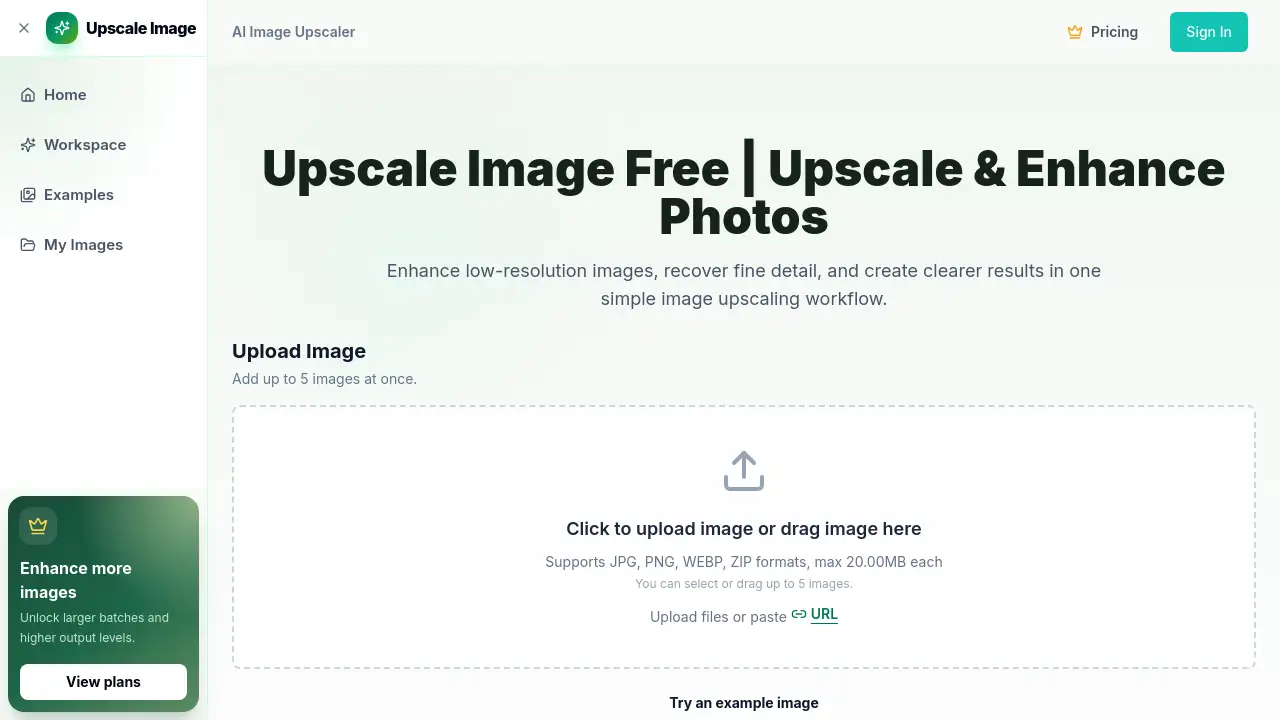
HD Photo Converter is a free online HD photo converter and high resolution image converter that uses AI to rebuild detail in low-quality pictures. It runs in the browser: you upload a photo, the tool processes it, and you download a sharper version — no software, no account, and no watermark.
The problem it solves is familiar. Phone photos get compressed, screenshots lose sharpness, and downloaded images arrive pixelated. Classic resizing tools only stretch those pixels, so the file gets bigger without getting better. This HD photo converter instead runs a neural network over the image to reconstruct textures, edges, and fine detail, then outputs a genuinely cleaner result at HD 1080p or higher resolution.
It suits casual users who want a quick fix and professionals who need usable product shots, print files, or archive images. Because this HD photo converter works on any device with a browser and accepts JPG, PNG, WebP, and HEIC, it doubles as a general-purpose HD image converter for everyday files.
Key Features of HD Photo Converter
AI Detail Reconstruction
The AI HD photo converter analyzes edges, textures, and patterns, then rebuilds information that was lost during compression or low-resolution capture. Fine details such as hair, fabric, and small contours come back sharper instead of looking painted over.
Automatic Artifact Removal
Compressed photos usually carry JPEG blocks, noise, and color banding. This photo to HD converter detects those artifacts and cleans them up, so the final image looks refined rather than aggressively sharpened.
Batch Photo Conversion
Rather than repeating the upload-and-download cycle, you can push several images through the same HD photo converter flow. That makes it practical for product sets, photo albums, and larger cleanup jobs.
Wide Format Support
Upload JPG, JPEG, PNG, WebP, or HEIC files from any device, and export the enhanced result as JPG or PNG. That input range makes the HD photo converter a flexible high resolution image converter for phone photos, screenshots, scans, and web downloads.
Watermark-Free Output
Every image processed by this HD photo converter downloads clean, including on the free plan. There is no branding overlay and no forced upgrade to remove it.
Privacy-First Processing
The HD photo converter handles uploads in the cloud and deletes them immediately after conversion. The service states that photos are never used to train AI models and never shared with third parties.
Use Cases for HD Photo Converter
E-Commerce Product Images
Low-quality supplier photos hurt trust on Amazon, Shopify, and eBay listings. Running them through an HD photo converter produces sharper, more detailed images that hold up when shoppers zoom in.
Print and Poster Preparation
Small photos fall apart when printed large. This photo to HD converter raises resolution and cleans detail, so images survive better in photo books, wall prints, and marketing materials.
Social Media Content
Blurry phone shots and compressed downloads rarely look good on a feed. Pushing them through this HD image converter before posting to Instagram, Facebook, or TikTok makes a visible difference, and it is free to upscale photos to HD for a single post.
Old Photo Restoration
Scans of old family photos usually carry noise, blur, and faded color. The AI HD photo converter reduces noise and recovers clarity, giving decades-old prints a usable digital version.
How to Use HD Photo Converter
HD Photo Converter keeps the workflow short — no plugin, no account, no editing timeline.
- Open the HD photo converter website in any modern browser.
- Upload your image — JPG, PNG, WebP, or HEIC — from a phone, tablet, or computer.
- Let the AI process the file; it analyzes structure and reconstructs missing detail automatically.
- Preview the enhanced result and pick your output format.
- Download the HD photo as JPG or PNG, free and without a watermark.
Most conversions finish in seconds, depending on file size and queue length.
Target Audience for HD Photo Converter
- Online sellers who need cleaner product photos without booking a studio shoot
- Photographers and designers who need a fast upscale before a deadline
- Social media creators working with phone photos and reposted images
- Families restoring scans of old or damaged photographs
- Print shops and small studios preparing files for large-format output
- Casual users who simply want a free HD photo converter to fix one blurry picture
Is HD Photo Converter Free?
Yes. The core HD photo converter is free to use with no account required, and free conversions download without a watermark. The free tier includes a daily allowance of conversions with up to 2x upscale and HD 1080p output.
Paid Pro plans add 4K Ultra HD output, up to 4x enhancement, higher monthly credit volumes, and priority support. Specific Pro prices are not listed in the available reference information, so check the official site for current rates.
| Plan | Price | Features |
|---|---|---|
| Free | $0 | Daily HD conversions, HD 1080p output, up to 2x upscale, no watermark, no sign-up |
| Basic | Not listed | 1,200 credits per month, higher-quality AI modes, encrypted history, email support |
| Pro (mid) | Not listed | 3,000 credits per month, 4K-ready enhancement, batch workflows, priority support |
| Pro (high) | Not listed | 8,000 credits per month, high-volume conversion for catalogs and archives |
| Credit top-up | $15.9 one-time | 1,200 credits, valid for 30 days |
The maximum input size is 10MB per file.
HD Photo Converter's Pros and Cons
| Aspect | Pros | Cons |
|---|---|---|
| Pricing | Free tier with no watermark and no sign-up | 4K output and 4x upscale sit behind paid plans |
| Speed | Results in seconds, fully automatic | Batch jobs depend on queue and file size |
| Ease of use | Browser-based, three simple steps | No manual fine-tuning controls |
| Formats | Accepts JPG, PNG, WebP, and HEIC | Output limited to JPG and PNG |
| Privacy | Photos auto-deleted after processing | Processing happens in the cloud, not locally |
| Limits | 10MB per file is generous for phone photos | Not suited to very large RAW or print master files |
Frequently Asked Questions about HD Photo Converter
Is HD Photo Converter really free?
Yes. The free plan lets you convert photos to HD 1080p online at no cost, without a watermark and without creating an account. It includes a daily allowance of conversions with up to 2x upscale. 4K output and 4x enhancement require a Pro plan.
Does this HD photo converter store my photos?
No. Images are processed and then automatically deleted from the servers once conversion finishes. The service states that uploads are never used for AI training and never shared with third parties.
Which file formats does it support?
You can upload JPG, JPEG, PNG, WebP, and HEIC files, and download results as JPG or PNG. HEIC support helps with iPhone photos that many free online tools refuse to open.
How is this different from normal image resizing?
Basic resizing stretches existing pixels, which produces a larger but still blurry file. This AI HD photo converter reconstructs missing detail and removes compression artifacts, so the result carries real information instead of just more pixels.
Can it fix old or badly compressed photos?
Yes, that is one of its stronger use cases. The model targets noise, blur, and compression damage, so it works reasonably well on scanned family photos and heavily shared images.
What is the maximum resolution and file size?
The free plan outputs HD 1080p with up to 2x upscale, while Pro plans reach 4K Ultra HD with up to 4x enhancement. Input files are capped at 10MB each.
HD Photo Converter Tags
HD photo converter, AI HD photo converter, photo to HD converter, high resolution image converter, HD image converter, convert photos to HD online free, upscale photos to HD, 4K photo converter, free online HD photo converter, photo HD converter free, blurry photo fixer, no watermark photo converter