Introduction
Hotel Lobby AI Filter: two photos, one 15-second duet.
What is Hotel Lobby AI Filter?
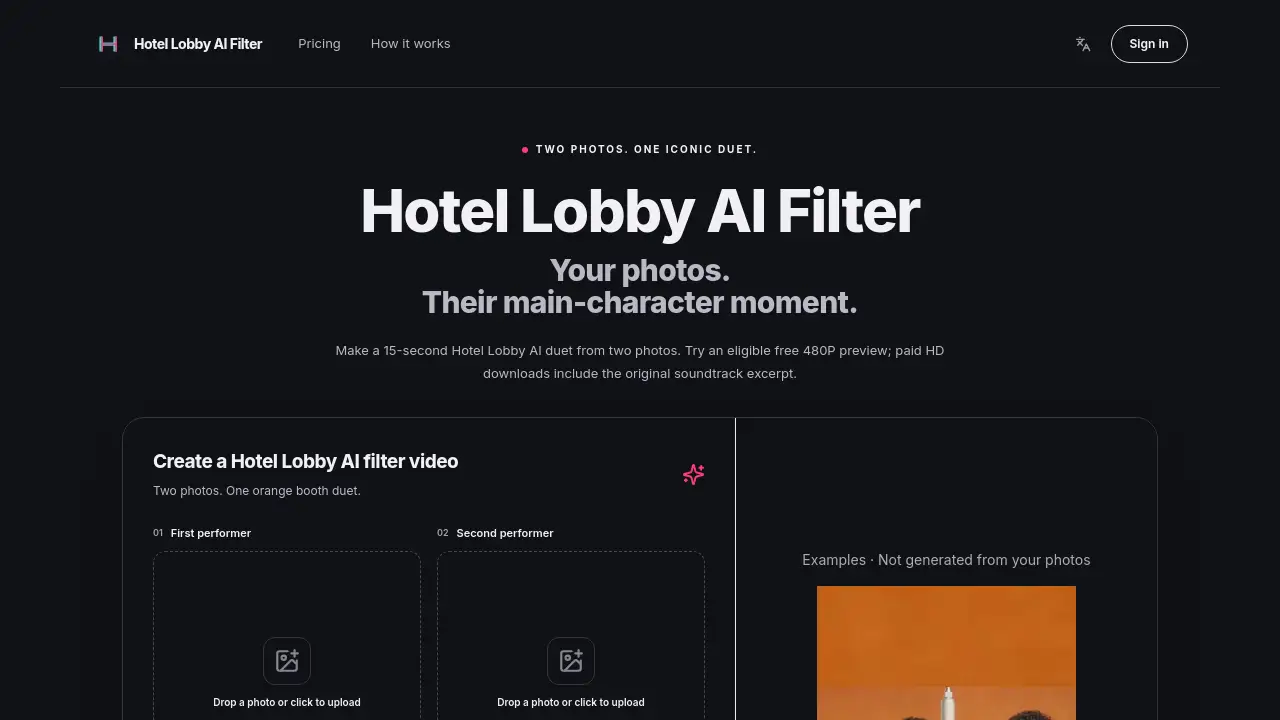
Hotel Lobby AI Filter is a web-based creative tool that turns two separate portrait photos into a 15-second Hotel Lobby AI duet. It solves the problem of editing a rap-style video by using a preset workflow with no prompts, timeline editing, or advanced video skills. Users upload one photo per performer, and the Hotel Lobby AI video generator places both people in an orange booth with a hanging microphone. The result is a 9:16 vertical rap video with the original soundtrack excerpt. The two-photo rap filter is suitable for fans who want to join the Hotel Lobby AI filter trend, create short-form content, or test an AI rap video from two photos before committing to HD credits. The Hotel Lobby AI Filter is independently operated and not affiliated with any artist or platform. It matters because the Hotel Lobby AI Filter makes a specific viral format accessible, while still requiring photo permissions and realistic expectations about AI animation.
Key Features of Hotel Lobby AI Filter
Two-Photo Duet Creation
Create a Hotel Lobby AI duet from two separate photos. Upload one portrait per performer; the Hotel Lobby AI Filter accepts JPG, PNG, and WebP files up to 10 MB each.
15-Second Vertical Video
Generate a 15-second vertical rap video in 9:16 format. The Hotel Lobby AI Filter output is designed for TikTok, Reels, and Shorts.
Orange Booth Stage
Place both performers in an orange booth with a shared hanging microphone. This Hotel Lobby AI Filter look follows the recognizable stage format associated with the Hotel Lobby trend.
Original Soundtrack Excerpt
Include an original soundtrack excerpt in the final clip. Paid Hotel Lobby AI Filter HD downloads include sound, so users can review the full Hotel Lobby AI video with audio.
Free 480P Preview
Try one eligible anonymous 480P preview from your own uploads. The Hotel Lobby AI Filter preview has no download rights, but it lets users see the duet before buying HD credits.
Paid HD Downloads
Choose 720P for 45 credits or 1080P for 80 credits. Hotel Lobby AI Filter paid outputs include an MP4 download and should be saved within seven days.
Simple Preset Workflow
Use a preset process without prompts or timeline editing. The Hotel Lobby AI Filter workflow is built for quick two-photo video generation.
Photo Order and Swap
Check both slots before submitting and use Swap to reverse the order. The Hotel Lobby AI Filter uses one photo per performer, taken separately if needed.
Use Cases for Hotel Lobby AI Filter
Social Media Rap Duets
Create a Hotel Lobby AI duet for TikTok, Reels, or Shorts. The 9:16 Hotel Lobby AI video format fits vertical feeds.
Friend and Couple Videos
Turn two separate portraits into a shared stage moment. Hotel Lobby AI Filter works best with clear faces, even light, and one subject per photo.
Fan Trend Participation
Join the Hotel Lobby AI Filter trend without editing tools. Users can test an AI rap video from two photos and decide whether to buy HD.
Preview Before HD
Use the eligible free 480P preview to check identity, movement, and audio timing. Then submit a paid Hotel Lobby AI Filter HD generation if the result fits the plan.
Content Testing
Compare a Hotel Lobby AI video result with gallery examples. This helps creators understand output quality before publishing.
How to Use Hotel Lobby AI Filter
- Open the Hotel Lobby AI Filter studio.
- Upload one permitted portrait for each performer. Use sharp JPG, PNG, or WebP files up to 10 MB.
- Check both slots and use Swap if needed. Confirm permission to process both photos.
- Choose the eligible free 480P preview or a paid HD option. Paid tiers are 720P at 45 credits and 1080P at 80 credits.
- Start generation, wait several minutes, then review the Hotel Lobby AI duet with sound. Download paid MP4 results promptly and save them within seven days.
Target Audience for Hotel Lobby AI Filter
- Social media creators making vertical rap videos
- Fans of the Hotel Lobby AI Filter trend
- Friends, couples, or collaborators who want a two-photo duet
- Users testing an AI rap video from two photos before buying credits
- Content teams exploring short-form AI video formats
- People who prefer a preset workflow over manual editing
Is Hotel Lobby AI Filter Free?
Hotel Lobby AI Filter offers one eligible anonymous 480P preview at no cost. HD generation requires credits and a signed-in account. Paid HD is a separate submission, so the 480P preview is not simply unlocked at a larger size.
| Plan | Price | Features |
|---|---|---|
| Free 480P preview | $0 | One eligible anonymous 480P preview; no download rights; browser and network limits may apply |
| 720P HD | 45 credits | Paid MP4 download with original soundtrack excerpt |
| 1080P HD | 80 credits | Paid MP4 download with original soundtrack excerpt |
| 50 credits | $8.90 | One-time pack; credits never expire; no auto-renew |
| 105 credits | $18.90 | One-time pack; credits never expire; no auto-renew |
| 160 credits | $28.90 | One-time pack; credits never expire; no auto-renew |
Hotel Lobby AI Filter's Pros and Cons
| Aspect | Pros | Cons |
|---|---|---|
| Pricing | Free 480P preview; one-time credit packs; no auto-renew | HD costs credits; 1080P needs 80 credits |
| Features | Preset two-photo workflow; original soundtrack excerpt; 9:16 output | No custom lyrics, other songs, scenery, or multi-shot editing |
| Output | 15-second duet with audio; MP4 download for paid tiers | AI can still produce identity or mouth-timing errors |
| Access | Google or email login; My videos for signed-in tasks | HD needs an account; anonymous preview may be lost; paid downloads should be saved within seven days |
| Rights | Clear permission reminder before processing | No music, photo, or likeness license included; platform rules may restrict third-party audio |
Frequently Asked Questions about Hotel Lobby AI Filter
What is Hotel Lobby AI Filter?
Hotel Lobby AI Filter is an independent tool that turns two portrait photos into a 15-second vertical rap duet. It uses an orange booth stage, a shared hanging microphone, and an original soundtrack excerpt.
How do I use the Hotel Lobby AI video generator?
Upload one photo per performer, confirm permission, check the photo order, and choose a quality option. The Hotel Lobby AI video generator processes the request in several minutes, then shows the completed duet for review.
Can Hotel Lobby AI Filter use two photos taken separately?
Yes. Hotel Lobby AI Filter uses one photo for each performer, so the two people do not need to appear together in a single source image. Use sharp images with one clearly visible face per photo.
Is there a free Hotel Lobby AI filter preview?
Yes. Hotel Lobby AI Filter offers one eligible anonymous 480P preview of your own uploaded pairing. The preview has no download rights, and anonymous results may be lost if the page is closed.
Which Hotel Lobby AI video quality should I choose?
Hotel Lobby AI Filter offers preview-only 480P, 720P for 45 credits, and 1080P for 80 credits. Higher resolution increases picture dimensions, but it does not guarantee a better likeness.
Do paid Hotel Lobby AI downloads include the original song?
Paid Hotel Lobby AI Filter MP4 downloads include an original soundtrack excerpt, not newly generated rap music. Buying credits does not grant a music license, so check the rights needed for your intended use.
Hotel Lobby AI Filter Tags
Hotel Lobby AI Filter, Hotel Lobby AI video, Hotel Lobby AI duet, Hotel Lobby AI video generator, two-photo rap filter, AI rap video from two photos, orange booth duet, 15-second vertical rap video, free 480P preview, HD download original soundtrack, Hotel Lobby AI filter trend, two-photo duet video