Introduction
HousesDecorate is an AI home design tool for interior and exterior room makeovers.
What is HousesDecorate?
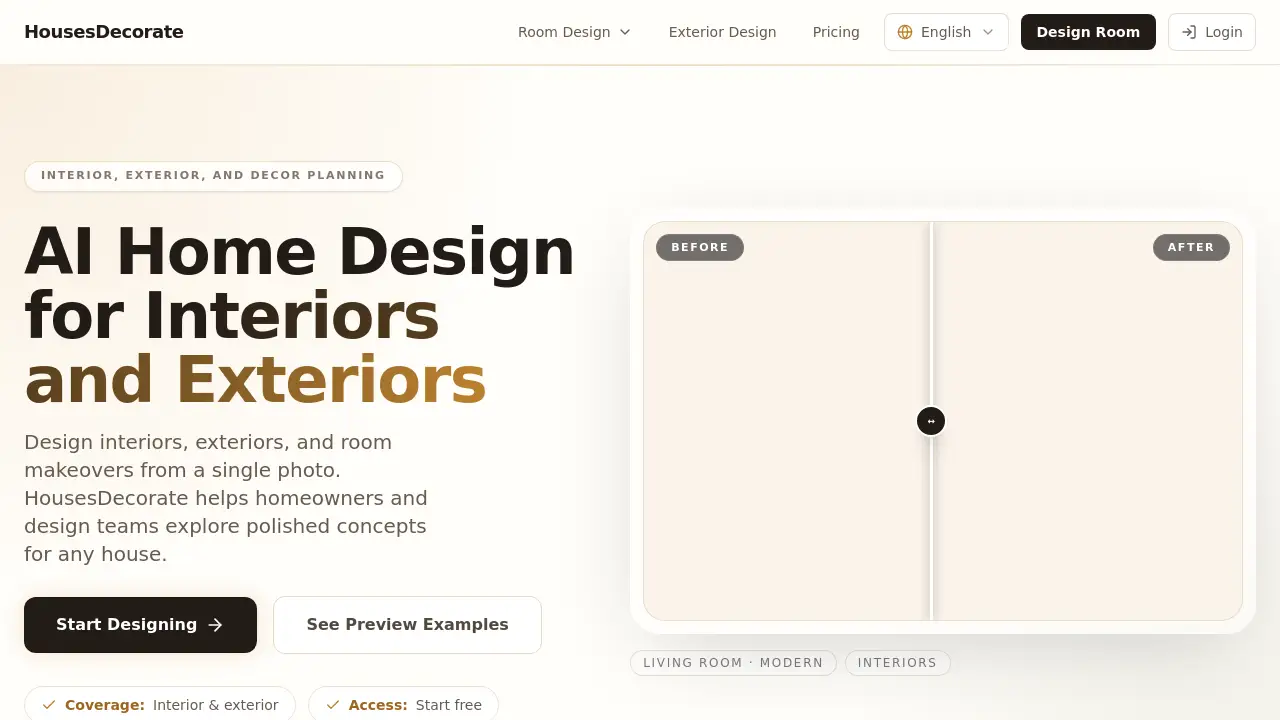
HousesDecorate is an AI-powered home design platform that helps homeowners, designers, and real estate professionals visualize interior and exterior makeovers using just a single photo. Instead of relying on expensive renderings or guesswork, users upload a photo of a room or house, select a style direction, and generate realistic design concepts in seconds. The tool covers everything from living rooms and kitchens to facades, patios, and decor ideas, making it a versatile solution for whole-home planning. HousesDecorate solves the common problem of translating abstract inspiration into a clear, visual plan, allowing users to compare multiple design directions before committing to renovations, furniture purchases, or styling changes. This approach saves time, reduces expensive mistakes, and gives anyone the confidence to make informed decorating decisions.
Key Features of HousesDecorate
Whole-Home Design Coverage
HousesDecorate covers interior design, exterior design, and decor ideas in a single workflow. Users can plan living rooms, bedrooms, kitchens, bathrooms, facades, patios, and entryways without switching between different tools.
Fast Visual Iteration
The AI generates multiple design concepts from one photo in seconds. Users can quickly compare modern, minimalist, traditional, Japandi, and other style directions to find the perfect look for their space.
Room-Specific AI Presets
The platform includes dedicated entry pages for different room types, such as living rooms and kitchens, with preconfigured settings that speed up the design process. This feature ensures each makeover feels tailored to the specific area.
Presentation-Ready Results
Outputs are clean, photorealistic visuals suitable for sharing with family, clients, contractors, or stakeholders. These images can serve as clear direction for renovation, furniture selection, or styling changes.
Commercial Use License
Paid plans include a commercial use license, making HousesDecorate suitable for interior designers, real estate agents, and home staging professionals who need to present concepts to paying customers.
Use Cases for HousesDecorate
Redesigning a Living Room
Upload a current living room photo, choose a style like modern or cozy, and generate several decor concepts. Compare furniture layouts, color palettes, and decorative details before making any purchases.
Planning an Exterior Facade
Use an exterior photo to explore different facade ideas, exterior colors, and landscaping options. Homeowners can test curb appeal improvements before hiring contractors or buying materials.
Staging a Property for Sale
Real estate agents can generate clean, decorated visuals of empty or dated rooms to help buyers imagine the potential of a property. This approach can increase interest and speed up sales.
Developing a Client Mood Board
Interior designers can quickly produce multiple style directions for a client’s kitchen, bathroom, or entire home. These visual drafts serve as a concrete starting point for discussions and decisions.
How to Use HousesDecorate
- Upload a Photo – Start with a clear interior or exterior photo of the space you want to redesign.
- Pick a Style Direction – Select from options like modern, minimalist, traditional, Japandi, or other available presets.
- Generate Decor Concepts – Click to create several AI-generated design visuals in seconds.
- Compare and Save – Review the results, compare different looks, and save your favorites for later reference.
- Plan Your Redesign – Use the chosen concept as a visual guide for renovations, furniture shopping, or styling changes.
Target Audience for HousesDecorate
- Homeowners planning room or exterior makeovers and wanting to explore options before spending money.
- Interior Designers seeking a fast, visual tool to generate ideas and communicate concepts to clients.
- Real Estate Agents looking to stage properties virtually and boost listing appeal.
- Home Stagers needing quick, realistic concepts for empty or outdated spaces.
- Renovation Contractors wanting to show clients possible outcomes before work begins.
- DIY Decorators who prefer to test furniture and color ideas visually before buying.
Is HousesDecorate Free?
HousesDecorate offers a free tier to get started, with no credit card required. For users who need more generations, faster output, and commercial rights, paid plans are available. Below are the pricing options from the official website:
| Plan | Price | Features |
|---|---|---|
| Free | $0 | Limited generations, standard speed, no commercial license |
| Pro | $19.90/month | 700 credits per month, standard speed, commercial use license |
| Premier | $49.90/month | 1,700 credits per month, priority speed, advanced style customization |
All paid plans are billed monthly with no hidden fees and can be canceled anytime.
HousesDecorate's Pros and Cons
| Aspect | Pros | Cons |
|---|---|---|
| Pricing | Free tier available; affordable paid plans for professionals | High-volume users may need the Premier plan for priority speed |
| Features | Covers interior, exterior, and decor in one place; fast iteration | Limited style options in free version |
| Ease of Use | Simple three-step workflow; no design skills needed | New users may need a few tries to get desired results |
| Output Quality | Photorealistic, presentation-ready visuals | Results depend on quality of input photo and chosen style |
| Commercial Use | Paid plans include commercial license | Free tier cannot be used for client projects |
Frequently Asked Questions about HousesDecorate
Can I use HousesDecorate for commercial projects?
Yes, the Pro and Premier plans include a commercial use license, which allows interior designers, real estate agents, and other professionals to use generated visuals for client work and marketing.
What styles are available in HousesDecorate?
HousesDecorate offers multiple style directions, including modern, minimalist, traditional, Japandi, and more. Users can select the mood that fits their vision during the design generation step.
Do I need to download any software to use HousesDecorate?
No, HousesDecorate is fully web-based. Users upload a photo through the website, choose a style, and generate concepts directly in the browser without installing any software.
How many design concepts can I generate on the free plan?
The free plan includes a limited number of generations (credits). For more concepts and faster processing, upgrading to a paid plan is recommended. Exact credit amounts are visible on the pricing page.
Can I redesign both interiors and exteriors with the same account?
Yes, HousesDecorate covers interior rooms, exterior facades, patios, and outdoor areas. Users can manage all designs from one account and switch between room types as needed.
Is my uploaded photo stored or shared?
HousesDecorate processes uploaded photos to generate designs. Users should review the privacy policy on the website for specific details about data storage and sharing practices.
HousesDecorate Tags
AI home design, house decor AI, interior design tool, exterior design AI, room makeover AI, home renovation planner, virtual staging, AI interior designer, home decor ideas, residential design software, facade design tool, real estate staging AI