Introduction
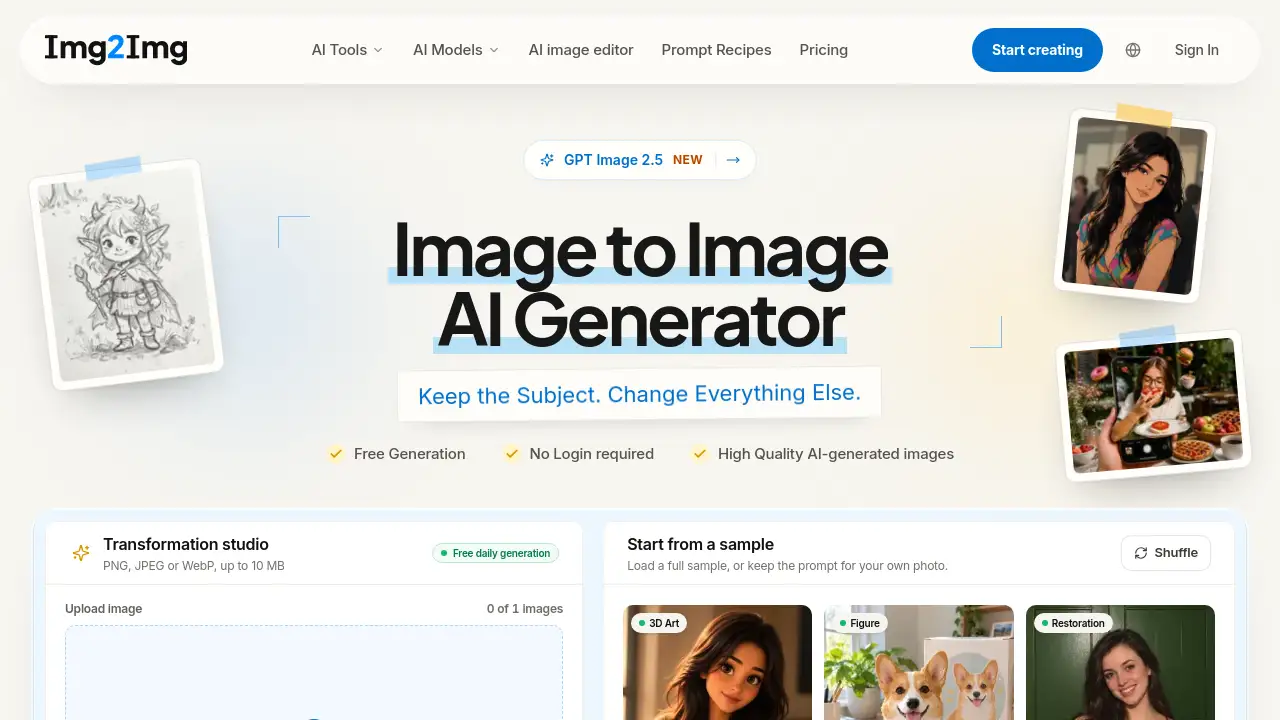
Img2Img AI is a free online image to image AI generator. It lets users edit, reshape, and restyle photos with text prompts. The tool is built for source-guided generation, so the original subject, pose, or composition can remain recognizable while the prompt changes style, lighting, or setting. No sign-up is required for the first daily free generation.
What is Img2Img AI?
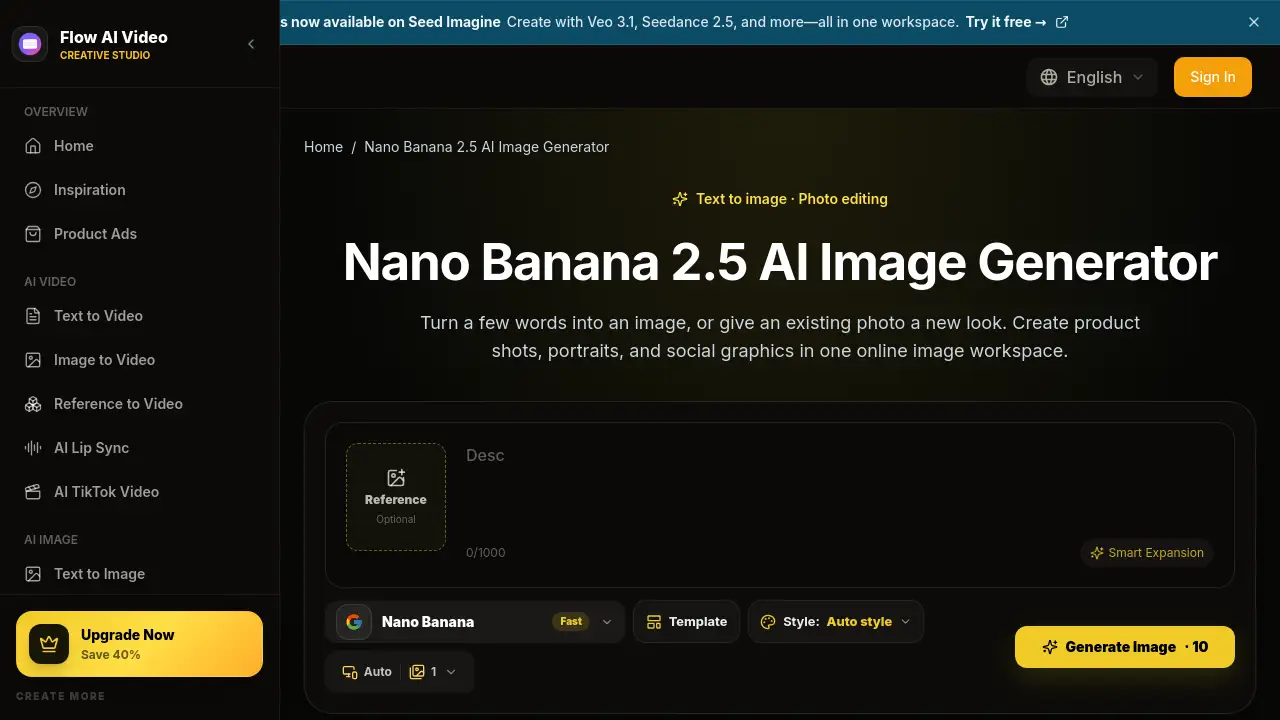
Img2Img AI is an image to image AI generator that creates a new visual from an uploaded image. It starts with a source photo, sketch, product shot, or previous AI result. The source provides visual evidence, while the prompt directs changes to lighting, material, setting, mood, or style. This solves a common creative problem: users want to restyle a photo without losing identity, product shape, room layout, or pose. An img to img workflow keeps those anchors while testing new directions. It is also an AI image generator from image input, which makes it different from a standard text-to-image tool. It suits designers, marketers, artists, photographers, and casual users who need quick image variations. Because it works online and supports free daily generation, Img2Img AI also serves as a photo to photo AI and pic to pic AI option. Users can upload PNG, JPEG, or WebP files and guide results with text prompts. The platform supports models such as Nano Banana 2, GPT Image 2.5, Qwen Image Edit, Seedream 5.0, Flux Kontext, and Grok Imagine AI.
Key Features of Img2Img AI
Source-Guided Image to Image Generation
Upload an image and generate a new version while preserving selected elements. The image to image AI generator uses the source as a visual anchor for composition, subject, or pose.
Free Daily Generation Without Login
Try one free generation per UTC day without signing in. Verified accounts can access up to two total free generations per UTC day, subject to limits.
Multiple AI Image Models
Switch between Nano Banana 2, GPT Image 2.5, Qwen Image Edit, Seedream 5.0, Flux Kontext, and Grok Imagine AI. Compare prompt precision, styling, and output resolution before using credits.
Text Prompt Editing
Describe what should stay and what should change. Use simple prompts to adjust lighting, background, outfit, material, color, or medium in an img2img workflow.
High-Resolution Output Options
Some models offer 1K, 2K, or 4K output. The free tier is listed at 1024 × 1024 with one image, while credit models can provide higher fidelity.
Specialized Photo Editing Tools
Access focused workflows for AI image editing, photo to sketch, old photo restoration, shadow removal, filter removal, watermark removal, and AI expand image.
File Support and Storage Windows
Upload PNG, JPEG, or WebP files up to 10 MB and 8,192 pixels per side. Source files are deleted 24 hours after completion, free outputs after 7 days, and credit outputs after 30 days.
Compare Source and Result
Review the original image beside the generated result. This helps check identity, composition, product shape, and creative range before downloading.
Use Cases for Img2Img AI
Product Scenes and Campaign Variations
Keep a product shape, label, and angle while testing new sets, lighting, surfaces, and brand colors. This is useful for ecommerce and campaign mockups.
Portrait Lighting and Creative Treatments
Preserve identity and pose while exploring editorial light, new environments, or stylized finishes. Users can review skin texture and facial details in each image to image result.
Interior and Architectural Concepts
Hold a room layout and camera view steady while comparing materials, furniture, time of day, and atmosphere. This supports early design exploration.
Sketches, Illustrations, and Character Ideas
Develop line art or blocked compositions while preserving silhouette and layout. Change medium, palette, texture, or realism using art that the user owns or may use.
Existing AI Artwork Revisions
Continue a previous AI result by keeping the subject and composition, then correcting background, lighting, or treatment. This makes img2img useful for iterative creative work.
Photo Restoration and Cleanup
Use dedicated workflows to repair old photos, remove harsh shadows, neutralize color filters, or erase watermarks and text. These tools target common photo editing tasks.
How to Use Img2Img AI
Using Img2Img AI takes four simple steps.
- Upload a source image in PNG, JPEG, or WebP format. Choose a clear photo, product shot, sketch, or illustration.
- Select a model and style direction. Balance quality, style, and credit cost before generating.
- Describe the change. Name what should stay recognizable, then describe the new light, color, material, setting, or medium.
- Choose an aspect ratio and generate. The image to image AI generator creates a result from the source and prompt.
- Compare and download. Review the output against the source, then download it or revise with another prompt.
Target Audience for Img2Img AI
Img2Img AI suits several user groups, including:
- Ecommerce sellers and product marketers
- Graphic designers and creative teams
- Photographers and photo editors
- Illustrators, concept artists, and hobbyists
- Social media creators and content marketers
- Users who need free image to image AI generation without sign-up
Is Img2Img AI Free?
Img2Img AI offers free access with limits. Guests can try one free generation per UTC day without signing in. Verified accounts can use up to two total free generations per UTC day. The free tier is listed at 1024 × 1024, 1K, and one image. Credit models require an account, and credit costs appear before generation. Exact pricing and model access can be found on the official pricing page.
| Plan | Price | Features |
|---|---|---|
| Guest Free | $0 | 1 free generation per UTC day, no sign-in, 1024 × 1024, 1 image |
| Verified Free | $0 | Up to 2 total free generations per UTC day, subject to limits |
| Credit Models | Varies | Paid credits unlock premium models; costs shown before generation |
Img2Img AI's Pros and Cons
| Aspect | Pros | Cons |
|---|---|---|
| Pricing | Free daily generation and no login for first use | Credit models require an account and paid credits |
| Features | Multiple flagship models and specialized editing tools | Model and credit choices may feel complex for beginners |
| Output | Supports 1K, 2K, and 4K options on some models | Free tier limits resolution and image count |
| Privacy | Clear storage windows for sources and outputs | Source files are deleted after 24 hours, so users must keep backups |
| Ease of use | Four-step workflow and prompt guide | Results depend on prompt quality and model behavior |
| Access | Works online with common file formats | Daily free capacity and IP limits may affect availability |
Frequently Asked Questions about Img2Img AI
What is Img2Img AI used for?
Img2Img AI creates new images from an uploaded source. Users can restyle photos, test product scenes, change lighting, develop sketches, or revise AI artwork with text prompts.
Is Img2Img AI free without signing in?
Yes. Guests can try one free generation per UTC day without signing in. Verified accounts can access up to two total free generations per UTC day, subject to abuse controls and daily capacity.
What file types does the upload image AI generator accept?
The tool accepts PNG, JPEG, or WebP files up to 10 MB and 8,192 pixels per side. Clear photos, product shots, sketches, and illustrations tend to work best.
How do I keep an image to image result close to the original?
Name the elements that must stay recognizable, lower the change strength, and compare each result with the source. If the result changes too little, raise strength or add one concrete detail.
Are outputs watermarked, and how long are files stored?
Img2Img AI does not add a visible watermark, though a model may retain provenance metadata or invisible markers. Source files are deleted 24 hours after completion, free outputs after 7 days, and credit outputs after 30 days.
Can Img2Img AI be used for commercial projects?
Commercial use depends on source rights, model terms, and applicable rights. Users should confirm they own or may edit the source image and review the official terms before commercial use.
Img2Img AI Tags
Img2Img AI, image to image AI generator, img2img, image to image, AI image generator from image, photo to photo AI, pic to pic AI, free online image editor, text prompt image editing, AI photo restyling, upload image AI generator, source-guided AI image generation