Introduction
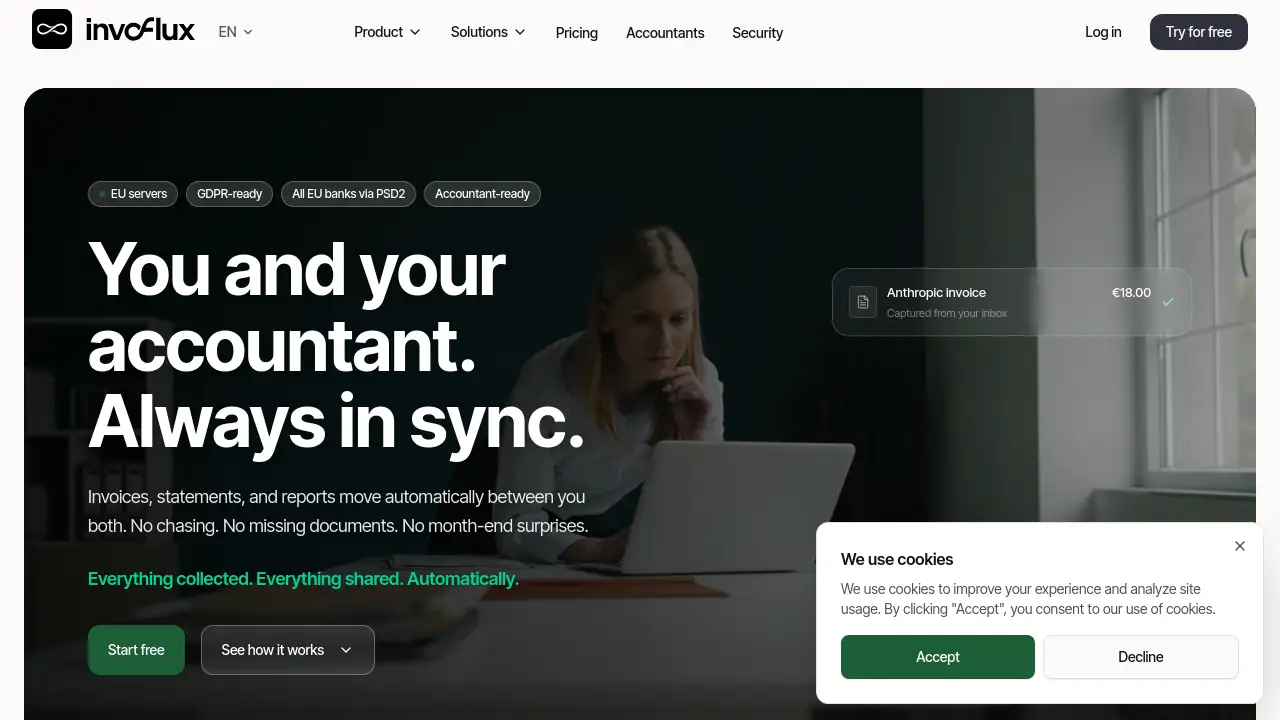
Invoflux is an AI invoice matching software that automates bookkeeping by capturing invoices and payments from connected sources.
What is Invoflux?
Invoflux is a cloud-based tool designed to solve a common business problem: the time-consuming task of matching invoices to payments. It automatically collects every invoice from email inboxes, bank accounts, messaging apps, and supplier portals. An AI engine then extracts key data like amounts and dates, and matches each invoice to its corresponding payment. This eliminates manual data entry and reconciliation. The software is hosted on EU servers and is built to be GDPR-ready, making it suitable for businesses concerned about data privacy. It provides a real-time financial dashboard where users can see cash balances, overdue amounts, and month-over-month trends. By centralizing financial documents and automating repetitive tasks, Invoflux aims to replace manual bookkeeping with a passive, always-on system.
Key Features of Invoflux
Automated Invoice Capture
Invoflux connects to Gmail, Outlook, WhatsApp, and supplier portals like Adobe and Canva. It continuously monitors these sources and pulls every invoice the moment it arrives, eliminating the need to search or forward documents.
AI-Powered Payment Matching
The AI engine extracts data from invoices and automatically matches each one to a payment from your bank. This core feature of this AI-powered bookkeeping solution reduces the main bottleneck in bank reconciliation.
Real-Time Financial Dashboard
The dashboard shows cash balances across all accounts, payable and receivable aging, and trends that update as new invoices arrive. Users can click any number to see the source document, providing full transparency.
Ask AI (Beta)
Users can ask natural language questions about their finances, such as "What are my largest expenses this month?" or "Which vendors are overdue?" The AI provides answers grounded in real data with citations to the original source documents.
Accountant Portal
Invoices, bank statements, and monthly exports flow automatically to your accountant. Reports from the accountant flow back into the workspace, closing the communication loop and reducing email traffic.
Use Cases for Invoflux
Monthly Bank Reconciliation
For finance leads and accountants, Invoflux's AI matches the majority of transactions automatically. The team only needs to review edge cases, saving significant time each week.
Managing Multiple Business Entities
Entrepreneurs who run several companies often find bookkeeping multiplies. Invoflux centralizes invoices for all businesses in one workspace, providing a single view of financial health across different accounts.
Streaming Documents to an Accountant
Accountants no longer need to chase clients for invoices or bank statements. Invoflux delivers all necessary files to the accountant's portal automatically, allowing them to work with live numbers instead of data from the previous month.
How to Use Invoflux
- Connect your accounts. Link your email (Gmail, Outlook), bank accounts, WhatsApp, and any supplier portals. The setup requires about three connections and takes roughly five minutes.
- Let Invoflux collect your invoices. The software automatically watches your connected sources and pulls every invoice as it arrives. You can also forward an invoice to a magic address or snap a photo of a paper receipt with the mobile app.
- Review the dashboard. The real-time dashboard updates as new data comes in. You can see cash flow, overdue invoices, and month-over-month trends at a glance.
- Use AI or share with your accountant. Ask the AI questions about your expenses or overdue vendors. Your accountant also gets automatic access to your live financial data and can send reports back through the platform.
Target Audience for Invoflux
- Small and medium business owners who handle their own bookkeeping
- Finance managers and finance leads at growing companies
- Accountants and accounting firms seeking a better client collaboration tool
- Entrepreneurs managing multiple companies and bank accounts
- Teams looking for a GDPR-ready bookkeeping alternative to legacy accounting software
Is Invoflux Free?
Invoflux offers a free plan to start. The official website encourages users to "start free" by connecting their email and bank. Specific pricing details for paid plans are not listed in the provided content. For the most current pricing and plan comparisons, visiting the official Invoflux website is recommended.
| Plan | Price | Features |
|---|---|---|
| Free | $0 | Connect email and bank, real-time dashboard, automatic invoice capture |
Invoflux's Pros and Cons
| Aspect | Pros | Cons |
|---|---|---|
| Automation | Significantly reduces manual data entry and reconciliation work | Requires initial setup time for connecting accounts |
| AI Features | Provides answers grounded in real financial data | AI feature is currently in Beta |
| Collaboration | Automatically sends documents to accountants, reducing email loops | Reliance on third-party email and portal connections |
| Security | EU-hosted, GDPR-ready, read-only access, private data | Limited information available on advanced permission settings |
Frequently Asked Questions about Invoflux
What types of invoices can Invoflux capture?
Invoflux captures invoices from multiple sources. It automatically fetches them from email (Gmail, Outlook, any IMAP inbox), WhatsApp, and supplier portals like Adobe, OpenAI, and Miro. It can also capture paper receipts through a mobile app photo function and receives forwarded invoices via a magic email address.
How does the AI invoice matching work?
The AI engine extracts key data fields from each invoice, such as the amount, date, and vendor. It then compares this data against transactions from connected bank accounts. The system identifies matches based on these fields and links the invoice to the corresponding payment automatically.
Is my financial data safe with Invoflux?
Yes. Invoflux is built with security as a priority. All data is stored on EU servers in Frankfurt, Germany. It is encrypted both at rest and in transit. The system uses read-only connections to banks (it can read data but never move money) and has full audit logs. The company's policy is that user data is private by default and is never used for training AI models.
How does my accountant get information from Invoflux?
Invoflux has a dedicated accountant portal. Once connected, invoices, bank statements, and monthly exports are delivered to the accountant's workspace automatically. Similarly, reports like balance sheets and fiscal documents from the accountant appear in the business owner's Files section. This two-way flow replaces the manual process of emailing documents back and forth.
Can I use Invoflux if I run multiple businesses?
Yes. The founder built Invoflux to manage bookkeeping for his own multiple companies. The platform is designed to handle invoices and accounts from different businesses in one consolidated workspace, saving time for entrepreneurs who manage more than one entity.
How do I start using Invoflux?
Starting is simple. Visit the Invoflux website and click the "Start free" button. The initial setup involves connecting your main email and bank. The process is designed to take about five minutes, after which Invoflux runs in the background automatically.
Invoflux Tags
invoice matching software, AI bookkeeping, automated invoice processing, AI accounting tool, real-time financial dashboard, GDPR-ready bookkeeping, small business bookkeeping, accountant collaboration tool, bank reconciliation software, invoice capture, financial data privacy