Introduction
JoyPix is an advanced AI video generator for creating talking avatars.
What is JoyPix?
JoyPix is an AI-powered platform that functions as an AI video generator and AI talking video generator. It is designed to solve the problem of creating engaging video content without the need for expensive equipment, filming crews, or on-camera confidence. By leveraging artificial intelligence, it allows users to transform static images into expressive, speaking videos. This tool is particularly suitable for content creators, social media marketers, educators, and businesses looking to enhance their digital storytelling. The significance of JoyPix lies in its ability to make professional-quality video production accessible, easy, and fun for a wide range of users, democratizing the creation of dynamic visual media.
Key Features of JoyPix
Talking Photo
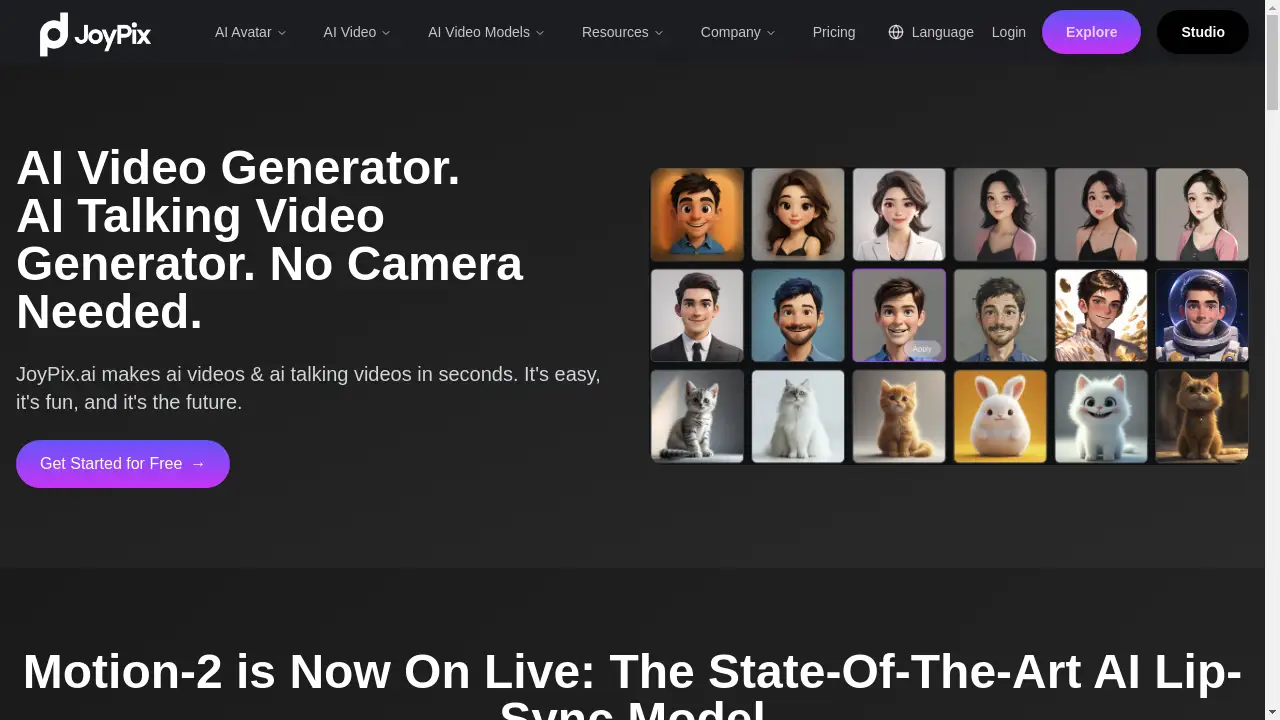
Upload any photo, and the AI lip-sync technology will animate it, turning the image into a speaking or singing video avatar, a feature that also works with pet images.
Avatar Generator
Transform ordinary portrait photos into unique AI-generated avatars across a wide range of artistic styles, including oil painting, watercolor, anime, and 3D cartoon.
Pre-made Avatar Library
Instantly start creating videos by selecting from a diverse library of over 50 pre-made, ready-to-use avatars, saving time on the initial setup.
All-In-One Video Generator
Access multiple state-of-the-art AI video models like Wan2.1, Vidu, and Seedance from a single, unified platform for creating various types of professional videos.
Free Voice Cloning
Clone any voice accurately using just a short, 10-second audio sample, enabling the cloned voice to speak naturally in multiple languages and with different emotional tones.
Text to Speech
Generate high-quality, multilingual voiceovers for your videos using a vast selection of over 100 voices in more than 20 popular languages and accents.
Use Cases for JoyPix
Social Media Content Creation
Content creators can quickly produce eye-catching and unique talking videos for platforms like TikTok, YouTube, and Instagram to boost audience engagement.
Educational Explainer Videos
Educators and trainers can develop clear and engaging instructional materials by creating animated talking avatars that explain complex topics.
Personalized Marketing Campaigns
Businesses can create personalized video messages with AI avatars for marketing, customer communication, and internal training without a large production budget.
Entertainment and Fun Projects
Individuals can bring photos of friends, family, or even pets to life for entertaining gifts, fun personal projects, or creative storytelling.
How to Use JoyPix
Using JoyPix to create an AI talking video is a straightforward process. First, upload a photo of your choice or select an avatar from the built-in library. Next, provide the audio for your avatar to speak. You can do this by uploading your own audio file, using the text-to-speech feature to generate a voiceover, or cloning a voice. Finally, the platform's AI, powered by technologies like the Motion-2 lip-sync model, processes your inputs and generates a realistic talking video in just minutes, ready for you to download and share.
Target Audience for JoyPix
- Social Media Influencers and Content Creators
- Digital Marketers and Small Business Owners
- Gamers and Streamers
- Educators and Online Course Instructors
- Corporate Trainers and HR Professionals
- Individuals looking for a fun and creative hobby
Is JoyPix Free?
JoyPix offers a generous free plan that allows users to explore its core features and generate a limited number of videos. This provides an excellent opportunity to test the AI video generator capabilities without any initial investment. For users requiring higher volume, more features, or commercial use, JoyPix provides affordable premium subscription options that unlock greater creative potential and remove limitations.
Frequently Asked Questions about JoyPix
Can I create my own avatar?
Yes, JoyPix allows you to create and customize your own unique avatar by uploading a photo and applying various AI-generated artistic styles.
How long does it take to generate a video?
JoyPix can generate videos in just minutes, allowing for quick and efficient video production once the photo and audio inputs are provided.
How many voices and languages are available in JoyPix?
JoyPix offers 100+ voices in 20+ popular languages through its text-to-speech feature, allowing for a diverse range of voice options for your talking videos.
Can I add my own audio to the videos?
Yes, JoyPix supports audio uploads. You can record or upload your own voice file to create a personalized avatar experience and achieve perfect lip-sync.
Can we access JoyPix through an API?
Not yet. The development team is working on an API, and a GitHub repository is expected to be available in the future for developer access.
Does the lip-sync look natural?
The platform utilizes the advanced Motion-2 model, which is designed to create true-to-life lip synchronization by aligning lips, head pose, and expressions to the audio track for seamless realism.
JoyPix Tags
AI video generator, AI talking video generator, talking photo, avatar generator, voice cloning, text to speech, AI lip-sync, create talking avatar, video maker, social media content, AI content creation, Motion-2