Introduction
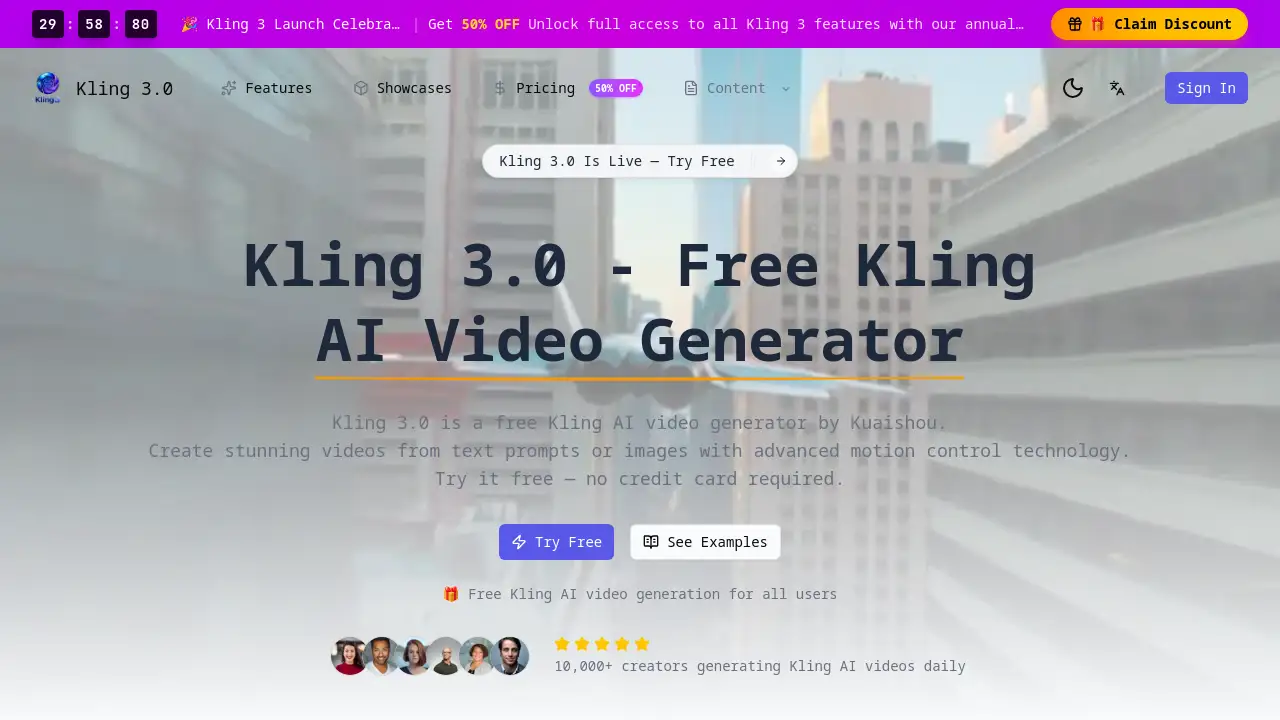
Kling 3 is a powerful, free AI video generator that creates stunning content from simple text prompts or images.
What is Kling 3?
Kling 3, also known as Kling 3.0, is an advanced AI video generator developed by Kuaishou. It solves the problem of complex and expensive video production by allowing anyone to create professional-looking AI videos quickly and easily. The platform is designed for a wide range of users, from social media creators and marketers to educators and developers. What sets it apart is its sophisticated motion control technology, which gives users precise command over camera movements and scene dynamics. This makes Kling AI video generation not just accessible but also highly customizable for various creative and professional needs. Its importance lies in democratizing high-quality video creation, enabling rapid content production without the need for specialized skills or large budgets.
Key Features of Kling 3
Free Access
The platform offers completely free AI video generation, allowing users to create content daily without requiring a credit card, making it ideal for testing ideas and regular social media posts.
HD and 4K Video Output
It generates high-definition Kling AI videos with professional-grade clarity, supporting output up to 4K resolution for stunning visual quality suitable for various platforms.
Multiple Video Styles
Users can choose from diverse aesthetics like realistic, anime, cinematic, and fantasy, along with different modes to tailor the AI video's look and feel to their project's needs.
Fast Processing Speed
The AI video generator is optimized for speed, typically creating videos within 30 to 90 seconds, enabling a quick turnaround from concept to final product.
Advanced Motion Control
This key feature provides detailed control over camera angles, movement, and object tracking within the scene, allowing for the creation of dynamic and professional Kling AI videos.
Developer API
For integration into custom applications, Kling 3 offers an API that supports text-to-video, image-to-video, and batch processing for developers.
Use Cases for Kling 3
Social Media Content Creation
Creators can rapidly produce engaging, scroll-stopping AI videos for platforms like TikTok, Instagram, and YouTube to maintain a consistent posting schedule.
Marketing and Advertising Campaigns
Marketing teams can use the AI video generator to prototype concepts, create promotional content, and produce ads at a fraction of the cost of traditional video production.
Educational Content
Educators and trainers can transform complex topics into visually engaging Kling AI video lessons or explanations to enhance student comprehension and engagement.
Game and Concept Prototyping
Game developers and designers can quickly generate mockups of environments, characters, or scenes using AI video technology to visualize ideas before full production.
Personal Creative Projects
Hobbyists and artists can explore storytelling and visual art by generating unique Kling AI videos from their imagination, experimenting with different styles and motions.
How to Use Kling 3
Using the Kling AI video generator is a straightforward process designed for users of all skill levels.
- Access the Platform: Visit the official Kling 3 website. No sign-up is required to try the first generation, allowing for instant access to the AI video generator.
- Enter Your Prompt or Upload an Image: Type a detailed text description of the video you want to create. The more descriptive the prompt, the better the results. Alternatively, you can upload an image for the platform to animate.
- Customize Your Settings: Select your preferred video style (e.g., cinematic, anime), set the duration and aspect ratio, and adjust the motion control parameters to define how elements should move in the scene.
- Generate and Download: Click the generate button. The system will create your Kling AI video in real-time, usually within a minute. Once complete, you can download the video in MP4 format for use in your projects.
Target Audience for Kling 3
- Social Media Managers and Content Creators
- Digital Marketers and Advertising Professionals
- Educators, Trainers, and Online Course Creators
- Game Developers, Designers, and Concept Artists
- Startup Founders and Small Business Owners
- Hobbyists and Digital Art Enthusiasts
Is Kling 3 Free?
Yes, Kling 3 operates on a free-to-use model. According to the official information, users can access the AI video generator and create videos without any cost or credit card requirement. This free tier is designed to allow daily video generation for personal, social media, and creative projects. For specific details on any potential premium tiers or usage limits, users should refer to the official Kling 3 website.
| Plan | Price | Key Features |
|---|---|---|
| Free Tier | $0 | Daily AI video generation, HD output, multiple styles, motion control. |
Kling 3's Pros and Cons
| Aspect | Pros | Cons |
|---|---|---|
| Cost & Accessibility | Completely free to start; no financial barrier. | Advanced features or high-volume use may eventually require a paid plan. |
| Ease of Use | Simple, four-step process; intuitive for beginners. | Mastering motion control and detailed prompting may have a learning curve. |
| Speed & Efficiency | Extremely fast generation (30-90 seconds); ideal for rapid prototyping. | Output is AI-generated and may require multiple attempts for perfect results. |
| Output Quality | Professional HD and 4K quality; superior to many free AI video tools. | While high quality, it may not yet match the nuance of high-budget human-produced video. |
Frequently Asked Questions about Kling 3
Is Kling 3 really free to use?
Yes, Kling 3 is currently free to use. Users can access the AI video generator, create videos from text or images, and utilize features like motion control without providing payment information.
What is the quality of the videos generated?
The Kling AI video generator produces videos in high definition, with support for up to 4K resolution. The output is designed to be of professional quality, suitable for social media, marketing, and other creative projects.
Do I need any video editing experience to use it?
No prior experience is necessary. The platform is built to be user-friendly. Anyone can create AI videos by simply typing a text description. More advanced controls, like motion control, are optional and can be learned over time.
Can I use Kling AI videos for commercial purposes?
While the tool is free, users should review the platform's terms of service regarding commercial usage rights for the generated AI videos to ensure compliance for business or monetized content.
How does the motion control feature work?
The motion control feature allows users to define how the virtual camera moves through a scene and how objects behave. This can include specifying pans, zooms, tracking shots, and the direction of movement for elements within your AI video prompt.
What is the main difference between Kling 3 and other AI video generators?
A key differentiator for Kling 3 is its advanced motion control capability, offering users a higher degree of creative direction over the dynamics of the generated video compared to many other accessible AI video tools.
Kling 3 Tags
Kling 3, Kling 3.0, Kling AI video, AI video generator, free AI video maker, text to video AI, image to video AI, motion control AI, AI video creator, Kuaishou AI, generate AI video online, AI video for social media