Introduction
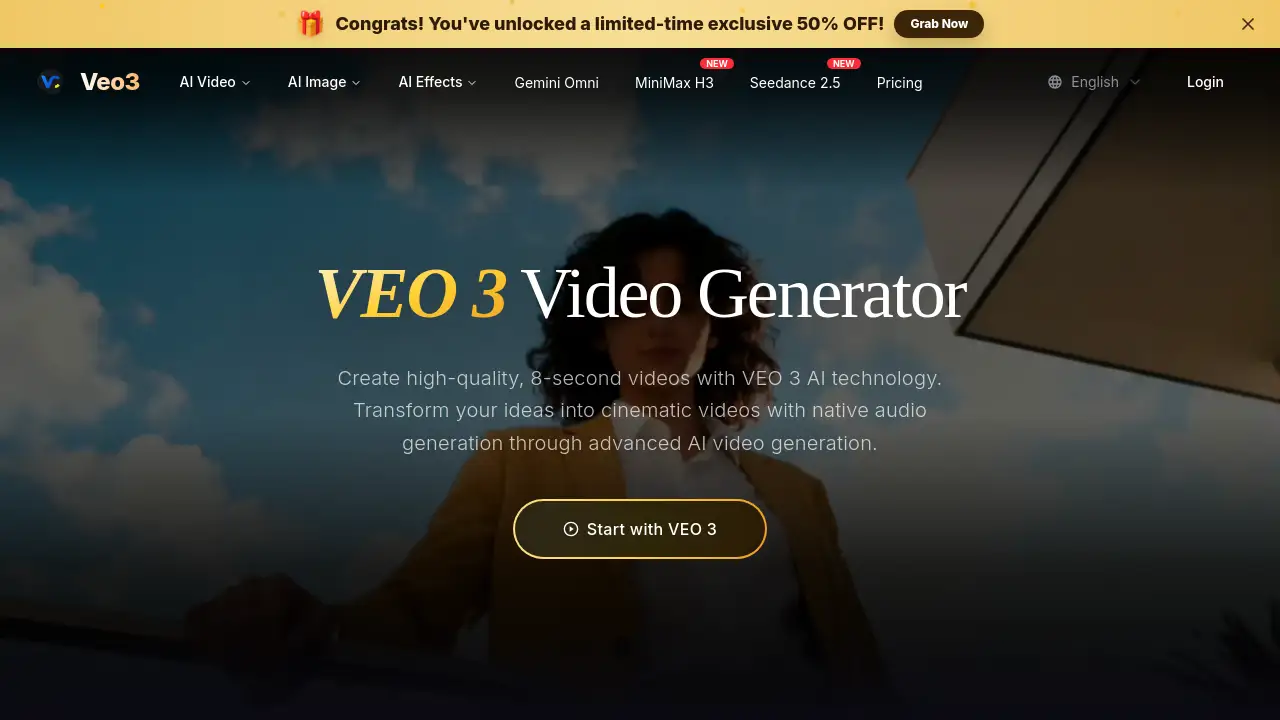
Veo 3 Video Generator is a free AI video creation tool powered by Google DeepMind. It helps users turn text prompts or still images into cinematic, 8-second video clips with native audio. This Veo 3 Video Generator makes high-quality video creation easier for everyone.
What is Veo 3 Video Generator?
Veo 3 Video Generator is an advanced AI video generator based on Google’s Veo 3 model from Google DeepMind. It solves a common problem in AI video creation: many tools produce visuals without sound, limited prompt control, or a complicated workflow. This platform changes that by generating complete short videos from simple text descriptions or uploaded images.
Users can type an idea in everyday language, and the system turns it into a polished 8-second clip. The Veo 3 Video Generator also supports text to video and image to video, which gives creators flexible ways to start. Because it includes native audio generation, the results feel much more complete and realistic than silent clips. This matters for content creators, marketers, and storytellers who need fast, visually interesting video material without hiring a full production team.
Key Features of Veo 3 Video Generator
The main strengths of this Veo 3 Video Generator are its advanced AI engine, strong prompt understanding, and integrated sound design. Here are the key features to know.
VEO 3 Technology
The platform uses the VEO 3 model from Google DeepMind. This AI video generator understands detailed prompts and produces high-quality clips with a cinematic look.
Native Audio Generation
Video creation is not just about visuals. This Veo 3 Video Generator creates sound effects, ambient noise, and character dialogue automatically. The audio is synchronized with the visuals, which makes the clips more immersive.
Cinematic Quality
The AI focuses on realistic physics, professional lighting, and smooth camera movements. Users can get movie-like results from this free AI video generator without expensive equipment.
Advanced Prompt Understanding
Veo 3 Video Generator can handle complex, narrative-driven prompts. Users can describe character actions, scene details, and story elements in normal language, and the model turns those words into a cohesive video.
Natural Language Processing
No technical skills are needed. The platform reads natural language and translates it into creative direction. This makes the Veo 3 Video Generator suitable for beginners and professionals alike.
Multimodal Understanding
The AI understands how visuals, motion, and audio connect. This helps the Veo 3 Video Generator create content that feels professionally produced rather than randomly assembled.
Use Cases for Veo 3 Video Generator
This AI video generator is useful in many creative and commercial situations. Here are some common ways to use Veo 3 Video Generator.
Social Media Content
Short, punchy video clips work well on platforms like TikTok, Instagram Reels, and YouTube Shorts. Veo 3 Video Generator can create attention-grabbing 8-second videos with sound for social media campaigns.
Cinematic Storytelling
Filmmakers and visual storytellers can use text to video prompts to explore scenes, test ideas, or build concept clips. The cinematic quality and native audio generation help bring imaginary worlds to life.
Marketing and Advertising
Brands can quickly generate product-focused video clips with this Veo 3 Video Generator. The platform supports image to video workflows, so marketers can turn existing product photos into moving advertisements.
Educational Content
Teachers and course creators can use the AI video generator to make short visual explanations. With native audio generation, these clips can include narration-like sound effects or dialogue to support the lesson.
How to Use Veo 3 Video Generator
Using Veo 3 Video Generator is simple. The process is designed for people who want results fast.
- Go to the Veo 3 Video Generator website.
- Type a detailed text prompt, or upload an image for image to video creation.
- Choose the output settings, such as 8-second duration and 16:9 aspect ratio.
- Click the generate button and wait for the AI video generator to create the clip.
- Preview the video, review the audio, and download the final result if you have access.
The entire workflow is guided, so there is no need to understand complex video editing or artificial intelligence concepts.
Target Audience for Veo 3 Video Generator
Veo 3 Video Generator is built for a wide range of users. It is especially useful for:
- Content creators and social media influencers
- Marketing teams and brand managers
- Filmmakers and animators
- Educators and online course creators
- Small business owners
- Hobbyists who want to experiment with AI video generation
Because the tool uses everyday language, almost anyone can start creating with this free AI video generator.
Is Veo 3 Video Generator Free?
Veo 3 Video Generator is described as a free AI video generator. Users can create AI videos without paying upfront. There are also subscription options for users who want more advanced access, such as unwatermarked, high-resolution downloads and full usage rights.
| Plan | Price | Features |
|---|---|---|
| Free | $0 | Generate videos with Veo 3, basic preview and creation |
| Pro | Check official pricing | Unwatermarked downloads, high-resolution output, commercial usage rights |
For exact pricing and current plan details, users should check the official Veo 3 Video Generator website.
Veo 3 Video Generator's Pros and Cons
| Aspect | Pros | Cons |
|---|---|---|
| Pricing | Free AI video generator with low barrier to entry | Paid plan may be needed for downloads and commercial rights |
| Audio | Native audio generation adds sound effects and dialogue | Video length is currently fixed at 8 seconds |
| Ease of use | Simple text prompts and no technical experience needed | Output style can still vary with prompt complexity |
| Technology | Powered by Google DeepMind and VEO 3 model | Some advanced features may require a subscription |
Frequently Asked Questions about Veo 3 Video Generator
What is Veo 3 Video Generator and how does it work?
Veo 3 Video Generator is a free AI video generator powered by Google DeepMind’s Veo 3 model. It creates 8-second videos from text prompts or images. The AI handles visuals, motion, and audio automatically.
Do I need technical experience to use Veo3 AI?
No. Veo3 AI is designed for beginners and professionals. Users simply describe what they want in everyday language, and the AI video generator handles the technical work.
What makes Veo 3 different from other video generators?
Veo 3 Video Generator stands out because of its native audio generation, strong prompt accuracy, and cinematic quality. Many other AI video tools produce silent visuals. This platform adds sound effects, dialogue, and ambient audio.
Can I download my creations?
Subscribers can download unwatermarked, high-resolution versions of their videos. The Veo 3 Video Generator provides full usage rights for content created through the platform.
Is Veo 3 suitable for commercial use?
Yes. Videos created with Veo 3 AI Video Generator can be used for commercial projects. Subscribers receive access to unwatermarked files, which makes the tool practical for marketing and client work.
What audio capabilities does Veo 3 offer?
Veo 3 Video Generator supports native audio generation. This includes environmental sounds, character dialogue, and atmospheric audio that is automatically synchronized with the video content.
Veo 3 Video Generator Tags
Veo 3 Video Generator, AI video generator, text to video, image to video, native audio generation, Google DeepMind, Veo3 AI, cinematic video AI, free AI video generator, AI video creation, Veo 3, generate AI videos