Introduction
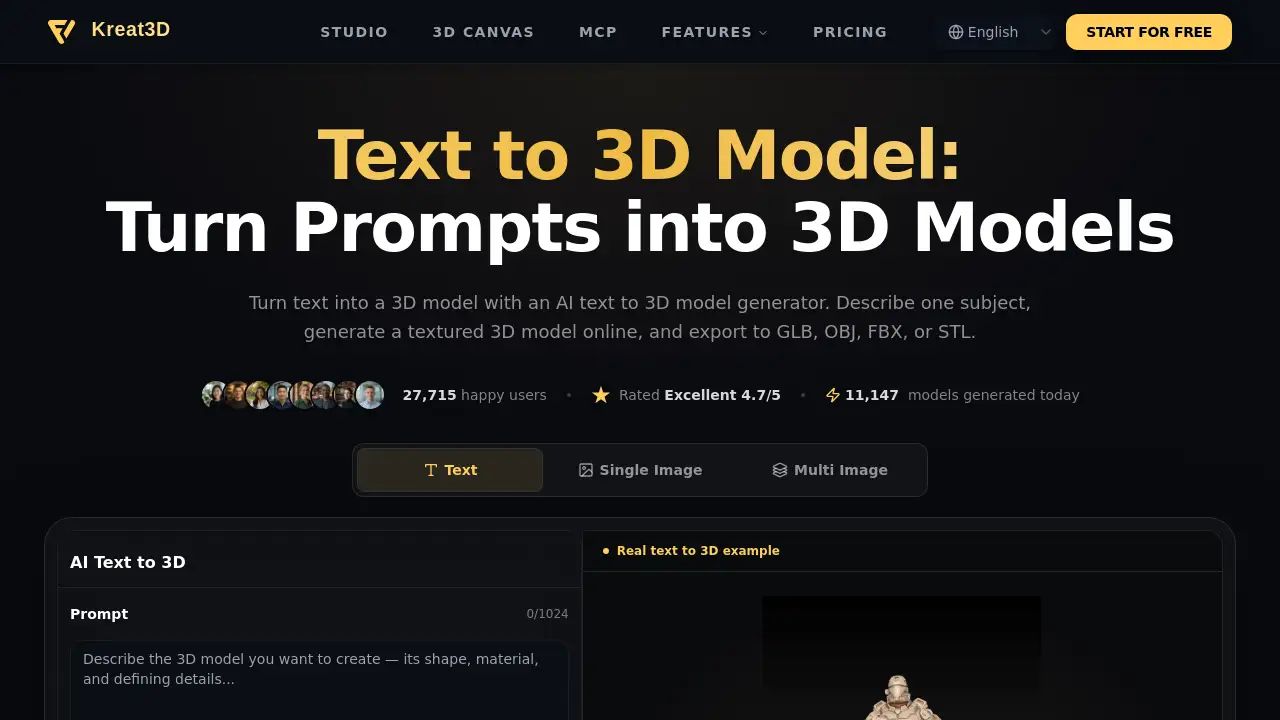
Text to 3D Model is an AI-powered tool from Kreat3D that turns written descriptions into 3D assets. It helps creators generate a 3D model from text, inspect the result in a browser, and export common formats for games, product design, or 3D printing. With 39,449 happy users and a 4.7/5 rating, Text to 3D Model aims to make AI text to 3D model generation faster for beginners and professionals.
What is Text to 3D Model?
Text to 3D Model is an online 3D model generator that creates geometry from a single text prompt. Instead of modeling every surface by hand, users describe one subject—such as a whale-shaped teapot, a character figurine, or a piece of furniture—and the AI text to 3D model generator builds a mesh that can be inspected, refined, and exported. Text to 3D Model solves a common early-stage problem: turning a written idea into a visible 3D concept quickly. It is suitable for game artists, product designers, 3D printing hobbyists, educators, and anyone exploring text to 3D AI. Because Text to 3D Model runs in the browser, it lowers the barrier to 3D asset creation without requiring a traditional modeling app.
Key Features of Text to 3D Model
Single-Prompt 3D Model Generation
Describe one object's shape, material, style, and defining detail, then generate a 3D model from text. Text to 3D Model infers unspecified details and builds geometry from the prompt.
Textured or Geometry-Only Output
Choose a textured 3D model when surface color helps the concept read, or use geometry-only output for custom materials. PBR and quality controls vary by model and plan in Text to 3D Model.
Browser-Based Studio and 3D Viewer
Generate and preview 3D models online in Studio, rotate the result, and check its shape before downloading. Text to 3D Model makes text to 3D model generation accessible without installing software.
Canvas Workflow for Repeatable Steps
Connect prompt, Text to 3D, and Texture nodes in a visual pipeline. The Canvas helps keep related prompts and outputs together for repeatable Text to 3D Model workflows.
MCP and CLI Access
Use MCP with a compatible AI agent or CLI for terminal and script-based asset generation. These options support repeatable Text to 3D Model tasks in an existing pipeline.
Export to GLB, OBJ, FBX, or STL
Continue work in Blender, a game engine, or a 3D printing workflow with supported export formats. Text to 3D Model format support varies by provider, and generated-model downloads require an eligible paid account.
Use Cases for Text to 3D Model
Game Development
Preview props, characters, or set pieces in 3D while art direction is still open. Check topology, scale, materials, and rigging needs before bringing a Text to 3D Model asset into a game engine.
Product Design
Try form and material directions from a written brief. Text to 3D Model helps discuss proportions and concept shape, then rebuild precise dimensions and mechanical details in design tools.
3D Printing
Generate an object and export STL when the chosen model supports it. Before slicing, check units, wall thickness, watertightness, orientation, supports, and mesh repair needs for a Text to 3D Model result.
E-commerce and AR
Explore a 3D product concept, then check shape and material accuracy. Text to 3D Model can help reduce file size if needed and test the asset in the viewer or AR platform where customers will see it.
Animation and VFX
Turn a written character or prop idea into an early 3D study for a shot. For moving assets, review the Text to 3D Model mesh, then prepare rigging, retopology, and materials in an animation package.
Education and Training
Create an object learners can inspect from different angles. Verify factual shape and labels before using a Text to 3D Model to explain a technical or historical idea.
How to Use Text to 3D Model
- Write a prompt for one recognizable object. Include shape, material, style, and a defining detail for Text to 3D Model.
- Choose a supported model and output type, such as geometry-only or textured 3D model. Check credit cost and estimated time in Text to 3D Model.
- Sign in and submit the task, then track progress in Studio. The browser viewer lets users rotate and inspect the Text to 3D Model result.
- Refine the prompt for a new variation, or use supported Texture and Remesh tools when surface or topology changes are needed.
- Export an available format—GLB, OBJ, FBX, or STL—with an eligible paid account and continue in Blender, a game engine, or a slicing tool.
Target Audience for Text to 3D Model
- Game developers and indie studios
- Product designers and concept artists
- 3D printing enthusiasts and makers
- E-commerce and AR teams
- Animators and VFX artists
- Educators and technical trainers
- AI agent and CLI users
Is Text to 3D Model Free?
New accounts receive starter credits for supported generation options without entering card details. Each task shows its credit cost before submission. Starter credits do not unlock every model or generated-model downloads. Generated-model downloads require an eligible paid account, and available formats depend on the selected provider and model. For current plans and credits, users should visit the official pricing page: Compare Plans and Credits.
Text to 3D Model's Pros and Cons
| Aspect | Pros | Cons |
|---|---|---|
| Pricing | Free starter credits let new users test supported Text to 3D Model generation | Generated-model downloads require an eligible paid account |
| Features | Single-prompt generation, textured output, browser viewer, Canvas, MCP, CLI | Follow-up prompts cannot directly edit geometry; options vary by model |
| Workflow | Supports GLB, OBJ, FBX, or STL export paths for Blender, engines, or 3D printing | Format support depends on provider and model; scene composition is not automatic |
| Accessibility | Online Text to 3D Model runs in browser with no modeling app install | Best for one subject per task; full environments need separate objects |
| Quality Control | Users can inspect, refine, texture, or remesh before export | Production use still needs topology, scale, and print checks |
Frequently Asked Questions about Text to 3D Model
How can I create a 3D model from text with Text to 3D Model?
Describe one object in a prompt, choose a supported generation model and output type, then submit the task. Inspect the result in Studio and, with an eligible paid account, export an available format.
What should I include in a Text to 3D Model prompt?
Start with one recognizable subject, then add material, style, and a detail that shapes its silhouette. Keep instructions concrete and consistent. Example prompts on the product page can be copied and adapted.
Can I generate a 3D model from text for free with Text to 3D Model?
New accounts receive starter credits for supported generation options without entering card details. Each task shows its credit cost before submission. Starter credits do not unlock every model or generated-model downloads.
Can Text to 3D Model turn text into an STL file for 3D printing?
STL export is available for supported generation models and eligible accounts. Export alone does not make a mesh printable. Check dimensions, wall thickness, watertightness, orientation, and supports in a slicer or mesh repair tool before printing.
Will the generated 3D model include textures?
Choose a supported textured 3D model option if surface color is needed. Geometry-only output is untextured. Texture detail and PBR controls vary by generation model and plan, and the result can be inspected before downloading.
Can I export the generated model as GLB, OBJ, FBX, or STL?
Those are supported export paths, but available formats depend on the selected provider and model. Generated-model downloads require an eligible paid account. The editor and download controls show which formats can be used for a result.
Should I use Text to 3D Model or image to 3D?
Use text to 3D when there is an idea but no reference image. Use image to 3D when a photo, sketch, or concept art already exists and the model should follow its visible shape.
Text to 3D Model Tags
text to 3D model, AI text to 3D model generator, generate 3D model from text, text to 3D AI, online 3D model generator, textured 3D model, export GLB OBJ FBX STL, 3D printing, game development, product design, image to 3D, Kreat3D