Introduction
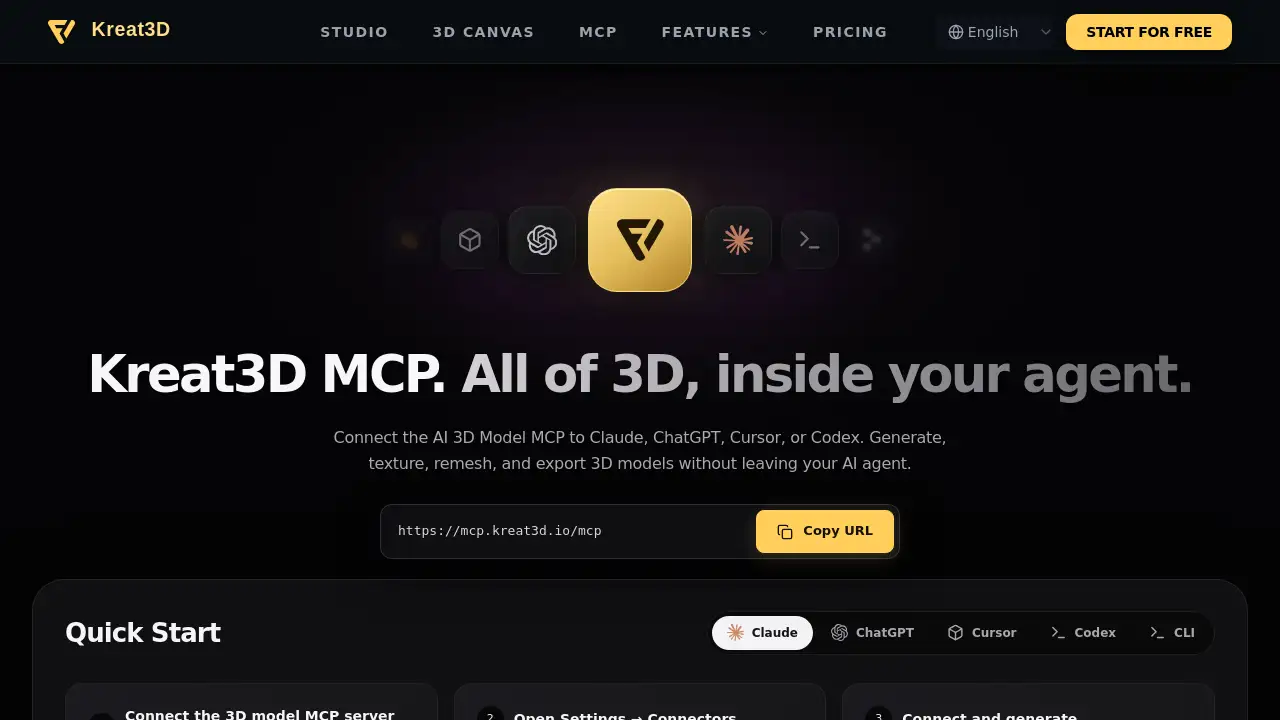
Kreat3D MCP is an AI 3D Model MCP for your agent.
What is Kreat3D MCP — AI 3D Model MCP for Your Agent?
Kreat3D MCP is an AI 3D Model MCP server that connects 3D creation tools to AI agents. It is designed for people who already work inside Claude, ChatGPT, Cursor, Codex, or other MCP-compatible clients and want to generate, texture, remesh, and export 3D models without leaving the conversation. Instead of switching between separate 3D software, texture tools, and export settings, a 3D modeling agent can call the right Kreat3D tool through one MCP connection. This AI 3D Model MCP matters because it turns a chat prompt, reference image, or existing mesh into a workflow that can produce game-ready or print-ready assets. It is suitable for game developers, 3D artists, product designers, concept artists, and teams that use AI agents for rapid asset creation. The product focuses on practical 3D tasks: image to 3D, text to 3D, AI texturing, remeshing, concept image generation, and export. Because the AI 3D Model MCP lives inside the agent, the agent can choose tools, preserve design details, and return files such as GLB, FBX, STL, OBJ, and USDZ.
Key Features of Kreat3D MCP — AI 3D Model MCP for Your Agent
The AI 3D Model MCP gives a 3D modeling agent a connected set of 3D tools for generation, texturing, optimization, and export.
Image to 3D Model
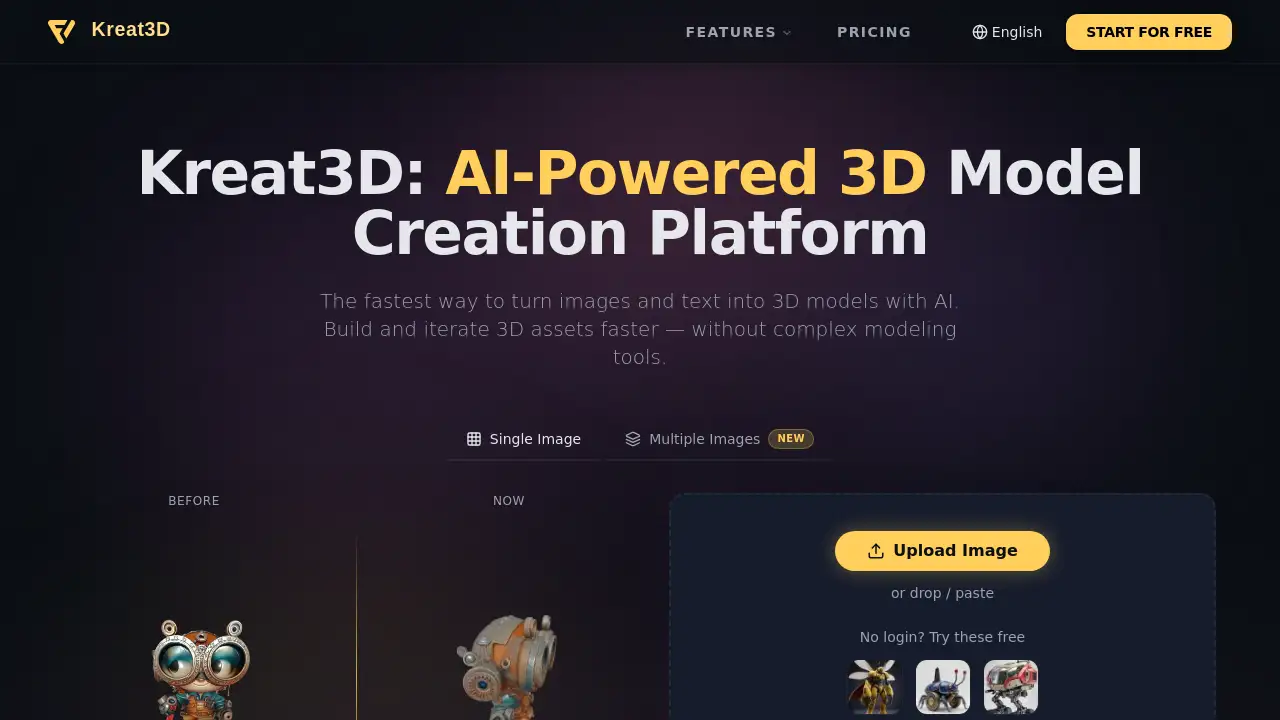
Generate a 3D model from a photo, product shot, sketch, or reference image. This AI 3D Model MCP helps the agent build the mesh and textures so the asset is ready for the next step.
Text to 3D through MCP
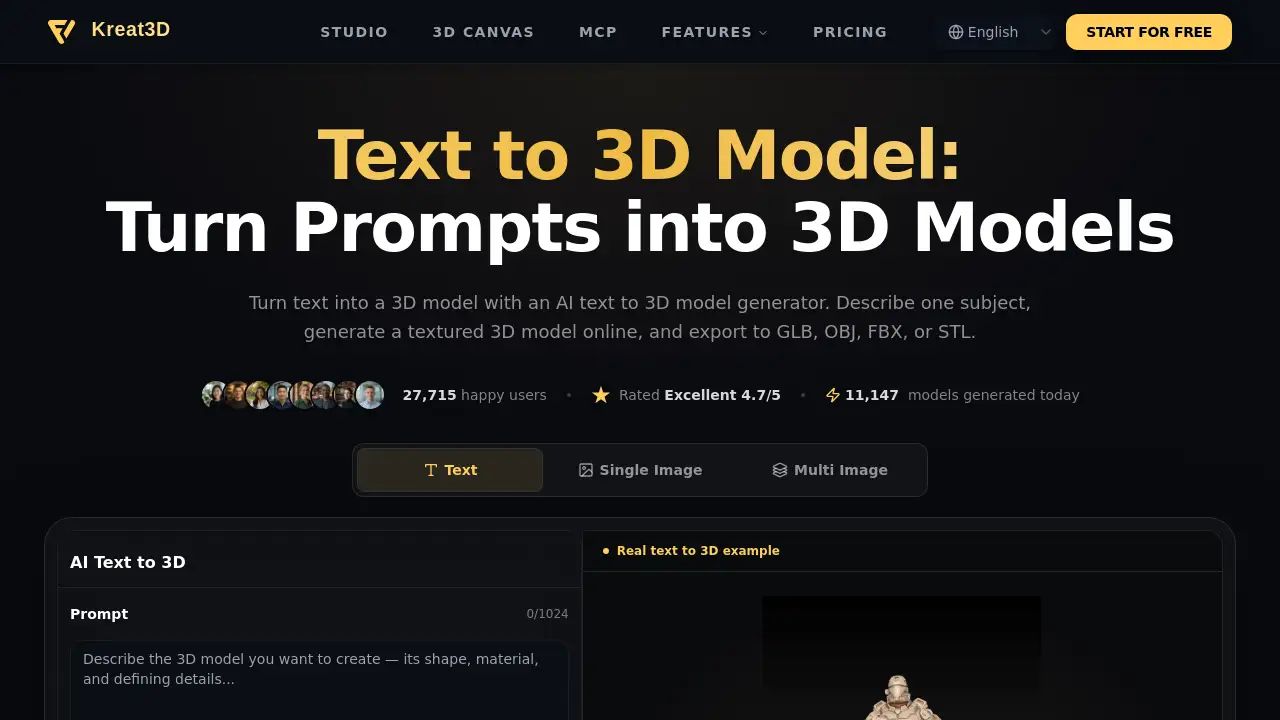
Turn a text prompt into a 3D model for prototyping, set dressing, or concept development. The AI 3D Model MCP lets users describe shape, style, and materials, then the agent handles generation.
AI Texture Generator
Apply materials to a bare 3D mesh from a prompt or reference image. This AI 3D Model MCP supports AI texturing inside the conversation, so users can refine look and surface detail without leaving the agent.
Remesh & Optimize
Remesh and optimize 3D models for real-time scenes, animation, or 3D printing. The AI 3D Model MCP can target a polygon count while preserving silhouette and important details.
AI Image Generator
Generate concept art and reference images inside the AI agent, then pass the final image into an image-to-3D workflow. This makes the AI 3D Model MCP useful for early ideation and visual direction.
Multi-Agent Connection
Connect the 3D model MCP server to Claude, ChatGPT, Cursor, Codex, and other MCP-compatible clients. The AI 3D Model MCP uses a server URL and account authentication, so one connection can expose multiple 3D tools.
Use Cases for Kreat3D MCP — AI 3D Model MCP for Your Agent
Game Development Assets
Create props, characters, and environment assets from prompts or references. A 3D modeling agent can export GLB or FBX files for game engines after using the AI 3D Model MCP.
Product Prototyping
Turn product sketches, photos, or descriptions into textured 3D concepts. The AI 3D Model MCP helps teams explore shape and material direction before full production.
Concept Art to 3D
Use the AI image generator for concept art, then move the selected image into image to 3D. The AI 3D Model MCP keeps the process inside the agent, from idea to mesh.
Real-Time Optimization
Remesh detailed models for real-time use while keeping recognizable equipment and silhouettes. This AI 3D Model MCP workflow is useful for vehicles, props, and scene assets.
3D Printing Preparation
Optimize or remesh a model for 3D printing. The AI 3D Model MCP can help prepare STL or OBJ files for the next stage.
How to Use Kreat3D MCP — AI 3D Model MCP for Your Agent
- Choose a compatible AI agent, such as Claude, ChatGPT, Cursor, or Codex.
- Open the agent's connector or MCP settings, then add the Kreat3D MCP server URL:
https://mcp.kreat3d.io/mcp. - Connect your Kreat3D account and complete the authentication steps shown by the client.
- Ask the 3D modeling agent to generate, texture, remesh, or export a model. For example: "Generate a 3D model of a steampunk desk lamp with brass and glass materials."
- Review the result in your Kreat3D workspace, then export it in a supported format such as GLB, FBX, STL, OBJ, or USDZ.
Target Audience for Kreat3D MCP — AI 3D Model MCP for Your Agent
- Game developers who need GLB or FBX assets for engines.
- 3D artists and designers who want AI texturing and remeshing inside an agent.
- Product designers and prototypers who work from sketches, photos, or prompts.
- Concept artists who want to move from image ideas to 3D models.
- AI agent users who prefer Claude, ChatGPT, Cursor, or Codex.
- Studios and teams using MCP-compatible clients for collaborative 3D workflows.
Is Kreat3D MCP — AI 3D Model MCP for Your Agent Free?
The available information does not list a specific free plan or public price for Kreat3D MCP. It states that credits depend on the tool, model, and generation settings selected for each call. Users can review the displayed cost and account balance before starting a large batch. For current pricing, free trial availability, and credit rates, check the Kreat3D account area or official site. Because the AI 3D Model MCP uses credits, cost can vary by task, such as image to 3D, AI texturing, remeshing, or export.
Kreat3D MCP — AI 3D Model MCP for Your Agent's Pros and Cons
| Aspect | Pros | Cons |
|---|---|---|
| Connection | One MCP connection exposes generation, texturing, remeshing, and export tools. | Requires an MCP-compatible agent and account setup. |
| Workflow | Keeps 3D tasks inside Claude, ChatGPT, Cursor, or Codex. | Users need to learn each agent's connector settings. |
| Output | Supports GLB, FBX, STL, OBJ, and USDZ exports. | Not all formats may fit every pipeline without extra work. |
| Cost | Pay-by-credit model can match different task sizes. | Credit costs vary by tool, model, and settings. |
| Use cases | Useful for games, prototyping, concept art, real-time scenes, and 3D printing. | Results depend on prompt quality, reference images, and model choice. |
Frequently Asked Questions about Kreat3D MCP — AI 3D Model MCP for Your Agent
What is an AI 3D Model MCP server?
An AI 3D Model MCP server lets compatible agents call 3D generation and editing tools through Model Context Protocol. Kreat3D exposes model generation, AI texturing, remeshing, and concept image workflows through that connection.
Which AI agents can connect to the 3D model MCP server?
The connection guide supports Claude, ChatGPT, Cursor, and Codex, along with other MCP-compatible clients. Users choose a client and follow its setup instructions for the AI 3D Model MCP.
Do I need an API key for the 3D model MCP server?
API key requirements depend on the client and connection method. The AI 3D Model MCP setup involves adding the server URL and completing account authentication, and keys are managed in the Kreat3D account.
What can a 3D modeling agent do with Kreat3D MCP?
It can generate 3D models from images or text prompts, apply textures, remesh geometry, create concept images, and return files for the next step. This makes the AI 3D Model MCP useful for many 3D asset workflows.
How are credits charged for MCP tool calls?
Credits depend on the tool, model, and generation settings selected for each call. Review the displayed cost and account balance before starting a large batch with the AI 3D Model MCP.
Where are generated 3D models saved, and which formats can I export?
Generated models are saved to the Kreat3D workspace, where users can inspect, texture, remesh, and export them. Workflows on the page include GLB, FBX, STL, OBJ, and USDZ outputs.
Kreat3D MCP — AI 3D Model MCP for Your Agent Tags
AI 3D Model MCP, Kreat3D MCP, 3D model MCP server, 3D modeling agent, AI texturing, image to 3D, text to 3D, remesh 3D model, GLB export, Claude MCP, ChatGPT MCP, Cursor MCP.