Introduction
Linear streamlines modern software development and project management.
What is Linear?
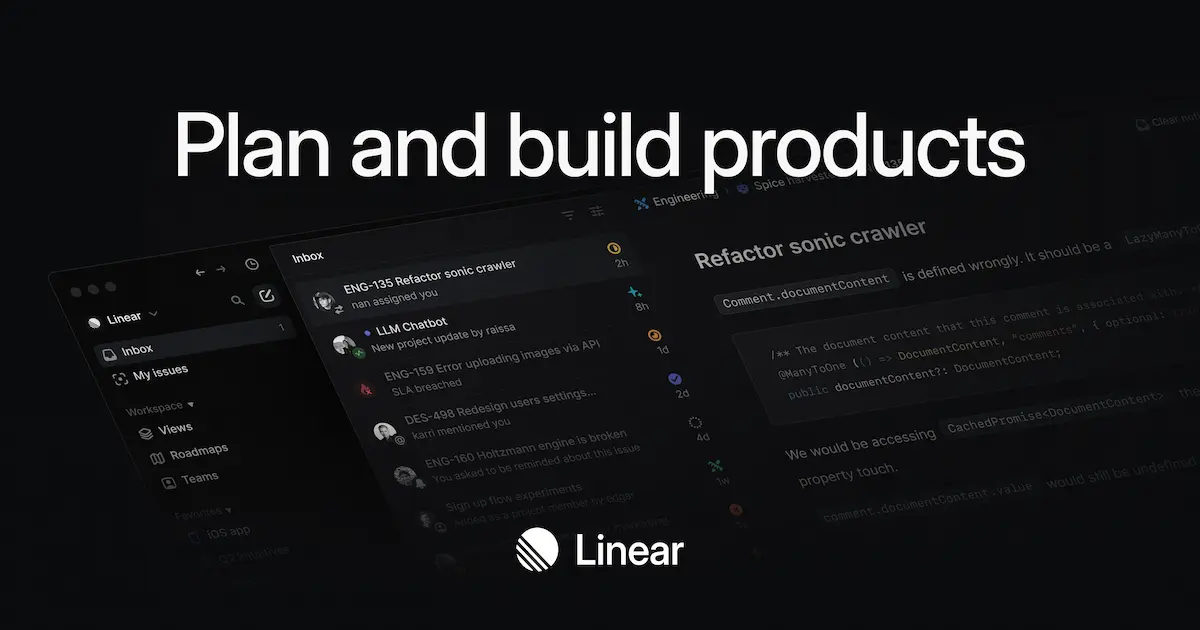
Linear is a purpose-built tool designed for modern product development teams. It directly addresses the challenges of managing software projects, tracking issues, and planning product roadmaps in a fast-paced environment. The platform helps teams move away from clunky, generic project management tools by providing a system tailored to the specific workflows of software engineering and product management. Linear solves the problem of scattered information and slow execution by centralizing issues, projects, and roadmaps into one streamlined application. It is particularly suitable for product managers, software developers, and cross-functional teams in startups and established companies who value speed, focus, and a high-quality craft in their work. The tool matters because it enables teams to ship better products faster by optimizing their entire development workflow.
Key Features of Linear
Issue Tracking
Linear provides a fast and intuitive system for creating, triaging, and tracking issues, bugs, and feature requests.
Project Management
Teams can manage projects end-to-end by consolidating specs, milestones, and tasks in a centralized location.
Product Roadmaps
Align your team around a unified product timeline with visual planning tools for initiatives and strategic efforts.
Cycles
Create focused work cycles to establish healthy routines and help teams concentrate on what should happen next.
Linear Insights
Gain real-time analytics and reporting dashboards to take the guesswork out of product planning and track progress.
Custom Workflows
Track progress across tailored issue flows with custom views, filters, swimlanes, and Service Level Agreements (SLAs).
Triage
Efficiently manage incoming work by reviewing and assigning unplanned bug reports and feature requests.
AI-Powered Agents
Deploy AI agents to assist with routine tasks, from code generation to suggesting assignees and detecting duplicates.
Integrations
Expand capabilities by connecting Linear to a wide variety of other tools through the Linear MCP and native integrations.
Use Cases for Linear
Software Development Teams
Development teams use Linear to streamline their sprint planning, bug tracking, and release management processes.
Product Roadmap Planning
Product managers utilize the roadmap and initiatives features to plan, communicate, and track strategic product efforts.
Cross-Team Project Collaboration
Linear facilitates collaboration across different teams and departments on complex projects with shared milestones.
Bug Triage and Resolution
Engineering teams efficiently manage incoming bug reports, triage them, and assign them for resolution using tailored workflows.
Agile Project Management
Teams practicing Agile methodologies can leverage Cycles and custom views to manage their backlogs and iterations effectively.
How to Use Linear
- Sign Up and Create a Workspace: Begin by creating an account on Linear's website and setting up a new workspace for your team.
- Configure Your Projects: Set up projects to represent larger initiatives, and define cycles for time-bound work periods to establish a rhythm.
- Create and Triage Issues: Start adding issues for bugs, tasks, and features. Use the triage view to sort and assign incoming work efficiently.
- Invite Your Team: Add your team members to the workspace and assign them roles and permissions based on their responsibilities.
- Customize and Integrate: Tailor your workflows, create custom views, and connect Linear to your other essential tools like GitHub, Slack, or Figma.
Target Audience for Linear
- Software Engineers and Development Teams
- Product Managers and Product Owners
- Engineering Managers and Tech Leads
- Modern Startups and Technology Companies
- Established Enterprises with Software Products
- Cross-Functional Teams (e.g., Design, Engineering, Marketing)
Is Linear Free?
Linear offers a free plan that is generous for small teams or individuals to get started with core issue tracking and project management features. For teams that require more advanced capabilities like custom roadmaps, more extensive insights, and advanced permissions, Linear provides affordable premium options. The pricing is structured per seat, making it scalable for teams of all sizes.
Frequently Asked Questions about Linear
What types of teams is Linear best suited for?
Linear is purpose-built for modern product development teams, including software engineers, product managers, and designers in technology companies, from fast-moving startups to large enterprises.
How does Linear handle project planning and roadmaps?
Linear provides visual tools for product roadmaps, allowing teams to plan initiatives, manage cross-team projects, break work into milestones, and communicate progress with built-in project updates.
Can I customize workflows in Linear?
Yes, Linear allows for highly tailored workflows. You can create custom issue states, set up SLAs for automatic deadlines, and use filters and custom views to match your team's specific process.
What AI features does Linear offer?
Linear includes AI-powered agents that can assist with triaging issues, suggesting assignees, detecting duplicates, and even performing technical tasks like code generation through integrations.
Does Linear integrate with other development tools?
Linear offers a wide range of integrations through its MCP (Model Context Protocol) and native connections, allowing it to work seamlessly with tools like GitHub, Sentry, Slack, and many others.
Is Linear secure for enterprise use?
Yes, Linear is built on a robust foundation and is engineered for scale, complying with standards like SOC 2, GDPR, and HIPAA to meet the security requirements of organizations of all sizes.
Linear Tags
Linear, project management, issue tracking, software development, product roadmap, agile tool, product management, bug tracking, team collaboration, development workflow, sprint planning, AI agents