Introduction
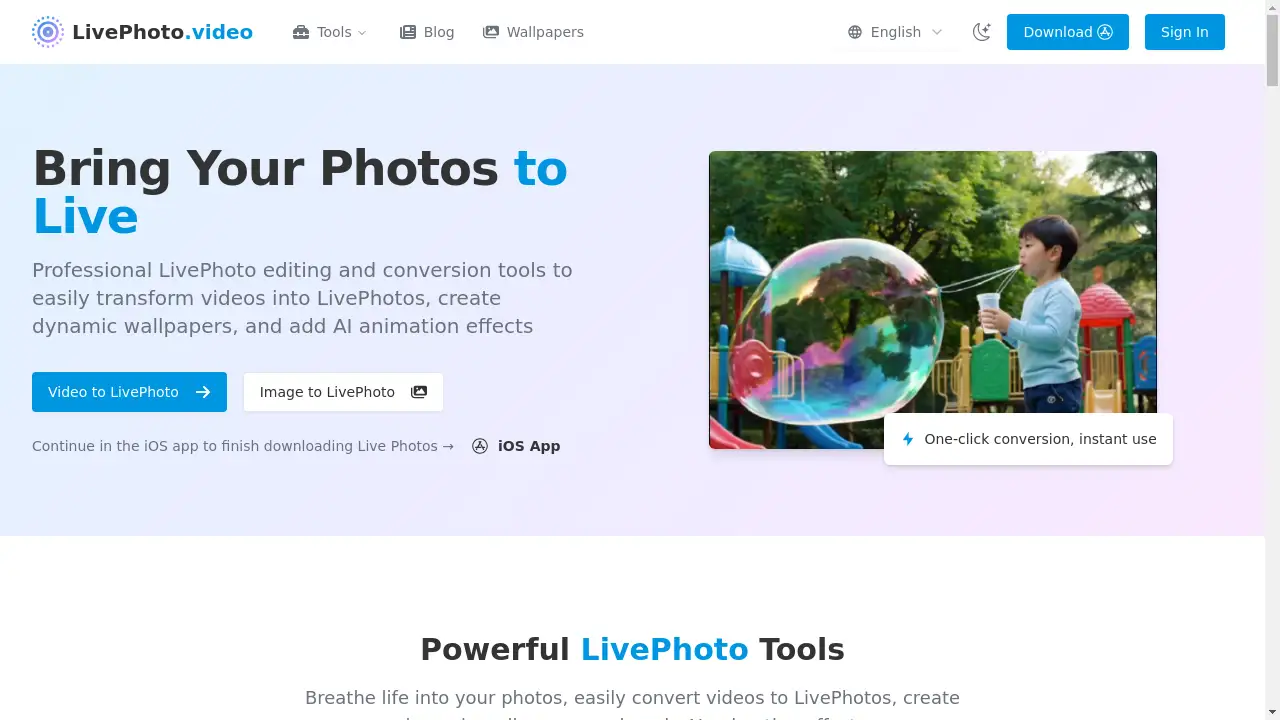
LivePhoto.video is a specialized platform offering tools to create, animate, and convert Live Photos.
What is LivePhoto.video?
LivePhoto.video is a web-based service that provides a suite of tools for working with Live Photos. The platform addresses the need for easy creation and customization of these dynamic images, which are traditionally limited to Apple's native camera app. It solves problems such as converting existing videos into Live Photos, animating static images with AI, and making Live Photos compatible with social media by converting them to GIFs or videos. This product is suitable for iPhone users who want to personalize their devices with dynamic wallpapers, social media enthusiasts looking to create more engaging content, and anyone wishing to add motion to their cherished static photos. The ability to create LivePhoto wallpapers and use AI animation makes it a valuable tool for enhancing digital memories.
Key Features of LivePhoto.video
Video to LivePhoto Conversion
This tool allows users to easily transform video clips into fully functional Live Photos that can be saved directly to an iPhone's camera roll.
AI-Powered Photo Animation
Using advanced artificial intelligence, this feature adds natural and smooth motion to static images, intelligently recognizing subjects like people and landscapes.
LivePhoto to GIF Conversion
This function converts Live Photos into GIF format, making them easy to share on various social media platforms and other digital channels.
Dynamic Wallpaper Creation
The platform provides specialized tools for cropping and optimizing videos or Live Photos to be set as animated lock screen wallpapers on iPhones.
Multi-Format Support
The service supports a wide range of input and output formats, increasing compatibility and flexibility for users working with different types of media files.
Social Media Optimization
It includes one-click optimization for social media sizes, ensuring that converted content is perfectly formatted for platforms like Instagram, Twitter, and Facebook.
Use Cases for LivePhoto.video
Personalized iPhone Wallpapers
Users can convert their favorite short video clips into dynamic wallpapers, creating a unique and animated experience every time they unlock their iPhone.
Revitalizing Old Photographs
The AI animation feature can breathe new life into precious old family photos or stunning landscape shots by adding subtle, natural movement.
Enhanced Social Media Content
Content creators and everyday users can convert LivePhoto to GIF to produce engaging, looped animations that are perfectly sized for sharing on social media feeds.
Preserving Special Moments
Instead of a static image, users can transform a short video of a special moment, like a child's laughter or a waving gesture, into a Live Photo that captures the full context and emotion.
How to Use LivePhoto.video
Using the platform is a straightforward process. First, navigate to the LivePhoto.video website and select the specific tool you need, such as "Video to LivePhoto" or "Animate Photo." Next, upload your source file, which can be a video for conversion or a static image for animation. Then, use the available customization options, which may include cropping, setting the animation duration, or choosing an AI effect. Finally, process the file and download the result, which can then be saved to your iPhone or shared directly to social media.
Target Audience for LivePhoto.video
- iPhone and Apple device users looking to customize their experience.
- Social media managers and content creators needing engaging visual content.
- Photography enthusiasts wanting to add a dynamic element to their images.
- Individuals seeking to preserve memories in a more vivid, animated format.
Is LivePhoto.video Free?
LivePhoto.video offers a generous free plan that allows users to access its core conversion and animation tools. This provides significant value for casual users and those wanting to test the service. The platform may also offer affordable premium options for users requiring advanced features, higher processing limits, or ad-free usage, making it accessible for a wide range of needs and budgets.
Frequently Asked Questions about LivePhoto.video
What is a Live Photo?
A Live Photo is an Apple feature that captures 1.5 seconds of video and audio before and after a picture is taken, playing back the movement and sound when pressed on compatible devices.
Can I create a Live Photo from a video on my computer?
Yes, the Video to LivePhoto converter tool on LivePhoto.video allows you to upload a video file from your computer and convert it into a Live Photo that can be used on an iPhone.
How do I set a Live Photo as my wallpaper?
After creating or downloading a Live Photo, go to your iPhone's Settings, select Wallpaper, choose a new wallpaper, and pick your Live Photo from the album. Set it as your lock screen and press firmly to see the animation.
What is the advantage of using AI to animate photos?
AI animation intelligently analyzes a static image to add realistic motion, such as flowing water or moving clouds, which can make portraits and landscapes feel more immersive and alive compared to simple loops.
Are the created Live Photos compatible with all iPhones?
Live Photos created with LivePhoto.video are standard Live Photo files and are compatible with iPhones and other Apple devices that support the Live Photos feature.
Can I convert a Live Photo back to a video?
Yes, the platform includes tools to convert Live Photos into standard video formats or GIFs, which makes them viewable on any device and easy to share online.
LivePhoto.video Tags
Live Photo, create LivePhoto, video to LivePhoto, AI animation, dynamic wallpaper, LivePhoto to GIF, convert LivePhoto, iPhone wallpaper, animate photo, social media GIF, photo animation, Live Photo converter