Introduction
Mage Flow AI image generator is a compact Microsoft image model for text-to-image creation and instruction-based editing. It uses a 4B parameter architecture to produce native-resolution visuals quickly. This guide explains what it does, how to use it, and who can benefit from it.
What is MageFlow?
MageFlow, also searched as mage-flow, is a Microsoft 4B image model family designed for text-to-image generation and image editing. It solves a common problem: many image generators need huge computing resources and still struggle with high-resolution output. Mage-Flow keeps the model compact enough to run with lower latency while supporting native output sizes from 512 to 2048 pixels.
The Mage Flow AI image generator includes Base and RL-aligned checkpoints, plus 4-step Turbo variants for faster inference. Mage-Flow-Edit is the version that handles instruction-based image editing. Whether you need a new image or a targeted change to an existing one, this product aims to deliver useful results in a browser-based workspace.
This product matters because it lowers the barrier for practical AI image creation. The official team describes strong performance at 1024x1024, and the compact 4B image model size makes it more approachable for teams without unlimited GPU capacity.
Key Features of MageFlow
Native-Resolution Image Generation
Use detailed prompts for subject, scene, camera, style, layout, and constraints, then choose an output ratio. MageFlow targets square, vertical, wide, or extreme native-resolution images.
Instruction-Based Image Editing
Describe the exact region, object, background, or style that should change, and name what must stay untouched. Mage-Flow-Edit preserves identity, composition, and the parts that already work.
Turbo Speed for Low-Latency Work
The official paper reports that Mage-Flow-Turbo generates a 1024² image in 0.59 seconds on a single NVIDIA A100 GPU. Mage-Flow-Edit-Turbo performs an edit in 1.02 seconds.
Compact 4B Parameter Design
MageFlow uses a 4B image model, not tens of billions of parameters. This makes it suitable for fast experimentation and smoother deployment in real workflows.
Flexible Sizes and Aspect Ratios
One checkpoint can generate canvas sizes from 512 to 2048 pixels across many ratios, including extreme 4:1 layouts such as 512x2048 or 2048x512.
Prompt Workspace and Gallery
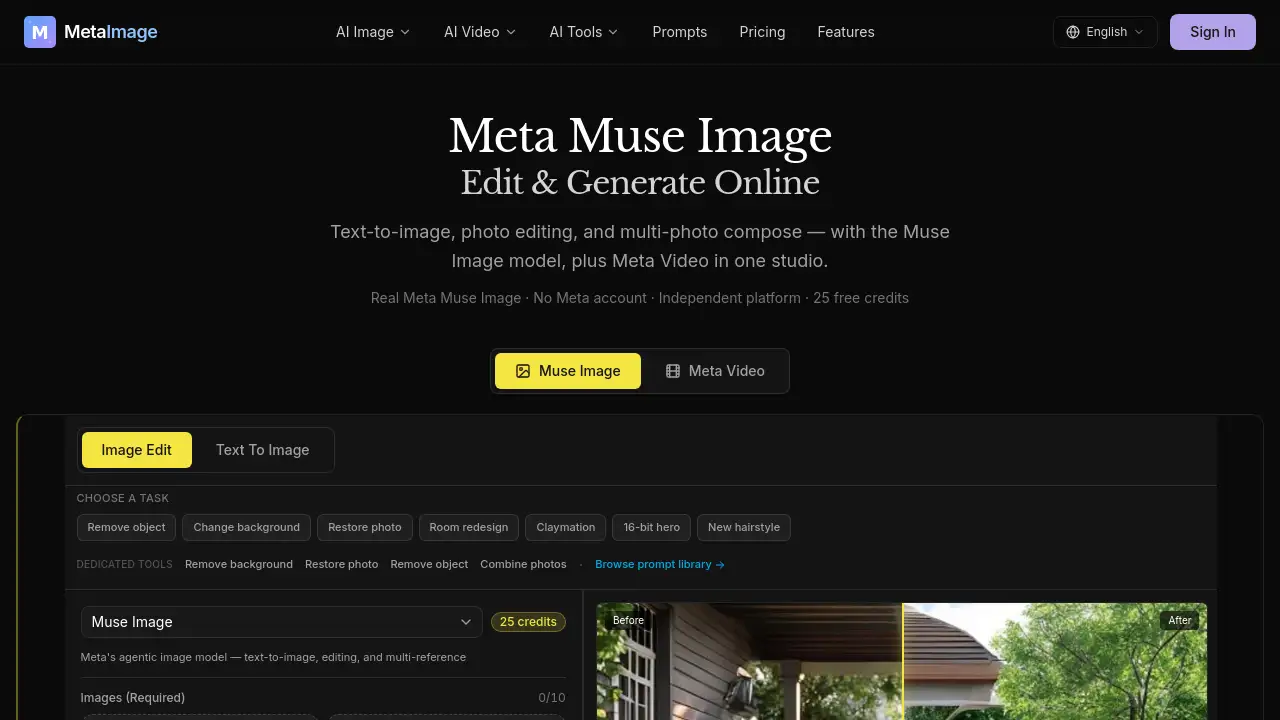
The Mage Flow AI prompt workspace offers a text box, aspect ratio settings, output format choices, and reference image support. Users can test reusable prompt patterns for product shots, portraits, posters, bilingual text rendering, and precise edits.
Use Cases for MageFlow
Commercial Visual Drafts
Marketing teams can use the Mage Flow AI image generator to create launch-ready visual drafts for ads, social posts, and product pages.
Portrait and Identity-Preserving Edits
With Mage-Flow-Edit, users can make appearance changes, restoration edits, or object/content edits while keeping the original structure intact.
Poster and Bilingual Text Rendering
The model supports text rendering in prompts, so users can design posters, banners, and layouts with bilingual text.
Extreme Banner Layouts
Because the model supports native resolutions up to 2048 pixels, a 4:1 banner such as 2048x512 can be generated directly without awkward cropping.
Rapid Creative Exploration
Interactive Turbo speed makes it easy to test many directions quickly and refine only the most promising outputs.
How to Use MageFlow
Using the Mage Flow AI image generator is straightforward.
- Choose generation or edit. Use text-to-image for a new visual, or image editing for an existing photo, product, portrait, or generated image.
- Set output size and aspect ratio. Decide whether the target is square, portrait, landscape, banner, or an extreme crop.
- Write a concrete prompt. Include subject, style, camera, scene, and constraints. For edits, name the exact region and what should stay unchanged.
- Review the first output. Check whether the result matched the prompt, style, text rendering, and edit boundaries.
- Refine with one clear change. Improve one thing at a time, such as lighting, background, composition, or realism.
Target Audience for MageFlow
- Graphic designers and creative professionals
- Marketing and content teams
- Product teams and agencies
- AI researchers and developers
- Freelancers and hobbyists exploring AI image generation
Is MageFlow Free?
MageFlow offers a free entry point, then uses credit-based plans for continued generation and editing. The official website promotes yearly discounts of up to 50% off.
| Plan | Price | Features |
|---|---|---|
| Free | $0 | Limited credits, Mage Flow AI workspace, basic text-to-image and image editing tests |
| Starter | See official pricing | 250 credits/month, Mage Flow AI workspace, text-to-image workflows, reference image edits, private generations, commercial use |
| Pro | See official pricing | 600 credits/month, everything in Starter, higher throughput, priority queue, history saved, faster speed |
| Agency/Team | See official pricing | 1900 credits/month, everything in Pro, high-volume image production, fastest queue, priority support, extended history |
Exact monthly prices depend on regional pricing and plan updates. Visit the official MageFlow pricing page for current numbers.
MageFlow's Pros and Cons
| Aspect | Pros | Cons |
|---|---|---|
| Pricing | Free tier available, yearly discounts | Credit model can become costly for heavy use |
| Features | Text-to-image and image editing in one stack | Results depend on prompt clarity |
| Performance | Reported fast Turbo inference on A100 | Real speed depends on GPU and queue |
| Usability | Simple browser-based workspace | Some prompt-engineering skill is needed |
Frequently Asked Questions about MageFlow
What is Mage-Flow?
Mage-Flow, also searched as mage-flow, is a Microsoft 4B image model family for text-to-image generation and instruction-based editing. It includes Base, RL-aligned, and Turbo variants.
Is MageFlow an AI image generator?
Yes. The Mage Flow AI image generator creates images from text prompts, while Mage-Flow-Edit supports image editing from a source image plus an instruction.
What makes MageFlow different from larger image models?
The official paper emphasizes tokenizer, backbone, and system co-design. Mage-VAE reduces tokenization cost, and native-resolution packing lets one checkpoint work across many sizes and aspect ratios.
How fast is Mage-Flow-Turbo?
According to the official paper, Mage-Flow-Turbo generates a 1024² image in 0.59 seconds on a single NVIDIA A100 GPU. Mage-Flow-Edit-Turbo completes an edit in 1.02 seconds.
Can I use MageFlow for commercial image work?
Yes. The paid Starter, Pro, and Agency plans include commercial use, so teams can create product shots, marketing assets, and other business visuals.
MageFlow Tags
Mage Flow AI image generator, mage-flow, 4B image model, text-to-image, image editing, Microsoft image model, AI image generator, Turbo image generation, native-resolution images, MageFlow pricing, instruction-based editing, AI prompt workspace