Introduction
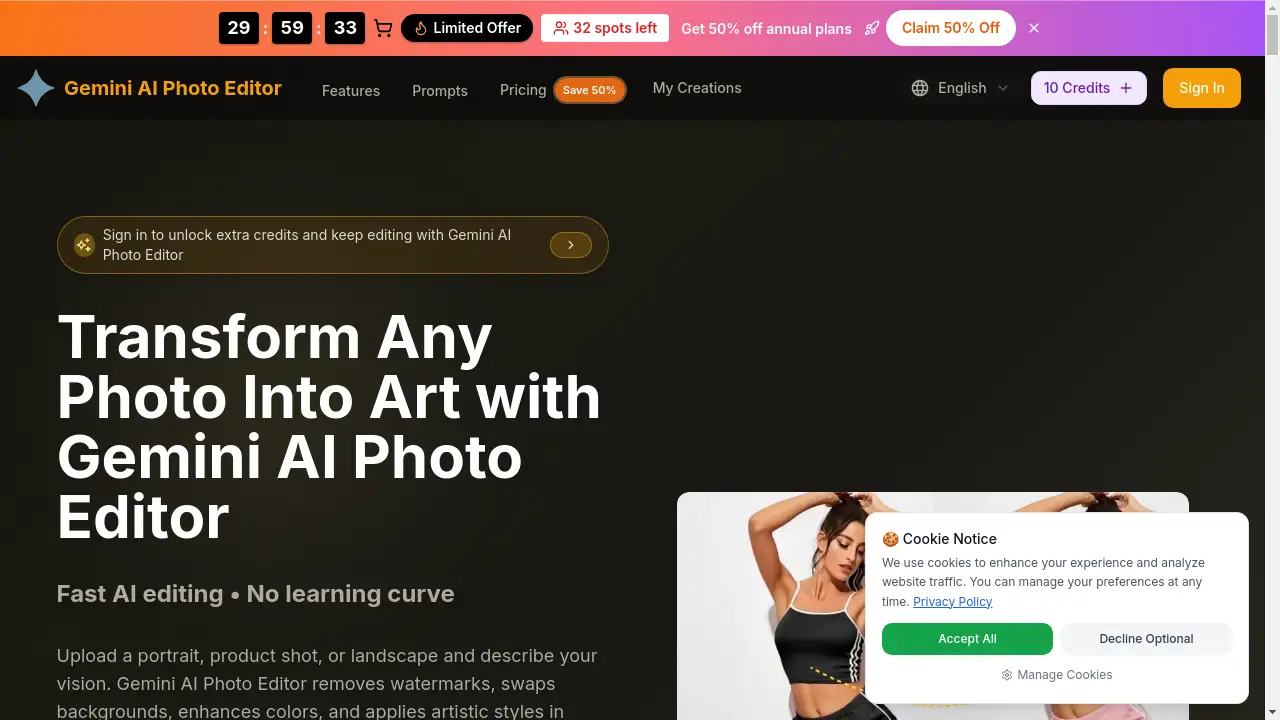
The AI Photo Editor is a browser-based creative tool that combines a Picsart photo editor workflow with prompt-based image generation and editing. It lets users create original images, transform reference photos, and prepare polished creative visuals online. This article reviews its features, use cases, pricing, and overall value for modern image editing.
What is AI Photo Editor?
The AI Photo Editor is an online image tool designed for anyone who wants to edit photos with prompts instead of struggling through complex software. It supports an image-to-image workflow where a user uploads a source photo, writes a plain-language instruction, and receives a revised visual in seconds. The tool is built around a Picsart photo editor workflow, making it easy to generate images, change backgrounds, remove objects, restyle portraits, and build social graphics. It matters because AI photo editing reduces the time needed for routine visual tasks while keeping creative control in the user's hands.
Key Features of AI Photo Editor
Prompt-Based Editing
Users can edit photos with prompts by describing the exact change they want. This makes the AI Photo Editor accessible to beginners and quick for professionals.
Reference Image Support
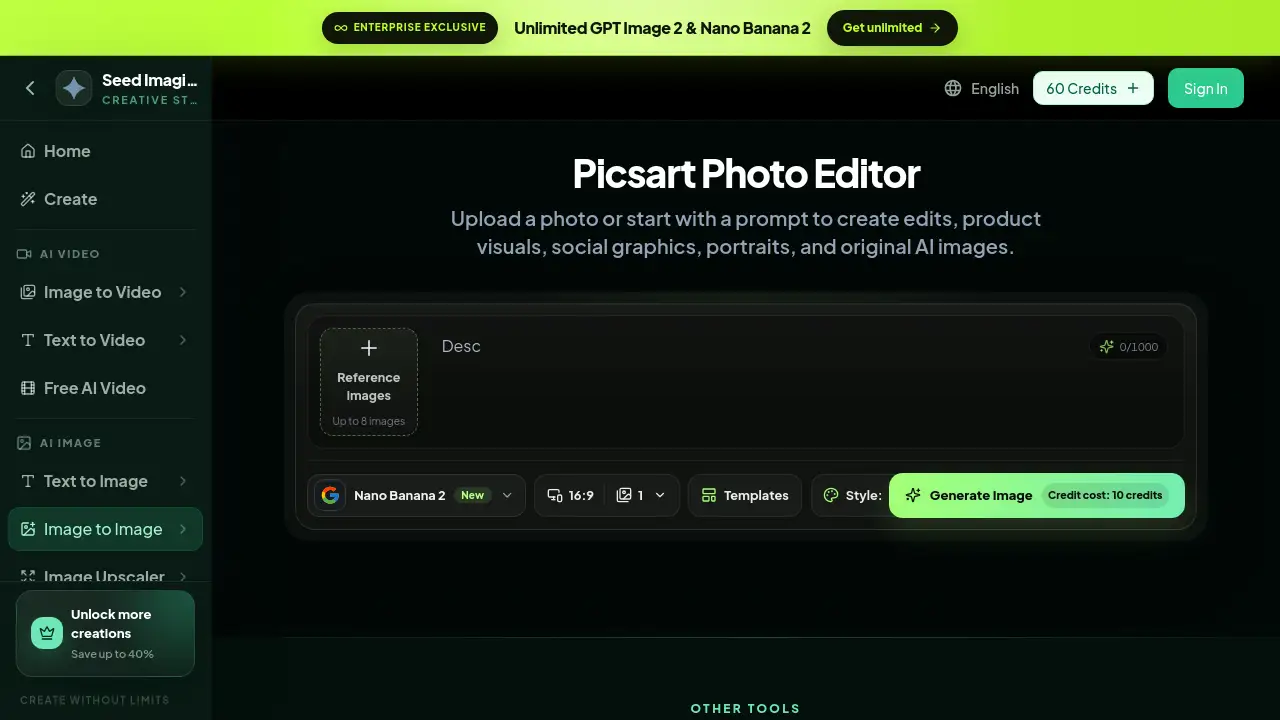
Upload up to eight reference images to keep a specific subject, face, product, or style consistent. The AI Photo Editor combines these references with text prompts for controlled image-to-image results.
Multiple Output Formats and Models
Choose aspect ratios like 16:9, templates, and AI image models such as Nano Banana 2 and GPT Image 2. In the AI Photo Editor, this flexibility helps users create creative visuals for different platforms directly in the browser.
Creative Transformations
The tool supports background replacement, object removal, collages, portrait retouching, and style changes. These AI photo editing options make it easy to turn a simple photo into a polished design, and the AI Photo Editor keeps the entire workflow in one tab.
Use Cases for AI Photo Editor
Product Photo Editing
Ecommerce sellers can clean backgrounds and improve product presentation with the AI Photo Editor. This supports online stores, ads, and campaign visuals without a full design team.
Portrait Retouching and Style Changes
In the AI Photo Editor, users can adjust lighting, color, clothing, hair, and overall style while keeping the person recognizable. This is a practical AI photo editing task for portraits and personal projects.
Social Graphics and Thumbnails
The AI Photo Editor can turn a source photo into vertical posts, thumbnails, covers, and promotional layouts. Marketers can use this Picsart photo editor workflow to create consistent creative visuals quickly.
Creative Edits and Collages
Users can remove distracting objects, combine references, and apply AI effects for illustrated styles. This use case highlights the AI Photo Editor's flexibility for imaginative projects.
How to Use AI Photo Editor
Using the AI Photo Editor is straightforward:
- Upload a photo or start from a text prompt.
- Describe the exact edit in plain language.
- Choose the output format, aspect ratio, and image model.
- Generate the image and compare the result.
- Refine the prompt if the edit needs more precision.
The interface follows a clear Picsart photo editor workflow, so users can move from source image to final output in one session. This makes effective AI photo editing faster and more accessible.
Target Audience for AI Photo Editor
- Ecommerce sellers who need product photo editing
- Social media managers creating thumbnails and posters
- Portrait photographers doing quick AI photo editing
- Marketers producing ad creative and campaign graphics
- Content creators and small business owners looking for easy image editing
- Designers who want to edit photos with prompts for rapid ideation
Is AI Photo Editor Free?
The AI Photo Editor uses a credit-based pricing system. Each image generation costs 10 credits. SeedImagine offers plans on its official pricing page, including options for unlimited GPT Image 2 and Nano Banana 2. The product page also shows 60 credits at sign-in, but users should confirm the exact free-trial amount on the pricing page.
AI Photo Editor's Pros and Cons
The AI Photo Editor has several clear strengths and some trade-offs.
| Aspect | Pros | Cons |
|---|---|---|
| Ease of use | Plain-language prompts make editing accessible | Complex edits may require multiple refinements |
| Features | Supports reference images, multiple models, and output formats | Not all style presets are fully described in the interface |
| Workflow | Picsart photo editor workflow is familiar and browser-based | Credit cost per generation can add up |
| Pricing | Plans are available for different needs | Exact free tier is not clearly shown on the product page |
Frequently Asked Questions about AI Photo Editor
What is an AI Photo Editor?
An AI Photo Editor is an online tool that uses machine learning to generate and modify images. The SeedImagine version uses a Picsart photo editor workflow to edit photos with prompts and reference images.
Can I edit photos with prompts using this tool?
Yes. The tool allows users to edit photos with prompts by typing a description of the desired change. This approach is one of the main strengths of the AI Photo Editor.
How many reference images can I upload?
Users can upload up to eight reference images. This helps the AI Photo Editor preserve the identity of a person, product, or object during image-to-image edits.
What image models and formats are available?
The AI Photo Editor supports models such as Nano Banana 2 and GPT Image 2. Users can choose aspect ratios like 16:9, apply templates, and use the Style Auto option for a balanced output.
Is the AI Photo Editor free?
The platform uses a credit-based system, and each generation costs 10 credits. The official pricing page provides details on paid plans and unlimited options, so users should check there for current free or trial credits.
AI Photo Editor Tags
AI Photo Editor, Picsart photo editor, AI photo editing, edit photos with prompts, image to image photo editor, creative visuals, product photo editing, portrait retouching, social graphics maker, Nano Banana 2, GPT Image 2, online photo editor