Introduction
A browser-based tool that transforms images with simple text prompts.
What is gemini ai photo editor?
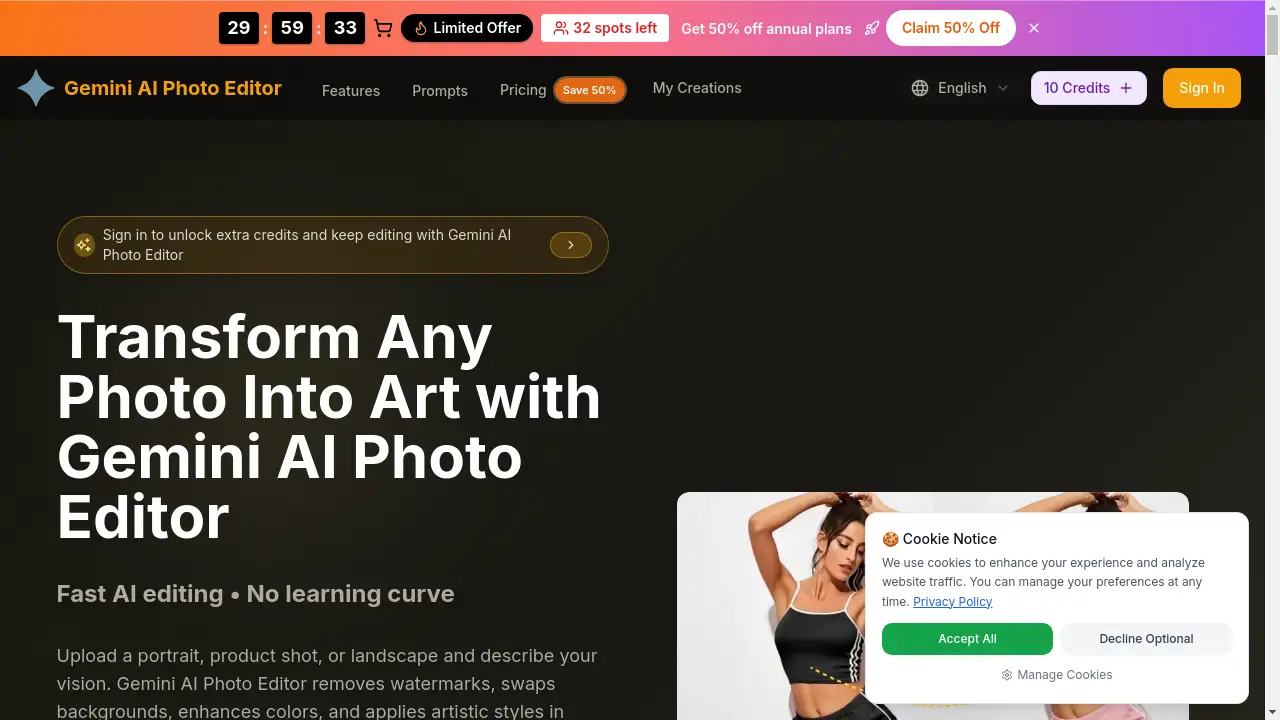
The Gemini AI Photo Editor is an online platform that uses artificial intelligence to edit images based on text descriptions. It addresses the need for professional-grade photo editing without requiring expertise in complex software like Photoshop. Users can upload an image, describe the desired change—such as removing a watermark, swapping a background, or applying an artistic style—and receive the edited result in seconds. This product is suitable for a wide range of users, from content creators and marketers to small business owners and hobbyists, who need fast, high-quality visual content. The photo editor gemini ai workflow makes advanced image manipulation accessible to everyone.
Key Features of gemini ai photo editor
Intelligent Image Understanding
The AI deeply analyzes uploaded photos, detecting objects, textures, lighting, and even mood to ensure that all edits look natural and cohesive.
Diverse Style Transformations
With a single prompt, images can be transformed across a vast spectrum, from photorealistic enhancements and background swaps to artistic styles like anime, oil painting, or cinematic looks.
Advanced Color Processing
The engine intelligently adjusts millions of color relationships to enhance vibrancy, correct lighting, and maintain visual consistency for a professional finish.
Lightning-Fast Batch Processing
Users can queue multiple images for editing, applying consistent styles or adjustments across an entire set, which is ideal for creating cohesive campaigns or product catalogs.
Smart Prompt Assistance
Built-in tips and suggestions help users craft clear, effective text descriptions to communicate their vision accurately, reducing guesswork and iteration.
Secure, Browser-Based Studio
All processing happens securely in the cloud within a web browser, requiring no software installation and ensuring that original files are handled safely.
Use Cases for gemini ai photo editor
E-commerce Product Enhancement
Online sellers can quickly remove distracting backgrounds from product shots, enhance colors, and create clean, consistent images for their listings.
Social Media Content Creation
Content creators and influencers can transform ordinary photos into eye-catching graphics, apply unique filters, or generate thematic art for their posts and stories.
Professional Portrait Retouching
Photographers and individuals can easily perform subtle retouching like skin smoothing, eye brightening, and background cleanup to polish portrait photos.
Marketing and Advertising Visuals
Marketing teams can generate campaign-ready mockups, adapt visuals to match brand guidelines, and create multiple variations of an image for A/B testing.
Personal Art Projects
Hobbyists can experiment with turning personal photographs into digital art in various styles, from sketches to abstract painterly renders.
How to Use gemini ai photo editor
- Upload Your Image: Visit the website and drag & drop a JPG, PNG, or WebP file (up to 4K resolution) into the upload area.
- Describe Your Edit: In the text prompt box, clearly describe the change you want. Be specific about colors, objects to remove/add, style (e.g., "oil painting"), and mood.
- Adjust Settings (Optional): Select an output aspect ratio and use available sliders to fine-tune the intensity of the applied effect.
- Generate and Download: Submit your prompt. The Gemini AI Photo Editor will process the image and present the result, usually within seconds. You can then download the high-resolution, watermark-free edited file.
Target Audience for gemini ai photo editor
- Social Media Managers and Content Creators
- E-commerce Store Owners and Product Photographers
- Digital Marketers and Advertising Professionals
- Bloggers and Website Owners
- Photographers looking for quick post-processing
- Hobbyists and individuals with no prior editing experience
Is gemini ai photo editor Free?
The Gemini AI Photo Editor operates on a credit-based system. New users typically receive a number of free credits to try the service. For continued use, paid plans offer larger bundles of credits. Based on available information, here is a simplified overview:
| Plan | Price (Annual Billing) | Key Features & Credits |
|---|---|---|
| Basic | $7.9/month | ~1,200 images/year (12,000 credits), commercial license, permanent image history. |
| Professional | $14.9/month (Flash Sale) | ~4,800 images/year (48,000 credits), all Basic features. |
| Enterprise | $39.9/month (Flash Sale) | ~12,000 images/year (120,000 credits), for teams and high-volume use. |
Note: Prices and credit counts are subject to change. It is recommended to check the official website for the most current pricing and any ongoing promotions.
gemini ai photo editor's Pros and Cons
| Aspect | Pros | Cons |
|---|---|---|
| Ease of Use | Extremely intuitive; no software skills needed. | Limited fine-grained control compared to professional desktop software. |
| Speed | Edits are generated in seconds, with batch processing support. | Output speed may vary slightly with server load or complex prompts. |
| Accessibility | Browser-based, works on any device with an internet connection. | Requires a stable internet connection to function. |
| Cost | Affordable for professionals and teams with regular needs. | Can become expensive for casual users with very high-volume editing. |
| Output Quality | Delivers high-resolution, professional-looking results for most common edits. | As with all AI, results may occasionally require a second prompt for perfect accuracy. |
Frequently Asked Questions about gemini ai photo editor
How do I get started with Gemini AI Photo Editor?
You can start by visiting the official website. New users often receive free credits to test the ai photo editor gemini workflow. Simply upload an image, write a prompt describing your edit, and generate your first result.
What image formats does it support for upload and download?
The editor supports uploading JPG, PNG, and WebP files. Edited images can be downloaded in high-quality formats like PNG and JPEG, suitable for both personal and commercial use.
Can I use it on my phone?
Currently, Gemini AI Photo Editor is a web-based application optimized for browsers. While there is no dedicated mobile app, you can access and use it through a mobile web browser on your smartphone or tablet.
Is there a limit to how many images I can edit?
Editing is based on a credit system. Each image generation consumes credits. Free trials provide a starting amount, while paid subscription plans offer larger monthly or yearly credit allowances for continuous use.
gemini ai photo editor Tags
Gemini AI Photo Editor, ai photo editor gemini, photo editor gemini ai, online AI photo editor, AI image editor, remove background AI, AI photo enhancer, text to image editor, batch photo editing, AI art generator, watermark remover, product photo editor, marketing visuals tool