Introduction
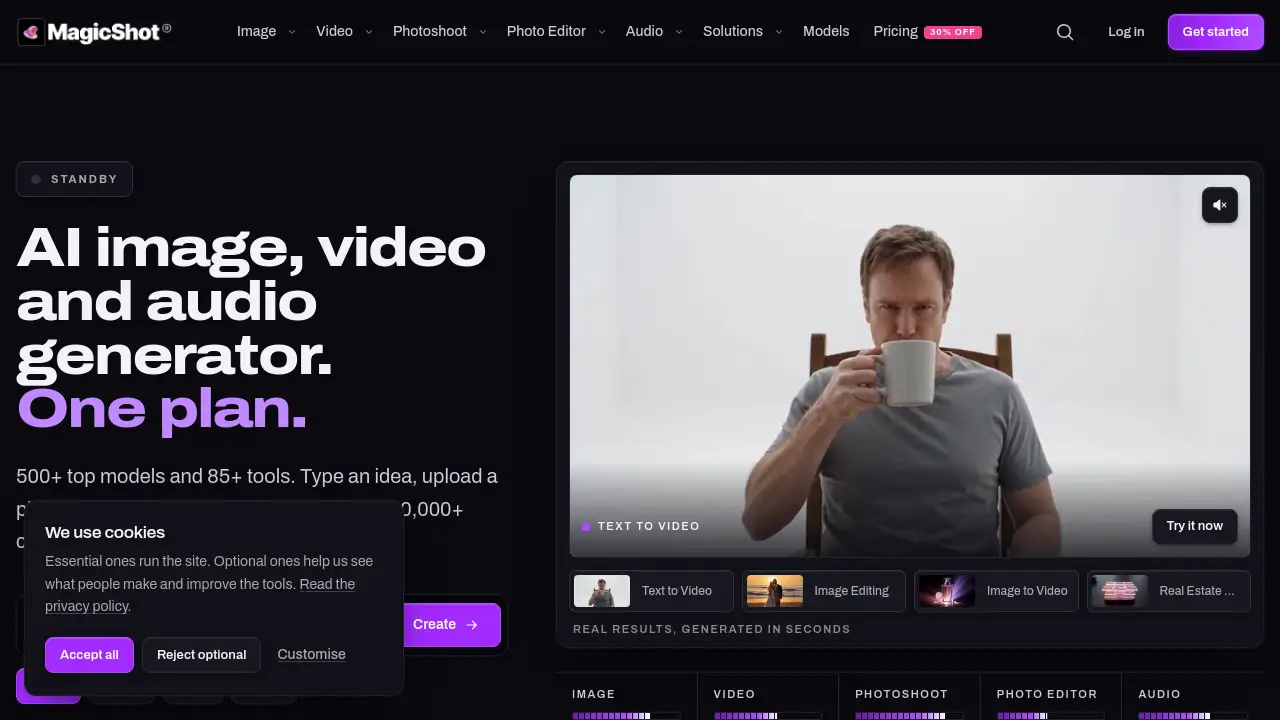
MagicShot AI is an all-in-one AI platform for creating images, video, and audio with hundreds of models and tools under one subscription. Instead of juggling five tabs and five invoices, users can generate visuals, edit photos, make videos, and produce voiceovers from a single workspace. This review explains what MagicShot AI offers, who it suits, and how its AI image generator, AI video generator, and AI audio generator tools work together.
What is MagicShot AI?
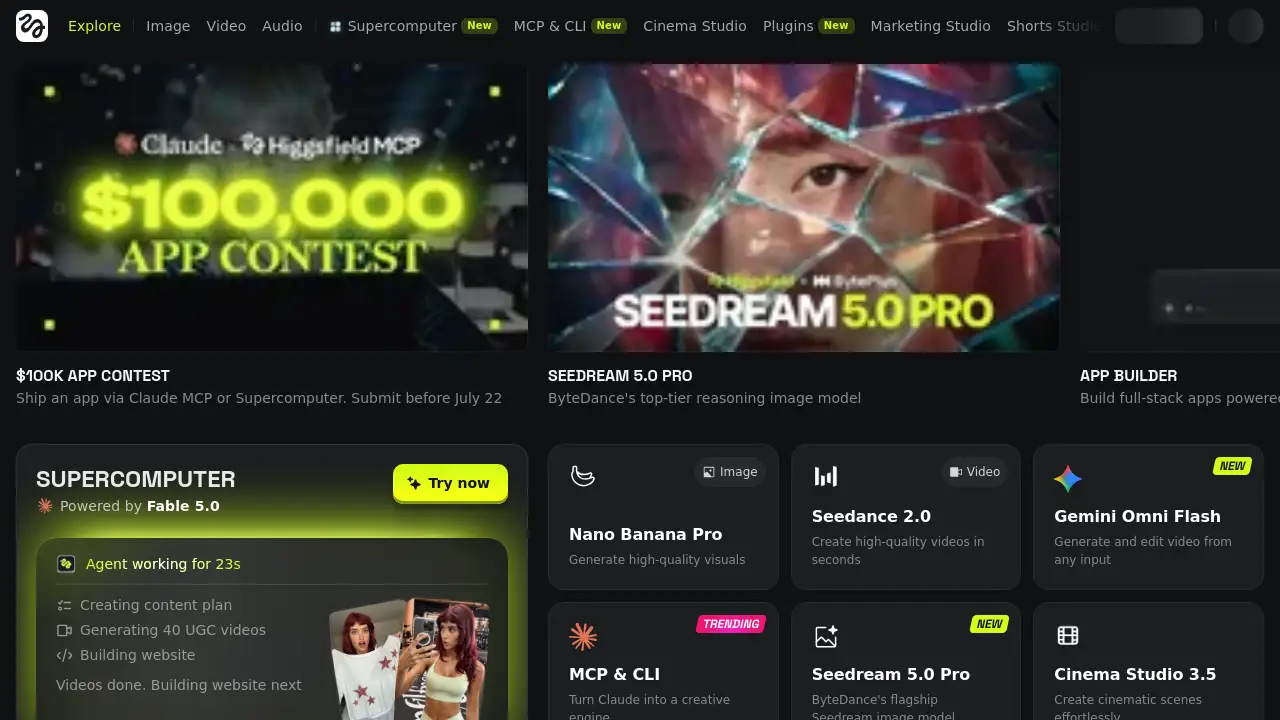
MagicShot AI is a web-based creative suite that brings multiple AI tools into one subscription. It solves a common problem: creators and teams often pay for separate tools for image generation, video production, photo editing, and audio creation. MagicShot AI combines those needs in one place, with 500+ AI models and 85+ tools for images, video, photoshoots, photo editing, and audio. It is suitable for solo creators, marketers, ecommerce sellers, agencies, real estate agents, podcasters, and small businesses. By reducing tab switching and multiple invoices, MagicShot AI can simplify content production and help users move from idea to finished asset faster.
Key Features of MagicShot AI
All-in-One AI Image Generator
MagicShot AI includes an AI image generator that turns text prompts into high-resolution images, logos, artwork, product shots, stickers, and wallpapers. Users can also enhance blurry photos, create YouTube thumbnails, and design branded QR codes with related tools.
AI Video Generator
The AI video generator creates original video from prompts, photos, or scripts. It supports UGC-style ads, cinematic clips, talking presenters, podcasts, image-to-video animation, and real estate marketing videos without a camera.
AI Photoshoot
With AI photoshoot tools, users can upload selfies and generate professional headshots, fashion imagery, dating photos, pet portraits, baby photoshoots, wedding portraits, avatars, and interior design previews. This feature helps people create studio-quality visuals without booking a studio.
AI Photo Editor
The AI photo editor offers one-click fixes for existing images. It can remove backgrounds and unwanted objects, upscale images, restore damaged prints, colorize old photos, brighten lighting, and turn photos into anime characters.
AI Audio Generator
MagicShot AI also provides an AI audio generator for voiceovers, cloned narration, original music, sound effects, and transcripts. These audio tools support videos, podcasts, ads, and other published content.
500+ AI Models and 85+ Tools
MagicShot AI brings together 500+ AI models and 85+ tools under one plan. This range allows users to choose different models for different tasks without managing separate subscriptions or accounts.
Industry Solutions
The platform offers solutions for influencers, ecommerce, small business, agencies, real estate, and podcasters. Each solution adapts the same studio-style toolkit to specific workflows and content needs.
Use Cases for MagicShot AI
Influencer Content Creation
Influencers can use MagicShot AI to produce daily posts, headshots, and UGC-style videos without a full content team. The AI image generator and AI video generator help maintain a steady publishing schedule.
Ecommerce Product Visuals
Ecommerce sellers can turn a phone photo into listing-ready product shots and video ads. MagicShot AI supports product photo generation, background removal, and UGC video creation from one subscription.
Small Business Marketing
Small businesses can create brand kits, flyers, promotional videos, and social media visuals with MagicShot AI. The platform reduces the need for multiple design and editing subscriptions.
Real Estate Marketing
Real estate agents can generate listing photos, virtual staging, and property tour videos. MagicShot AI's video and photoshoot tools help market homes with more visual variety.
Podcast Production
Podcasters can use the AI audio generator for voice, music, transcripts, and video episodes. MagicShot AI can support the audio and visual layers of a podcast workflow.
Agency Campaign Work
Agencies can run multiple client campaigns on one subscription. MagicShot AI offers image, video, photoshoot, photo editing, and audio tools that cover many common creative requests.
How to Use MagicShot AI
- Create an account on the MagicShot AI website using the Get started option.
- Choose a tool from categories such as AI image generator, AI video generator, AI photoshoot, AI photo editor, or AI audio generator.
- Enter a text prompt, upload a photo, or provide a script, depending on the selected tool.
- Adjust settings or choose a model if the tool offers options, then generate the asset.
- Review the result, make edits with related tools, and download the final image, video, or audio file.
Target Audience for MagicShot AI
- Content creators and influencers who need regular visuals and short-form video.
- Ecommerce sellers who want product photos, ads, and listing visuals.
- Small business owners who need marketing assets without a large team.
- Marketing agencies that manage creative work for multiple clients.
- Real estate professionals who need listing photos, staging, and tour videos.
- Podcasters who need voice, music, transcripts, and video episodes.
- Photographers or editors looking for AI photo editing and enhancement tools.
Is MagicShot AI Free?
The reference information does not list exact prices for MagicShot AI. The website shows a Pricing 30% OFF link and a Get started option, which suggests a paid subscription with a possible discount. The product description states that one plan covers images, video, audio, 500+ AI models, and 85+ tools. Because free access, trial limits, and credit rules are not specified in the provided content, users should visit the official MagicShot AI pricing page for current plan details.
MagicShot AI's Pros and Cons
| Aspect | Pros | Cons |
|---|---|---|
| Pricing | One subscription can replace multiple tools; 30% OFF shown on site | Exact price is not clear in the reference; may not suit very occasional users |
| Features | 500+ AI models and 85+ tools for image, video, photoshoot, editing, and audio | Large tool selection may feel overwhelming at first |
| Accessibility | Web-based platform; no camera or studio required for many tasks | Requires internet access and an account |
| Use Cases | Supports influencers, ecommerce, small business, agencies, real estate, and podcasters | Output quality depends on prompts, models, and source files |
| Workflow | Reduces tab switching and multiple invoices | Some advanced tools may require learning and testing |
Frequently Asked Questions about MagicShot AI
What is MagicShot AI?
MagicShot AI is an all-in-one AI platform for generating images, video, and audio. It combines an AI image generator, AI video generator, AI photoshoot, AI photo editor, and AI audio generator in one subscription.
Does MagicShot AI include video and audio tools?
Yes. MagicShot AI includes an AI video generator for text-to-video, image-to-video, UGC ads, podcasts, and real estate videos. It also has an AI audio generator for music, text-to-speech, sound effects, and transcription.
Can MagicShot AI create professional headshots?
Yes. The AI photoshoot section includes an AI headshot generator for LinkedIn-ready profile headshots. It also offers avatar generation, pet portraits, wedding photos, and other portrait styles.
How many AI models and tools does MagicShot AI offer?
According to the product description, MagicShot AI provides 500+ AI models and 85+ tools. These cover image generation, video creation, photoshoots, photo editing, and audio production.
Is MagicShot AI suitable for ecommerce?
MagicShot AI can support ecommerce workflows with product photo generation, background removal, image enhancement, and UGC-style video ads. This makes it useful for sellers who need listing visuals and promotional content.
Is MagicShot AI free?
The provided information does not confirm a free plan. The site shows Pricing 30% OFF and a Get started option, so users should check the official pricing page for free trial availability, subscription costs, and credit limits.
MagicShot AI Tags
MagicShot AI, all-in-one AI platform, AI image generator, AI video generator, AI audio generator, AI photoshoot, AI photo editor, 500+ AI models, 85+ AI tools, AI content creation, AI video ads, AI headshot generator