Introduction
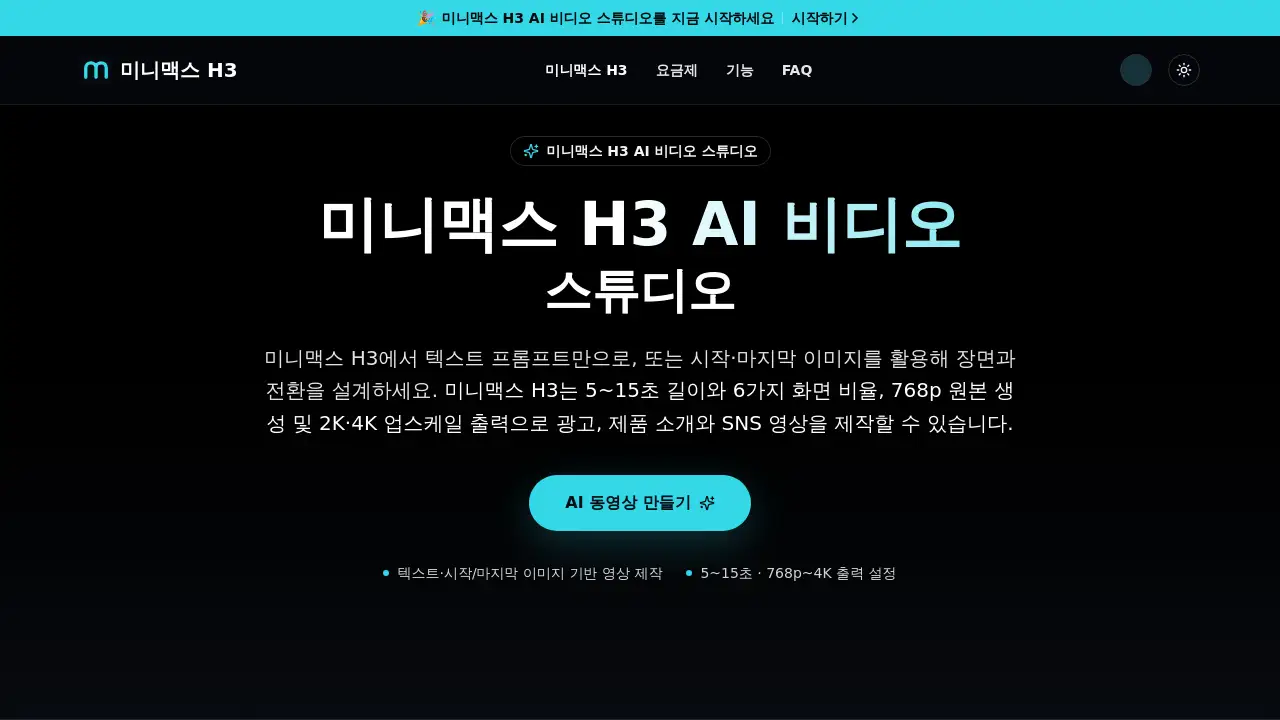
MiniMax H3 KR is an AI video studio that turns text and images into 2K AI video clips online.
What is MiniMax H3 KR?
MiniMax H3 KR is an AI-powered video creation platform built around the MiniMax H3 model. It lets users generate short videos from text prompts, reference images, or a combination of both. Instead of using complex editing software, creators can describe a scene, set the camera movement, choose the length, and let the AI produce a finished video clip with native stereo audio.
This tool solves a common problem: video production is time-consuming and technically demanding. With MiniMax H3 KR, anyone can create product ads, social media shorts, or cinematic scenes in minutes. The studio supports 5 to 15 second clips, multiple aspect ratios from 21:9 to 9:16, and outputs up to 768p native generation with 2K or 4K upscaling options. It also allows precise editing through natural language, meaning users can change a product, swap a sign, or turn day into night without regenerating the whole video.
The platform is suitable for marketers, small business owners, content creators, and video editors who want faster workflows. It matters because it reduces the gap between idea and final video, allowing for rapid iteration and immediate use in real projects.
Key Features of MiniMax H3 KR
Text and Image Based Video Generation
MiniMax H3 KR accepts text prompts of up to 7,000 characters. Users can describe people, backgrounds, lighting, camera movement, and sound. The studio also supports first and last frame images, so creators can control how a scene starts and ends.
Multi-Modal Reference Input
The platform allows users to upload up to 9 images, 3 video clips, and 3 audio tracks in a single generation. This is useful for maintaining character identity, matching composition, and syncing editing rhythm across the video.
Natural Language Video Editing
Instead of starting over, users can instruct the AI to modify only one part of the video. For example, replace a product, change dialogue, or shift a daytime scene to nighttime. The rest of the scene, including the person and camera angle, stays consistent.
Resolution and Aspect Ratio Control
MiniMax H3 KR offers 768p original generation and 2K or 4K upscale output. Users can choose from six aspect ratios, including 21:9 widescreen and 9:16 vertical for short-form platforms.
Built-In Stereo Audio Generation
Videos come with native stereo audio, including dialogue, sound effects, and background music. This means creators can review motion, speech, and atmosphere in one pass without adding audio in separate tools.
Flexible Video Length Settings
Clips can be set to 5, 10, or 15 seconds. This makes the tool suitable for different content formats, from quick social media teasers to longer product storytelling.
Use Cases for MiniMax H3 KR
Social Media Shorts and Ads
Creators can generate vertical 9:16 videos for TikTok, Instagram Reels, or YouTube Shorts. The AI video studio helps produce eye-catching clips with clear calls to action.
Product Introduction and E-Commerce Videos
Businesses can upload product images and write a short prompt to create demonstration videos. The AI video generator can show product movement, highlight features, and maintain brand consistency across multiple clips.
Cinematic Scene Previsualization
Filmmakers and storyboard artists can use MiniMax H3 KR to quickly visualize scenes before production. By combining text prompts and reference images, they can explore camera angles, lighting, and transitions in minutes.
Brand Campaigns and Model Consistency
Brands can upload a reference photo of a model or character. The AI video generation model keeps the person's key facial features while placing them in new scenes and actions, which is valuable for campaign testing and character-driven content.
How to Use MiniMax H3 KR
- Write a prompt or upload images. Describe the subject, background, motion, lighting, and camera direction. Or upload a starting image and an optional ending image to control the transition.
- Set video parameters. Choose a length between 5 and 15 seconds, select an aspect ratio, and pick your preferred output resolution such as 768p or 2K.
- Generate the video. Click the generate button and wait for the AI to process the request. Video and audio are created together.
- Review and refine. Check the result. If something is wrong, instruct the AI video generator to change only the specific element, then regenerate.
- Download and use. Once satisfied, download the video and use it directly in ads, product pages, or social media posts.
Target Audience for MiniMax H3 KR
- Content creators who need fast, high-quality short videos for social platforms.
- Small business owners who want to produce product demos without hiring a video team.
- Marketing professionals who create ad variations and need quick turnarounds.
- E-commerce sellers who require product videos for listings and promotions.
- Video editors who want to reduce repetitive work and generate base clips quickly.
- Brand managers who maintain visual consistency across campaigns.
Is MiniMax H3 KR Free?
MiniMax H3 KR offers a free plan with credits after sign-up, so new users can test the video generator before paying. Paid subscriptions are credit-based, and the studio currently shows discounted annual plans.
| Plan | Price | Features |
|---|---|---|
| Free | $0 | Limited credits to start, standard generation, explore core features |
| Starter (annual) | 50% off promotional pricing | 250 credits/month, 2K and 4K upscale, private generation, commercial use |
| Pro (annual) | 50% off promotional pricing | 600 credits/month, fast queue, priority support, extended generation history |
| Business (annual) | 40% off promotional pricing | 1,900 credits/month, top priority queue, team support, larger history |
Credits do not roll over to the next month. Failed generations are refunded, and payments are processed securely through Stripe. Users should check the official pricing page for the latest rates and credit deduction rules.
MiniMax H3 KR's Pros and Cons
| Aspect | Pros | Cons |
|---|---|---|
| Pricing | Free plan available; commercial use on paid plans | Credit-based system may require careful planning |
| Features | Multi-modal input, 2K output, built-in audio, natural language editing | Output length is limited to 15 seconds per clip |
| Usability | Simple three-step workflow, no editing skills needed | Results may need prompt refinement to match expectations |
| Flexibility | Multiple aspect ratios and resolution options | Audio quality varies depending on scene complexity |
| Support | Priority support on higher tiers | Lower tiers may have slower generation queues |
Frequently Asked Questions about MiniMax H3 KR
What is MiniMax H3 KR?
MiniMax H3 KR is an AI video studio. It uses the MiniMax H3 model to generate 2K videos from text prompts, reference images, and audio clips. Users can set length, aspect ratio, and resolution to create short videos for ads, product demos, and social media.
How is MiniMax H3 different from Hailuo 2.3?
MiniMax H3 is part of the Hailuo model family. It supports multi-modal inputs including text, images, video, and audio. It also offers 2K output, native stereo audio generation, and natural language editing, which are key upgrades over previous versions.
Can I use MiniMax H3 KR for commercial projects?
Yes. Paid plans include commercial use for ads, e-commerce videos, product introductions, and client projects. Users are responsible for checking rights related to uploaded images, audio, and the people shown in the videos.
Does MiniMax H3 KR generate audio with the video?
Yes. The model creates stereo audio together with the video, including dialogue, sound effects, and background music. Since results may vary by scene, it is recommended to review the audio before publishing.
Is MiniMax H3 KR free to use?
There is a free plan that gives new users credits to try the AI video generator. After that, users can choose a paid credit plan. The platform occasionally offers promotional discounts on annual subscriptions.
What video length and resolution can MiniMax H3 KR produce?
The platform supports 5 to 15 second videos. It generates at 768p natively and can upscale output to 2K or 4K. Users can also choose from multiple aspect ratios, including horizontal and vertical formats.
MiniMax H3 KR Tags
AI video generator, MiniMax H3 KR, text to video AI, 2K AI video, AI video studio, image to video AI, AI video editing, short form video creation, AI video with audio, 4K upscale video, commercial AI video, MiniMax Hailuo AI