Introduction
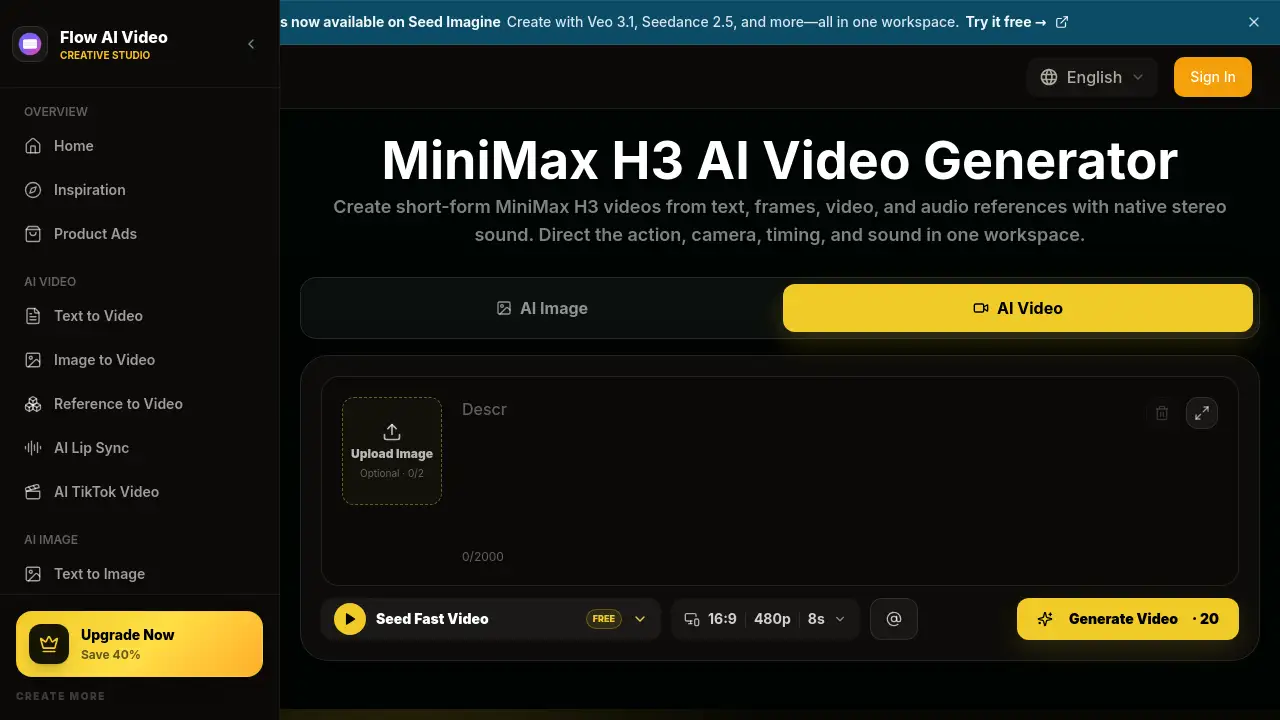
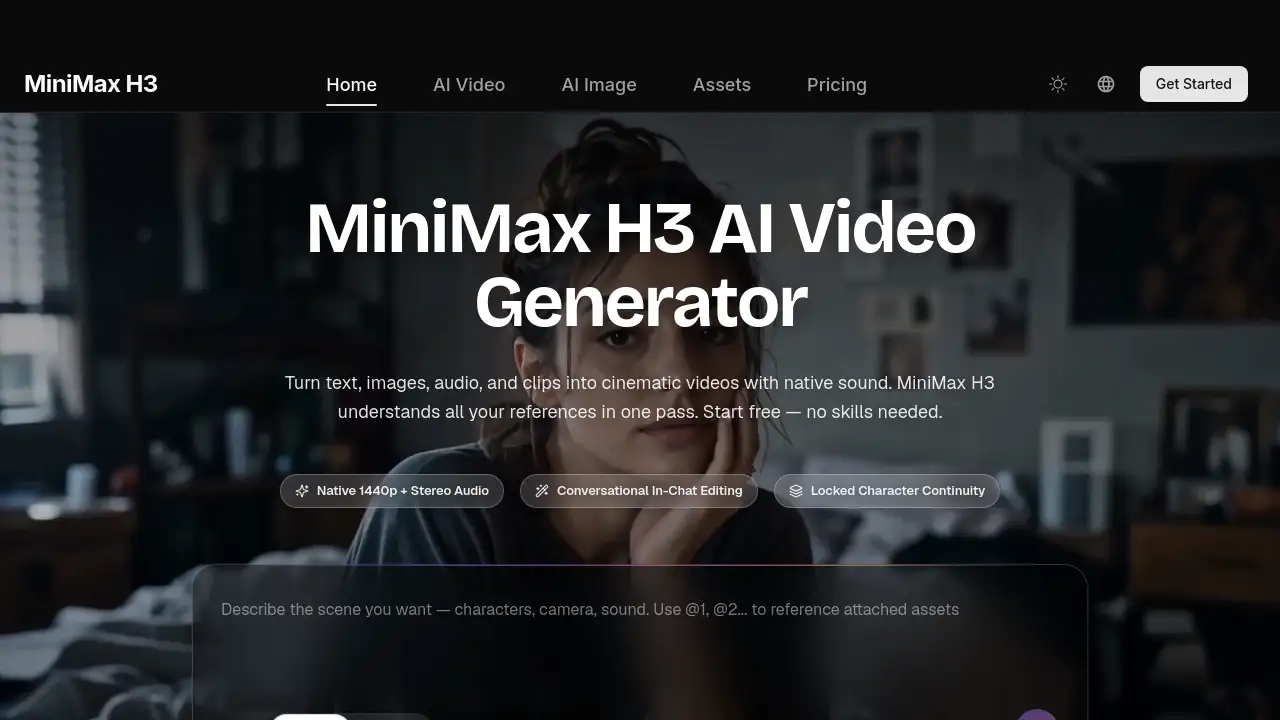
Minimax H3 is a powerful AI video generator that turns text, images, audio, and clips into cinematic videos with native sound. It understands all your references in one pass, making video creation accessible to everyone—no skills needed.
What is Minimax H3?
Minimax H3 is a truly multimodal AI video generator designed for creators, marketers, and studios who need to produce high‑quality video content quickly. Unlike single‑task tools, H3 accepts up to 9 images, 3 video clips, and 3 audio tracks in a single request. It reads characters, motion, camera moves, voices, and style together, then blends them into one coherent video with native stereo audio. The main problem it solves is the complexity of mixing different media types and editing videos manually. By combining generation, referencing, and editing in one model, Minimax H3 eliminates the need to juggle multiple tools. It’s suitable for anyone who wants to create commercial‑grade videos—from hobbyists to professionals—and matters because it democratizes video production with a simple text‑based workflow.
Key Features of Minimax H3
Text to Video
Write a prompt up to 7,000 characters and Minimax H3 turns it into a complete video with visuals, motion, and sound. This makes it an ideal AI video generator for storyboards, trailers, and social content.
Image to Video
Animate any photo or illustration. Use first and last frame images to control exactly where a shot starts and ends, while H3 fills in natural motion between them—perfect for product showcases.
Reference Everything
Bring a character photo, a motion clip, and a style frame together. H3 keeps faces on‑model, copies choreography, and matches the visual style you point at, enabling seamless video editing through references.
Native Audio & Voice Clone
Every generation includes stereo sound—ambience, effects, music, and dialogue. Provide a voice sample and H3 makes your character speak new lines in that voice, a standout feature for multimodal AI video creation.
Instruction‑Based Editing
Replace subjects, remove objects, swap backgrounds, relight scenes, and change dialogue with one sentence. Unedited parts of your video stay pixel‑stable, streamlining video editing workflows.
Any Aspect Ratio
Generate in 21:9, 16:9, 4:3, 1:1, 3:4, or 9:16—or let H3 pick the best frame automatically. One model covers cinema screens and phone feeds alike, making it a versatile text to video solution.
Use Cases for Minimax H3
Game Content
Generate game CG, first‑person gameplay shots, character PVs, and animated UI demos. H3 keeps HUD elements, menus, and character designs consistent from frame to frame.
Stylized Animation
From claymation and pixel art to anime and 3D fantasy styles, Minimax H3 holds a look across every shot. Bring a style reference and your characters stay on‑model.
Product & E‑commerce
Turn product photos into polished showcase videos, feature explainers, and ad creatives. H3 renders brand text, packaging, and product details accurately.
Cinematic Films
Direct trailers, brand films, and short dramas with real camera language—rack focus, hard cuts, title cards, and synced sound design, all generated in one pass.
How to Use Minimax H3
- Describe or Upload – Type what you want to see, or add reference images, video clips, and audio. Minimax H3 accepts up to 9 images, 3 videos, and 3 audio tracks in one request.
- Generate – Pick your aspect ratio (from 21:9 cinematic to 9:16 vertical) and hit Generate. H3 creates a 5–15 second video with native stereo sound in one pass.
- Refine and Download – Not perfect yet? Tell H3 what to change in plain language. It edits the video while keeping everything else stable. Download in up to 1440p and share anywhere.
No timeline, plugins, or experience needed—this AI video generator works as simply as writing a sentence.
Target Audience for Minimax H3
- Content Creators – Produce scroll‑stopping shorts for TikTok, Reels, and YouTube daily.
- Marketers & Agencies – Test ten ad concepts before lunch with accurate brand text and product shots.
- E‑commerce Sellers – Turn flat product photos into listing videos that convert.
- Filmmakers & Studios – Previsualize scenes, pitch with moving storyboards, and explore looks.
- Game & App Teams – Create game CG, character PVs, and animated UI walkthroughs.
- Hobbyists & Storytellers – No skills required; turn ideas into videos worth sharing.
Is Minimax H3 Free?
Yes, Minimax H3 offers a free tier to try without a credit card. For advanced features and higher usage, three paid plans are available with launch pricing (50% OFF annual plans).
| Plan | Price (annual, after discount) | Key Features |
|---|---|---|
| Lite | $14.9/month ($178.8/year) | 0.025/credit, up to 1 batch task, standard speed, standard support, commercial license |
| Standard | $24.9/month ($298.8/year) | 0.017/credit, up to 4 batch tasks, priority speed, high success rate, priority support |
| Pro | $49.9/month ($598.8/year) | 0.014/credit, up to 10 batch tasks, highest priority, best support (details from reference) |
Prices and features are subject to change. Visit the official pricing page for the latest information.
Minimax H3's Pros and Cons
| Aspect | Pros | Cons |
|---|---|---|
| Pricing | Affordable annual plans with 50% OFF; free tier available | Per‑credit cost may add up for heavy users |
| Features | True multimodal input (images, video, audio); instruction‑based editing; native stereo audio; up to 1440p output | Video length limited to 15s; batch task limits on lower plans |
| Usability | No skills needed; plain‑language editing; any aspect ratio; fast generation | Some advanced controls (e.g., precise frame timing) may require iteration |
| Quality | Commercial‑grade output with accurate text and logos; consistent characters and style | Results depend on input quality; occasional artifacts in complex scenes |
Frequently Asked Questions about Minimax H3
Can I use Minimax H3 for free?
Yes. You can start for free without a credit card. The free tier lets you generate videos and explore features. Upgrade to paid plans only when you need more volume or priority processing.
What types of input does Minimax H3 support?
Minimax H3 is a multimodal AI video generator that accepts text, images, video clips, and audio. In one request, you can mix up to 9 images, 3 videos, and 3 audio tracks.
How long are the videos generated by Minimax H3?
Each video is 5–15 seconds long. You can create longer sequences by generating multiple clips and editing them together.
Can I edit a video after it’s generated?
Yes, Minimax H3 supports instruction-based video editing. You can swap characters, change backgrounds, relight scenes, or rewrite dialogue using a plain‑language sentence. Unedited parts remain stable.
Does Minimax H3 support voice cloning?
Absolutely. Provide a voice sample reference, and H3 can clone that voice for new dialogue, including lip sync and emotion matching.
Is the output resolution high enough for professional use?
Minimax H3 outputs video up to 1440p at 24 FPS with accurate on‑screen text, logos, and product details. It is designed for commercial use in ads, e‑commerce, and brand films.
Minimax H3 Tags
AI video generator, Minimax H3, multimodal AI, text to video, image to video, video editing, native audio, voice clone, instruction‑based editing, commercial‑grade video, AI content creation, 1440p video generator