Introduction
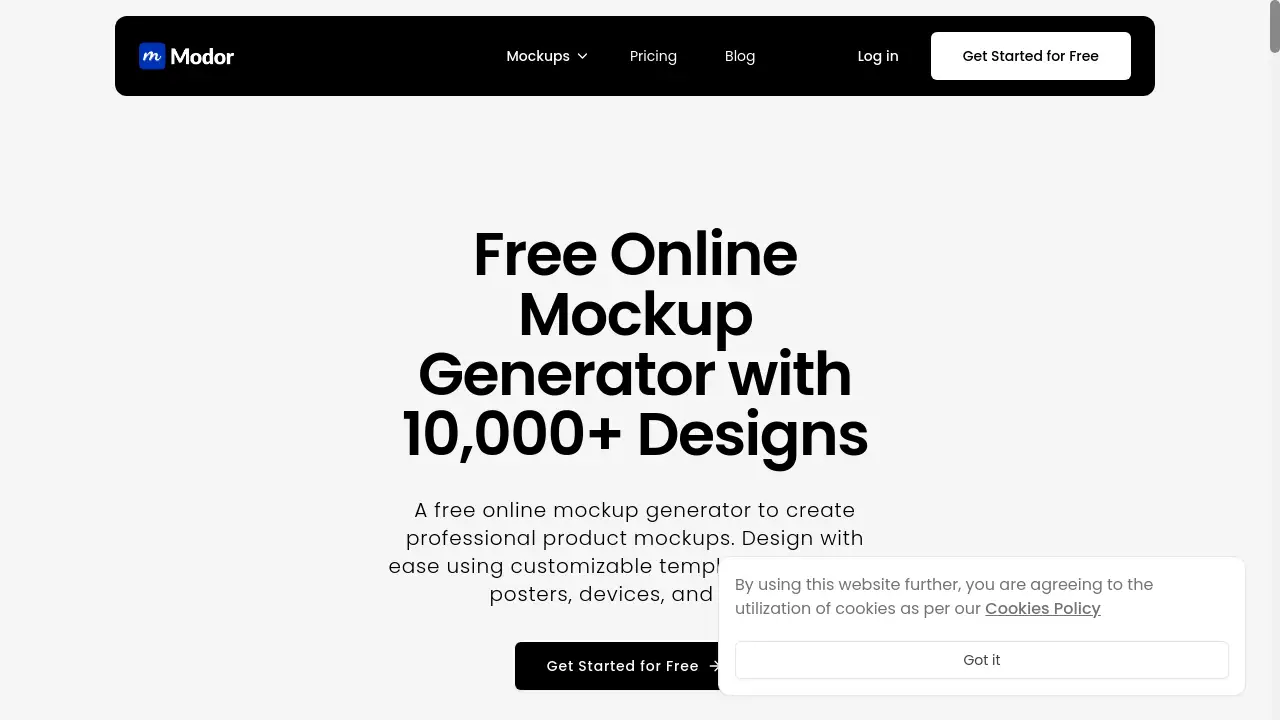
Modor is a free online mockup generator that simplifies creating professional product and branding visuals.
What is Modor?
Modor is a web-based design tool that enables anyone to create high-quality, realistic mockups for products, branding, and print materials. It solves the problem of needing expensive software or advanced design skills to visualize concepts. Users can quickly see how a logo would look on a t-shirt, how a poster design would appear in a room, or how an app interface would display on a phone. This tool is suitable for entrepreneurs, marketers, freelancers, and small business owners who need to present professional visuals for client presentations, e-commerce listings, or social media marketing. Its importance lies in democratizing professional design visualization, saving significant time and resources.
Key Features of Modor
Massive Template Library
Access over 10,000 professionally designed mockup templates across categories like apparel, devices, packaging, and posters to find the perfect starting point for any project.
AI-Powered Generation
The free AI mockup generator automates the process, allowing users to upload a design and receive a flawless, contextually placed mockup in seconds without manual adjustments.
Drag-and-Drop Customization
A user-friendly editor makes customizing t-shirt mockups, poster mockups, and device mockups effortless, requiring no prior design experience to achieve professional results.
Platform-Optimized Resizing
Easily resize and auto-format creations for specific platforms like Instagram and Facebook, ensuring product mockups look flawless across all marketing channels.
High-Resolution Exports
Download print-ready mockups in HD formats like PNG, JPEG, and PDF with perfect lighting and shadows, suitable for professional presentations and online stores.
Use Cases for Modor
E-commerce Product Listings
Create compelling visuals for online stores by generating realistic product mockups of items like t-shirts, mugs, or phone cases to attract more customers.
Branding and Client Presentations
Visualize logo placement, business card designs, and branded merchandise quickly to present professional concepts to clients or stakeholders.
Social Media Marketing
Produce eye-catching content for Instagram, Facebook, and Pinterest by resizing custom t-shirt mockups or poster mockups to fit each platform's specifications.
Print and Packaging Design
Preview how a physical product box, book cover, or label will look before going to print, reducing errors and ensuring design accuracy.
How to Use Modor
- Browse Templates: Visit the Modor website and explore the extensive library of free mockup templates by category.
- Select and Customize: Choose a template, then use the drag-and-drop tool to upload your design file (e.g., logo, graphic).
- Adjust and Edit: Modify colors, text, or backgrounds as needed within the intuitive online editor.
- Export and Download: Once satisfied, select your desired format (PNG, JPEG, PDF) and download the high-resolution print-ready mockup.
Target Audience for Modor
- Freelance Graphic Designers
- Small Business Owners and Entrepreneurs
- Digital Marketers and Social Media Managers
- E-commerce Store Operators
- Startups and Product Developers
- Content Creators and Bloggers
Is Modor Free?
Based on the available reference information, Modor is promoted as a free online mockup generator. The homepage highlights "Free Online Mockup Generator" and "Create professional product and print mockups for free." Users should visit the official Modor website at https://modor.io for the most current details on any premium plans or features.
Modor's Pros and Cons
| Aspect | Pros | Cons |
|---|---|---|
| Cost & Accessibility | Completely free to use, lowering the barrier for individuals and small businesses. | Pricing for advanced features (if any) is not detailed in the provided information. |
| Ease of Use | No design skills needed; features a simple drag-and-drop interface and AI automation. | The vast library of 10,000+ templates might be overwhelming for some new users. |
| Output Quality | Provides high-resolution, print-ready mockups with professional lighting and shadows. | Dependent on the quality of the user's uploaded design file. |
| Feature Set | Offers a huge variety of templates and useful tools like auto-formatting for social media. | The specific capabilities of the AI mockup generator are not explored in depth here. |
Frequently Asked Questions about Modor
Is Modor really free to use?
Yes, according to its official homepage, Modor is a free online mockup generator. Users can access its template library and core tools without cost.
What kind of files can I download my mockup as?
You can export your creations in high-resolution formats including PNG, JPEG, and PDF, making them suitable for both digital use and print-ready mockups.
Do I need to install any software to use Modor?
No installation is required. Modor is a web-based tool that runs directly in your browser, making it accessible from any computer with an internet connection.
Can I use Modor for commercial projects?
Yes, the mockups created can be used for commercial purposes like e-commerce listings, client work, and social media marketing. Always check the website's license terms for the latest details.
What is the AI feature in Modor?
The AI mockup generator automates the process of placing your uploaded design into a chosen template, intelligently handling perspective, lighting, and shadows to create a realistic result quickly.
Are there templates for specific products like t-shirts?
Absolutely. The library includes thousands of templates for specific items, such as t-shirt mockups, poster mockups, device frames, and packaging.
Modor Tags
free online mockup generator, AI mockup generator, product mockups, print mockups, t-shirt mockup, poster mockup, device mockup, branding mockup, print-ready mockup, e-commerce mockup, social media mockup, design tool