Introduction
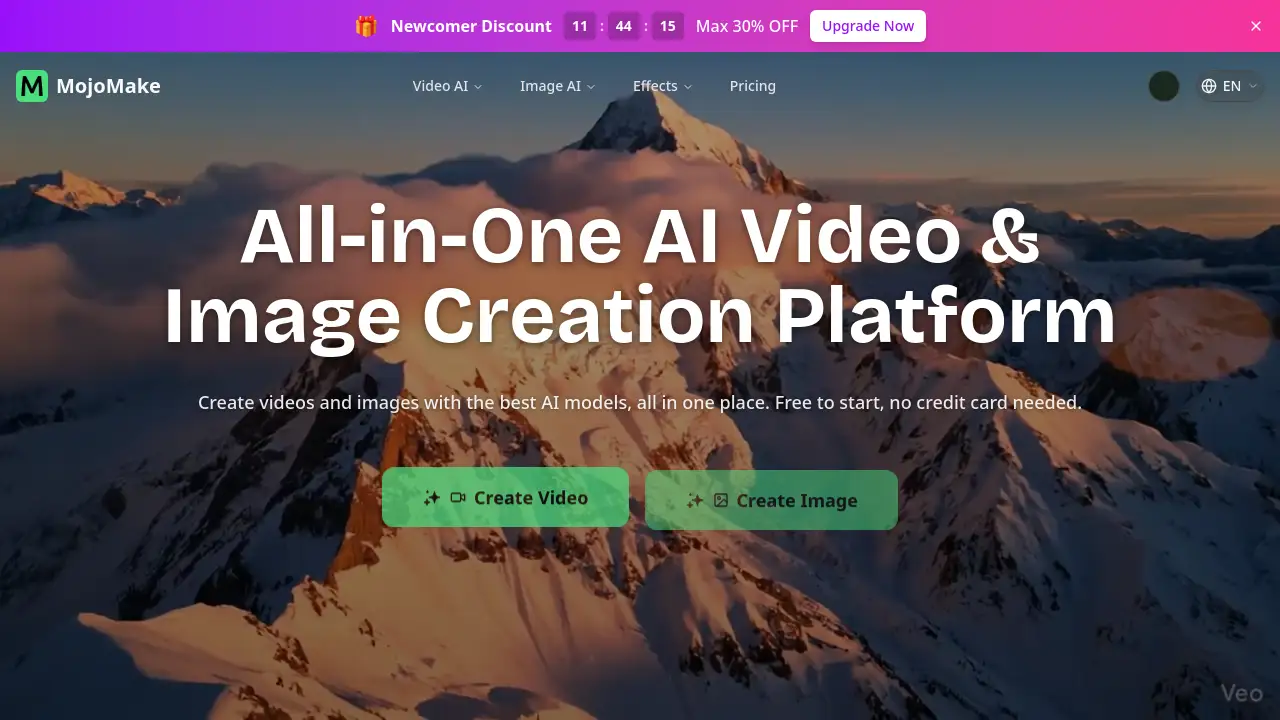
MojoMake AI Video & Image Studio empowers creators to generate stunning visual content instantly.
What is MojoMake AI Video & Image Studio?
MojoMake AI Video & Image Studio is a comprehensive, all-in-one online platform designed to simplify AI-powered content creation. It addresses the common problem of juggling multiple subscriptions and logins for different AI tools by providing centralized access to world-class models like Veo, Sora, Kling, and Runway. This platform allows anyone, regardless of design skills, to convert text and images into high-quality videos and pictures. It is particularly suitable for content creators, marketers, small business owners, and freelancers who need to produce engaging visual assets quickly and cost-effectively. The significance of MojoMake lies in its ability to democratize professional-grade video and image generation, offering 100% commercial rights and significant cost savings in one secure, user-friendly interface.
Key Features of MojoMake AI Video & Image Studio
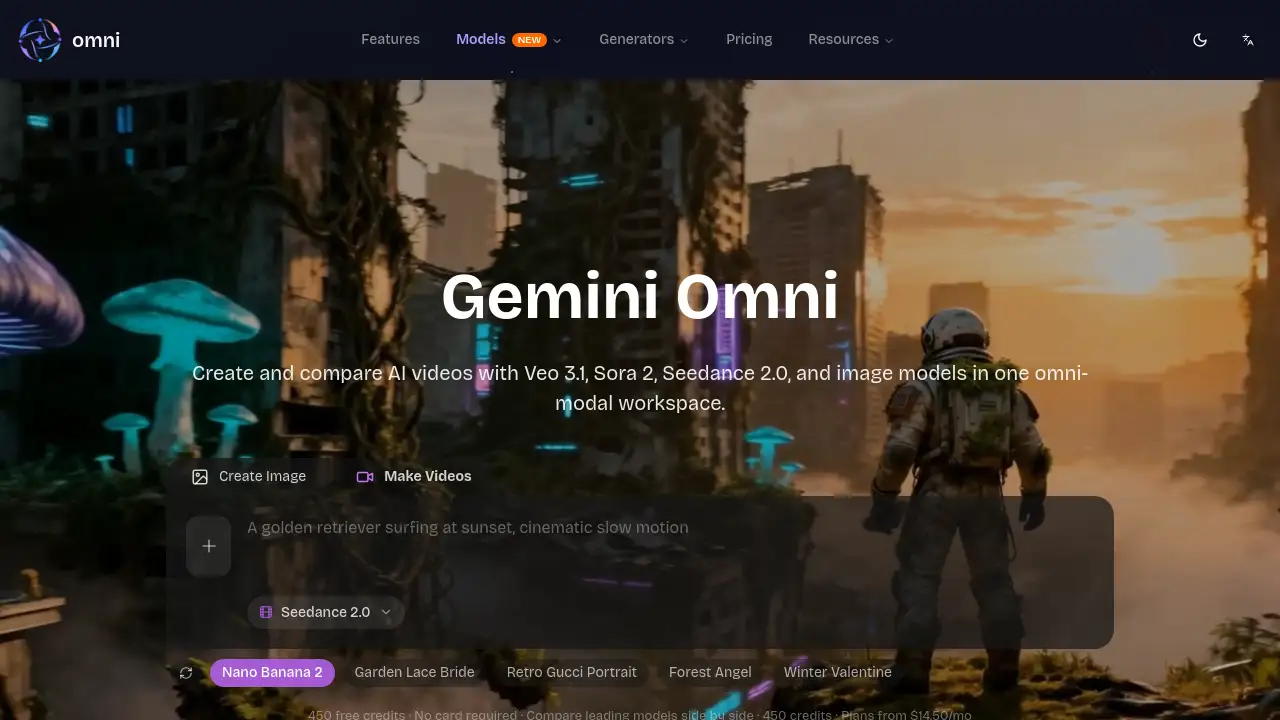
Centralized AI Model Hub
Access top-tier AI video and image generators like Veo, Sora, Kling, and over ten others from a single dashboard, eliminating the need for multiple tool subscriptions.
AI Image to Video Generator
Turn any static photo into a dynamic video with customizable camera movements, perfect for creating viral social media content and animated ads.
AI Text to Video Generator
Create cinematic videos directly from text descriptions using powerful models, ideal for storytelling, advertisements, and generating unique visual concepts.
AI Reference to Video Generator
Produce videos that maintain character and style consistency by using reference images, making it a powerful tool for creating AI movies or serialized content.
AI Text to Image Generator
Generate professional, high-resolution 4K images from text prompts for use in marketing materials, web design, and digital art.
AI Image to Image Generator
Reimagine and restyle existing photos by applying artistic filters or improving lighting and quality while keeping the original composition intact.
Use Cases for MojoMake AI Video & Image Studio
Social Media Content Creation
Quickly produce eye-catching, animated posts and short-form videos for platforms like TikTok, Instagram, and YouTube to boost engagement.
E-commerce and Advertising
Generate product demonstration videos, animated ads, and marketing visuals in-house, reducing reliance on expensive freelancers or stock footage.
Storytelling and Entertainment
Bring written stories, scripts, or concepts to life with custom video clips and scenes, useful for YouTubers, writers, and indie filmmakers.
Brand and Design Work
Animate logos, create consistent visual branding assets, and produce high-quality images for websites and promotional materials without advanced design skills.
How to Use MojoMake AI Video & Image Studio
- Sign Up for Free: Visit the MojoMake website and create an account to start using the free AI video generator tools.
- Choose Your Tool: Select from the available generators, such as Text to Video, Image to Video, or Text to Image, based on your project needs.
- Input Your Prompt: Type a detailed text description or upload a reference image to guide the AI in creating your content.
- Select AI Model and Customize: Choose from available AI models like Veo or Kling and adjust settings like aspect ratio or motion style if needed.
- Generate and Export: Click to generate your video or image, then download it in high-quality 1080P or 4K resolution for commercial use.
Target Audience for MojoMake AI Video & Image Studio
- Social media content creators and influencers
- Digital marketers and advertising professionals
- Small to medium e-commerce business owners
- Freelance designers and video editors
- Writers, bloggers, and storytellers
- Educators and trainers creating visual aids
Is MojoMake AI Video & Image Studio Free?
MojoMake offers a free plan to start creating, with access to core AI generation tools. For advanced features, higher quality exports, and full commercial rights, professional subscription plans are available. The platform promotes significant savings by consolidating access to multiple premium AI models under one plan.
| Aspect | Details |
|---|---|
| Free Tier | Available for basic creation and experimentation. |
| Professional Plans | Subscription-based, offering 4K exports, commercial rights, and access to all top AI models. |
| Value Proposition | Positioned as a cost-effective solution that can replace multiple individual AI tool subscriptions. |
MojoMake AI Video & Image Studio's Pros and Cons
| Aspect | Pros | Cons |
|---|---|---|
| Access & Convenience | All top AI models in one platform; single login. | Dependent on the performance and limits of integrated third-party models. |
| Cost Efficiency | Can save up to 80% compared to multiple pro subscriptions. | Advanced features and high-volume use require a paid plan. |
| Ease of Use | Zero design skills required; intuitive text/image-to-video process. | AI outputs may require iteration and precise prompting for ideal results. |
| Output Quality | Professional 4K image and 1080P video export support. | AI-generated content may not yet match the nuance of high-budget professional production. |
| Rights & Security | 100% commercial rights granted; enterprise-grade data security. | Users must ensure their input prompts and references do not infringe on others' copyrights. |
Frequently Asked Questions about MojoMake AI Video & Image Studio
Is MojoMake really free to use?
Yes, MojoMake offers a free online AI video and image generator plan that allows users to create content with basic features. For access to all top AI models, higher resolution exports, and full commercial usage rights, a professional subscription is required.
What AI models does MojoMake provide access to?
The platform provides centralized access to leading AI models including Google's Veo, OpenAI's Sora, Kling, Runway, and over ten others for both video and image generation, all from one dashboard.
Can I use the videos I create for commercial purposes?
On professional plans, users have 100% commercial rights to the content they generate. This means videos and images can be freely used for ads, YouTube channels, business promotions, and other commercial projects.
Do I need any video editing or design experience?
No, MojoMake is designed for users with zero skills. The process is based on typing text prompts or uploading images, making professional AI video generation accessible to everyone.
What is the quality of the exported videos and images?
MojoMake supports exporting images in 4K resolution and videos in 1080P HD quality, which is suitable for social media, professional editing pipelines, and most digital marketing needs.
How does the AI Image to Video Generator work?
This tool allows you to upload a static image, which the AI then animates. You can often customize elements like camera zoom and movement to bring scenes and characters to life for social media or ads.
MojoMake AI Video & Image Studio Tags
AI video generator, free AI video maker, AI image to video, text to video AI, MojoMake AI, online video creator, AI content creation, Veo AI, Sora AI, Kling AI, commercial AI video, AI for social media, AI marketing tools