Introduction
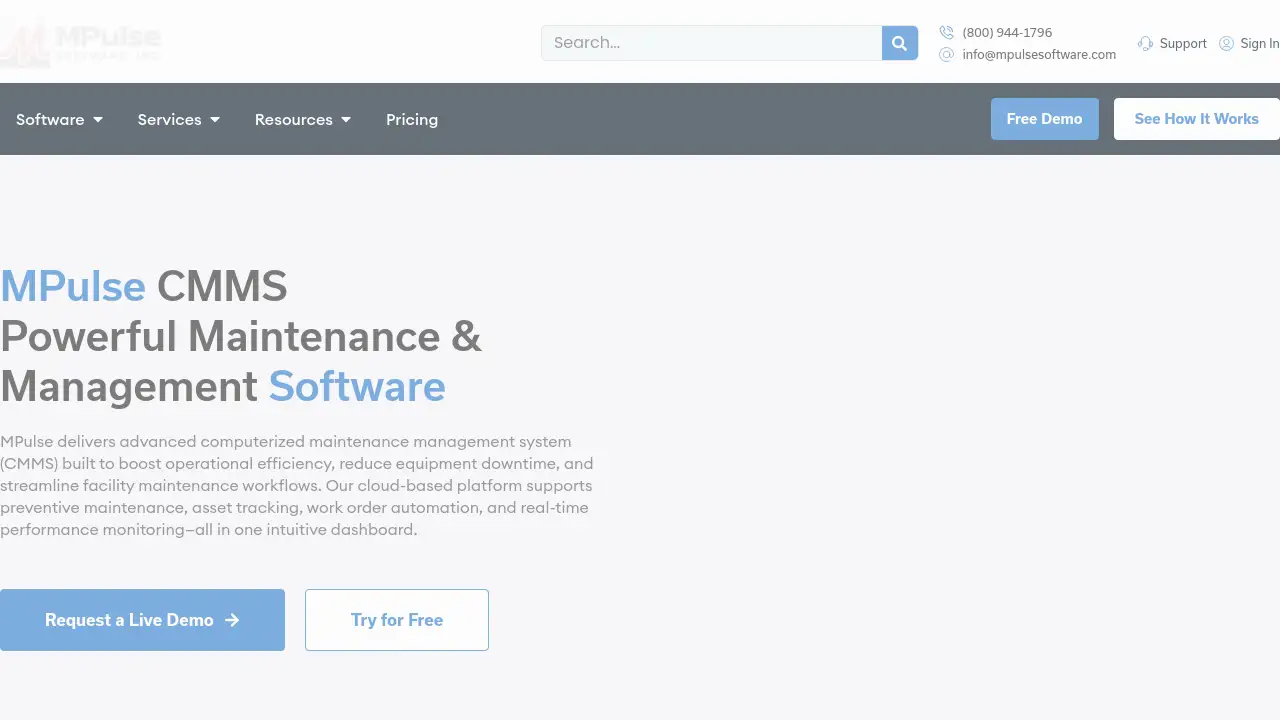
MPulse CMMS Software is a powerful cloud-based maintenance management solution designed to streamline facility operations.
What is MPulse CMMS Software?
MPulse CMMS software is a Computerized Maintenance Management System (CMMS) that centralizes and automates maintenance operations. This maintenance management software is built to solve critical challenges like unplanned equipment downtime, inefficient work order tracking, and reactive maintenance practices. It is suitable for maintenance teams and facility managers across various industries, including manufacturing, healthcare, education, and fleet operations. By providing tools for preventive maintenance, asset tracking, and real-time reporting, MPulse CMMS helps organizations enhance efficiency, extend asset life, and reduce operational costs, making it a vital tool for any maintenance department focused on proactive management.
Key Features of MPulse CMMS Software
Work Order Management
This system centralizes all maintenance requests, enabling teams to automatically prioritize, assign, and track work orders in real-time, which reduces response times and eliminates paper-based processes.
Preventive Maintenance (PM) Scheduling
The preventive maintenance software allows users to schedule and automate recurring tasks based on time, meter readings, or condition triggers, helping to prevent costly breakdowns and ensure compliance.
Maintenance Calendar View
The interactive maintenance calendar scheduling feature provides a color-coded visual overview of all tasks, making it easy to spot conflicts, balance technician workloads, and keep operations on schedule.
Parts Inventory Management
With integrated parts inventory software, teams can track spare parts and supplies, set reorder points, and link items directly to assets and work orders to prevent stockouts that cause downtime.
Graphical Reporting and Analytics
The CMMS reporting and analytics tools transform maintenance data into actionable insights through customizable dashboards and reports that track KPIs like downtime, costs, and PM compliance.
Adaptive Mobile CMMS
The platform offers a responsive, mobile CMMS interface that works on any device, allowing technicians to update work orders, log hours, and attach photos even offline, syncing data once connectivity is restored.
DataLink Integration Adapter
This exclusive feature allows the MPulse maintenance software to connect effortlessly with other business systems or IoT sensors, enabling seamless data flow and enhanced operational intelligence.
Use Cases for MPulse CMMS Software
Streamlining Multi-Site Facility Management
For organizations managing multiple locations, MPulse CMMS software provides a centralized dashboard to oversee assets, work orders, and maintenance schedules across all sites from one platform.
Enforcing Regulatory Compliance
In highly regulated industries like healthcare or food production, the software helps maintain audit-ready records for standards set by OSHA, FDA, or the Joint Commission through meticulous preventive maintenance tracking.
Optimizing Technician Productivity and Parts Usage
Maintenance teams can use the mobile CMMS and parts inventory software to ensure technicians have the right information and parts on hand, reducing travel time and minimizing equipment wait time.
Transitioning from Reactive to Proactive Maintenance
Facilities burdened by constant breakdowns can implement MPulse's preventive maintenance software to schedule routine servicing, thereby extending asset life and significantly reducing unplanned downtime.
How to Use MPulse CMMS Software
Getting started with MPulse CMMS involves a structured process to ensure a smooth implementation.
- Initial Setup and Configuration: The process begins with configuring the system to match your organization's specific needs. This includes inputting your asset database, defining preventive maintenance schedules, and setting up user roles and permissions for your maintenance team.
- Data Migration and Integration: Existing maintenance data, such as asset histories and parts lists, can be migrated into MPulse CMMS. The DataLink Integration Adapter can also be configured to connect with other enterprise systems like ERP or IoT sensors.
- Team Training and Deployment: MPulse provides hands-on training and online resources. Teams learn to create work orders, use the maintenance calendar, manage parts inventory, and generate reports. The mobile CMMS app is deployed to technicians' devices.
- Ongoing Management and Optimization: Users daily create, assign, and track work orders. The system automates PM reminders, manages inventory reorders, and generates reports. Supervisors use the analytics to monitor performance and continuously improve the maintenance program.
Target Audience for MPulse CMMS Software
- Facility Managers and Directors
- Maintenance Supervisors and Planners
- In-house Maintenance Technicians
- Operations Managers in manufacturing, healthcare, education, and government
- Organizations requiring compliance with industry-specific regulations (OSHA, FDA, etc.)
- Companies seeking to move from reactive to proactive maintenance strategies
Is MPulse CMMS Software Free?
Specific pricing plans for MPulse CMMS software are not listed on the public homepage. The company emphasizes that it offers "Powerful and Affordable Maintenance Software" with flexible deployment options. Organizations interested in detailed pricing, including potential subscription tiers or one-time license fees, should contact MPulse directly through their website for a custom quote. The reference material highlights a dedication to customer success with hands-on training and support, indicating a service-oriented pricing model likely based on organizational size and needs.
MPulse CMMS Software's Pros and Cons
| Aspect | Pros | Cons |
|---|---|---|
| Implementation & Support | Offers dedicated, hands-on training and praised customer support. | Specific pricing is not transparently listed, requiring a sales inquiry. |
| Features & Flexibility | Comprehensive feature set for work orders, PM, inventory, and reporting; highly configurable workflows. | The wide range of features may have a learning curve for new users. |
| Deployment & Access | Offers both cloud-based and on-premise deployment; includes a fully functional mobile CMMS. | On-premise deployment may involve higher initial IT infrastructure requirements. |
| Industry Fit | Built for compliance-heavy industries (healthcare, manufacturing) and supports strict data security needs. | May be more feature-rich than necessary for very small teams with simple needs. |
Frequently Asked Questions about MPulse CMMS Software
What is CMMS software, and how does MPulse fit in?
CMMS stands for Computerized Maintenance Management System. MPulse CMMS software is a type of maintenance management software that helps organizations plan, track, and optimize their maintenance operations, moving from reactive fixes to proactive preventive maintenance.
Can MPulse CMMS help reduce equipment downtime?
Yes, a primary function of MPulse preventive maintenance software is to schedule regular servicing based on time or usage, which helps catch issues before they cause failures, thereby reducing unplanned equipment downtime.
Is there a mobile app for technicians?
Yes, MPulse offers a mobile CMMS experience. The adaptive interface works on smartphones and tablets, allowing technicians to view work orders, update statuses, log time, and attach photos, even without an internet connection.
How does the parts inventory management work?
The parts inventory software lets you catalog all spare parts and supplies. You can set minimum stock levels, and the system can automatically generate purchase requisitions when stocks run low, ensuring critical parts are always available for maintenance work orders.
Does MPulse support compliance reporting?
Yes, MPulse CMMS reporting tools help maintain detailed records of all maintenance activities. This is crucial for industries with strict regulations, as it provides audit-ready documentation for standards like OSHA, FDA, or Joint Commission requirements.
Can MPulse integrate with our existing systems?
MPulse includes the DataLink Integration Adapter, which is designed to connect the maintenance software with other business systems (like ERP or accounting software) and IoT sensors for seamless data exchange.
MPulse CMMS Software Tags
CMMS software, maintenance management software, preventive maintenance software, work order management, mobile CMMS, asset management, facility maintenance software, maintenance scheduling software, parts inventory software, downtime reduction, maintenance reporting, cloud-based CMMS