Introduction
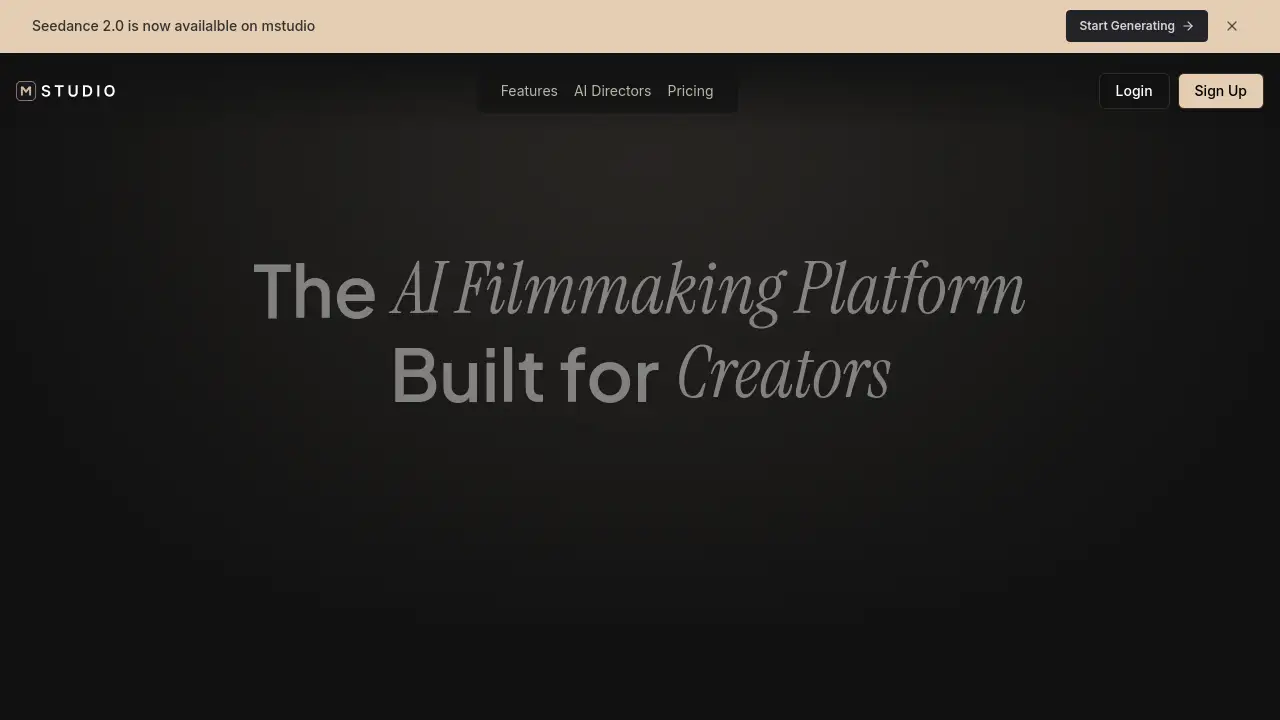
MStudio is an AI filmmaking platform that transforms text into cinematic storyboards and complete videos.
What is MStudio?
MStudio is a comprehensive AI filmmaking platform designed to streamline the entire content creation workflow. It solves the problem of fragmented production, where creators traditionally juggle multiple separate tools for scripting, storyboarding, visual generation, and audio editing. This platform is suitable for creators ranging from independent filmmakers and advertising agencies to social media influencers and VFX artists. By integrating AI storyboard generation, AI video generation, voice cloning, and sound design into a single workspace, MStudio enables users to go from a simple text concept to a polished, production-ready video in significantly less time and with fewer resources.
Key Features of MStudio
AI Script Generation
Paste a basic idea and receive a structured, shot-by-shot screenplay complete with scene breakdowns, dialogue, and camera directions, accelerating the pre-production phase.
AI Image Generation
Generate high-quality, 4K concept frames from text descriptions using powerful models like Google Gemini, providing a solid visual foundation for storyboards and pre-visualization.
AI Video Generation
Animate any static image or text prompt into motion video using top-tier models like Google Veo and Kling AI, allowing for the creation of dynamic clips and scene variations.
Voice & Narration
Clone your own voice or select from a diverse library of hundreds of voices across 29 languages, featuring high-quality, ElevenLabs-level audio for professional narration.
Sound Design
Generate original music tracks and sound effects directly within the platform and place them on a precise timeline to score your project, eliminating the need for external audio software.
Visual Storyboarding
Utilize a drag-and-drop canvas for organizing frames, reordering scenes, maintaining version history, and syncing visuals with the integrated timeline for cohesive project management.
Use Cases for MStudio
Product Ads & Agencies
Quickly transform a client brief into a complete, pitch-ready campaign featuring ad scripts, 4K product shots, and a final 30-second video cut within a single session.
Movie Pre-Production
Upload a screenplay to rapidly generate cinematic concept frames, blocking references, and pre-visualization motion clips for every scene, compressing weeks of work into hours.
Social Media Creators
Type an idea and let the platform write the hook, generate visuals, clone your voice, add music, and export a ready-to-post Reel in minutes, perfect for batch-producing content.
VFX & Filmmakers
Describe a complex shot in plain language to receive a 4K cinematic reference frame, enabling rapid iteration on lensing, lighting, and camera angles before costly physical production begins.
Anime & Illustrated Video
Build entire stylized worlds with frame-consistent character and scene art, then add voiceovers in multiple languages and an original score to produce a complete animated episode.
How to Use MStudio
- Start a Project: Begin by creating a new project within the MStudio dashboard. You can start with a blank canvas or by uploading an existing script.
- Generate Content: Use the AI Script Generation tool to flesh out your idea into a structured screenplay. Then, employ AI Image Generation to create visual frames for each scene.
- Add Motion and Audio: Select key frames and use the AI Video Generation feature to animate them. Next, add Voice & Narration and original Sound Design to bring the story to life.
- Edit and Polish: Use the visual storyboarding timeline to rearrange scenes, sync audio, and make final edits. The platform allows for easy versioning and collaboration.
- Export: Once satisfied, export your final video in the desired format directly from the platform, ready for client presentation, social media, or further production.
Target Audience for MStudio
- Independent filmmakers and directors
- Advertising agencies and creative studios
- Social media content creators and influencers
- VFX artists and pre-visualization specialists
- Anime and animation producers
- Product marketers and e-commerce teams
Is MStudio Free?
MStudio offers a free tier to start creating. For detailed information on specific plan limits, features, and pricing for higher tiers (e.g., Pro, Team), users should visit the official MStudio pricing page.
| Plan | Price | Key Features |
|---|---|---|
| Free | $0 | Access to core AI generation tools with certain usage limits. |
| Pro | Custom Pricing | Increased generation limits, commercial usage, priority support, and advanced features. |
MStudio's Pros and Cons
| Aspect | Pros | Cons |
|---|---|---|
| Workflow | Integrated all-in-one platform eliminates tool-switching. | May have a learning curve for users new to comprehensive production software. |
| Speed & Efficiency | Dramatically reduces pre-production and content creation time from weeks to hours or minutes. | Output quality and consistency can depend on the specificity of the user's input prompts. |
| Accessibility | Democratizes high-end filmmaking tools for creators without large budgets or teams. | Advanced features and higher usage limits require a paid subscription. |
| Output Quality | Leverages top AI models (Google Gemini, Veo, Kling) for high-quality 4K images and video. | As with all AI generation, creative control over fine details may require iteration. |
Frequently Asked Questions about MStudio
Do I need technical skills to use MStudio?
No technical skills are required. The platform is designed for creators. You can start by simply typing a scene idea or uploading a script, and the AI guides the rest of the filmmaking process.
Can I use generated content commercially?
Yes, generated content can typically be used for commercial projects like client campaigns and productions, subject to the terms of your specific MStudio subscription plan and the underlying AI model providers.
How fast can I go from an idea to a draft video?
Speed varies by project scope, but many users can generate a script, visual frames, and a first draft of a video within a single working session, significantly faster than traditional methods.
Can teams collaborate on projects in MStudio?
Yes, MStudio supports team workflows with features for shared project access, allowing multiple collaborators to view, edit, and iterate on the same storyboard and timeline.
What AI models does MStudio use for video generation?
MStudio integrates leading AI video generation models such as Google Veo and Kling AI to turn images and prompts into motion clips, ensuring high-quality and dynamic outputs.
Is there a free trial or free plan available?
MStudio offers a free tier that allows users to explore the core AI filmmaking features with generation limits, making it easy to test the platform before committing to a paid plan.
MStudio Tags
AI filmmaking platform, AI storyboard generator, AI video generator, script to video, previs software, AI movie maker, video generation AI, content creation tool, cinematic AI, storyboard software, AI for filmmakers, AI for creators