Introduction
OneKDP: AI book generator for KDP publishing.
What is OneKDP?
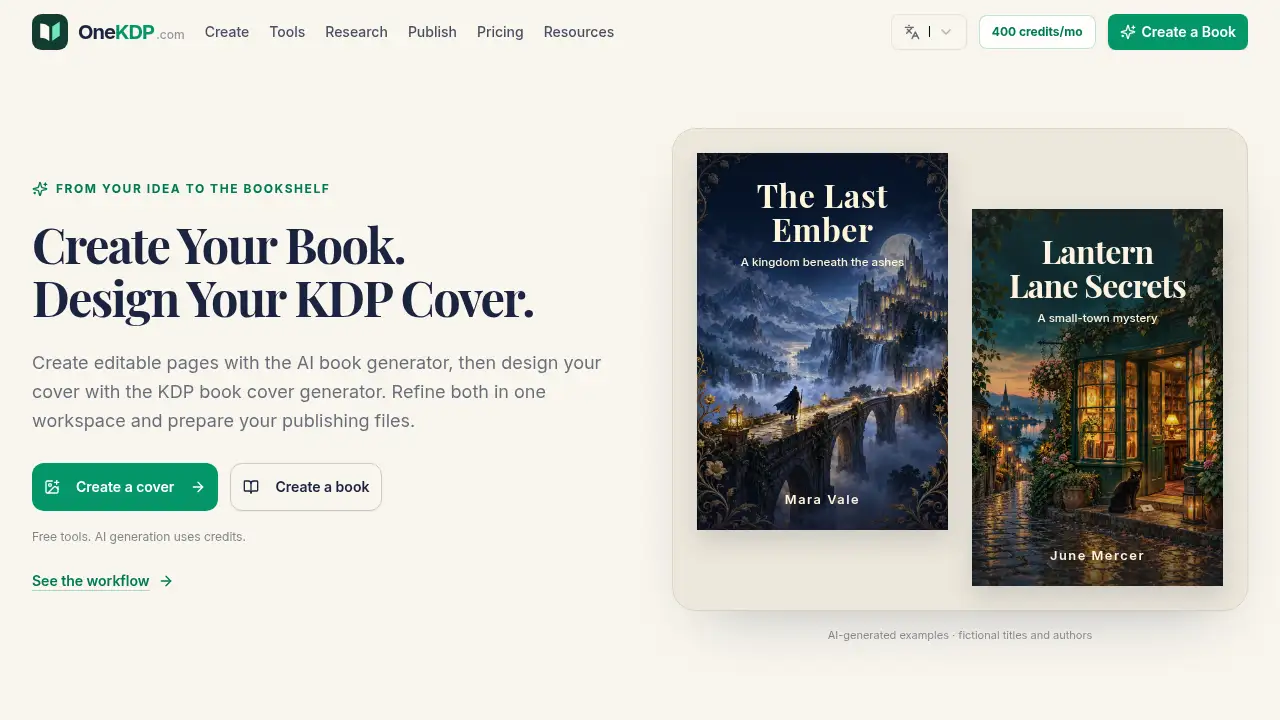
OneKDP is an AI book creation workspace and KDP book cover generator for independent authors, publishers, and creators. It helps turn a short brief into editable book pages, design a print cover, or create both in one project. The platform supports general books, workbooks, coloring books, puzzle books, journals, and planners. It is useful for self-publishers who want an AI book generator to speed up drafting and layout while keeping control of edits.
OneKDP also provides free KDP tools, calculators, and manual editing options. AI generation uses credits, and pricing is shown before generation. The main value is a single workflow for content, cover design, and publishing files, so users can prepare files for review before uploading to KDP. It is not a replacement for human review; all generated text, images, and layouts should be checked for accuracy, rights, and print quality.
Key Features of OneKDP
AI Book Generator for Editable Pages
Use the AI book generator to turn a topic, book type, and audience brief into editable book pages. Review and revise the text, structure, and page layouts before export.
KDP Book Cover Generator
Design a cover with the KDP book cover generator, including a print wrap with front, spine, and back based on trim size, paper, and page count. Keep a separate front-cover image for digital or promotional use.
One Workspace for Covers and Interiors
Create only a cover, only an interior, or a whole book in the same workspace. Connect an existing saved cover to a book when the manuscript or cover is already underway.
Free KDP Tools and Manual Editing
Access KDP calculators and manual editing tools at no cost. Use these KDP tools to check dimensions and prepare publishing files before adding AI generation credits.
Preflight Checks and Separate Exports
Run available preflight checks, inspect dimensions and bleed, and export the interior and print cover as separate files. Review both again in KDP’s previewer before upload.
Multi-Language Support
Set the book language in the brief and work in an interface available in nine languages. Review generated wording and typography for the intended readers.
Use Cases for OneKDP
Self-Publishing a First Book
A new author can use an AI book generator to create a starting draft and a KDP book cover generator to design a matching cover. Both parts remain editable for careful review.
Creating Activity and Puzzle Books
Creators can produce coloring pages, word searches, sudoku, mazes, journals, and planners. The cover generator can make a cover that clearly signals the activity inside.
Preparing Publishing Files
Publishers can use the workspace to check trim size, paper, page count, bleed, and separate exports. These steps help reduce common file issues before uploading to KDP.
Updating an Existing Project
If a manuscript or cover already exists, users can create only the missing part or link a saved cover. This keeps the project connected without forcing a full regeneration.
How to Use OneKDP
- Describe the book: choose the book type, language, trim size, title, author, topic, and intended reader. For a print cover, set page count and paper options.
- Choose what AI creates: generate only a cover, only the interior, or both. The AI book generator uses the brief to create selected pages, while the KDP book cover generator handles the cover direction.
- Edit pages and cover: revise text, layouts, cover typography, and positioning. Ask AI to change a selected area if needed, then review the result.
- Check and export: run available preflight checks, inspect dimensions and bleed, and review every page. Export the interior and print cover as separate publishing files.
- Review in KDP’s previewer: upload the files and check them again before publishing. Confirm rights, accuracy, and format requirements.
Target Audience for OneKDP
- Independent authors who want an AI book generator for drafting and layout.
- KDP self-publishers who need a KDP book cover generator and file preparation workflow.
- Workbook, journal, planner, coloring, and puzzle book creators.
- Small publishing teams managing covers, interiors, and multiple book types.
- Creators who want free KDP tools and pay only for AI generation credits.
- Non-English authors who need a multilingual book creation workspace.
Is OneKDP Free?
OneKDP has a free plan with no credit card required. Calculators, book editors, manual editing, and exports are free. AI generation uses credits, and each AI cover generation costs 4 credits. Credits are returned if generation fails. The Pro and Studio plans include monthly credits; unused monthly credits do not roll over. Keyword research requires an active Pro or Studio subscription.
| Plan | Price | Features |
|---|---|---|
| Free | $0 | All KDP calculators, all book editors, manual editing and exports, no monthly credits |
| Pro (annual) | $31.20/month, $374.40 billed yearly | 400 credits every month, about 100 standard covers or about 416 keyword-volume queries; everything in Free |
| Studio (annual) | $79.20/month, $950.40 billed yearly | 1,200 credits every month, about 300 standard covers or about 1,250 keyword-volume queries; everything in Pro |
A $4.99 one-time pack currently includes 5 credits plus 11.5 bonus credits. AI cover generation costs 4 credits, and other AI features show their price before starting. Check the official pricing page for current details.
OneKDP's Pros and Cons
| Aspect | Pros | Cons |
|---|---|---|
| Pricing | Free manual tools and calculators; pay-as-you-go AI credits | AI work can add up for frequent generation |
| Features | AI book generator, KDP book cover generator, editable pages, preflight checks, separate exports | Generated content still needs human review |
| Workflow | One workspace for cover and interior | Users must learn the brief and export steps |
| Formats | Supports novels, workbooks, coloring books, puzzle books, journals, and planners | Some book types may require extra checking for print quality |
| Language | Interface available in nine languages | Generated wording and typography need review for each market |
Frequently Asked Questions about OneKDP
Can I create only a cover or only the interior?
Yes. OneKDP lets users generate only a cover, only the interior, or both. The KDP book cover generator can handle the cover while the AI book generator creates editable pages, and each part can be revised separately.
Which book types can I make with OneKDP?
The platform supports general books, workbooks, coloring books, puzzle books, journals, and planners. Puzzle options include word searches, sudoku, and mazes. Review generated material for accuracy, age suitability, and print readability.
Does the KDP book cover generator make a full print wrap?
Yes. It can create a print wrap with front, spine, and back based on the book settings. Users can also export a separate front-cover image for digital or promotional use.
Can I edit what the AI book generator creates?
Yes. AI output stays open to revision. Users can edit text and page layouts, adjust cover elements, or request AI changes to a selected area before saving and exporting.
Is OneKDP free to use?
Calculators, manual editing, and exports are free. AI features use credits, and each AI cover generation costs 4 credits. Paid plans and one-time credit packs are available; check the official pricing page for current costs.
Can I use OneKDP for books in other languages?
Yes. Users can choose a supported book language in the brief. The interface is available in English, Simplified Chinese, Traditional Chinese, Italian, Japanese, German, French, Spanish, and Portuguese. Review generated wording before publishing.
OneKDP Tags
AI book generator, KDP book cover generator, OneKDP, KDP tools, editable book pages, AI book creation, publishing files, KDP interior, self-publishing, book cover design, KDP calculators, activity book creator