Introduction
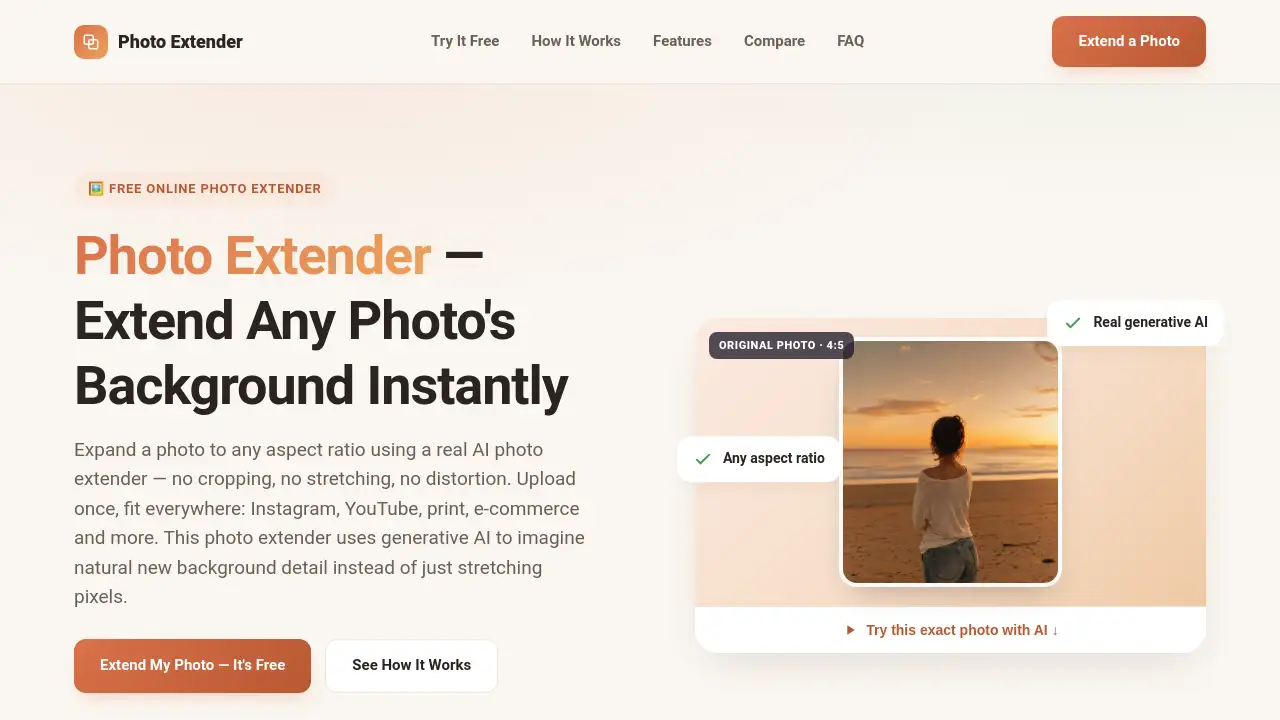
Need to change the size of a photo without cropping the important part? A photo extender can help. This tool uses AI to add new background content to any image, letting you adjust its shape or aspect ratio while keeping the main subject untouched. It’s a simple, free online solution that works in about a minute.
What is Photo Extender?
Photo Extender is a free online tool that uses real AI to expand the background of any photo. Instead of simply stretching or blurring existing pixels, it studies the colors, lighting, and textures near the edges of your image, then generates new, believable content to fill the added space. This solves a common problem: you have a great photo, but it doesn’t fit the required size for a social media post, a banner, a print, or an e-commerce listing. Without a photo extender, you would have to crop out part of your subject, distort the image, or leave it too small for the frame.
Suitable for anyone from social media users to professional designers, this AI photo extender makes it easy to adapt one image to any platform. It requires no sign-up, no account, and leaves no watermark on the final result.
Key Features of Photo Extender
Real AI Outpainting
This tool is powered by real generative AI (the gpt-image-2 model). It imagines new background details that match the original scene, such as sky, walls, water, or fabric, instead of just blurring or stretching the edges.
Any Aspect Ratio
Choose from preset ratios like 1:1, 4:5, 16:9, or 9:16, or set a fully custom ratio. This photo extender supports any shape you need, making one photo fit everywhere.
No Sign-Up Required
There is no account to create, no login wall, and no subscription. Just upload a photo, pick a ratio, and download the result. A quick one-click human check is all that’s needed to keep the service fair for everyone.
Secure and Private
Your photo is sent securely over HTTPS to an AI processing partner. The image is only used to generate the result you requested and is not shared or stored by the service.
Full Resolution Export
You can download the extended photo in its original resolution. There is no forced downsizing, so you keep the quality you need.
Fast Generation
The AI processing usually takes between 60 and 120 seconds. A clear progress indicator shows you the status while you wait.
Use Cases for Photo Extender
Old & Family Photos
Restore the background that was cut off by a tight crop. This photo extender’s AI can imagine what was likely there, helping treasured photos fit new frames or digital albums.
Social Media
Turn any photo into a perfect Instagram post, Story, TikTok cover, or YouTube thumbnail. This AI photo extender handles every required ratio in one simple step.
Shops & E-commerce
Extend product backgrounds to fit banners, listings, and marketplace templates. You can avoid a reshoot or hiring a designer, since one product shot can be adapted for many uses.
Real Estate
Reframe listing photos to widescreen or print-ready ratios without losing the shot or cropping out important parts of a room.
Print & Wallpaper
Expand a snapshot to fill a poster, canvas print, or desktop wallpaper size perfectly.
How to Use Photo Extender
- Upload your photo. Drag and drop a JPG, PNG, or WebP file (up to 4MB) directly into the online tool.
- Pick a ratio and direction. Select a preset like 16:9 or 9:16, or enter a custom aspect ratio. You can also choose which direction to extend the image.
- Download your result. The AI generates the extended photo in about a minute. Once ready, you can download it in full resolution, without any watermark.
Target Audience for Photo Extender
- Social media managers and content creators
- Small business owners and e-commerce sellers
- Real estate agents and property photographers
- Photographers and graphic designers
- Anyone who needs to resize family or personal photos for printing or framing
Is Photo Extender Free?
Yes, Photo Extender is completely free to use. There is no sign-up, no subscription, and no account required. Each extension is protected by a simple one-click human check to prevent abuse. For bulk or commercial volume processing, you can contact the team directly.
| Plan | Price | Features |
|---|---|---|
| Free | $0 | Real AI outpainting, any aspect ratio, full resolution, no watermark, no sign-up needed |
Photo Extender's Pros and Cons
| Aspect | Pros | Cons |
|---|---|---|
| Pricing | Completely free, no hidden accounts or subscriptions | None reported |
| Ease of Use | Simple three-step process, works in any modern browser | Requires internet connection for AI processing |
| Features | Real AI outpainting with natural results; supports custom ratios | Maximum file size of 4MB may limit very large photos |
| Privacy | Secure HTTPS processing, no account needed, no data sharing | Photos are sent to an external AI server for processing |
| Output Quality | Full resolution download, no watermark, original subject untouched | Generation can take 60–120 seconds |
Frequently Asked Questions about Photo Extender
What is a photo extender?
A photo extender is a tool that expands a photo beyond its original borders by generating new background content. This lets you change the aspect ratio without cropping your subject or stretching the image.
Is Photo Extender really free?
Yes, it is completely free. There is no sign-up, subscription, or payment required. A quick human check is the only step before generation begins.
Do my photos get uploaded to a server?
Yes, your photo is sent securely over HTTPS to an AI processing partner to generate the new background. No account is required, and the image is only used for your specific result.
What image formats and aspect ratios are supported?
Photo Extender supports JPG, PNG, and WebP files up to 4MB. It can extend to any custom aspect ratio, as well as common presets like 1:1, 4:5, 16:9, and 9:16.
How is Photo Extender different from other tools like Adobe Firefly or Canva?
Photo Extender uses the same type of generative AI outpainting as those tools. The main difference is that it requires no account, login, or subscription paywall—just a quick human check.
Can I use Photo Extender on my phone?
Yes. This photo extender works in any modern mobile or desktop browser. No app installation is needed. Simply upload a photo from your phone’s camera roll, pick a ratio, and download the result.
Photo Extender Tags
free photo extender, AI photo extender, generative AI outpainting, image background expander, online photo editor, extend image without cropping, AI image expander, photo resizer tool, aspect ratio changer, no sign-up image tool, photo background generator, free AI tool