Introduction
Photo to video AI transforms your static images into dynamic, professional-quality videos in minutes.
What is Photo to video AI?
Photo to video AI is an online tool that uses artificial intelligence to animate still images. It addresses the common challenge of creating engaging video content without requiring extensive technical skills, expensive software, or hours of editing time. This AI video generator is suitable for social media creators, marketers, artists, and anyone who wants to bring their photos to life. By simply uploading an image and selecting a style, users can generate an AI video with natural motion and effects, making it a significant tool for modern digital content creation and visual storytelling.
Key Features of Photo to video AI
One-Click Video Generation
Users can simply upload an image and generate a stunning video in 1-3 minutes, requiring no technical skills or complex editing.
Multiple Advanced AI Models
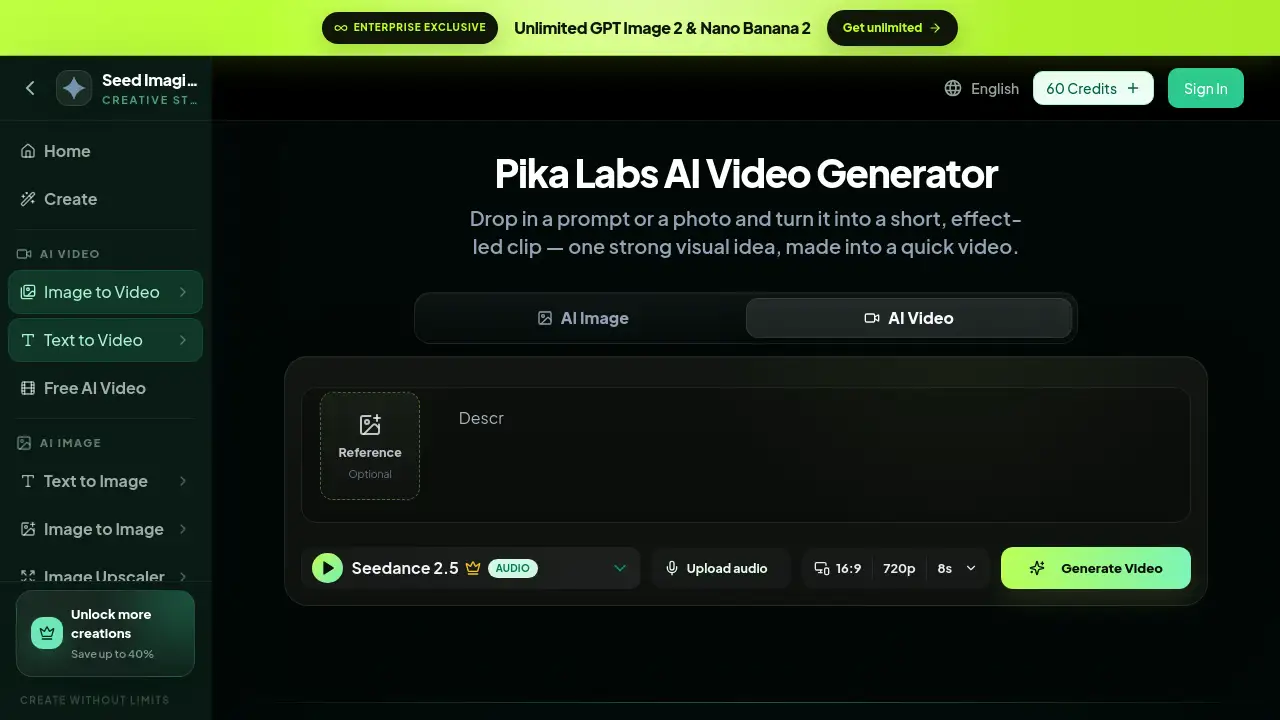
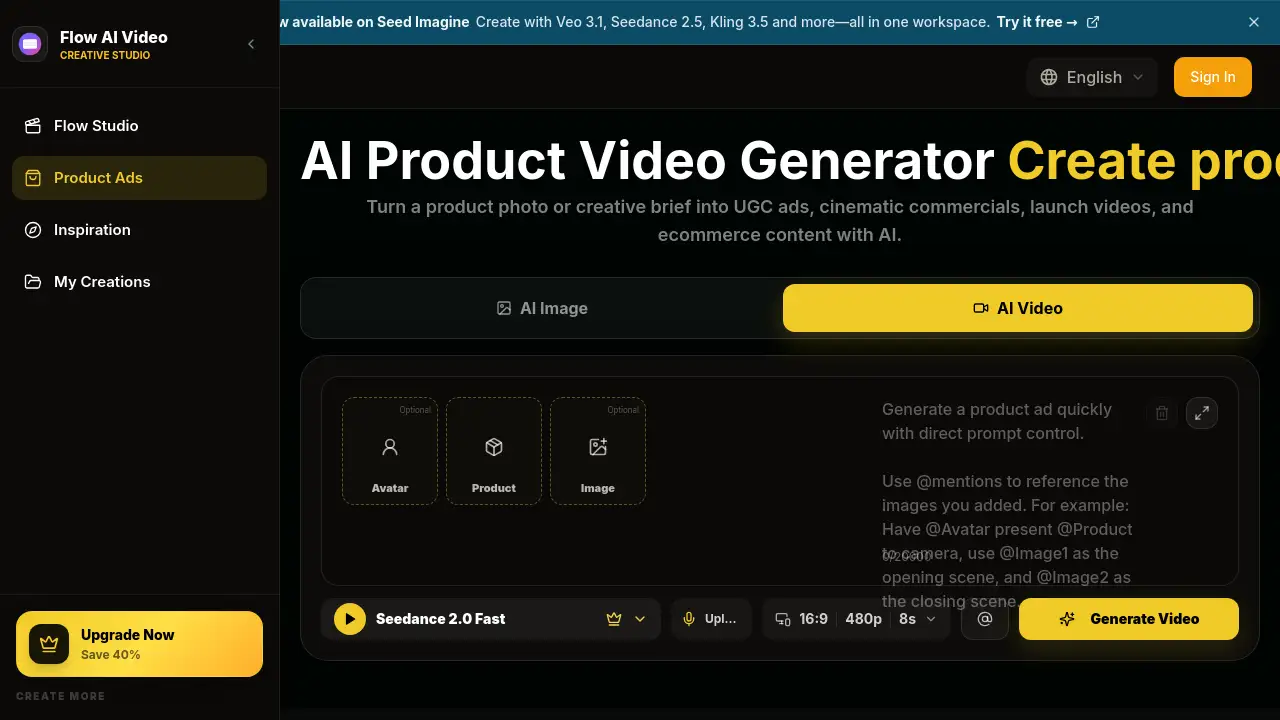
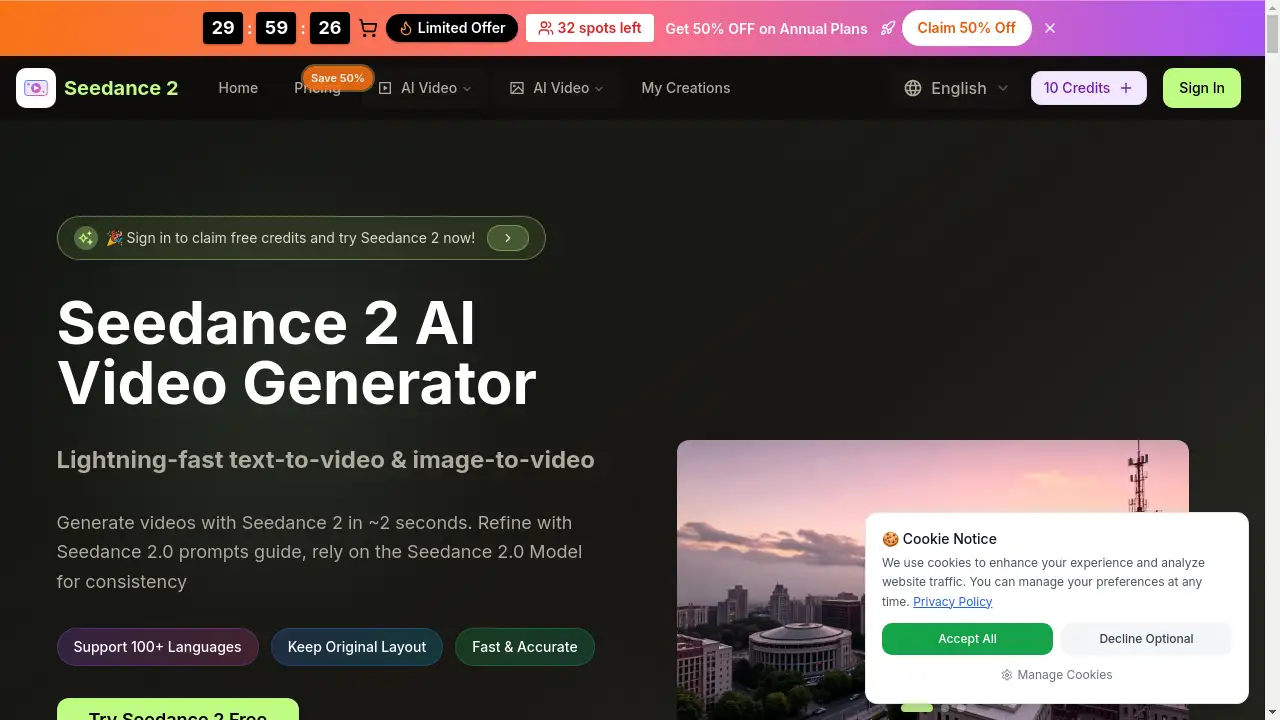
The platform offers access to cutting-edge models like Veo 3, Seedance, Hailuo, and Video STD, each providing unique creative styles and visual effects for different results.
HD Quality & Social Media Ready
It generates high-definition videos up to 720p and 1080p, optimized for platforms like Instagram, TikTok, and YouTube, ensuring content looks professional on any device.
Fast and Quality Processing Modes
Users can choose between Fast Mode for quick previews and Quality Mode for higher-resolution videos with more detailed animations and smoother motion.
Secure and Private Processing
Uploaded photos are automatically deleted within 24 hours and are never used for other purposes, with all transmissions protected by SSL encryption.
Use Cases for Photo to video AI
Social Media Content Creation
Creators can produce eye-catching video posts, stories, and reels for platforms like Instagram and TikTok to drive higher engagement and grow their audience.
Personal Memory Enhancement
Individuals can animate cherished photos, such as family portraits or travel snapshots, to create unique, moving keepsakes that preserve special moments.
Creative Experimentation and Art
Artists and hobbyists can explore the possibilities of AI video generation, experimenting with different styles and prompts to discover new approaches to visual storytelling.
Marketing and Advertising
Businesses and marketers can quickly transform product photos or brand imagery into short, captivating videos for use in ads, presentations, and promotional content.
How to Use Photo to video AI
Using the Photo to video AI tool is a straightforward three-step process.
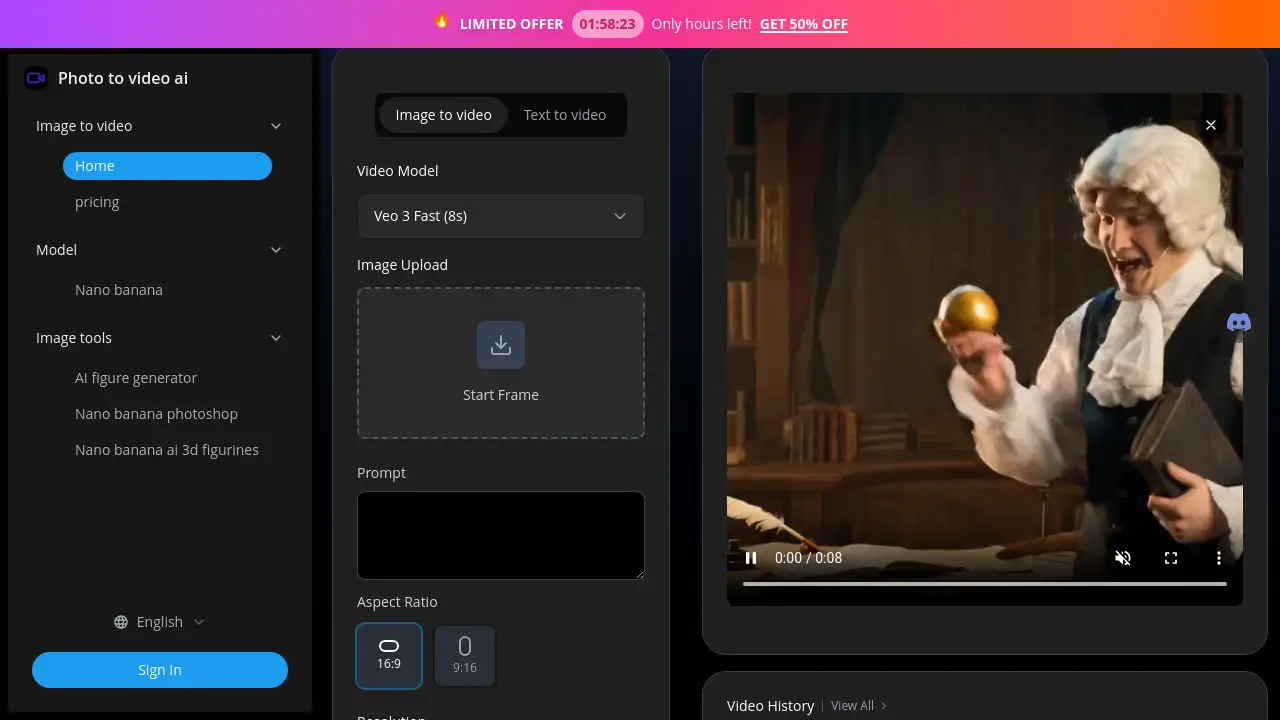
- Upload Your Image: Click the upload button to select a high-quality JPG, PNG, or WEBP image. Clear subjects with good lighting yield the best AI video results.
- Choose Settings: Select a preferred AI model (e.g., Veo 3, Seedance) and an aspect ratio. You can also add a text prompt to guide the animation style or camera movement.
- Generate and Download: Click the generate button. After 1-3 minutes (or longer for Quality Mode), preview your video and download the final MP4 file, ready for sharing.
Target Audience for Photo to video AI
- Social media influencers and content creators
- Digital marketers and small business owners
- Photographers and visual artists
- Individuals looking to enhance personal photos and memories
- Hobbyists interested in experimenting with AI technology
Is Photo to video AI Free?
The platform operates on a credit-based system. New users typically receive free credits to try the service. For ongoing use, various credit packs are available for purchase. Due to the significant computational resources required for AI video processing, refunds for completed generations are not offered. All payments are securely processed via Stripe.
Photo to video AI's Pros and Cons
| Aspect | Pros | Cons |
|---|---|---|
| Ease of Use | Extremely simple, one-click process with no learning curve. | Limited advanced manual control over specific animation details. |
| Speed & Quality | Generates videos quickly in Fast Mode; Quality Mode offers high-resolution output. | Quality Mode requires more credits and longer processing time (5-8 minutes). |
| Technology | Utilizes multiple state-of-the-art AI models like Google's Veo 3. | Output quality can vary depending on the input image and chosen model. |
| Privacy | Strong privacy policy with auto-deletion of uploads and SSL encryption. | - |
| Cost | Free credits available to test the service. | No refunds for used credits, which may be a consideration for some users. |
Frequently Asked Questions about Photo to video AI
What video formats does the AI generator support?
The tool outputs videos in the standard MP4 format, which is compatible with all major platforms and devices. Available resolution options include 720p and 1080p.
How long does it take to generate a video from a photo?
Processing typically takes 1-3 minutes in Fast Mode. For higher quality results using Quality Mode, generation can take 5-8 minutes, depending on server load and video complexity.
Is my uploaded photo data secure and private?
Yes. User privacy is a priority. All uploaded photos are automatically deleted from the servers within 24 hours and are never used for training models or any other purpose. Data transmission is secured with SSL encryption.
Can I use the generated videos for commercial purposes?
Yes, videos generated from your own photos can generally be used for commercial purposes, including social media marketing and advertising. It is recommended to review the platform's specific terms of service for detailed usage rights.
What types of photos work best with the AI?
High-quality images with clear subjects, good lighting, and distinct foreground/background separation tend to produce the most impressive AI video results. Portraits and landscapes are often very effective.
What is the difference between Fast Mode and Quality Mode?
Fast Mode uses fewer credits and generates a video in 2-3 minutes, ideal for previews and social content. Quality Mode uses more credits, takes 5-8 minutes, but produces higher resolution videos with more detailed animations and smoother motion for professional use.
Photo to video AI Tags
image to video AI, AI video generator, photo to video, animate photo, AI video maker, create video from image, social media video tool, Veo 3 AI, AI animation, online video creator, turn picture into video, AI content creation