Introduction
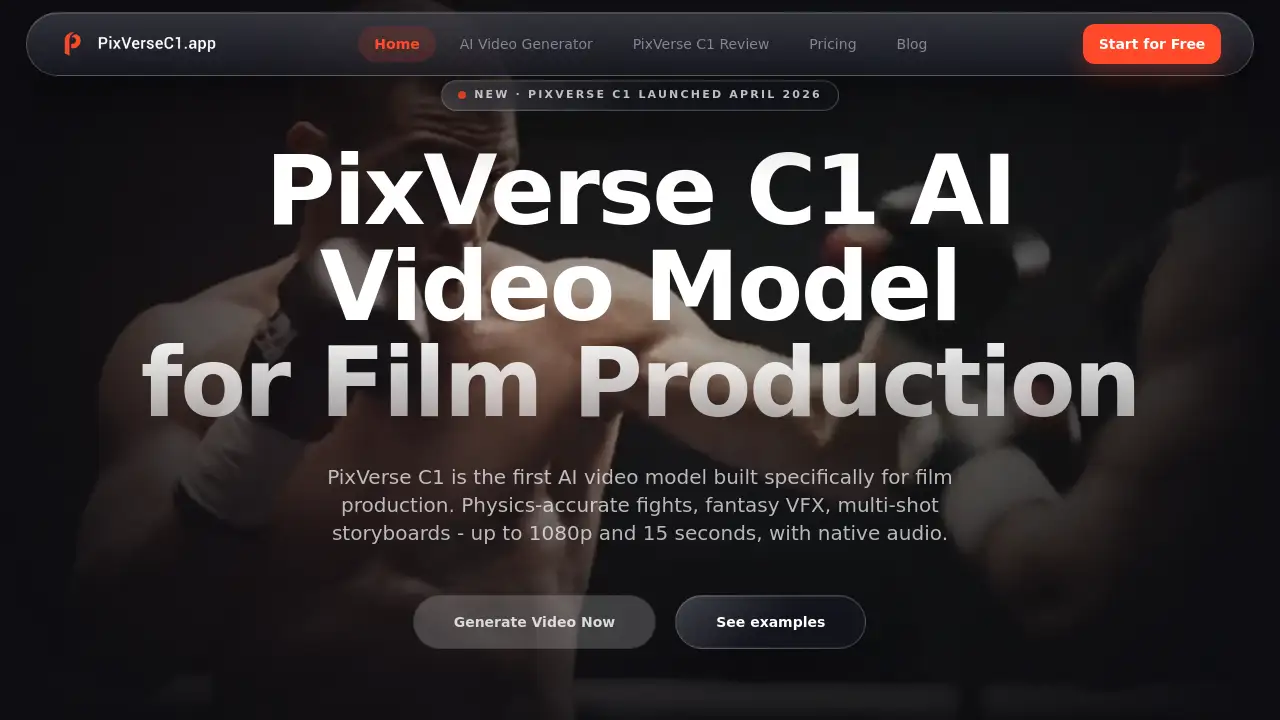
PixVerse C1 is a specialized tool for generating cinematic AI videos from text, images, or storyboards.
What is PixVerse C1?
PixVerse C1 is a cinematic AI video model designed specifically for film and animation production workflows. It solves the challenge of creating high-quality, action-packed, and visually consistent video sequences without requiring extensive manual editing or a full VFX pipeline. The platform allows creators to generate videos with realistic motion, advanced visual effects, and synchronized audio, all in resolutions up to 1080p. It is suitable for filmmakers, content creators, game developers, and marketing teams who need to produce professional-grade video content quickly and efficiently. The ability to maintain character consistency and orchestrate multi-shot scenes makes it a valuable asset for structured storytelling and rapid prototyping.
Key Features of PixVerse C1
Cinematic Action & Physics Engine
PixVerse C1 generates complex action scenes with realistic, physics-accurate motion and maintains spatial consistency throughout the video.
Advanced VFX & Visual Effects System
The model includes a built-in system for creating particle effects, dynamic lighting, fluid simulations, and other atmospheric elements with cinematic quality directly upon generation.
Reference-Based Character Consistency
Users can upload reference images to lock character identity, ensuring visual continuity across multiple generated shots for coherent storytelling.
Multi-Shot Scene Orchestration
This feature allows for control over scene transitions and sequencing, enabling the creation of a coherent, multi-shot narrative within a single, structured workflow.
Storyboard to Video Workflow
Creators can upload between 3 to 9 storyboard panels, and PixVerse C1 automatically turns them into a continuous, segmented video sequence.
1080p Video with Native Audio
The model outputs high-definition videos up to 1080p resolution and 15 seconds in length, complete with synchronized audio tracks, making them production-ready.
Built for Production Pipelines
PixVerse C1 is designed to integrate into professional workflows, offering iterative generation, multiple reference inputs, and API access for scalable use.
Seamless Cinematic Transitions
The tool can create smooth, film-quality transitions between two uploaded images, complete with audio and high-resolution output.
Use Cases for PixVerse C1
Anime & Short Film Production
Animation studios can rapidly turn storyboard panels into complete, multi-shot fight sequences or dramatic scenes, bypassing the need for frame-by-frame rendering.
Social Media Content Creation
Solo creators can produce cinematic clips for platforms like TikTok or YouTube with professional VFX and action scenes, all generated from a simple text prompt or image.
Game Trailer Prototyping
Game development studios use C1 to create concept trailers and store previews featuring combat sequences, providing stakeholders with a realistic preview before committing to full CGI production.
Marketing & Product Visualization
Marketing teams can generate eye-catching transformation videos or reveal clips for products like toys or cars directly from a single product photo and a descriptive prompt.
How to Use PixVerse C1
Using PixVerse C1 to create cinematic AI videos is a straightforward process accessible through a web browser.
- Choose Your Generation Mode: Select from three main options: Text to Video, Image to Video, or Storyboard to Video, depending on your starting material.
- Provide Your Input: Write a detailed text prompt describing the scene, camera angles, and motion, or upload your reference image or series of storyboard panels.
- Configure Output Settings: Set your desired video resolution (up to 1080p), duration (up to 15 seconds), and enable the native audio option.
- Generate and Download: Initiate the generation process. Videos typically render in under a minute, after which you can download the MP4 file for immediate use in your projects.
Target Audience for PixVerse C1
- Independent Filmmakers & Animation Studios
- Digital Content Creators & Social Media Influencers
- Game Developers & Indie Game Studios
- Marketing & Advertising Professionals
- Concept Artists and Storyboard Artists
Is PixVerse C1 Free?
PixVerse C1 operates on a credit-based system. New users receive free credits to try the service. For ongoing use, credits are purchased in one-time packs that do not expire. The effective cost per credit decreases with larger bundles.
| Plan | Price | Credits | Effective Rate/Credit | Key Detail |
|---|---|---|---|---|
| Starter | $9.9 | 430 | $0.023 | One-time purchase, credits don't expire |
| Creator | $29.9 | 1,424 | $0.021 | One-time purchase, credits don't expire |
| Pro | $49.9 | 2,626 | $0.019 | One-time purchase, credits don't expire |
| Studio | $99.9 | 5,876 | $0.017 | One-time purchase, credits don't expire |
PixVerse C1's Pros and Cons
| Aspect | Pros | Cons |
|---|---|---|
| Output Quality | High 1080p resolution with synchronized native audio. Specialized in cinematic action and VFX. | Maximum video length is limited to 15 seconds. |
| Workflow & Features | Unique storyboard-to-video and multi-shot orchestration tools. Excellent reference-based character consistency. | May have a steeper learning curve for optimizing complex prompts compared to general models. |
| Pricing & Access | Pay-as-you-go credit packs do not expire, offering flexibility. No mandatory subscriptions. | Can become costly for users requiring very high volume generation. |
| Use Case Fit | Unmatched for specific needs like action scene generation and visual effects. | For simple, everyday video creation, a more general model might be sufficient. |
Frequently Asked Questions about PixVerse C1
What is PixVerse C1 best used for?
PixVerse C1 is specifically optimized for generating cinematic AI videos that involve action sequences, complex visual effects (VFX), and multi-shot narratives. It excels at tasks like creating fight scenes, magical effects, and turning storyboards into cohesive video clips.
How is PixVerse C1 different from other AI video models like V6?
While both can generate 1080p video, PixVerse C1 is specialized for cinematic production with a focus on physics-accurate action, built-in VFX, and storyboard-based generation. PixVerse V6 is designed as a faster, general-purpose model for a wider variety of everyday video creation prompts.
Can I use the videos I create with PixVerse C1 for commercial purposes?
Yes. Videos generated using purchased credit packs come with a full commercial license. You retain ownership and can use them in client work, advertising, social media, and other commercial distributions.
Does PixVerse C1 support an API for automation?
Yes. PixVerse C1 offers API access, allowing developers and studios to integrate its cinematic AI video generation capabilities directly into their own production pipelines and applications through fal.ai.
What are the video resolution and length limits?
PixVerse C1 can generate videos up to 1080p HD resolution with a maximum duration of 15 seconds per generation.
What kind of input does the Storyboard to Video mode require?
This mode requires uploading between 3 to 9 image panels that represent key frames of your sequence. PixVerse C1 then generates a continuous video, creating smooth transitions and motion between these panels.
PixVerse C1 Tags
PixVerse C1, cinematic AI video, AI video generator, text to video, image to video, storyboard to video, AI film production, VFX generator, action scene AI, consistent character AI, 1080p AI video, AI video with audio, multi-shot video AI, video generation API, AI for content creators