Introduction
AI-powered online tool to remove text from image instantly.
What is remove text from image?
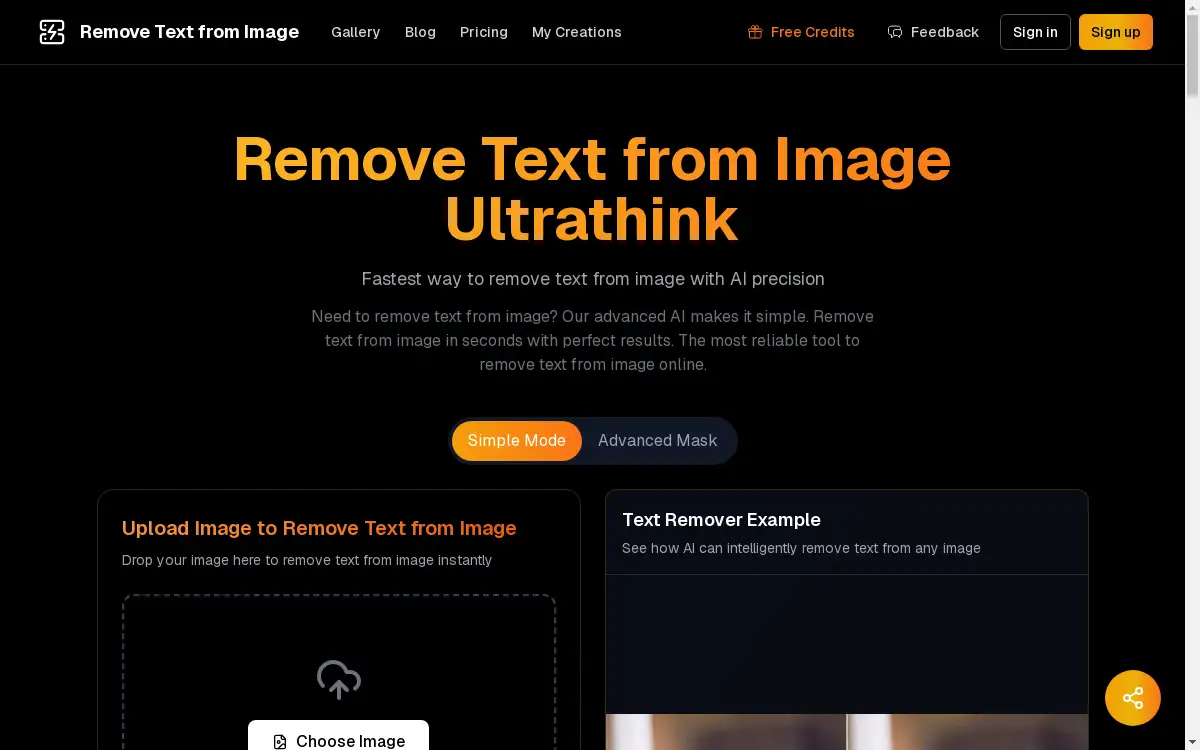
Remove Text from Image is an online tool designed to erase text from digital images. This product solves the common problem of unwanted text overlays, watermarks, or captions that can detract from a photo's visual appeal. It is suitable for a wide range of users, from professionals to casual image editors. The tool matters because it simplifies a task that traditionally required complex photo editing software, making it accessible to anyone. Using advanced artificial intelligence, this service allows users to remove text from image files quickly while preserving the original background and quality. This makes it an essential solution for cleaning up photos for personal or professional use.
Key Features of remove text from image
Smart AI Detection
The AI automatically and accurately identifies all text elements within an uploaded image, eliminating the need for manual selection.
Background Reconstruction
After text removal, the AI seamlessly reconstructs the missing background areas for a natural and undetectable finish.
Lightning-Fast Processing
Images are processed in under ten seconds, providing a quick and efficient way to remove text from image files.
Privacy-First Policy
User privacy is protected as all uploaded images are processed securely and are never stored on the company's servers.
HD Quality Output
The tool preserves the original resolution and quality of the image, supporting outputs up to 4K after the text is removed.
One-Click Operation
The entire process is automated, requiring just a single click to initiate the AI and remove text from the image.
Multi-Language Support
It can detect and remove text written in any language, making it a versatile tool for a global user base.
Professional Results
The technology is designed to deliver clean, professional-grade results that are ready for immediate use.
Use Cases for remove text from image
E-commerce Product Photos
Online stores can use the tool to remove text from image assets, such as cleaning watermarks or promotional text from product photos.
Social Media Content Creation
Bloggers and social media managers can remove text from image content to repurpose visuals or create cleaner, more focused posts.
Professional Design Projects
Graphic designers and creative agencies can efficiently remove text from image files for client presentations and marketing materials.
Personal Photo Editing
Individuals can use the service to remove text from personal images, such as erasing captions or dates from cherished photographs.
How to Use remove text from image
Using this tool is a straightforward, three-step process designed for simplicity.
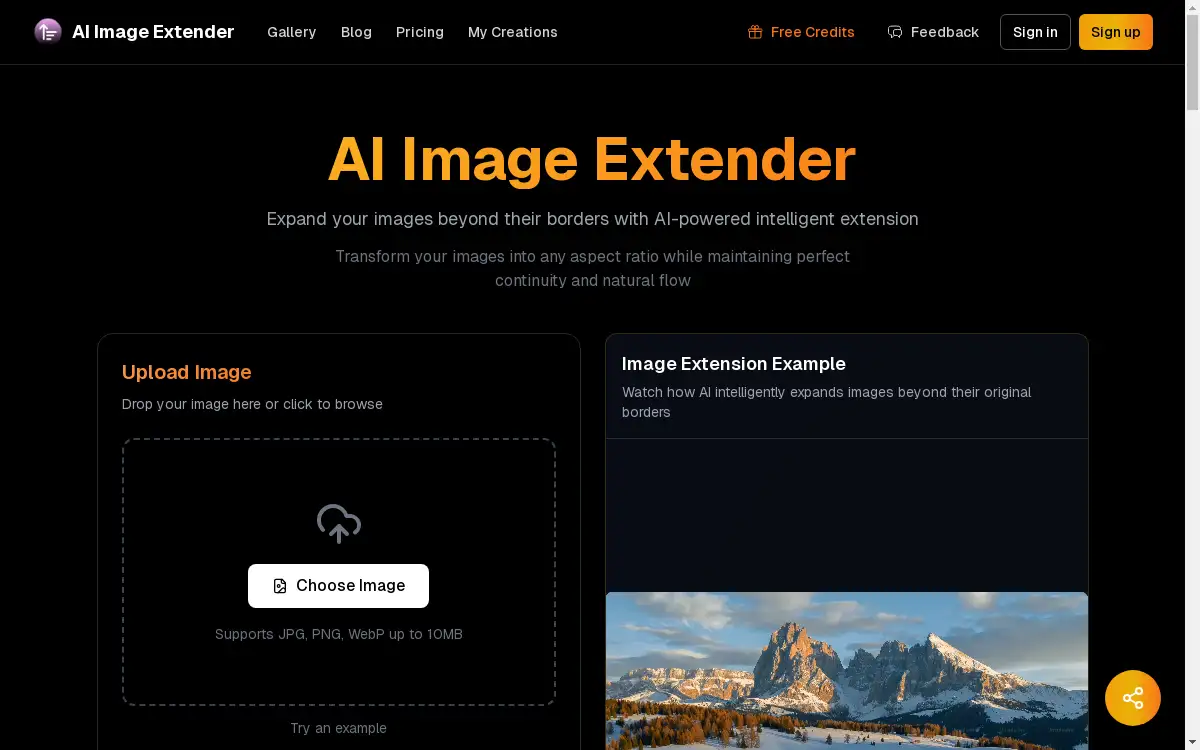
- Upload Your Image: Navigate to the website and upload your image file by dragging and dropping it into the designated area. The tool supports JPG, PNG, and WebP formats up to 10MB.
- Let the AI Process: Once uploaded, the AI automatically detects all text. With a single click, the tool begins processing to remove the text and reconstruct the background. This typically takes under ten seconds.
- Download the Result: After processing is complete, you can download your clean, text-free image, which is now ready for use.
Target Audience for remove text from image
- Creative Agencies and Graphic Designers
- E-commerce Store Owners and Managers
- Bloggers and Social Media Influencers
- Marketing Professionals
- General Users for Personal Photo Editing
Is remove text from image Free?
The platform offers a generous free plan that allows users to experience its core functionality. This free tier is ideal for personal use and testing the tool's capabilities. For users with higher volume needs or requiring commercial usage rights, the platform provides affordable premium options through paid plans, which include extended features and permissions.
Frequently Asked Questions about remove text from image
What image formats are supported?
The tool supports common image formats including JPG, PNG, and WebP. Uploaded files must be 10MB or smaller.
How does the AI remove text without damaging the image?
The AI uses advanced algorithms to not only remove text from the image but also to intelligently analyze the surrounding background. It then reconstructs the area where the text was located, blending it seamlessly with the rest of the photo for a natural look.
Are my uploaded images kept private?
Yes, user privacy is a priority. Images are processed securely and are not stored on the servers after the removal process is complete, ensuring your files remain confidential.
Can it remove text in any language?
Yes, the AI detection is designed to recognize text characters from multiple languages, making it a versatile tool to remove text from image content globally.
Is there a limit to how many images I can process?
The free plan has certain usage limitations, which are typical for online tools. For unlimited access, users can explore the available premium plans.
What is the maximum image quality for the output?
The tool is capable of processing and outputting images in high definition, preserving the original quality and supporting resolutions up to 4K.
remove text from image Tags
remove text from image, online text remover, AI photo editor, erase text from photo, image cleanup tool, watermark removal, text removal AI, free image editor, background reconstruction, clean product photos, remove caption, delete text from picture