Introduction
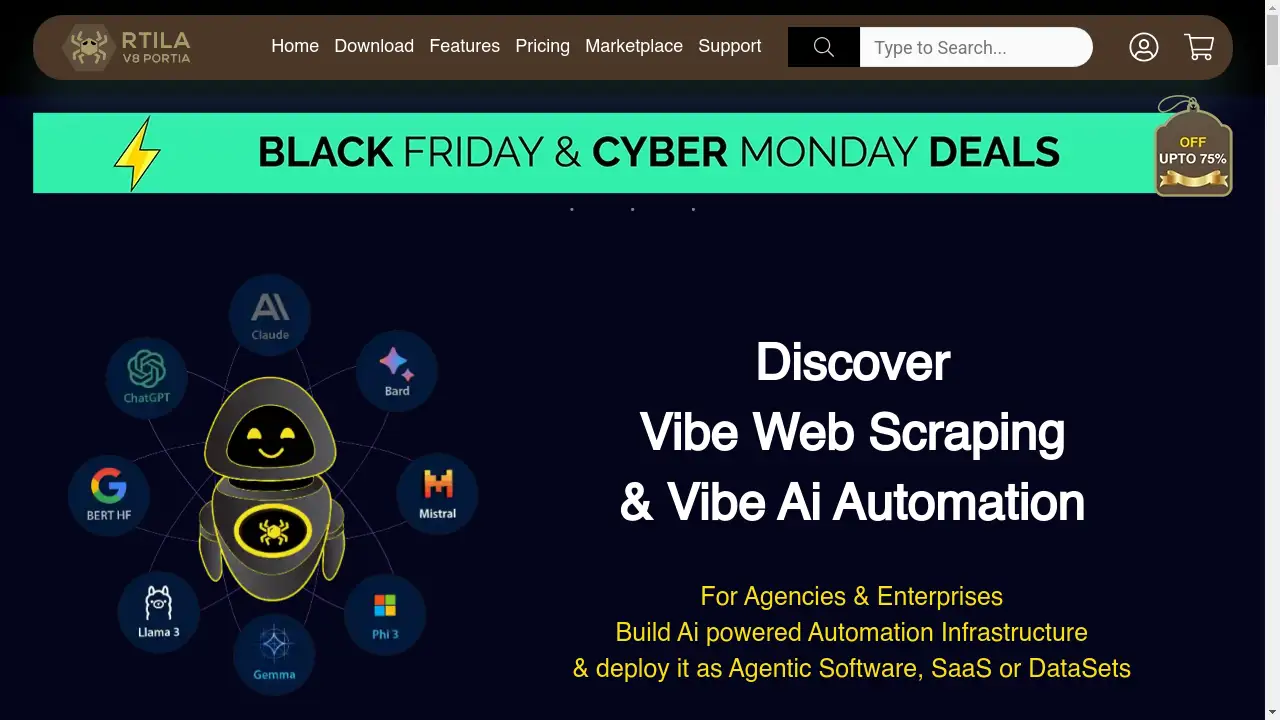
RTILA is a powerful web business automation and AI agent platform designed for agencies and enterprises.
What is RTILA?
RTILA is an AI automation software that enables users to build and deploy automated workflows, known as Ai Automation Agents. This platform addresses the need for efficient data handling and process automation by allowing businesses to create custom automations for web scraping, data processing, and integration with various applications. It is particularly suitable for agencies, developers, and enterprises looking to streamline operations, reduce digital expenses, and scale their capabilities. The significance of RTILA Web Business Automation lies in its ability to transform complex manual tasks into automated, agentic software that can be deployed as standalone applications, SaaS back-ends, or datasets.
Key Features of RTILA
Vibe Web Scraping
The software acts as a robust web scraping tool, capable of crawling, paginating, and extracting data from virtually any website for input into other systems.
Ai Automation Agents
Users can design, compile, and deploy autonomous Ai Agents that execute complex workflows, which can be monetized as datasets, API access, or standalone software.
Multi-threading Execution
RTILA Studio supports running multiple automation flows in parallel, significantly increasing efficiency and throughput for data-related tasks.
Extensive Template Marketplace
A growing marketplace offers a wide array of pre-built automation templates for popular websites and services, providing ready-made solutions for common use cases.
Custom Command Engine
A development-friendly feature allows third-party developers to create, import, and use new custom commands, extending the software's functionality without waiting for official updates.
Local AI Model Integration
The platform provides demos and functionality for using local AI models, such as Llama, for tasks like content generation and image-to-text processing without relying on cloud services.
Cloud API Integration
A Cloud API, currently in free beta, enables users to connect their automation flows to thousands of other applications via integrations with Zapier, Pabbly, and Make.
Cross-Platform Compatibility
RTILA offers native applications for Windows, Mac Silicon, and Linux/Ubuntu, ensuring broad accessibility across different operating systems.
Use Cases for RTILA
Data Mining and Extraction
Businesses can automate the process of gathering large volumes of data from websites, such as product details from e-commerce platforms or listings from directories.
Competitive Price Monitoring
Agencies can set up Ai Automation Agents to continuously monitor competitor pricing, pages, and social media posts, triggering alerts or actions based on changes.
Data Enrichment and Verification
Automated workflows can format, verify, and manipulate data on the fly, using APIs to find related contact details or social media profiles automatically.
Automated Outreach Campaigns
The software facilitates omnichannel outreach by automating highly customized communications through email, social media, and mobile platforms.
SEO and Content Automation
Users can leverage local AI models to generate SEO-friendly content and track keyword rankings across search engines, streamlining their digital marketing efforts.
E-commerce Management
Store owners can automate repetitive tasks such as scraping vendor sites for product data or generating new product descriptions using AI.
How to Use RTILA
- Download and Install: Visit the RTILA website and download the appropriate version of the RTILA Studio software for your operating system (Windows, Mac, or Linux).
- Design Automation Flows: Use the flagship Studio software to create and edit automation projects. The interface provides over 300 functionalities to build complex flows with conditions and API integrations.
- Utilize Templates or Build Custom: Accelerate development by using pre-built automation templates from the marketplace or create custom commands for unique requirements.
- Deploy Ai Agents: Compile your finished automation flows into Ai Automation Agents that can be deployed as standalone software, a self-hosted SaaS back-end, or datasets.
- Execute and Monitor: Run your automations locally using RTILA Studio or launch them on other machines using the free Launcher software, monitoring their performance and output.
Target Audience for RTILA
- Digital Marketing Agencies seeking to automate client reporting and data collection.
- E-commerce Businesses and store owners needing to monitor prices and manage product data.
- Developers and IT Professionals building custom automation solutions and agentic software.
- Enterprises and Institutions aiming to integrate AI automation into their organizational processes for efficiency and scale.
- Data Analysts and Researchers involved in large-scale web scraping and data enrichment projects.
Is RTILA Free?
RTILA employs a hybrid model with both free and paid offerings. The Launcher software and Cloud API are available for free, providing substantial functionality for running automations and basic integrations. The core design software, RTILA Studio, is a premium product with a lifetime license model starting from $99. This license includes unlimited projects, lifetime updates, lifetime support, and multi-threading capabilities, backed by a 60-day refund guarantee.
Frequently Asked Questions about RTILA
What operating systems does RTILA support?
RTILA provides native applications for Windows 10/11, macOS (Silicon and Intel via VM), and Linux/Ubuntu (with a full desktop GUI).
Can I run RTILA automations without the Studio software?
Yes, automations compiled into .bot files can be executed using the free RTILA Launcher, which is available on GitHub and does not require knowledge of the Studio.
What is the difference between the DIY and DFY options?
The DIY (Do-It-Yourself) option is for agencies and developers who want to build automations themselves. The DFY (Done-For-You) service offers consultation and assistance for enterprises looking to integrate AI automation into their organization.
How does RTILA handle web scraping on dynamic websites?
RTILA is designed to handle the whole spectrum of the web, including dynamic content, through its robust command set and browser automation capabilities.
Is there a community or marketplace for automation templates?
Yes, RTILA maintains a marketplace where users can access and download a wide variety of automation templates for common tasks on sites like Google, Amazon, and social media platforms.
Does RTILA offer a refund policy?
Yes, RTILA Studio comes with a 100% ROI guarantee and offers a 60-day refund policy on purchases.
RTILA Tags
RTILA, AI automation software, web business automation, Ai Automation Agents, web scraping, data mining, automation templates, RPA, local AI, SaaS, data enrichment, business process automation, workflow automation