Introduction
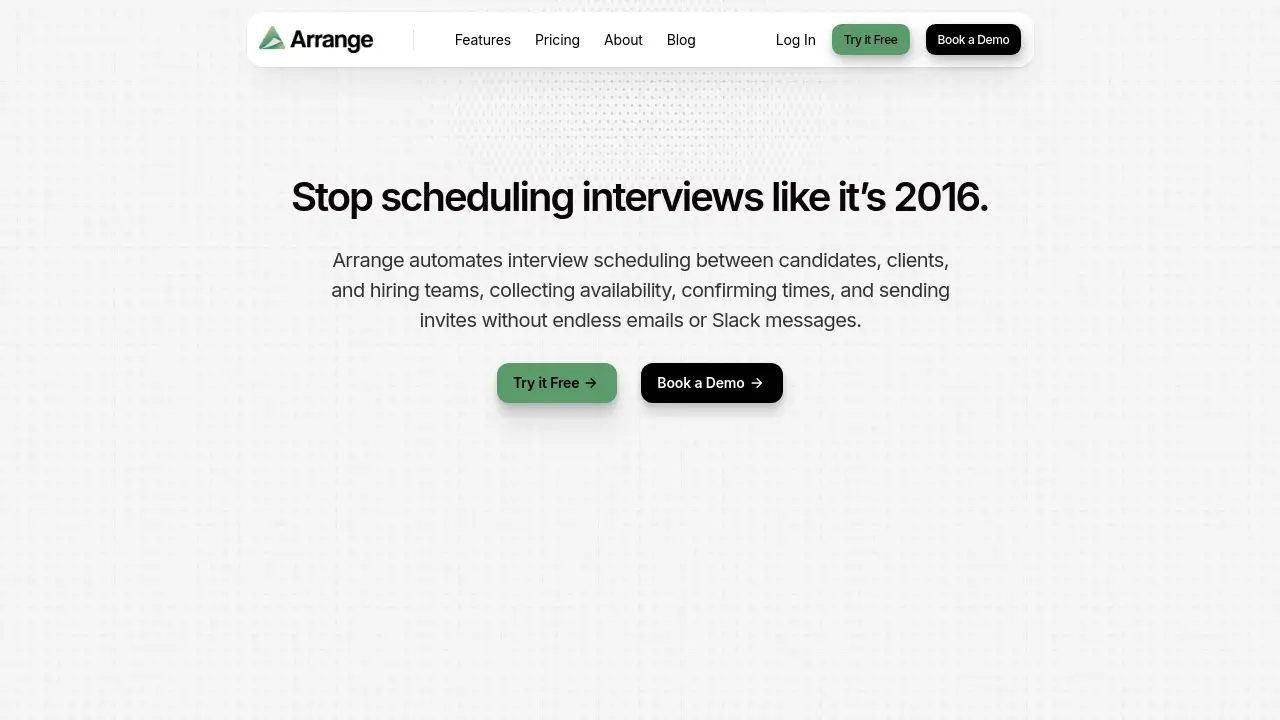
Arranging interviews between candidates, clients, and hiring teams can consume hours. Arrange is an interview scheduling software built to automate the back-and-forth and keep the entire interview scheduling process in one place. The platform collects availability, finds matching times, and sends invites automatically. For recruiters who manage complex calendars, this interview scheduling tool reduces email chains and Slack messages. It is designed for anyone who coordinates candidates and clients every day.
What is Arrange?
Arrange is a dedicated interview scheduling platform for recruitment coordination. It solves the problem of manually collecting availability and chasing confirmations. Most scheduling apps assume one person shares a link, but interviews often require multiple participants. Arrange handles candidate availability, client availability, and hiring manager calendars in one view.
The main value of Arrange is interview scheduling automation. Instead of collecting times through email or Slack, users can send smart scheduling links. Candidates, clients, and teams then select times based on real availability. This approach makes interview scheduling more predictable and less stressful. The platform also supports live tracking, so coordinators can monitor every interview in motion and step in when needed.
For growing teams, automation is key. Arrange reduces repetitive manual work and helps recruiters focus on relationships. Whether the goal is faster candidate interview scheduling or smoother panel interviews, Arrange provides a practical solution. With automated interview scheduling, coordinators no longer need to act as the middle person for every single calendar request.
Key Features of Arrange
Flexible Interview Scheduling Workflows
Arrange supports multiple interview scheduling methods. Users can send a scheduling link with a candidate submission, collect availability from both sides, start with the candidate, or let candidates book directly from combined hiring manager availability.
Fast Interview Setup
Users can add a candidate by uploading a resume or pulling from an ATS. Then they select hiring managers, set the interview length, and choose the meeting type in one simple setup. This speed is important for daily interview scheduling workflows.
Candidate and Client Availability Automation
Arrange collects candidate and client availability automatically. It finds the earliest match and sends calendar invites. This is core interview scheduling automation, and it removes the need for manual follow-up messages.
Simplified Group Interview Scheduling
The platform combines multiple hiring managers' calendars into one shared view. Candidates book against real availability, so coordinators don’t need to manage every step. This makes group interview scheduling far less complex.
Live Stage Tracking and Control
Every interview can be tracked in real time. Users can send reminders, resend links, edit details, or reschedule interviews from one organized dashboard. This gives interview scheduling teams more control over the entire hiring process.
Instant Confirmations and Updates
Once a time is selected, all participants receive confirmation automatically. If an interview changes, updates are sent instantly so everyone stays informed. This prevents confusion during interview scheduling and keeps things moving quickly.
Calendar, Video, and ATS Integrations
Arrange connects with Google Calendar, Outlook, Zoom, Google Meet, Microsoft Teams, and ATS platforms. These integrations support smoother interview scheduling across the tools recruiting teams already use every day.
Use Cases for Arrange
Recruiting Agencies
Agencies coordinate candidates and clients constantly. Arrange lets recruiters send a scheduling link with a submission, so clients can book a time without multiple emails. This is one of the most useful interview scheduling automation features for agency teams.
Internal Talent Acquisition Teams
Corporate recruiting teams can use Arrange to manage availability for multiple hiring managers and candidates in one place. The dashboard gives everyone a shared view of the interview scheduling process.
High-Volume Interview Coordination
For teams that schedule many interviews daily, Arrange reduces manual work. Automated interview scheduling helps recruiters avoid double-booking and keeps calendars in sync.
Panel Interviews
When several hiring managers need to attend, Arrange combines their calendars and shows only real available times. This removes the need for back-and-forth coordination and improves interview scheduling accuracy.
How to Use Arrange
Using Arrange is straightforward for recruiters and coordinators:
- Add a candidate by uploading a resume or pulling from an ATS.
- Select the hiring managers and set the interview length and meeting type.
- Choose an interview scheduling method, such as a smart link or direct availability collection.
- Send the link to the candidate or client and let them book against real calendar availability.
- Track progress from the dashboard and send reminders or reschedule if needed.
The platform handles confirmations and calendar invites automatically. This makes the entire interview scheduling workflow more organized and less dependent on manual email coordination.
Target Audience for Arrange
- Recruiters and recruiting coordinators
- Staffing and recruiting agencies
- Internal talent acquisition teams
- Hiring managers involved in panel interviews
- Operations and growth teams that support recruiting
- High-volume hiring organizations
Is Arrange Free?
Arrange offers three pricing plans, but the official homepage does not list exact dollar amounts. The plans are Starter, Pro, and Enterprise. Each plan includes different levels of scheduling features, calendar connections, and integrations.
| Plan | Price | Features |
|---|---|---|
| Starter | Not listed | Personal booking link, 1 calendar connection, video conferencing integration, unlimited 1:1 meeting bookings |
| Pro | Not listed | Everything in Starter, multiple scheduling methods, hiring manager calendars, team multi-calendar support, ATS integrations |
| Enterprise | Not listed | Everything in Pro, custom onboarding and training, white-labeled booking links, custom domain, API access, priority support |
Users should check Arrange’s official pricing page for current pricing details and any available trial.
Arrange's Pros and Cons
| Aspect | Pros | Cons |
|---|---|---|
| Automation | Reduces back-and-forth emails and Slack messages | May take time to set up initial workflows |
| Features | Supports group scheduling, live tracking, and flexible workflows | Some advanced features are limited to Pro or Enterprise |
| Integrations | Works with Google/Outlook, Zoom/Meet/Teams, and ATS tools | Exact integration details may vary by plan |
| Pricing | Plans for individual users, recruiters, and teams | Public pricing details are not shown on the homepage |
| Ease of Use | Simple interface and quick setup from candidate details | New users may need a short learning period |
Frequently Asked Questions about Arrange
Can Arrange connect to Google Calendar and Outlook?
Yes. Arrange connects to Google Calendar and Outlook, and it syncs interviews to connected calendars automatically. This helps keep interview scheduling data consistent across the team.
Does Arrange work with Zoom, Google Meet, and Microsoft Teams?
Yes. The platform can automatically include video conferencing links from Zoom, Google Meet, or Microsoft Teams in interview invitations. This makes virtual interview scheduling easier for everyone involved.
How does Arrange handle rescheduling?
Arrange allows users to reschedule interviews from the dashboard. When a time changes, all participants receive updates automatically. The dashboard makes interview scheduling changes easy to manage without starting over.
Is Arrange suitable for recruiting agencies?
Yes. Recruiting agencies can use Arrange to coordinate between candidates and clients, especially when they need to send scheduling links with candidate submissions. Agencies that need fast interview scheduling will benefit from the automation.
Does Arrange automate interview scheduling?
Yes. Automated interview scheduling is a core part of Arrange. The platform collects availability, matches times, and sends calendar invites without requiring constant manual follow-up.
Does Arrange integrate with ATS platforms?
Yes. Arrange includes ATS integrations in its Pro and Enterprise plans, making it easier to pull candidate details and sync workflow. This helps recruiters keep candidate data in one place.
Arrange Tags
interview scheduling, interview scheduling software, automated interview scheduling, interview scheduling automation, recruiting coordinator tool, candidate availability, group interview scheduling, hiring manager scheduling, ATS integration, calendar sync, candidate scheduling link, recruiting workflow