Introduction
A comprehensive review of the Seadance 2.0 AI Video Generator, exploring its features, use cases, and pricing.
What is Seadance 2.0 AI Video Generator?
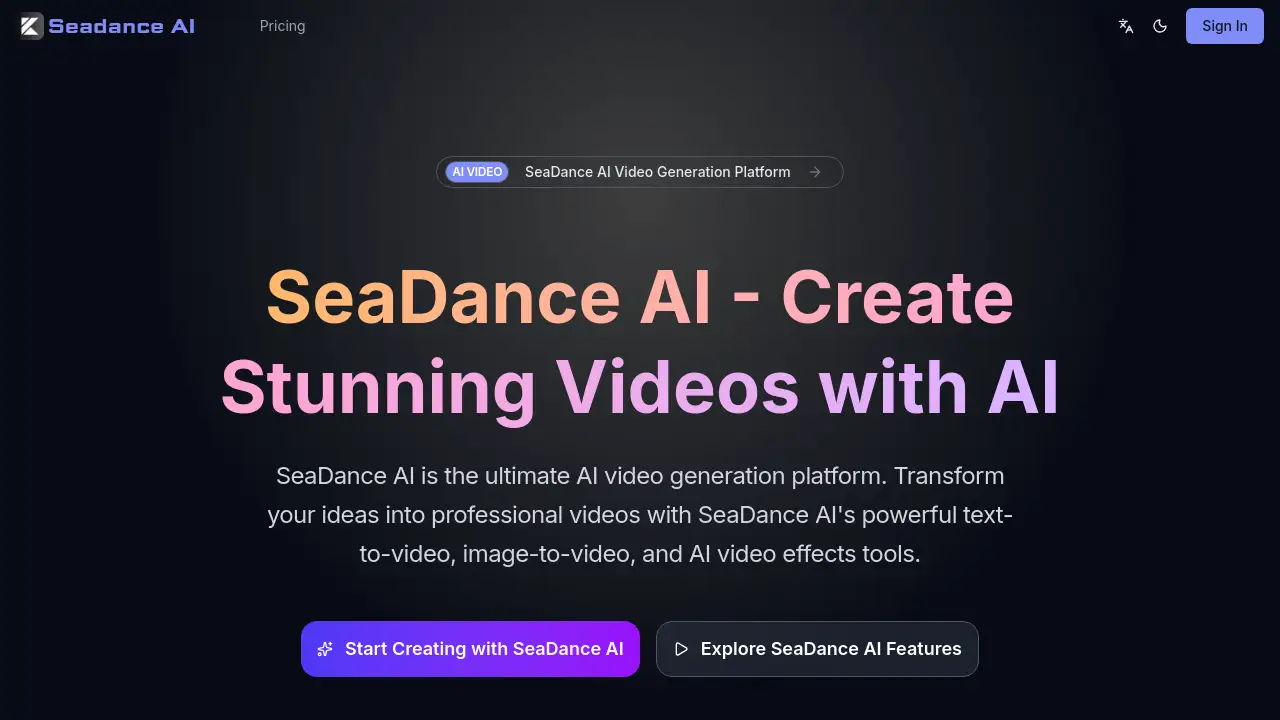
The Seadance 2.0 AI Video Generator is a comprehensive, cloud-based platform designed to transform text and images into dynamic video content. It solves the problem of time-consuming and technically demanding traditional video production by leveraging advanced artificial intelligence. This tool is suitable for a wide range of users, from social media influencers and marketers to educators and hobbyists, who need to create professional-looking videos quickly and without specialized skills. Its importance lies in democratizing video creation, making it an accessible and powerful medium for storytelling, promotion, and communication. By offering multiple generation methods, including text-to-video and image-to-video, Seadance AI provides versatile solutions for various video creation needs.
Key Features of Seadance 2.0 AI Video Generator
Text-to-Video Generation
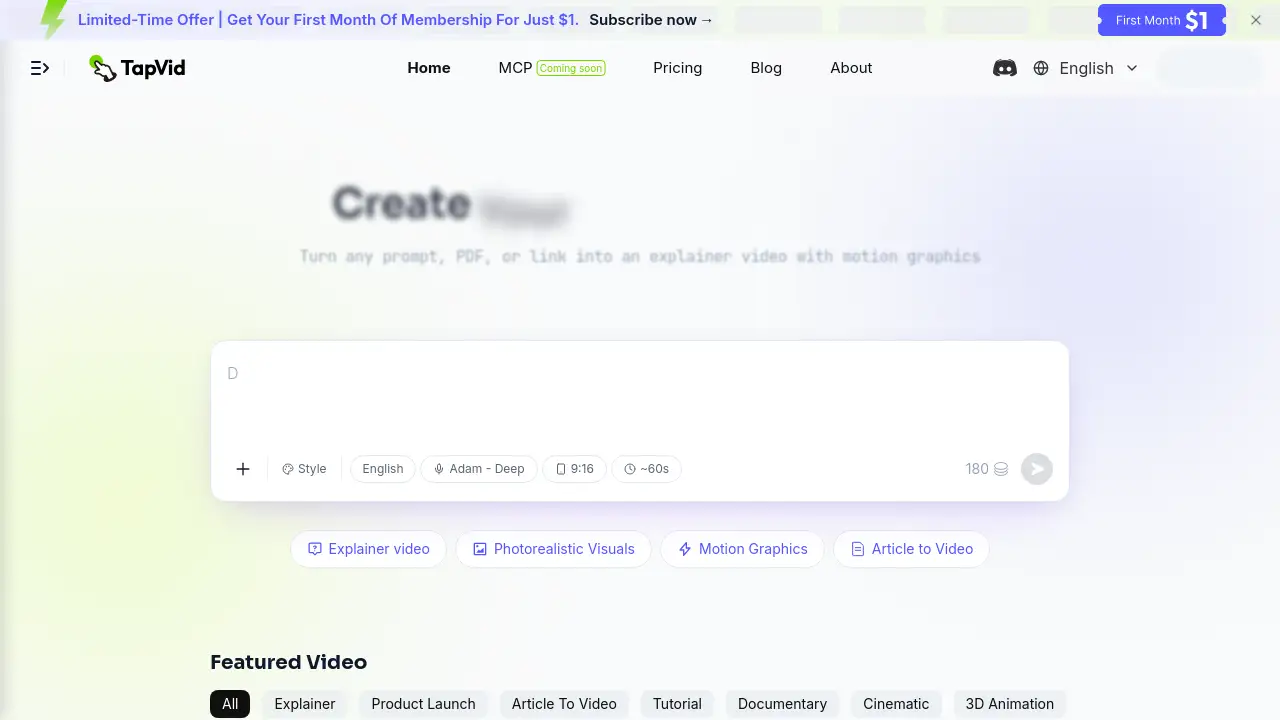
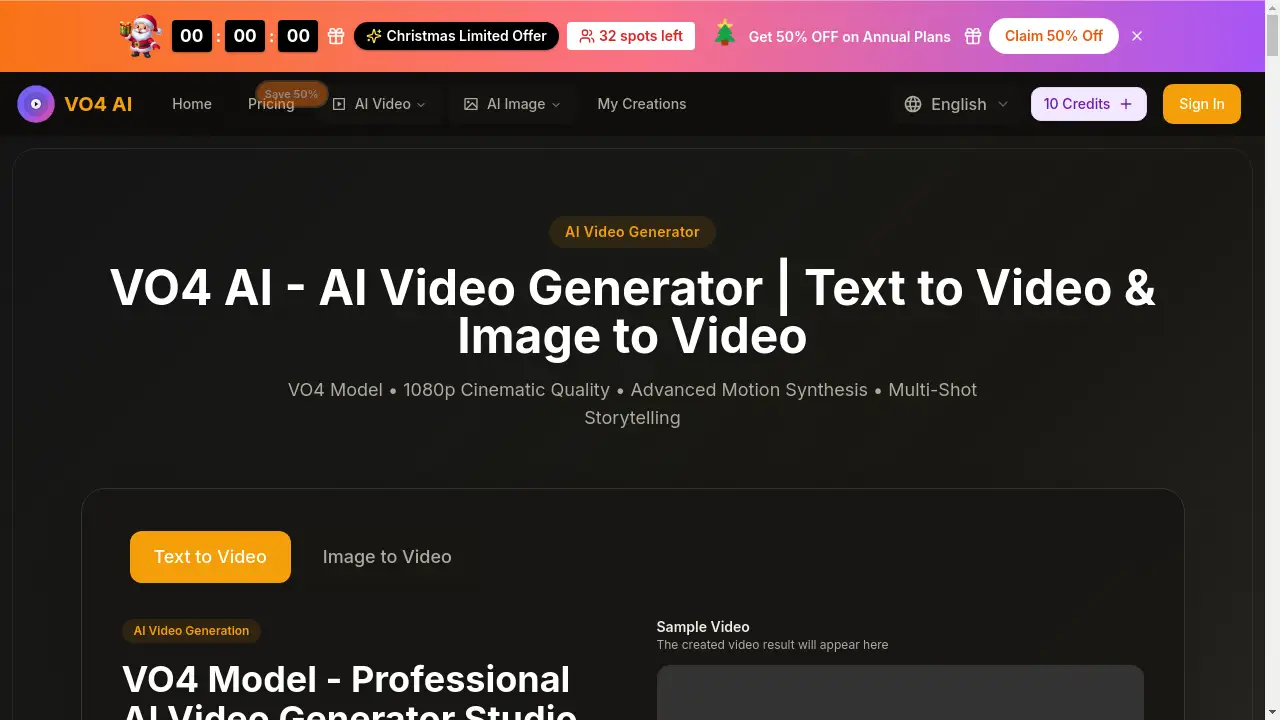
This core feature allows users to input a descriptive text prompt, which the platform's AI models then use to generate a complete video, transforming written ideas into visual stories with various artistic styles.
Image-to-Video Animation
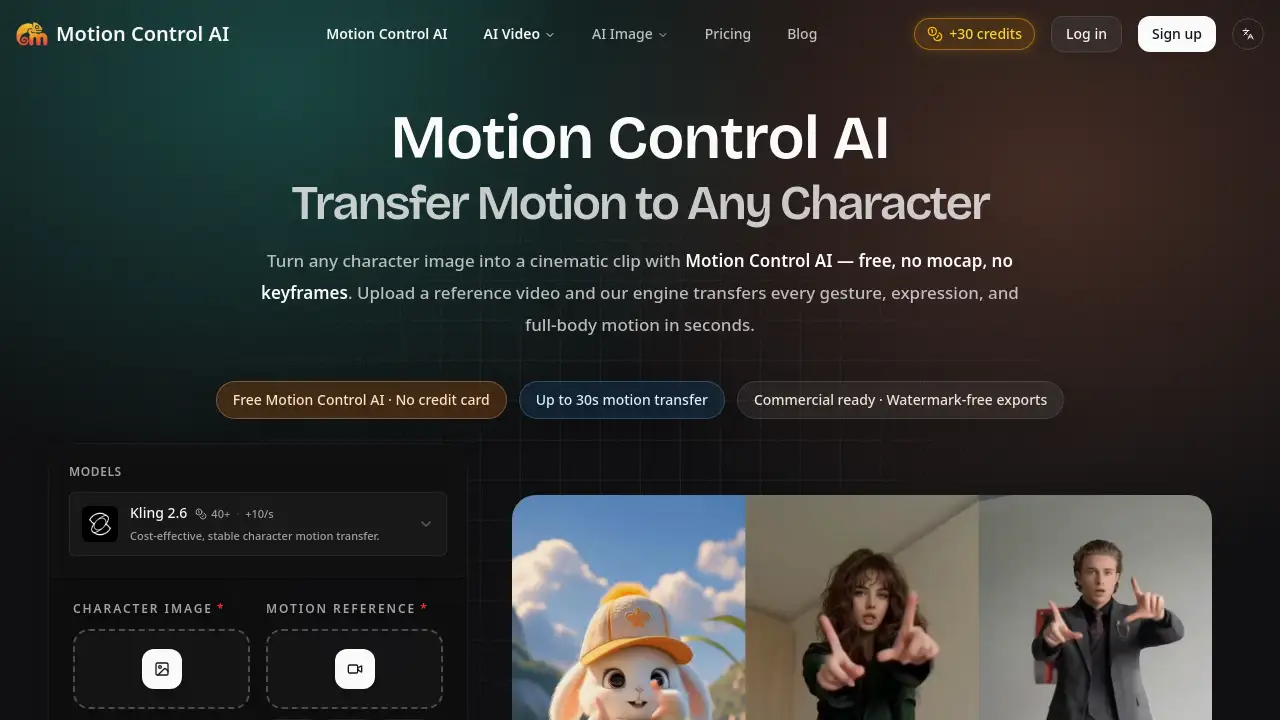
Users can upload a static image, and Seadance AI will animate it, creating fluid motion and bringing pictures to life with intuitive motion controls while maintaining the original image's high resolution.
AI-Powered Video Effects
The platform includes tools for applying advanced effects to existing videos, such as style transfer to alter aesthetics and enhancement features to upscale video quality for a more polished, cinematic look.
Flexible Video Customization
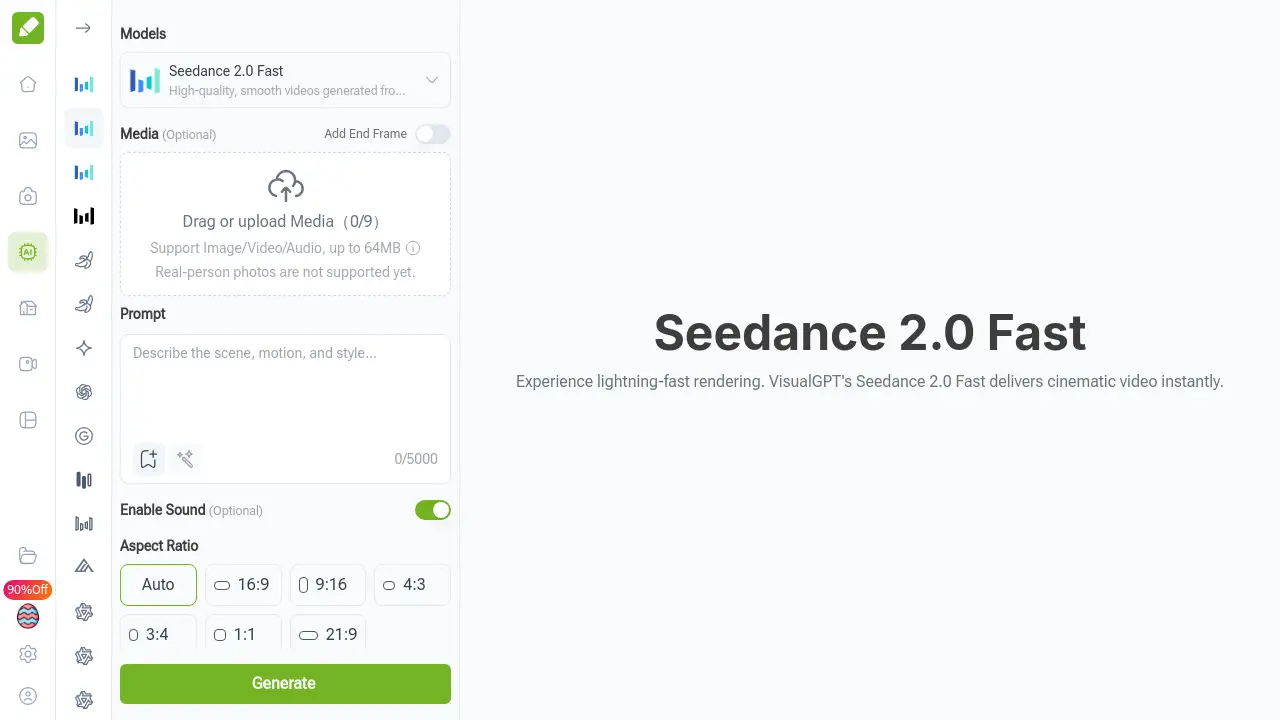
Before generation, users can adjust key parameters like resolution, duration, aspect ratio, and choose to generate audio or use a fixed camera lens, providing significant creative control over the final output.
Multi-Model AI Support
Seadance AI is powered by a suite of advanced models, including its proprietary Seedance model alongside others like Veo3 and Sora2, offering varied capabilities and styles for different AI video generation tasks.
Use Cases for Seadance 2.0 AI Video Generator
Social Media Content Creation
Creators can rapidly produce engaging short-form videos for platforms like TikTok, Instagram Reels, and YouTube Shorts, keeping up with the constant demand for fresh, eye-catching content.
Marketing and Advertising
Marketing teams can generate product demonstration videos, animated advertisements, and promotional clips from text scripts or product images, streamlining campaign production.
Educational and Explainer Videos
Educators and trainers can transform lesson outlines or diagrams into animated explainer videos, making complex topics more accessible and engaging for learners.
Creative Storytelling and Art
Artists and writers can visualize scenes from stories or generate abstract art videos, using the AI video generator as a tool for experimental and artistic expression.
How to Use Seadance 2.0 AI Video Generator
Using the Seadance 2.0 platform involves a straightforward process focused on creative input and customization.
- Select a Creation Mode: Choose your starting point, either the text-to-video tool for generating from a written description or the image-to-video tool for animating an existing picture.
- Input Your Content: For text-to-video, write a detailed prompt describing the scene, action, and style. For image-to-video, upload your chosen image file.
- Customize Settings: Adjust the video parameters such as resolution (up to 1080p), duration, aspect ratio, and decide whether to include AI-generated audio.
- Review Cost and Generate: The interface will show an estimated credit cost. Once satisfied, click the generate button to start the AI video generation process.
- Download and Use: After processing, the generated video will appear for preview. You can then download it for use in your projects.
Target Audience for Seadance 2.0 AI Video Generator
- Social media managers, influencers, and content creators
- Digital marketers and advertising professionals
- Small business owners and entrepreneurs
- Educators, trainers, and instructional designers
- Hobbyists, artists, and creative enthusiasts
- Teams and agencies requiring efficient video production
Is Seadance 2.0 AI Video Generator Free?
Seadance 2.0 AI Video Generator operates on a credit-based subscription model and does not appear to offer a traditional free plan. It provides three yearly subscription tiers with different monthly credit allowances. The pricing details from the official homepage are summarized below.
| Plan | Price (Yearly) | Key Features |
|---|---|---|
| Basic Yearly | $179.4/year | 5,000 credits/month, Seedance model support, 1080p resolution, video with sound effects. |
| Plus Yearly | $359.4/year | 12,000 credits/month, priority processing, lip sync support, all Basic features. |
| Pro Yearly | $599.4/year | 22,000 credits/month, commercial usage rights, fastest processing, priority support, all Plus features. |
Seadance 2.0 AI Video Generator's Pros and Cons
| Aspect | Pros | Cons |
|---|---|---|
| Features & Capabilities | Comprehensive suite (text, image, effects), supports high-resolution 1080p output, uses multiple advanced AI models. | No clear free trial or tier, which may deter first-time users from testing the service. |
| Usability & Control | Intuitive interface with pre-generation customization options for duration, aspect ratio, and audio. | Credit-based system requires understanding of cost per generation, which may add complexity for budgeting. |
| Pricing & Value | Yearly subscriptions offer significant discounts, higher-tier plans include commercial rights and priority processing. | Entry-level yearly cost may be high for casual or individual users compared to some monthly competitors. |
| Performance | Advertises fast processing times, especially on Pro plan, and maintains image quality during animation. | Performance and consistency of AI generations can vary based on prompt complexity and selected model. |
Frequently Asked Questions about Seadance 2.0 AI Video Generator
What is the main function of Seadance AI?
The primary function of Seadance AI is to generate video content using artificial intelligence. It specializes in creating videos from text descriptions (text-to-video) and animating still images (image-to-video), serving as a versatile AI video generation platform.
Do I need video editing experience to use Seadance 2.0?
No, prior video editing experience is not necessary. The platform is designed to simplify the video creation process. Users primarily work by writing text prompts or uploading images, with the AI handling the complex task of generation and animation.
What video quality can I expect from the generated videos?
Seadance AI generates videos in up to 1080p resolution. The platform emphasizes maintaining high image quality during the image-to-video animation process and uses advanced models to produce detailed and coherent scenes from text prompts.
How does the credit system work?
The platform operates on a credit system where each video generation consumes a certain number of credits based on parameters like length and resolution. Users subscribe to a plan that provides a monthly allowance of credits (e.g., 5,000 for Basic).
Can I use videos created with Seadance AI for commercial purposes?
Commercial usage rights are included in the Pro Yearly subscription plan. Users on the Basic and Plus plans should review the terms of service, as commercial use may be restricted or require the appropriate license.
What AI models does Seadance 2.0 use?
Seadance AI utilizes a suite of AI models, including its own "Seedance" model as well as other advanced models like Veo3 and Sora2. This multi-model approach provides users with different stylistic and functional options for their AI video generator projects.
Seadance 2.0 AI Video Generator Tags
Seadance 2.0 AI Video Generator, AI video generator, text to video, image to video, AI video creation, AI video effects, video generator AI, create AI video, AI video maker, AI animation, video production tool, AI content creation