Introduction
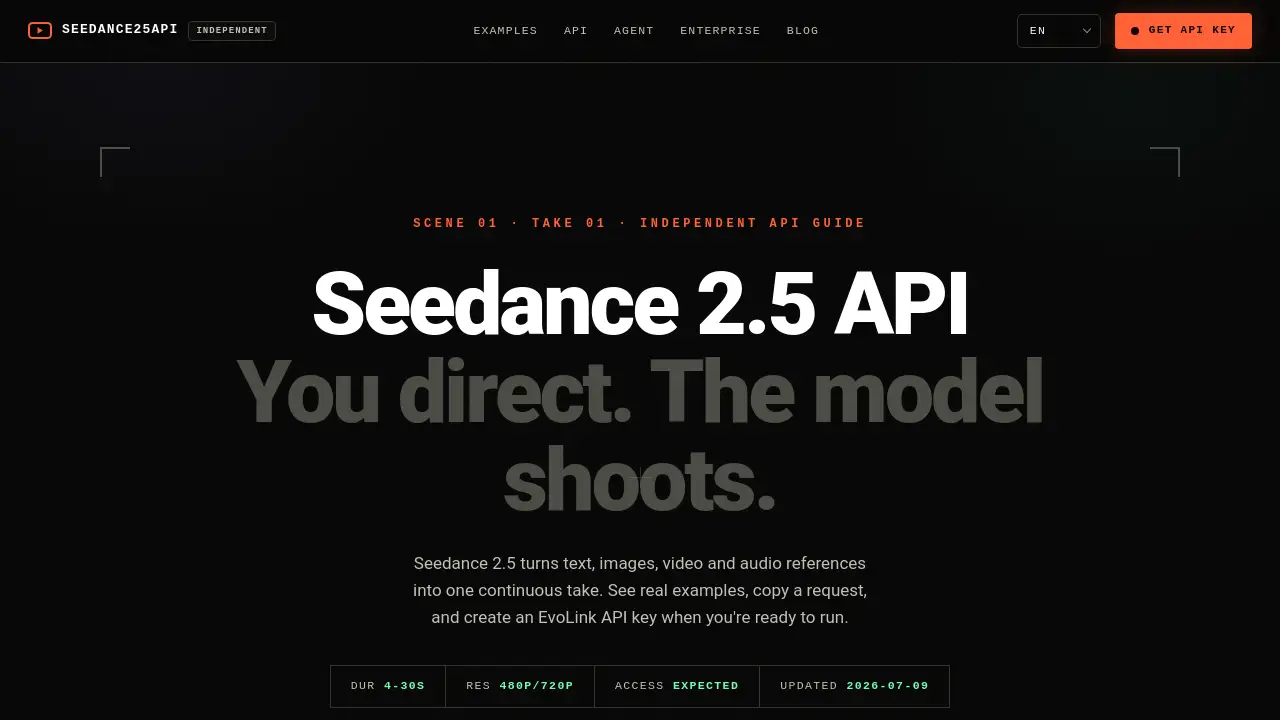
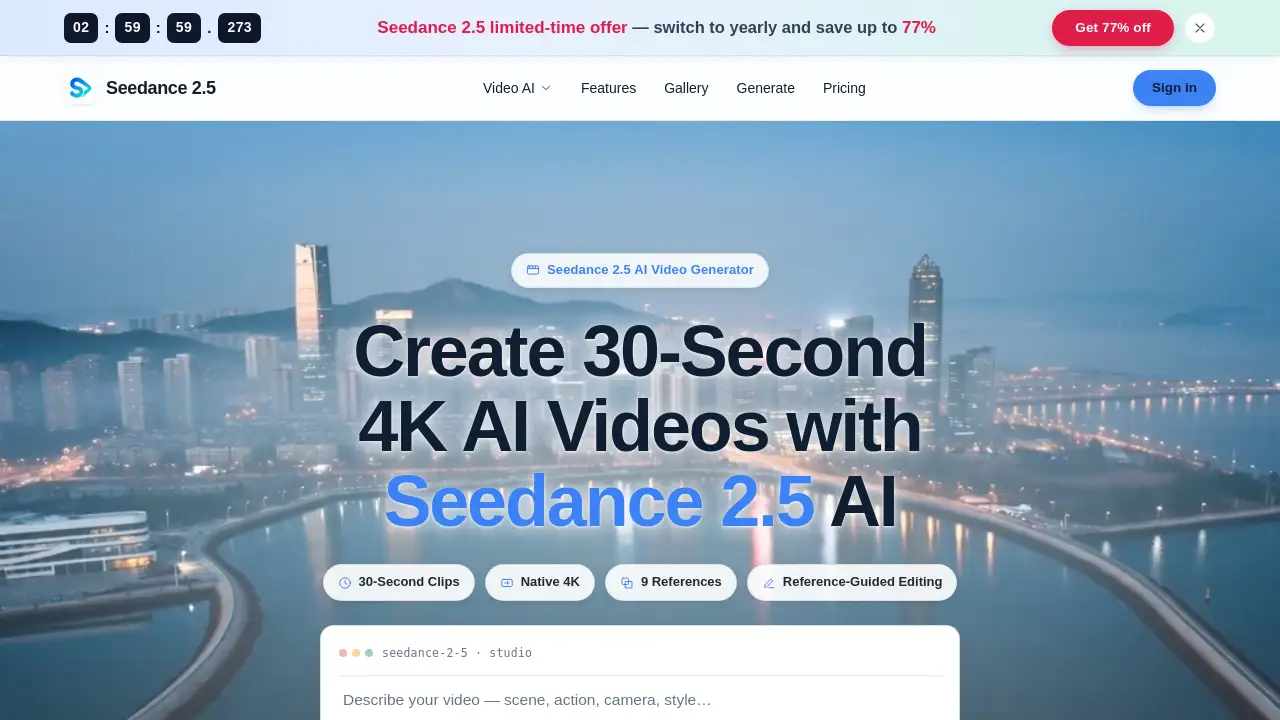
The Seedance 2.5 AI video generator creates native 4K, 30-second clips from text, images, or up to nine reference images. It delivers seamless, watermark-free output suitable for commercial and creative projects.
What is Seedance 2.5 AI?
Seedance 2.5 AI is an advanced AI video generator that turns a single prompt or a stack of reference images into a polished, continuous video clip. It solves the common problem of inconsistent character appearance and low-resolution output by offering native 4K resolution and up to 30 seconds of uninterrupted footage. The tool uses a reference-to-video workflow that allows users to lock a subject’s identity, style, and scene across every frame. This makes it ideal for filmmakers, marketers, content creators, and educators who need fast, reliable video generation without complex editing timelines. Its three creation modes — text-to-video, image-to-video, and reference-to-video — give users flexible starting points for any project.
Key Features of Seedance 2.5 AI
30-Second Single-Clip Generation
Render a full 30-second video as one continuous take, with no stitching or jump cuts. This is a unique capability often missing from other AI video generators.
Native 4K Output
Generate videos at true 4K resolution with high color depth (10-bit). The output is delivery-ready without requiring an external upscaling pass.
Up to 9 Reference Images
Combine up to nine reference images — such as a subject, a colour palette, and a setting — to maintain consistency in character, style, and environment.
Reference-Guided Editing
Adjust a specific region of the video while the rest of the scene remains unchanged. This allows precise iteration without re-rendering the entire clip.
Three Creation Modes
Start from a text prompt, a single image, or multiple reference images. Each mode is powered by the same engine, ensuring coherent results across approaches.
Watermark-Free Export
Download your clips as clean MP4 files with a commercial license, ready to publish anywhere.
10-Bit Color Depth
Smooth gradients and rich tones with no visible banding, even in high-contrast scenes.
Multiple Aspect Ratios
Generate in 16:9 (cinematic), 9:16 (vertical for social), or 1:1 (square) formats in a single pass.
Use Cases for Seedance 2.5 AI
Film & Pre-Visualization
Block out scenes and test camera moves before production. The Seedance 2.5 AI engine turns scripts into moving storyboards quickly.
Marketing & Advertising
Create on-brand video ads and product motion concepts without a full shoot. Use image-to-video or reference-to-video to animate hero shots and campaign cuts.
Social Media Content
Produce native 9:16 clips for TikTok, Reels, and Shorts. Render daily content without touching a timeline, and keep your feed consistent.
E-Commerce & Product
Drop a product still and get clean showcase loops or lifestyle scenes. The subject stays true to the original photo, ideal for catalogues and launch teasers.
Art & Creative Direction
Explore moods and styles by combining reference images. Lock a visual direction for an entire project before committing to final assets.
Education & Explainers
Visualize abstract processes and lessons. Generate clear explainer clips that keep learners engaged, with no need for a production crew.
How to Use Seedance 2.5 AI
- Write your prompt – Describe the subject, action, camera move, and mood. Being specific helps the AI video generator land closer to your vision.
- Add references (optional) – Upload one or more images to lock style, character, and continuity. You can use up to nine references.
- Generate and refine – Click generate. The first render appears in a single pass. If adjustments are needed, use reference-guided editing to tweak a region without restarting.
That’s it – from idea to finished clip in minutes.
Target Audience for Seedance 2.5 AI
- Marketing Teams – Need fast, on-brand ad concepts and seasonal campaign videos.
- Content Creators – Publish daily short-form content across multiple platforms.
- Product Teams – Animate product shots from still photos for testing and launches.
- Designers – Explore visual styles quickly using stacks of reference images.
- Agencies – Deliver client previews and iterate based on feedback overnight.
- Educators – Create explainer videos and training materials without a film crew.
Is Seedance 2.5 AI Free?
Seedance 2.5 AI operates on a pay-per-render model with no forced subscription. Users purchase credits and spend them on generated clips. The platform offers some trial credits to test the workflow (e.g., 195 credits for a 720p, 6-second clip). For the most current pricing and plan details, visit the official pricing page on the Seedance website.
| Plan | Price | Features |
|---|---|---|
| Pay-per-render | Credits | No subscription, pay for what you use |
| Trial available | Free credits | Limited duration, explore key features |
Seedance 2.5 AI's Pros and Cons
| Aspect | Pros | Cons |
|---|---|---|
| Output Quality | Native 4K, 10-bit color, watermark-free | Requires good reference images for best results |
| Clip Length | Up to 30-second single take, no stitching | Longer projects would need multiple clips (workaround available) |
| Reference Handling | Up to 9 images, strong identity lock | Setting up multiple references takes extra time initially |
| Editing | Reference-guided editing, region-specific | Limited to visual tweaks; no audio editing |
| Pricing | No subscription, pay per render | Cost per clip can add up for heavy users |
| Ease of Use | Simple three-step workflow | Prompt engineering may require practice for advanced scenes |
Frequently Asked Questions about Seedance 2.5 AI
Can Seedance 2.5 AI generate 4K video?
Yes. The Seedance 2.5 AI model natively outputs 4K resolution with 10-bit color depth, ready to deliver without additional upscaling.
How many reference images can I use?
Up to nine reference images can be combined in a single generation. You can feed a subject, style, and setting simultaneously.
Is Seedance 2.5 AI free to use?
The service offers a trial with free credits to test the AI video generator. After that, it uses a pay-per-render model – no monthly subscription required.
Can I use the generated videos commercially?
Yes, all exports are watermark-free and come with a commercial license. You can publish them anywhere.
How long can a single clip be?
You can generate a continuous, unstitched clip of up to 30 seconds in one pass. For longer projects, multiple clips can be combined manually.
Does the tool work for vertical social media?
Yes. Seedance 2.5 AI supports 16:9, 9:16, and 1:1 aspect ratios, making it suitable for TikTok, Reels, and other platforms.
Seedance 2.5 AI Tags
Seedance 2.5 AI, AI video generator, text to video, image to video, reference to video, 4K video generation, 30-second clips, AI video studio, reference-guided editing, video creation tool, watermark-free video, AI video for creators