Introduction
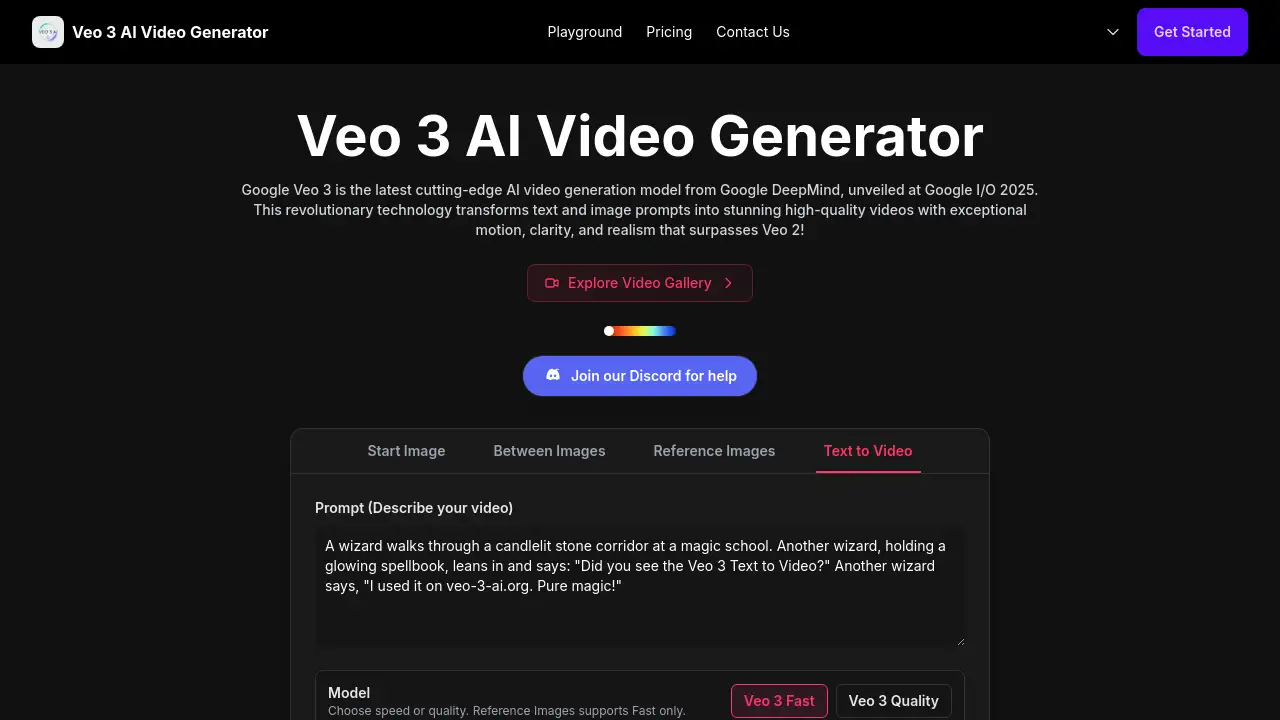
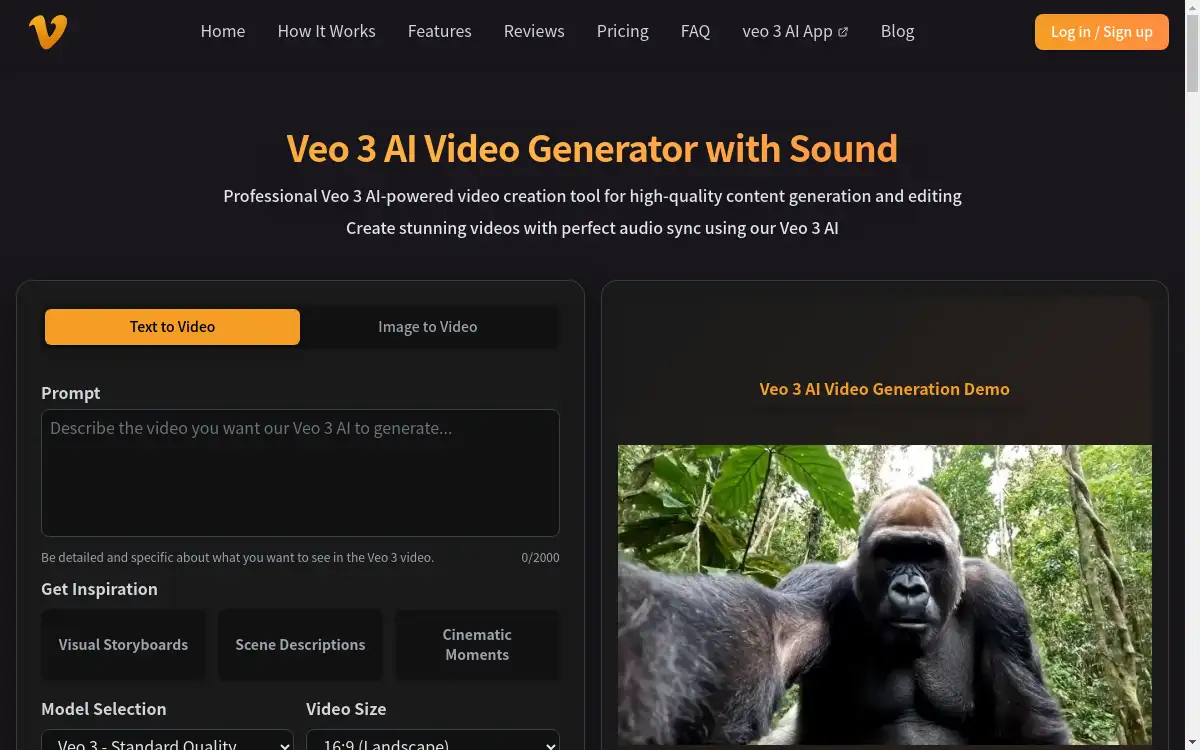
Veo 3 AI Video Generator is an advanced AI-powered platform that transforms text prompts and images into professional-quality videos with synchronized audio effects.
What is Veo 3 AI Video Generator?
Veo 3 AI Video Generator is a cutting-edge artificial intelligence platform designed to revolutionize video creation through automated content generation. This innovative AI video generator solves the complex challenge of producing professional videos quickly and affordably, eliminating the need for expensive equipment, technical expertise, or lengthy production timelines.
The platform leverages Google's advanced Veo 3 technology to create stunning videos from simple text descriptions or static images. What sets this AI video generator apart is its perfect audio synchronization capability, automatically generating sound effects, dialogue, and ambient noise that perfectly match the visual content.
Content creators, marketers, educators, and businesses can benefit from this powerful tool that democratizes video production. The platform addresses the growing demand for video content across social media, marketing campaigns, educational materials, and creative projects. With its intuitive interface and sophisticated AI algorithms, users can produce cinema-quality videos without prior video editing experience.
The Veo 3 AI Video Generator represents a significant advancement in artificial intelligence applications, making professional video creation accessible to everyone while maintaining commercial-grade quality standards.
Key Features of Veo 3 AI Video Generator
Advanced Veo 3 AI Technology
The platform utilizes Google's cutting-edge Veo 3 technology to understand context and create natural, fluid animations with professional quality output.
Dual Generation Modes
Users can choose between text-to-video generation or image-to-video conversion, supporting JPG, JPEG, and PNG formats up to 10MB file size.
Perfect Audio Synchronization
The AI video generator automatically creates synchronized sound effects, dialogue, and ambient noise that perfectly match the visual content.
High-Quality Video Output
Generate professional 1080p HD videos with detail preservation and smooth motion transitions suitable for commercial use.
Fast Processing Speed
The platform delivers quick video generation with multiple rendering speed options depending on the selected plan.
Multiple Resolution Support
Create videos in various quality settings while maintaining visual clarity and professional standards throughout the generation process.
Commercial Usage Rights
Enterprise users receive full commercial licensing for their generated content, enabling business and marketing applications.
Use Cases for Veo 3 AI Video Generator
Social Media Content Creation
Content creators can quickly produce engaging videos for Instagram, TikTok, YouTube, and other platforms using simple text prompts or images.
Marketing and Advertising Campaigns
Businesses can generate promotional videos, product demonstrations, and marketing materials without expensive production costs or lengthy timelines.
Educational Content Development
Teachers and trainers can create instructional videos, explainer content, and educational materials to enhance learning experiences.
Creative Project Development
Artists and filmmakers can prototype concepts, create storyboards, and develop creative projects using AI-generated video content.
Product Visualization
E-commerce businesses can transform static product images into dynamic videos showcasing features and benefits effectively.
Corporate Communications
Companies can produce internal communications, training materials, and presentation content quickly and professionally.
How to Use Veo 3 AI Video Generator
Using the Veo 3 AI Video Generator involves a simple three-step process designed for users of all experience levels:
-
Choose Your Generation Mode: Select between text-to-video creation or image-to-video transformation based on your project requirements. The intuitive interface makes mode selection straightforward.
-
Upload and Configure: For image-to-video mode, upload a single image file (JPG, JPEG, or PNG format, maximum 10MB). Add detailed creative prompts describing your desired video outcome. Adjust settings for style, motion intensity, and resolution preferences. More specific inputs typically yield better results.
-
Generate and Download: Click the generate button and allow the Veo 3 AI technology to process your request. Within moments, receive a high-quality MP4 video file ready for immediate download and use across various platforms.
The platform's user-friendly design ensures that even beginners can create professional videos while offering advanced customization options for experienced users.
Target Audience for Veo 3 AI Video Generator
- Content creators and social media influencers
- Digital marketers and advertising professionals
- Small business owners and entrepreneurs
- Educators and training specialists
- Video production studios and agencies
- E-commerce businesses and product managers
- Corporate communications teams
- Creative professionals and artists
- YouTubers and online course creators
- Nonprofit organizations and community groups
Is Veo 3 AI Video Generator Free?
The Veo 3 AI Video Generator operates on a credit-based pricing model with three distinct plans to accommodate different user needs. There is no completely free plan, but the platform offers affordable entry-level options.
The Basic plan costs $10 and includes 1000 credits, supporting both Veo 3 and Veo 3 Fast modes with up to 8-second video generation at 1080p resolution. This plan suits light users exploring AI video generation capabilities.
The Pro plan, priced at $30, provides 3300 credits and includes additional features like video sound effects and faster rendering speeds. This most popular option targets active creators requiring more credits and enhanced functionality.
The Enterprise plan costs $99 and offers 11880 credits with premium features including lip sync support, fastest rendering speeds, commercial usage rights, and priority support. This comprehensive package serves studios and power users requiring maximum capacity and professional support.
All plans support high-quality video output with the ability to upgrade or downgrade anytime based on changing needs.
Frequently Asked Questions about Veo 3 AI Video Generator
What video formats does Veo 3 AI Video Generator support?
The platform generates videos in MP4 format at 1080p resolution, ensuring compatibility with most social media platforms, websites, and video players. All output videos maintain professional quality standards suitable for commercial use.
How long can the generated videos be?
Currently, the Veo 3 AI Video Generator creates videos up to 8 seconds in length across all pricing plans. This duration is optimized for social media content, promotional clips, and short-form video applications.
Can I use generated videos for commercial purposes?
Commercial usage rights depend on your subscription plan. The Enterprise plan includes full commercial licensing, while Basic and Pro plans may have restrictions. Always review the specific terms for your chosen plan.
What image formats are supported for image-to-video conversion?
The platform accepts JPG, JPEG, and PNG image formats with a maximum file size of 10MB. Higher quality input images typically produce better video results with enhanced detail preservation.
How does the credit system work?
Each plan includes a specific number of credits that are consumed when generating videos. Credit usage may vary based on video length, quality settings, and selected features like sound effects or lip sync capabilities.
Is there a limit to how many videos I can generate?
Video generation is limited only by your available credits. Once credits are exhausted, you can upgrade your plan or purchase additional credits to continue creating videos with the AI video generator.
Veo 3 AI Video Generator Tags
Veo 3 AI Video Generator, AI video generator, text to video AI, image to video converter, video creation software, automated video production, AI video maker, professional video generator, social media video creator, marketing video tool, content creation platform, video generation technology