Introduction
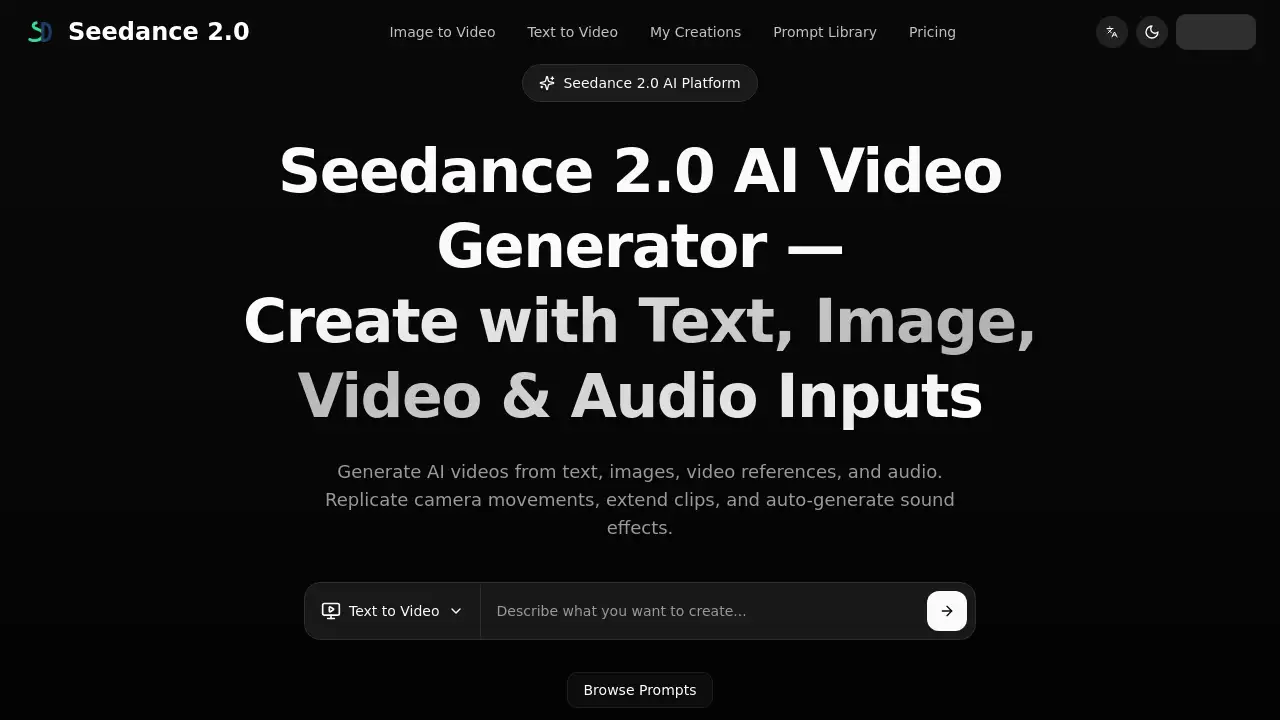
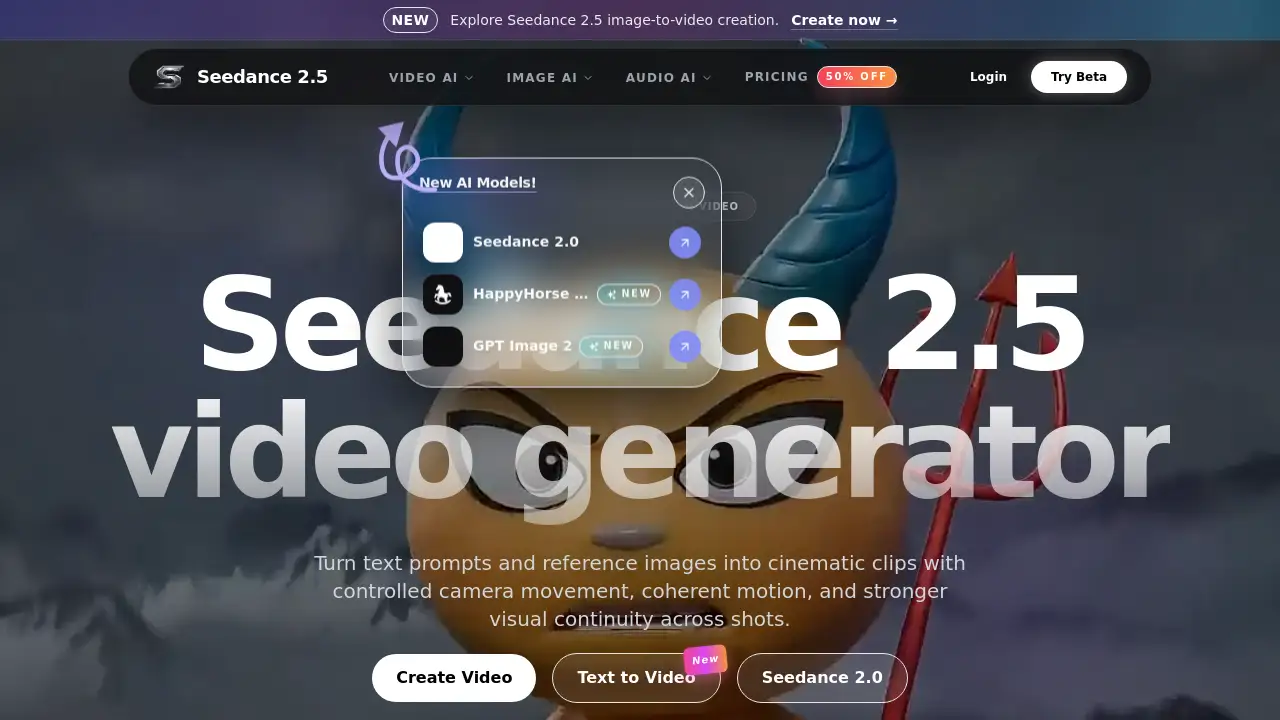
The Seedance 2.5 video generator brings cinematic AI video creation to both text and image inputs, enabling users to guide motion, camera work, and visual continuity for polished online clips.
What is Seedance 2.5 video generator?
Seedance 2.5 is a next-generation AI video model that transforms text prompts and reference images into high-quality, cinematic clips. It solves the common problem of generating videos that lack coherence, controlled motion, or professional camera movement. By offering precise generation and editing controls, this AI video generator empowers creators to produce visually consistent content without needing expensive equipment or advanced editing skills.
This tool is suitable for content creators, marketers, filmmakers, and businesses who want to quickly create engaging video assets for social media campaigns, product storytelling, concept films, or creative experiments. It matters because it streamlines the entire video production pipeline, replacing multiple tools with a single platform that integrates video, image, and audio generation.
The platform supports both text-to-video and image-to-video workflows. Users can start with a simple written description or an uploaded image, and the model generates a clip that respects the intended motion, camera angles, and scene continuity. This makes it a versatile choice for anyone looking to produce polished video content efficiently.
Key Features of Seedance 2.5 video generator
Text to Video Generation
Turn written prompts into cinematic video clips. Describe a scene, object, or action, and the Seedance 2.5 video generator interprets the text to create a coherent motion sequence.
Image to Video Animation
Upload a reference image and animate it into a moving scene. This feature allows users to bring static visuals to life while retaining core elements of the original image.
Camera Motion Control
Guide the camera’s movement within the generated video. Users can specify pans, zooms, or tracking shots to achieve a more professional look.
Visual Continuity Across Shots
Maintain consistent visual style and scene coherence across multiple generated clips. This is especially useful for longer narratives or multi-scene projects.
AI Audio Generator Integration
Complement generated videos with AI-created music, voiceovers, or sound effects. This tool is part of the broader platform and can be used directly within the Seedance workflow.
Multi-Model Support
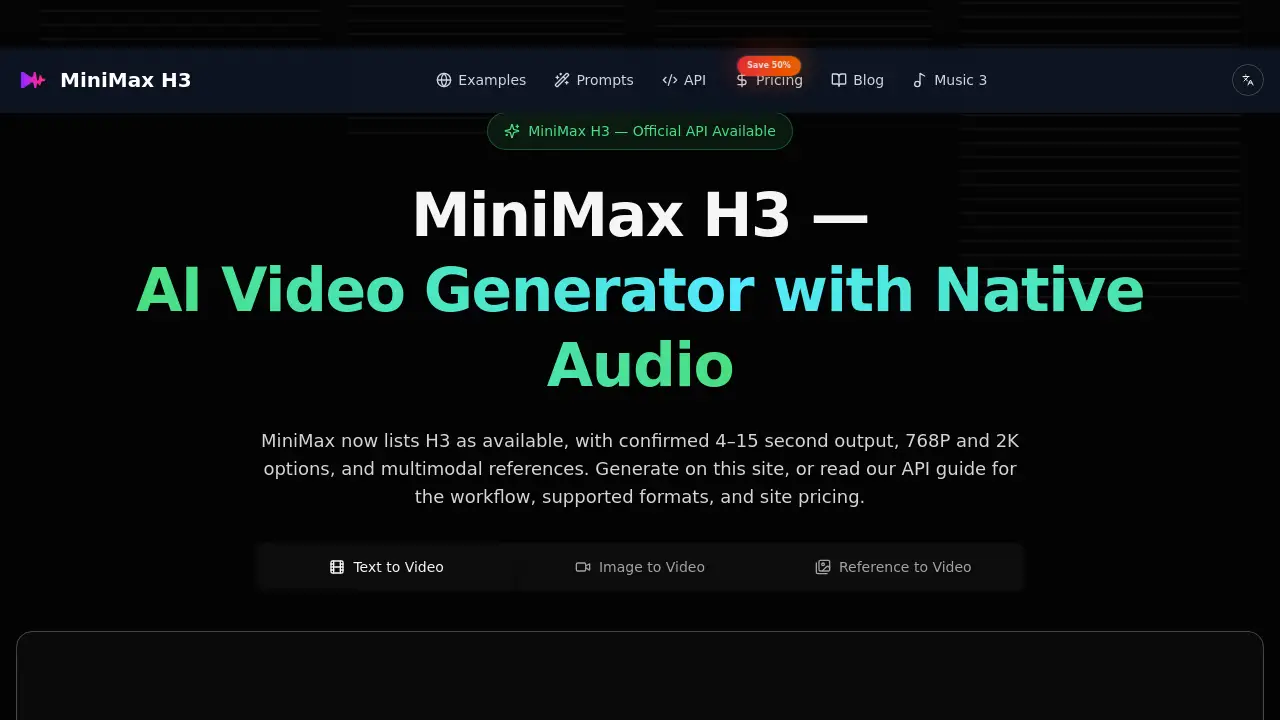
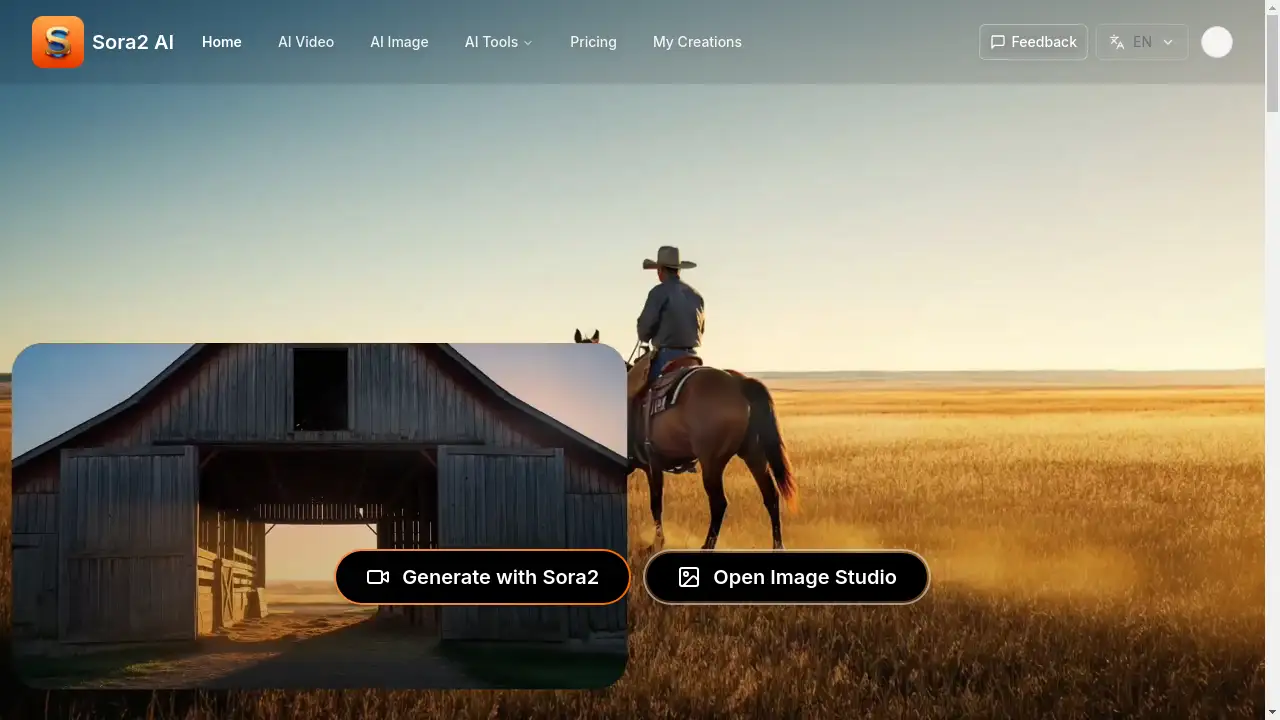
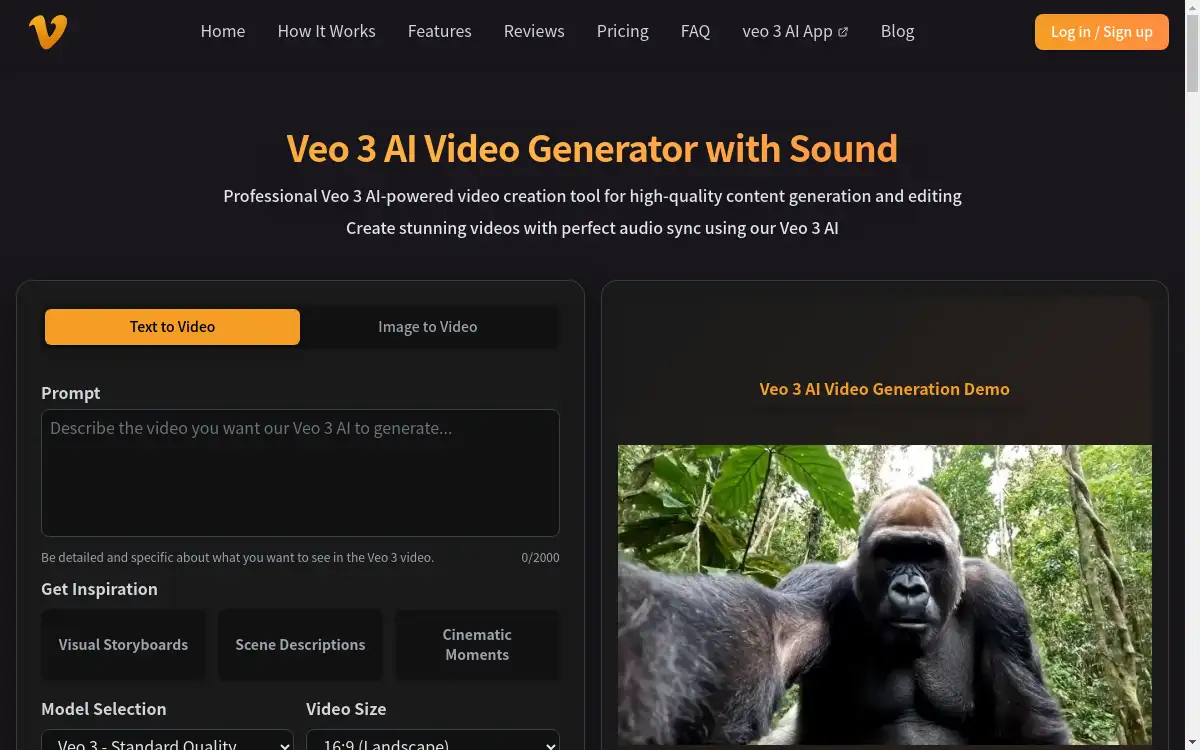
Access various AI models like Seedance 2.0, Kling 3.0, LTX 2.3, and others directly from the studio. This flexibility lets users experiment with different generation styles.
AI Video Effects
Apply special effects such as AI kissing generator, hugging generator, or bullet time to enhance the visual appeal of videos without manual editing.
Use Cases for Seedance 2.5 video generator
Social Media Content Creation
Generate short, engaging video clips for platforms like TikTok, Instagram, or YouTube Shorts. Use text prompts to quickly produce trending video styles.
Product Demonstrations
Create animated product showcases from reference images. Demonstrate features or usage scenarios without needing a physical shoot.
Concept and Storyboard Films
Develop visual concepts for films or advertisements. Use the AI video generator to pre-visualize scenes and camera movements before final production.
Educational and Explainer Videos
Produce simple animated visuals to explain complex ideas. The text-to-video feature helps educators and trainers create supplementary learning materials.
How to Use Seedance 2.5 video generator
- Choose your input type: Select either "Text to Video" or "Image to Video" from the main menu.
- Enter your prompt: Write a detailed description of the scene, motion, and camera perspective you want. Alternatively, upload a reference image.
- Select the model: Choose the Seedance 2.5 model from the available options. You may also adjust settings like clip duration or resolution.
- Generate and review: Click the create button and wait for the clip to render. Watch the preview and decide if it meets your requirements.
- Export or edit further: Download the polished video for use, or continue refining it by adding audio or effects from the same platform.
Target Audience for Seedance 2.5 video generator
- Content Creators: YouTubers, TikTokers, and social media influencers who need quick, high-quality video clips.
- Digital Marketers: Professionals creating ad content, product demos, or branded social posts.
- Filmmakers and Storytellers: Individuals who want to pre-visualize scenes or experiment with cinematic motion.
- Businesses and Small Teams: Companies looking to produce promotional videos without hiring a production crew.
- Educators and Trainers: Those who need simple animated visuals for teaching or training purposes.
Is Seedance 2.5 video generator Free?
The Seedance 2.5 video generator offers a trial experience with included credits for new users. The platform has a pricing page that lists different subscription plans, often with discounts (e.g., 50% OFF). Below is a general overview based on available information:
| Plan | Price | Features |
|---|---|---|
| Free Trial | $0 | Limited credits to try text-to-video and image-to-video features. |
| Pro | Varies (check official site) | Higher generation limits, priority queue, commercial usage rights, access to more models. |
Pricing details may change, so it’s recommended to visit the official pricing page for the latest information.
Seedance 2.5 video generator's Pros and Cons
| Aspect | Pros | Cons |
|---|---|---|
| Ease of Use | Simple interface for text and image inputs. | Some advanced controls may require experimentation. |
| Features | Supports camera motion control and visual continuity. | Certain models and features are still in rollout phases. |
| Integration | Combines video, image, and audio generation in one platform. | Full integration of audio may not work perfectly on all outputs. |
| Pricing | Offers a free trial and affordable subscription tiers. | Pro plans may become expensive for heavy users. |
| Output Quality | Produces cinematic clips with coherent motion. | Quality depends on the clarity of the input prompt or image. |
Frequently Asked Questions about Seedance 2.5 video generator
What is Seedance 2.5 video generator?
Seedance 2.5 is an AI video generator that creates cinematic clips from text prompts or reference images. It supports camera motion control, visual continuity, and integration with other AI tools for audio and effects.
Can I use Seedance 2.5 for free?
Yes, the platform offers a free trial with included credits. Users can test both text-to-video and image-to-video workflows. Advanced features and higher usage limits require a paid subscription.
What can I create with this AI video generator?
You can create social media clips, product animations, concept films, storyboards, and educational videos. The tool supports both short drafts and longer, high-quality renders.
How does the camera motion control work?
Users can specify camera movements like pans, zooms, or tracking shots in their text prompt. The model then generates a video that follows these instructions, resulting in more dynamic and professional clips.
Is the generated content safe to use commercially?
Commercial usage depends on your subscription plan and the terms of the specific model used. It is recommended to review the current terms before publishing or selling any generated content.
How fast is the video generation process?
Generation speed varies based on clip duration, resolution, model demand, and queue priority. Short drafts are typically faster, while high-quality final renders may take longer.
Seedance 2.5 video generator Tags
Seedance 2.5, AI video generator, text to video, image to video, cinematic AI videos, video AI, AI video effects, camera motion control, visual continuity, AI video creation, online video generator, AI video platform