Introduction
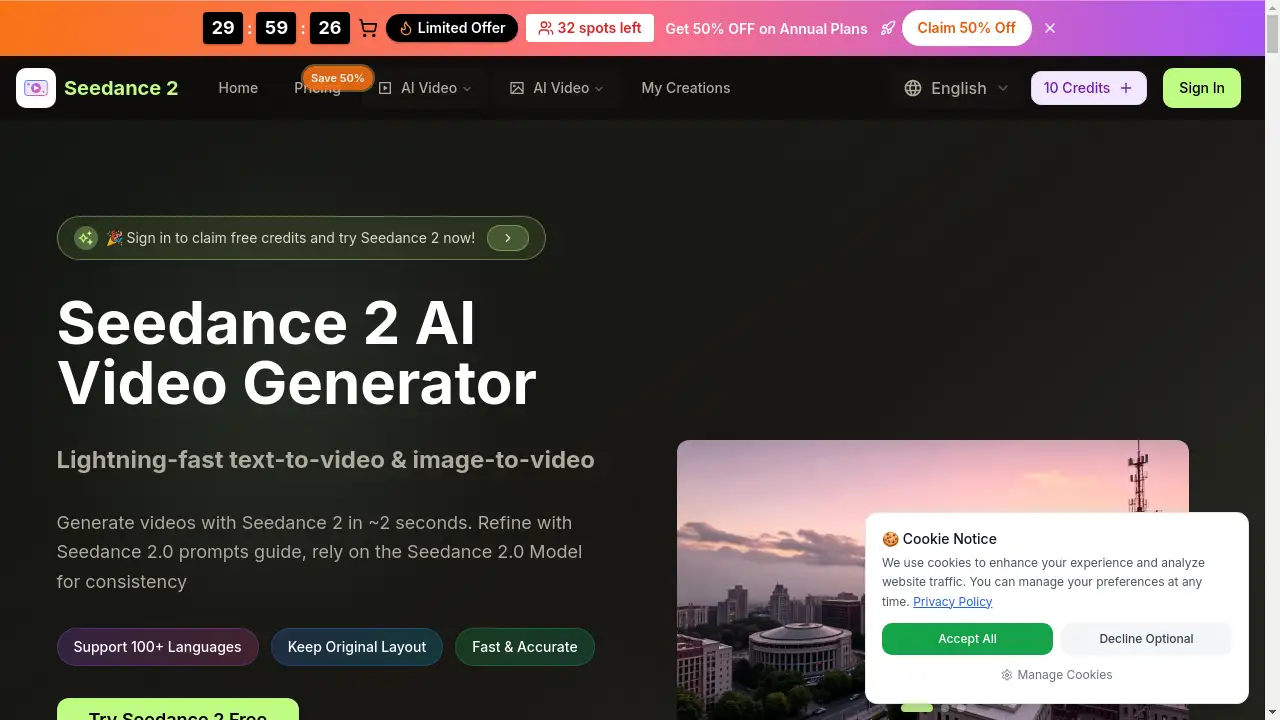
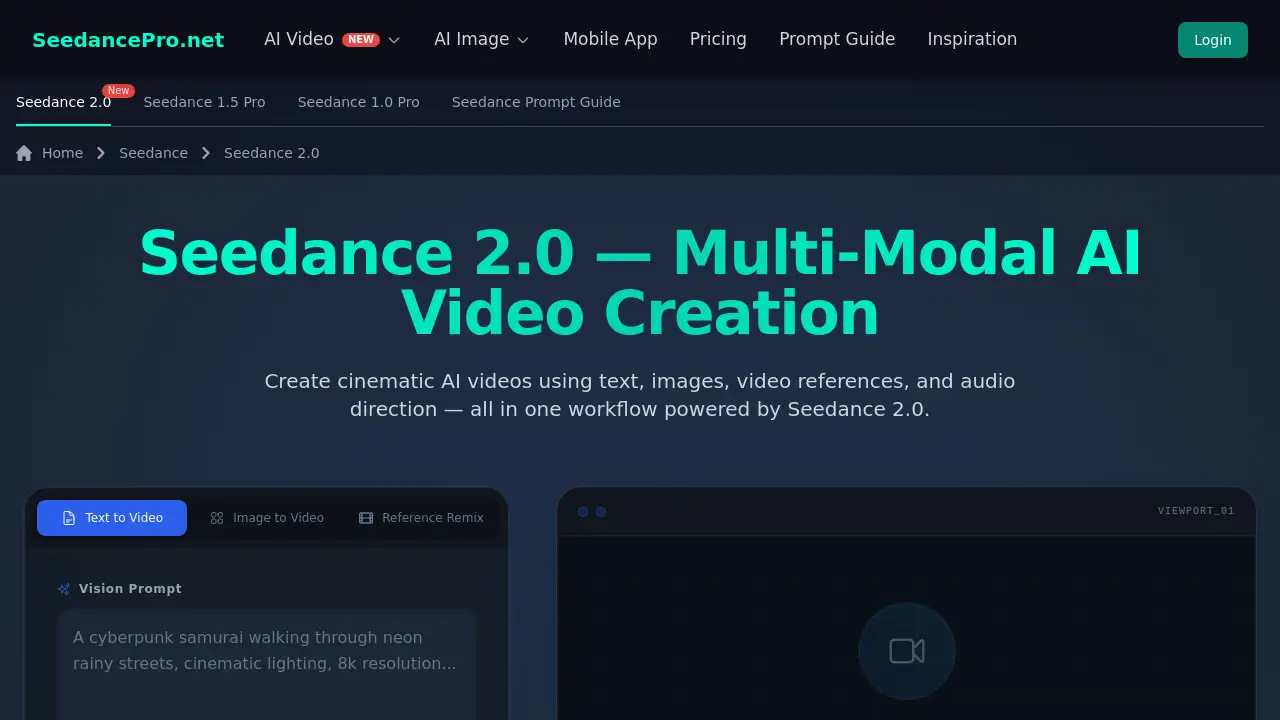
A professional multi-modal Seedance 2.0 AI Video Generator for cinematic video creation.
What is Seedance 2.0 AI Video Generator?
The Seedance 2.0 AI Video Generator is a multi-modal artificial intelligence platform designed to create cinematic-quality videos from a combination of inputs. It solves the challenge of achieving consistent, high-quality AI video generation without requiring extensive technical skills or production budgets. By allowing users to input text descriptions, images, video clips for motion reference, and audio for rhythm, it offers a level of control and precision often missing from other AI video tools. This product is particularly suitable for content creators, marketers, animators, and digital storytellers who need to produce engaging visual content efficiently. It matters because it empowers professionals to move from abstract ideas to polished, narrative-driven videos in a single, streamlined workflow.
Key Features of Seedance 2.0 AI Video Generator
Multi-Modal Input Support
Users can generate videos by combining text prompts, image uploads, reference videos for motion, and audio tracks, creating a highly flexible and controlled video creation process.
Cinematic Camera Movement
The AI is engineered to produce videos with dynamic and realistic camera pans, zooms, and angles, giving outputs a professional, film-like quality.
Consistent Character Generation
Unlike many AI tools that struggle with continuity, Seedance 2.0 can maintain visual consistency for characters and scenes across longer video sequences.
Long-Sequence Video Continuation
The tool allows for extending or continuing an existing video timeline seamlessly, which is ideal for building out longer narratives or marketing content.
Audio-Guided Storytelling
By analyzing the rhythm and mood of an uploaded audio file, the AI can synchronize visual elements and transitions to the soundtrack, enhancing the emotional impact.
Use Cases for Seedance 2.0 AI Video Generator
Marketing Video Production
Teams can quickly prototype and generate product demos, advertisement concepts, and promotional social media content to accelerate campaign development.
Narrative Short Films & Storytelling
Independent filmmakers and writers can create coherent narrative video sequences with consistent characters, making it easier to visualize scripts and stories.
Animation Pre-Visualization
Animators and studios can use the tool to create detailed animatics and scene prototypes, saving significant time before committing to full production.
Educational & Training Content
Educators and corporate trainers can generate visual explanations, instructional videos, and engaging content to simplify complex topics for their audience.
How to Use Seedance 2.0 AI Video Generator
Using the Seedance 2.0 AI Video Generator involves a straightforward, four-step workflow designed for precision.
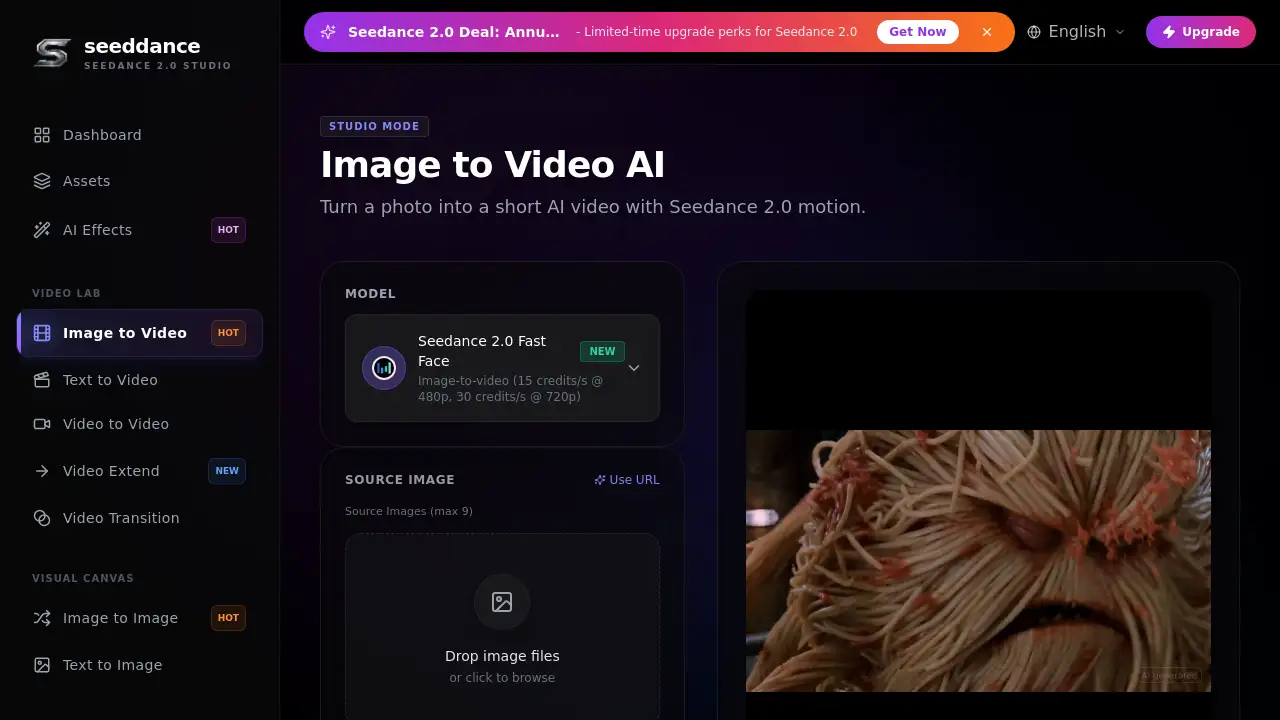
- Upload References: Start by uploading the core assets for your video. This could be a text description, one or more images, a short video clip to define motion, or an audio file to guide the rhythm.
- Describe Your Scene: Write a detailed text prompt. This is where you direct the AI by explaining the desired motion, visual style (e.g., cinematic, anime, realistic), and the sequence of events.
- Generate the Video: Initiate the generation process. Seedance 2.0 will orchestrate all your multi-modal inputs into a cohesive video clip.
- Edit or Extend: Once the initial video is generated, you can refine specific scenes or use the continuation feature to seamlessly extend the video's timeline.
Target Audience for Seedance 2.0 AI Video Generator
- Content Creators & Influencers producing videos for YouTube, TikTok, and Instagram.
- Digital Marketers & Advertising Agencies needing rapid video content for campaigns.
- Animators & Motion Designers looking for efficient pre-visualization and prototyping tools.
- Independent Filmmakers & Storytellers visualizing scripts and creating short films.
- Educators & Corporate Trainers developing instructional and explanatory video content.
Is Seedance 2.0 AI Video Generator Free?
The official website mentions a "Welcome Gift" that can be claimed with no credit card required, indicating the availability of a free trial or limited free tier. For specific, detailed pricing plans (such as Pro or Enterprise tiers), users are directed to visit the official Seedance 2.0 pricing page on their website for the most current information.
Seedance 2.0 AI Video Generator's Pros and Cons
| Aspect | Pros | Cons |
|---|---|---|
| Control & Quality | High degree of control via multi-modal inputs; produces cinematic-quality videos. | May have a learning curve to master the interplay of different input types effectively. |
| Workflow Efficiency | Streamlines complex video creation into a single platform, saving time on production. | As a professional tool, it might be cost-prohibitive for casual individual users. |
| Output Consistency | Excellent at maintaining character and scene consistency, which is rare in AI video. | The final output quality is highly dependent on the quality and clarity of the user's inputs and prompts. |
| Accessibility | Democratizes high-end video production, making it accessible to non-experts. | Requires a stable internet connection and may have usage limits based on the subscription plan. |
Frequently Asked Questions about Seedance 2.0 AI Video Generator
What file formats does Seedance 2.0 support?
While specific formats are not listed on the homepage, AI video generators like Seedance 2.0 typically support common image (JPEG, PNG), video (MP4, MOV), and audio (MP3, WAV) formats. It's best to check the official documentation for an exhaustive list.
Do I need prior video editing experience to use it?
No, the Seedance 2.0 AI Video Generator is designed to be accessible. The intuitive, step-by-step workflow allows beginners to start creating, though understanding basic concepts of composition and storytelling will help achieve better results.
How can I improve the quality of my generated videos?
For best results, use high-quality, isolated subject images as references, write clear and detailed text prompts describing motion and style, and ensure your reference video has consistent start and end frames for smoother AI interpolation.
Can I use the videos I generate for commercial purposes?
This depends on the terms of the specific subscription plan. Commercial use is typically allowed under paid Pro or Business licenses. Users should review the official license agreement on the Seedance website for definitive rights and permissions.
Is there a limit on video duration?
Most AI video generation platforms have limits on output length per generation, often measured in seconds. Seedance 2.0 likely has such limits, which may be extended with the "continuation" feature or through higher-tier plans.
Are my uploaded files and prompts kept private?
The website includes a FAQ question about data usage, suggesting user privacy is a consideration. Users should review the platform's privacy policy to understand exactly how their data, prompts, and uploaded assets are stored and used.
Seedance 2.0 AI Video Generator Tags
Seedance 2.0, AI Video Generator, cinematic AI video, multi-modal AI, text to video, image to video, video creation tool, AI filmmaking, social media content creator, marketing video AI, animation pre-visualization, consistent character AI