Introduction
AI speaker separation with Seply splits mixed voices.
What is Seply Speaker Separation?
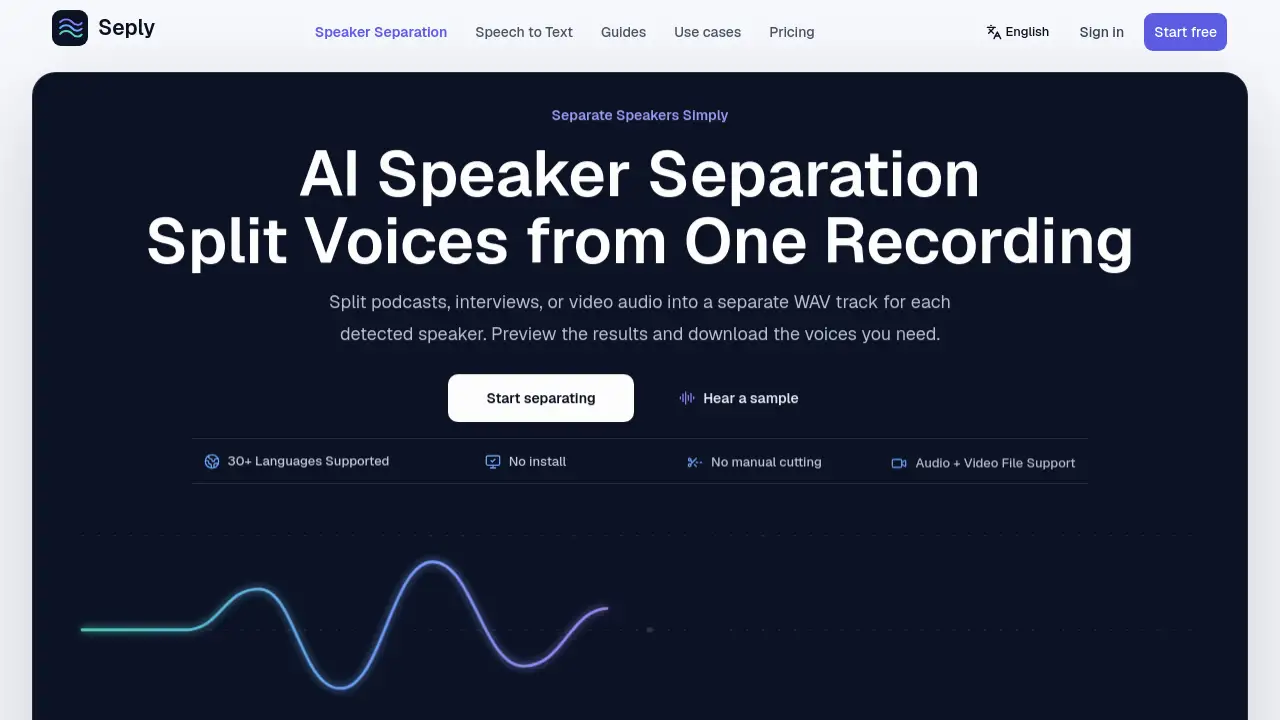
Seply Speaker Separation is a web-based tool that uses AI speaker separation to split podcasts, interviews, meetings, or video audio into individual, time-aligned tracks for each detected speaker. Instead of manually cutting a mixed recording, users upload a file and let the AI speaker separation system create separate WAV files. This solves a common editing problem: when multiple voices share one track, adjusting one person's audio affects everyone. Seply Speaker Separation gives each voice its own track, so editors can mute, level, or edit one speaker without touching the others. It supports over 30 languages and works with both audio and video files. The AI speaker separation tool is designed for speech, not for separating instruments in music. It is useful for podcasters, journalists, video editors, meeting organizers, and anyone who needs clear individual voices from a conversation. AI speaker separation here means more than labeling who spoke when; it produces editable audio tracks.
Key Features of Seply Speaker Separation
Individual Speaker Tracks
AI speaker separation creates an independent audio track for each detected speaker. Users can download only the voices they need.
Time-Aligned Output
Every separated track starts at the same point and stays aligned with the original recording. This keeps AI speaker separation results in sync with the edit.
Automatic Speaker Detection
The system can detect speakers automatically or let users enter the expected number. This reduces manual setup for AI speaker separation.
Audio and Video File Support
Upload WAV, MP3, M4A, AAC, FLAC, MP4, MOV, and other formats. Video files contribute their original audio track without re-encoding.
Preview Before Download
Listen to the original mix and each isolated speaker track without losing the playback position. Then preview AI speaker separation results and download WAV files for editing.
Advanced Overlap Mode
For interruptions and simultaneous speech, Advanced Overlap mode helps separate overlapping voices. Results vary with noise, echo, and similar voices.
Private Processing and 30-Day Access
Recordings and completed tracks are stored privately for 30 days. This gives users time to download and review results.
Speech to Text with Speaker Labels
A separate speech-to-text tool adds speaker labels and timestamps. This is useful when a transcript is needed instead of separate WAV tracks.
Use Cases for Seply Speaker Separation
Podcast Production
Hosts and guests can each get an editable track. AI speaker separation makes it easier to balance levels and remove crosstalk.
Interview Editing
Separate interviewer and guest voices for cleaner cuts. This helps when one person speaks softly or interrupts. AI speaker separation keeps each voice independent.
Meeting Recordings
Split meeting audio by speaker for notes, summaries, or follow-up clips. Participants can be reviewed individually.
Panel Discussions
Multiple speakers in one room can become separate tracks. Editors can choose which voice to feature. AI speaker separation handles multi-speaker recordings.
Video Post-Production
Upload a video file and receive separate WAV audio tracks. Mute the original mixed audio and replace it with the needed speaker tracks.
Content Repurposing
Use isolated voices to create clips, quotes, or social media snippets. AI speaker separation saves manual cutting time.
How to Use Seply Speaker Separation
- Sign in and upload a recording. The tool accepts audio and video files up to 1 GB.
- Choose automatic speaker detection or enter the expected number of speakers.
- Let AI speaker separation process the file. Standard mode handles typical turn-taking; Advanced Overlap mode handles simultaneous speech.
- Preview the original mix and each separated track. Check alignment and audio quality.
- Download the WAV files needed for the editing workflow.
Target Audience for Seply Speaker Separation
- Podcast producers and hosts
- Journalists and interview editors
- Video editors and content creators
- Meeting organizers and note-takers
- Researchers and transcription users
- Teams handling multi-speaker recordings
Is Seply Speaker Separation Free?
Seply Speaker Separation offers a free trial with 30 one-time credits, valid for 30 days and no card required. Paid plans use credits for AI speaker separation and transcription.
| Plan | Price | Features |
|---|---|---|
| Free Trial | $0 | 30 credits once; about 3 minutes of speaker separation; 90 minutes of transcription; Advanced Overlap mode |
| Starter | $12/month | 200 credits monthly; about 20 minutes of speaker separation; 600 minutes of transcription |
| Creator | $29/month | 600 credits monthly; about 60 minutes of speaker separation; 1,800 minutes of transcription |
| Studio | $65/month | 1,500 credits monthly; about 150 minutes of speaker separation; 4,500 minutes of transcription |
Standard separation uses 10 credits per started minute with a 10-credit minimum. Advanced Overlap uses 60 credits per started minute with a 60-credit minimum. Speech to Text uses 1 credit per started 3 minutes. Prices are in USD. Monthly and annual plans renew automatically until canceled.
Seply Speaker Separation's Pros and Cons
| Aspect | Pros | Cons |
|---|---|---|
| Pricing | Free trial available; credit-based pricing shows estimates before processing | Advanced Overlap costs more credits |
| Features | AI speaker separation, time-aligned tracks, automatic detection, video support | Designed for speech, not music separation |
| Output | Individual WAV files ready for editors | Results can vary with noise, echo, and heavy overlap |
| Access | No install needed; browser-based | Uploads limited to 1 GB; results available for 30 days |
| Privacy | Private processing and protected access | Requires upload rights for the recording |
Frequently Asked Questions about Seply Speaker Separation
Can AI speaker separation separate two voices in one recording?
Yes. Seply splits spoken conversations into a separate, time-aligned WAV track for each detected speaker. Users can preview each voice and download the tracks they need. It is designed for speech, not for separating singers from a song.
Can I separate two people talking at the same time?
Advanced Overlap mode is designed for interruptions and simultaneous speech. It requires a successful purchase. Results vary with noise, echo, similar voices, and the amount of overlap. Some of the other voice may remain in a track.
Can I keep just one person’s voice?
Yes. After AI speaker separation, users can listen to the resulting tracks and download only the WAV for the person they want. The tool does not ask for a name or voice sample before separation. The track keeps original timing, so pauses may remain.
What files can I upload for AI speaker separation?
Standard supports WAV, MP3, M4A, AAC, FLAC, OGG, OPUS, WMA, Speex, MP4, AVI, MOV, MKV, and WebM. Advanced Overlap accepts WAV, FLAC, MP3, AAC, M4A, MP4, and MOV files up to 90 minutes. MP4 and MOV files must contain AAC or PCM audio.
How do credits work for Seply Speaker Separation?
The server calculates media duration and rounds to the nearest whole second. Standard separation uses 10 credits per started minute with a 10-credit minimum. Advanced Overlap uses 60 credits per started minute with a 60-credit minimum. The exact estimate appears before processing.
Is speaker separation the same as speaker diarization?
No. Speaker diarization labels who spoke when. AI speaker separation creates an individual audio track for each detected speaker. Seply also offers a separate speech-to-text tool when a transcript with speaker labels is needed.
Seply Speaker Separation Tags
AI speaker separation, Seply Speaker Separation, split podcast audio by speaker, separate speakers in audio, speaker separation tool, podcast speaker separation, interview speaker separation, separate voices from recording, time-aligned WAV tracks, speaker diarization vs separation, AI voice separation, online audio splitter