Introduction
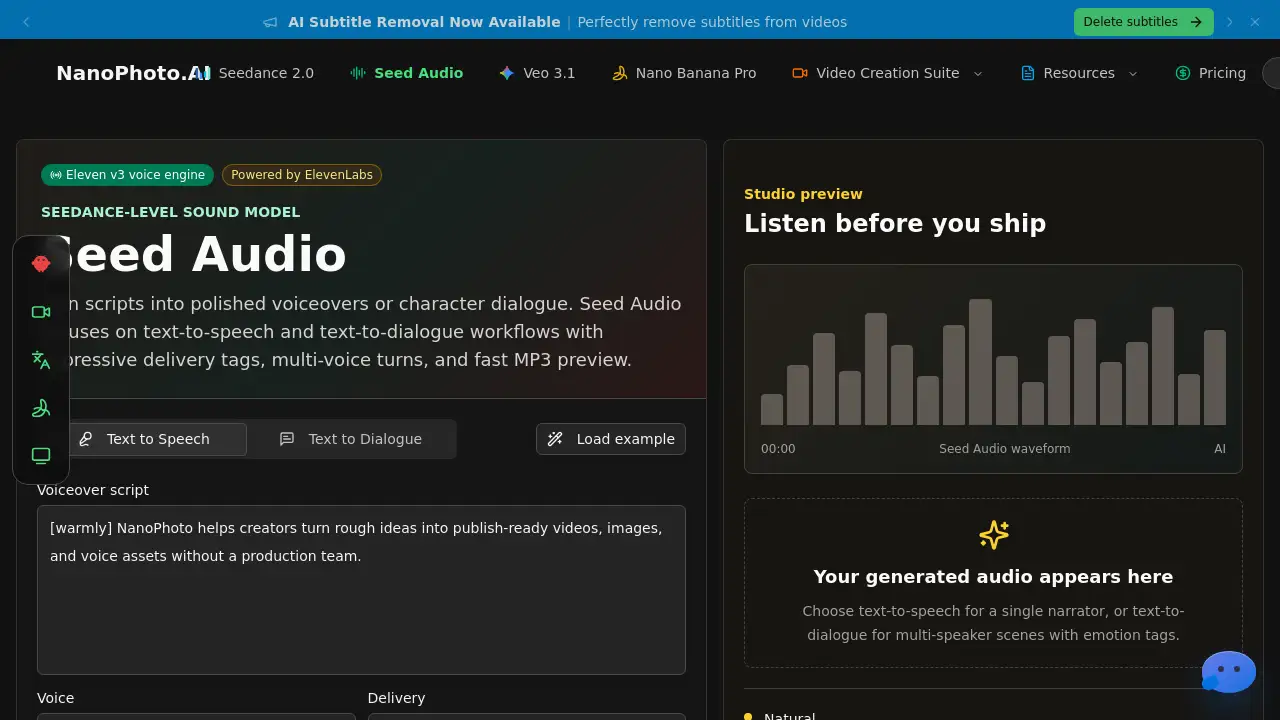
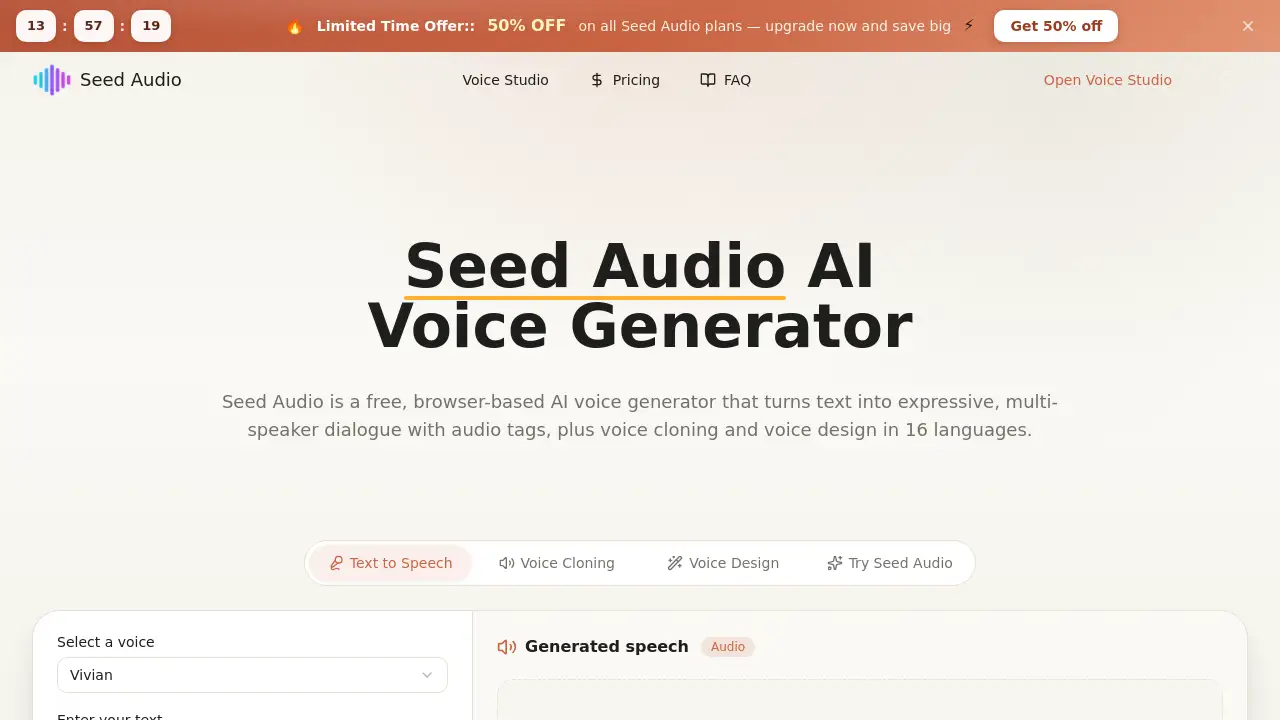
Seed Audio is a free, browser-based AI voice generator that creates expressive multi-speaker dialogue, voice clones, and custom voices in 16 languages.
What is Seed Audio?
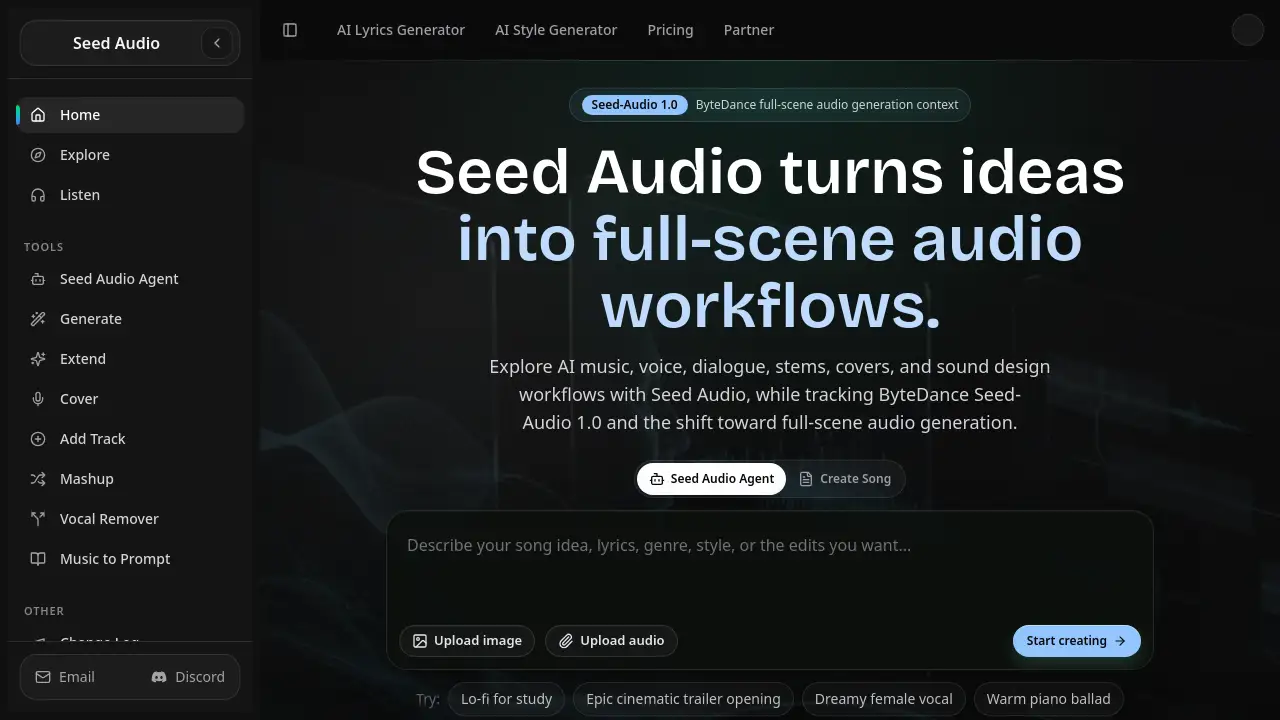
Seed Audio is a complete online voice studio powered by artificial intelligence. It turns written text into natural-sounding speech, with a special focus on multi-speaker dialogue that feels like a real conversation. Unlike many text-to-speech tools that produce flat, single-voice readings, Seed Audio uses audio tags and speaker turns to capture emotion, pacing, and back-and-forth exchanges. The platform also offers voice cloning – recreating a specific person’s voice from a short audio sample – and voice design, which generates an original voice from a plain-language description. All processing happens in the browser with no software installation, and results can be downloaded as MP3 files. New users receive free starter credits to test the features. Seed Audio is suitable for content creators, language teachers, game developers, and anyone who needs expressive voiceovers without a recording studio. The ability to work in 16 languages and switch between modes makes it a versatile tool for global projects.
Key Features of Seed Audio
Multi-speaker dialogue TTS
Turn a script into expressive, multi-speaker dialogue with audio tags and speaker turns. This is the standout feature that sets Seed Audio apart from single-voice readers.
Voice cloning from a short sample
Upload a short, consented audio sample along with reference text. Seed Audio recreates that specific voice, allowing characters or narrators to stay consistent across every line.
Voice design from a description
Describe a voice in plain language – age, accent, tone, mood – and Seed Audio generates an original voice without any sample. Ideal for inventing new characters on demand.
16 languages, multilingual support
Choose from 16 languages with automatic detection or manual selection. Seed Audio fits global narration, localized ads, and multilingual dialogue projects.
Live demo mode
Try the voice studio instantly in a live demo before committing. Hear expressive output directly in the browser with no install required.
MP3 download with free credits
Export every result as a downloadable MP3 file. Start with free starter credits, so new users can create speech samples right away.
Use Cases for Seed Audio
Podcast and video narration
Produce natural-sounding interview-style dialogues or character voices for podcasts and videos without hiring voice actors. Multi-speaker mode handles turn-taking seamlessly.
E-learning and language lessons
Generate clear, expressive voices for language exercises, dialogues, and instructional audio. Support for 16 languages helps create localized learning materials.
Game character voiceovers
Design unique voices for game characters using voice design, or clone a consistent voice for a protagonist. Quick MP3 exports fit game development workflows.
Advertising and marketing
Create localized voiceovers for ads in multiple languages. Voice design allows brand voices that match target demographics without recording sessions.
How to Use Seed Audio
Using Seed Audio is straightforward and happens entirely in the browser:
- Write, upload, or describe – Paste your script for text to speech, upload a short consented audio sample for voice cloning, or describe the voice you want for voice design.
- Pick a mode, voice, and language – Choose the appropriate mode (TTS, cloning, or design), select a voice, pick one of 16 languages, and set emotion or audio tags to match your scene.
- Generate and download MP3 – Click the generate button, listen to the expressive dialogue in the browser preview, then download your speech sample as an MP3 file.
No installation or account is required for basic use, but signing in allows saving projects and accessing credits.
Target Audience for Seed Audio
- Independent game developers who need quick character voices
- Podcast and video creators wanting realistic multi-speaker dialogue
- Language teachers and e-learning designers creating lesson audio
- Animators and storytellers looking for custom narration
- Marketers producing localized ad voiceovers
Is Seed Audio Free?
Seed Audio offers a free tier with starter credits. Detailed pricing for higher usage is not publicly listed on the homepage, but users can begin using the service at no cost.
| Plan | Price | Features |
|---|---|---|
| Free | $0 | Free starter credits, TTS, voice cloning, voice design, MP3 download |
| Pro | Not disclosed | Additional credits, priority generation, advanced settings (check official site) |
Seed Audio's Pros and Cons
| Aspect | Pros | Cons |
|---|---|---|
| Ease of use | Browser-based, no install, simple 3-step workflow | Requires internet connection |
| Features | Multi-speaker dialogue, voice cloning, voice design, 16 languages | Voice cloning requires consent; limited free credits |
| Output quality | Expressive, natural-sounding dialogue | Not all languages or voices may be equally polished |
| Pricing | Free starter credits available | No clear Pro pricing on homepage; credit system may limit heavy users |
Frequently Asked Questions about Seed Audio
What is Seed Audio?
Seed Audio is a free, browser-based AI voice generator and voice studio with four modes: text to speech, voice cloning, voice design, and a live demo. The standout feature is generating expressive, multi-speaker dialogue using audio tags.
What makes Seed Audio different from other text-to-speech tools?
Most tools read one flat voice at a time. Seed Audio focuses on expressive, multi-speaker dialogue with speaker turns and emotion, making scripts sound like real conversations.
What is the difference between voice design and voice cloning?
Voice cloning recreates a specific existing voice from a short, consented audio sample. Voice design generates a brand-new original voice from a plain-language description, with no sample required.
How many languages does Seed Audio support?
Seed Audio supports 16 languages with automatic detection or manual selection. This allows multilingual narration, ads, and localized dialogue from the same studio.
Is Seed Audio really free to use online?
Yes. Seed Audio runs completely in your browser with no install. New users receive free starter credits to try all features. You can sign in to save projects, and generation uses a simple credit-based system.
What format does Seed Audio export?
Every result is a downloadable MP3 speech sample. You can preview it in the browser and save it for narration, videos, games, podcasts, or e-learning.
Can I use Seed Audio audio commercially?
You can use your generated audio in your own projects. For voice cloning, you must only upload samples you have clear permission to use. Always document consent and follow local laws.
Seed Audio Tags
AI voice generator, free text to speech, voice cloning, voice design, multi-speaker dialogue, Seed Audio, online voice studio, MP3 speech download, 16 languages, expressive TTS, browser-based voice generator