Introduction
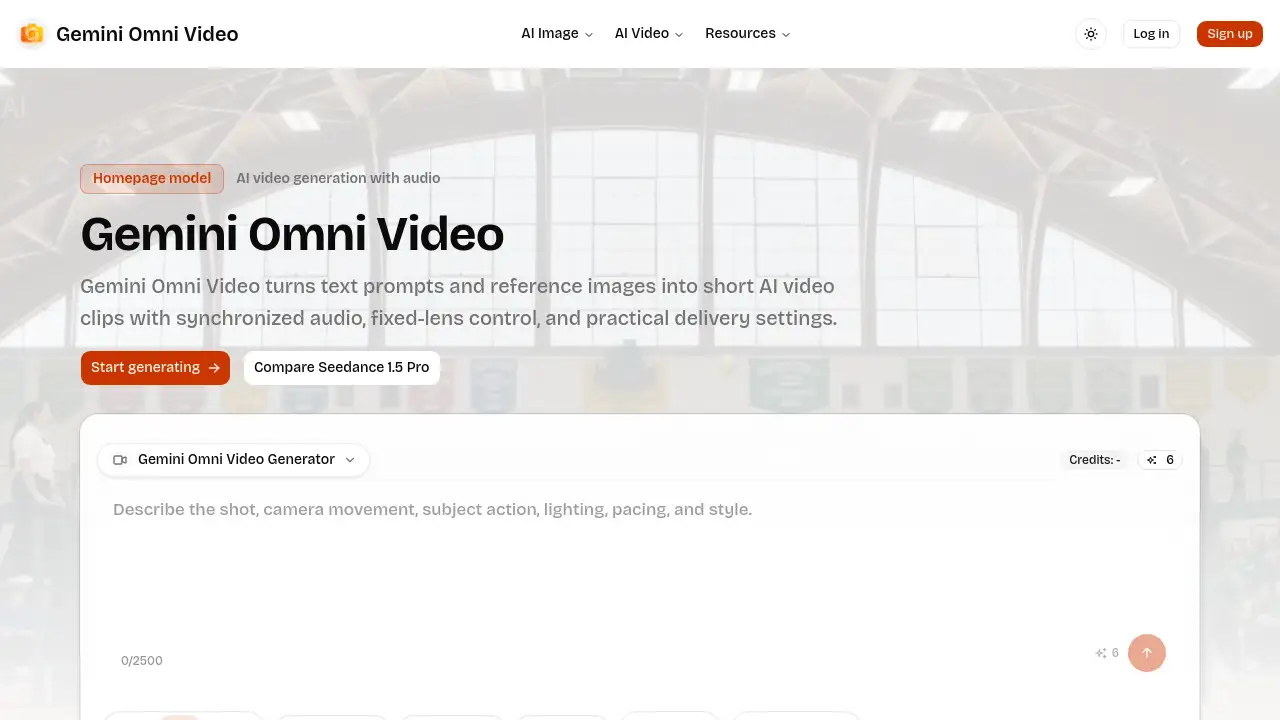
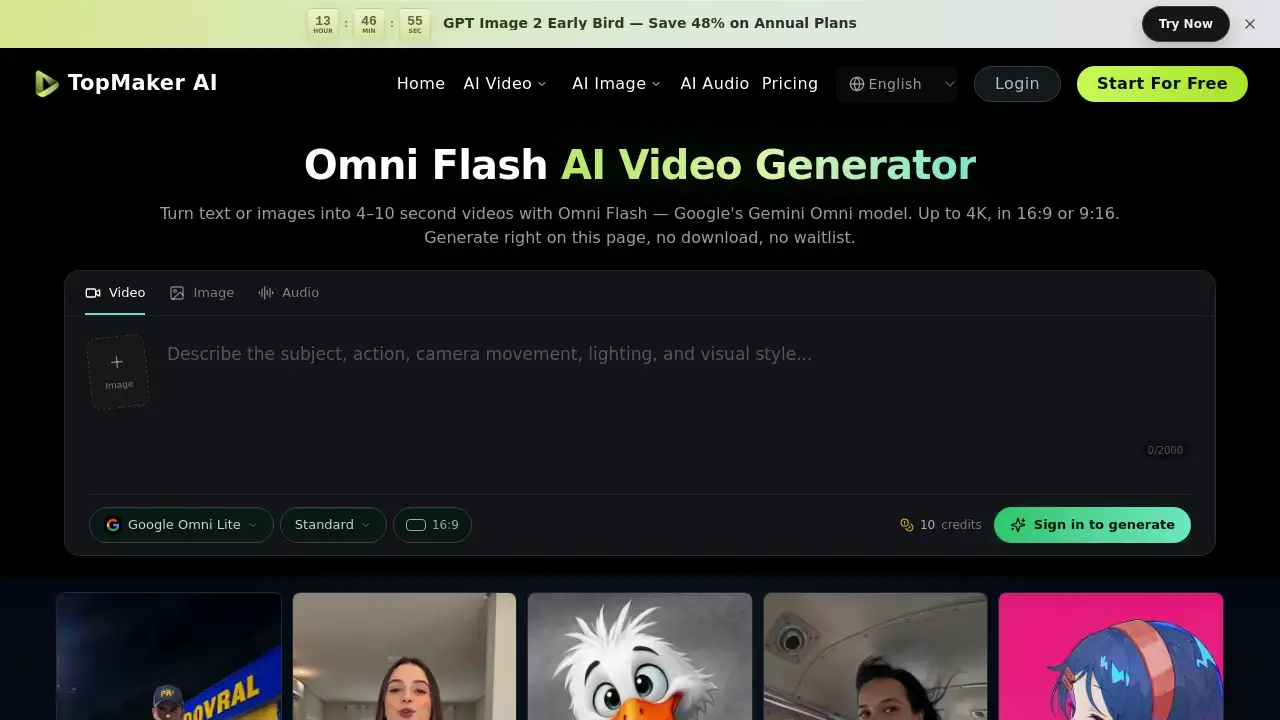
Omni Flash AI Video Generator creates short AI videos from text or images. It is the short name for Google's Gemini Omni model, also called Google Omni. On TopMaker, users can generate 4–10 second clips in 16:9 or 9:16, up to 4K, directly in a browser. No download, no waitlist. The tool is built for creators who want fast, cinematic AI video drafts without leaving the page.
What is Omni Flash AI Video Generator?
Omni Flash AI Video Generator is the web-based version of Google’s Gemini Omni video model. It is an any-to-any AI video generator that accepts text, a single image, or multiple references and turns them into short video clips. Unlike older text-to-video tools that only read written prompts, Omni Flash can combine text, one image, or one to three reference images, plus an optional reference video.
The product solves a common problem for creators: moving from an idea or still asset to a usable motion draft quickly. Omni Flash produces 4–10 second clips in seconds, with support for 720p, 1080p, and 4K output. It works in 16:9 for standard cinematic frames or 9:16 for Shorts, Reels, and TikTok.
Omni Flash is available on TopMaker, an independent platform that hosts multiple AI video models. Users can try Omni Flash free with credits, generate on the page, and download the result. TopMaker is not affiliated with or endorsed by Google, but it provides a no-code way to run Google’s Gemini Omni model without an API key.
Key Features of Omni Flash AI Video Generator
Text-to-Video Creation
Describe a scene, action, mood, camera angle, or lighting style, and Omni Flash turns the prompt into a short cinematic clip. This text-to-video workflow is useful for rapid concept testing and previz.
Image-to-Video Animation
Upload a single image and let Omni Flash add natural motion, camera movement, and atmosphere. The image-to-video feature keeps the subject and visual style intact while bringing the still frame to life.
Multi-Reference Character Consistency
Provide one or three reference images, plus an optional reference video, to keep the same character, object, or style across a scene. This multi-reference workflow supports creators who need continuity rather than a one-off clip.
Reference Video for Motion Control
Add a rough clip or motion reference in the multi-reference workflow. Omni Flash can follow the movement, pacing, or camera behavior shown in the reference video.
Up to 4K Output in 16:9 or 9:16
Choose horizontal 16:9 for cinematic shots or vertical 9:16 for social media. Omni Flash supports 720p, 1080p, and 4K resolutions, with durations of 4, 6, 8, or 10 seconds.
Browser-Based Generation with Free Credits
Omni Flash AI Video Generator runs directly in the browser on TopMaker. Users can start with free credits, generate on the page, and avoid downloads or waitlists. More credits or a subscription are available for additional Omni Flash videos.
Use Cases for Omni Flash AI Video Generator
Product Showcase
Upload a product image and turn a still shot into a short motion clip for ads, landing pages, or e-commerce listings. Omni Flash helps marketers create quick visual drafts without a full production crew.
Social Short-Form Video
Generate vertical 9:16 clips from a text prompt. Omni Flash AI Video Generator is suited for Shorts, Reels, and TikTok content that needs fast, scroll-stopping motion.
Character Consistency
Use multiple reference images to keep the same character across a scene or a series of clips. This is valuable for animated shorts, storyboards, and campaign concepts that require a consistent look.
Previz and Storyboards
Describe a shot in text and receive a quick cinematic preview before committing to full production. Omni Flash gives filmmakers and creative teams a fast way to test pacing, framing, and mood.
Style Exploration
Combine one or three visual references to test a shared look for a character, product, or campaign. Omni Flash AI Video Generator helps creative directors compare directions in a single browser workflow.
High-Resolution Drafts
Select 1080p or 4K when a larger review or delivery frame is needed. Omni Flash supports both horizontal and vertical formats for flexible review.
How to Use Omni Flash AI Video Generator
- Enter a prompt or upload a reference. Start with a text description, a single image, or multiple references. Describe what should happen in the scene.
- Choose settings. Pick the aspect ratio, duration, and resolution. Omni Flash supports 16:9 or 9:16, 4–10 seconds, and 720p, 1080p, or 4K.
- Generate the video. Omni Flash renders the clip directly on the TopMaker page. No separate app or download is required.
- Download and reuse. Save the clip and take it into an edit, social post, ad, or next project.
Target Audience for Omni Flash AI Video Generator
- Character designers who need consistent faces across multiple shots
- Product marketers animating still product photos into short motion clips
- Filmmakers using reference video for camera movement and pacing
- Content teams producing vertical 9:16 short-form video at volume
- Creative directors translating briefs and mood references into fast drafts
- Independent creators moving from prompt or image to a finished short clip
- Social media managers testing hooks and visual styles quickly
Is Omni Flash AI Video Generator Free?
Omni Flash can be tried free on TopMaker with credits. No download and no waitlist are required. Each generation uses credits, and users can buy more credits or subscribe when additional Omni Flash videos are needed. Exact pricing may change, so the official TopMaker pricing page should be checked for current rates.
| Plan | Price | Features |
|---|---|---|
| Free credits | $0 | Try Omni Flash free with credits; browser-based generation; no download or waitlist |
| Paid credits or subscription | Varies | Buy more credits or subscribe for additional Omni Flash videos; access to multiple AI video models on TopMaker |
Omni Flash AI Video Generator's Pros and Cons
| Aspect | Pros | Cons |
|---|---|---|
| Pricing | Free credits to start; no download or waitlist | Credit-based system; more videos require credits or subscription |
| Features | Text-to-video, image-to-video, multi-reference, reference video, 4K | Clips are short, limited to 4–10 seconds |
| Access | Browser-based; no install; no API key needed on TopMaker | Requires internet connection |
| Output | 720p, 1080p, 4K; 16:9 and 9:16 | Model naming can confuse: Omni Flash, Google Omni, and Gemini Omni refer to the same model |
| Platform | Multiple AI video models in one workspace | TopMaker is independent and not affiliated with Google |
Frequently Asked Questions about Omni Flash AI Video Generator
What is Omni Flash?
Omni Flash is the short name for Google’s Gemini Omni video model, also called Google Omni. It is an any-to-any AI video generator that turns text, images, or multiple references into short video clips.
Is Omni Flash the same as Google Omni and Gemini Omni?
Yes. Omni Flash, Google Omni, and Gemini Omni are three names for the same model. Omni Flash is the short name, Google Omni is the product name, and Gemini Omni is the model name used in Google’s documentation.
Can I use Omni Flash AI Video Generator for free?
You can try Omni Flash free on TopMaker with credits. No download and no waitlist are required. Each generation uses credits, and additional credits or a subscription can be purchased.
How long can Omni Flash videos be?
Omni Flash generates clips of 4, 6, 8, or 10 seconds, depending on the selected settings.
What resolution and aspect ratios does Omni Flash support?
Omni Flash supports 720p, 1080p, and 4K output. It works in 16:9 horizontal format and 9:16 vertical format.
Does Omni Flash require a download or waitlist?
No. Omni Flash AI Video Generator runs entirely in the browser on TopMaker. Users can generate, preview, and download videos without installing an app or joining a waitlist.
Omni Flash AI Video Generator Tags
Omni Flash, Omni Flash AI Video Generator, Google Gemini Omni, Google Omni, AI video generator, text to video, image to video, multi-reference AI video, 4K AI video, browser-based video generator, Gemini Omni video, AI short video maker.