Introduction
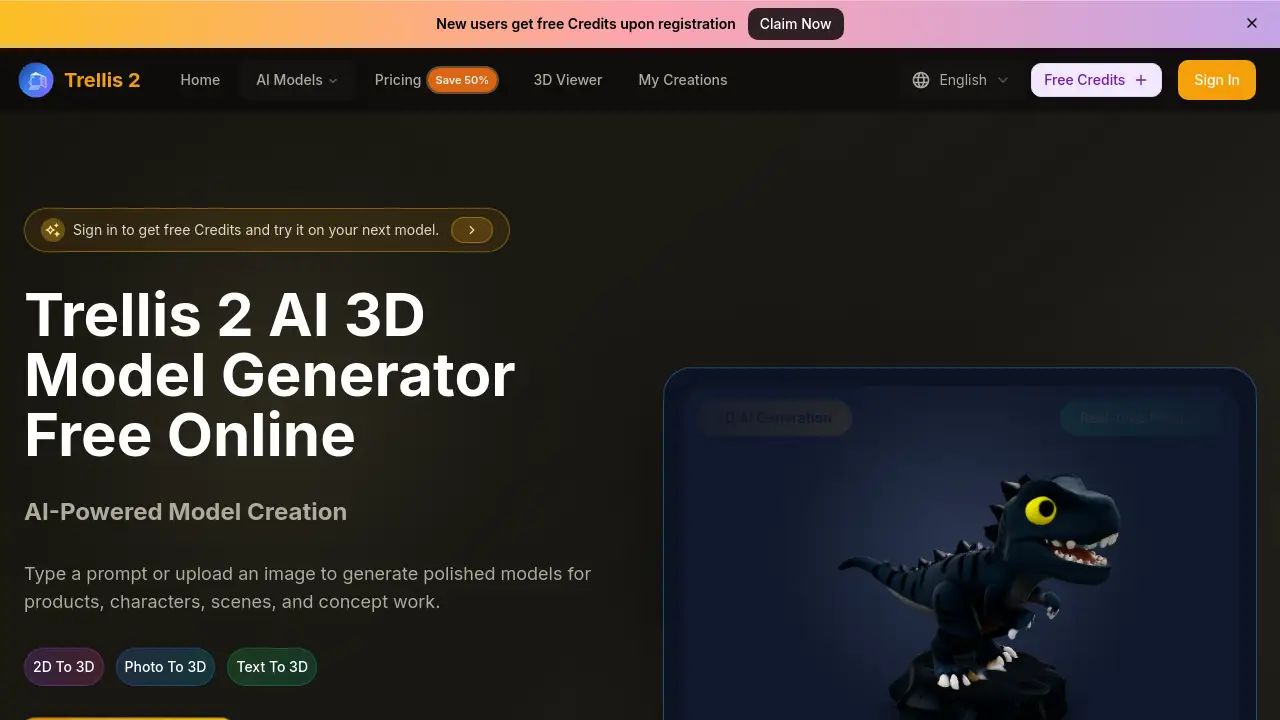
Trellis 2 is an AI-powered 3D generator that transforms text and images into high-quality 3D assets quickly.
What is trellis 2?
Trellis 2 is an online AI tool designed for text to 3D and image to 3D generation. It solves a common creative bottleneck by allowing users, regardless of their 3D modeling experience, to turn ideas or reference photos into usable 3D models within minutes. This tool is suitable for product designers, game developers, marketers, and hobbyists who need to rapidly prototype concepts, create product mockups, or generate assets for digital projects. Its importance lies in democratizing 3D content creation, significantly speeding up the concept-to-asset cycle, and making high-quality 3D modeling accessible to non-experts.
Key Features of trellis 2
Text to 3D Generation
Users can describe their vision in plain language, and the AI generates a corresponding 3D model based on the prompt, enabling fast ideation and concept development.
Image to 3D Conversion
By uploading a single reference image, the platform can convert it into a detailed 3D asset, which is ideal for replicating products, characters, or architectural ideas in three dimensions.
Interactive 3D Preview
Generated models can be previewed and rotated directly in the browser, allowing for immediate review and assessment of their quality and suitability for e-commerce, games, or presentations.
High-Resolution Export Options
The tool exports models in common 3D file formats like OBJ, FBX, GLB, and STL, providing users with high-quality, usable assets for their professional workflows.
Style Gallery for Consistent Output
A built-in style gallery lets users choose a visual direction (e.g., clean product render, stylized concept) before generation, ensuring more consistent and predictable results across multiple assets.
Streamlined, Three-Step Workflow
The process is simplified into three clear steps: describe the idea or upload an image, set the visual style, and then generate, review, and download the final 3D model.
Use Cases for trellis 2
Product Mockup and Packaging Design
Designers can quickly generate 3D models of products from sketches or photos to create realistic mockups and packaging studies for client presentations.
Game Asset and Character Creation
Game developers and indie creators can use text to 3D or photo to 3D features to rapidly prototype characters, props, and environmental assets for their projects.
Architectural Visualization and Concept Art
Architects and concept artists can turn 2D sketches or mood images into basic 3D models to explore spatial ideas and present concepts to clients or team members.
Marketing and Campaign Visuals
Marketing teams can generate unique 3D visuals for social media campaigns, advertisements, or website content without needing to hire a dedicated 3D artist.
How to Use trellis 2
- Start Your Input: Go to the Trellis 2 website. Begin by either typing a detailed text prompt describing your desired object or uploading a reference image (JPG, PNG, WEBP formats supported).
- Define the Visual Style: Select a style from the gallery that matches your intended look, such as a realistic product render or a stylized artistic direction.
- Generate the Model: Click the generate button. The AI will process your input and create a 3D model, which you can preview interactively in your browser.
- Review and Compare: Examine the generated model from all angles. If you generate multiple variations, compare them side-by-side to choose the best one.
- Export Your Asset: Once satisfied, download the final 3D model in your preferred format (e.g., OBJ, FBX) for use in other software or projects.
Target Audience for trellis 2
- Indie game developers and 3D hobbyists
- Product designers and industrial designers
- Marketing professionals and content creators
- Architects and interior designers for quick visualization
- Entrepreneurs and startup founders needing product prototypes
- Educators and students learning 3D design concepts
Is trellis 2 Free?
Trellis 2 operates on a credit-based system with a free trial offering initial generation credits. For ongoing use, it offers tiered subscription plans. The pricing details from the homepage are summarized below:
| Plan | Price (Monthly, with 50% Flash Sale) | Key Features |
|---|---|---|
| Basic (Annual Billing) | $9.9/month | 6000 credits/year, unlimited downloads, commercial license. |
| Professional (Annual Billing) | $23.9/month | 15000 credits/year, all Basic features. |
| Enterprise (Annual Billing) | $63.9/month | 60000 credits/year, all Professional features. |
New users can start with free credits to test the text to 3D and image to 3D capabilities before choosing a plan.
trellis 2's Pros and Cons
| Aspect | Pros | Cons |
|---|---|---|
| Ease of Use | Intuitive, three-step workflow designed for non-modelers. | Output quality and accuracy depend heavily on the clarity of the input prompt or image. |
| Speed | Dramatically faster than manual 3D modeling for concept generation. | Generation consumes credits, which may limit high-volume users on lower-tier plans. |
| Accessibility | Lowers the barrier to entry for creating 3D content. | Currently a web-only platform without a dedicated mobile app. |
| Output Utility | Exports in standard 3D formats (OBJ, FBX, etc.) for use in other tools. | Generated models may require additional cleanup or detailing in professional 3D software for final production. |
Frequently Asked Questions about trellis 2
What is the best free 3D AI model generator?
Trellis 2 offers a robust free trial, making it a strong contender among free online 3D AI generators. New users receive credits to experiment with both text to 3D and image to 3D generation.
How do I use Trellis 2 AI?
Using Trellis 2 involves three simple steps: input a text description or upload an image, select a visual style, and generate. The AI then creates a 3D model you can preview and download.
Do I need 3D experience to generate Trellis 2 3D models?
No, advanced 3D modeling experience is not required. The platform is built for users of all skill levels, from beginners to professionals, to create assets through simple text or image input.
What formats can I download my Trellis 2 3D models in?
You can export your generated 3D models in widely-used formats such as OBJ, FBX, GLB, and STL, ensuring compatibility with most 3D editing and game engines.
Are there limits on how many Trellis 2 3D models I can generate?
Yes, generation uses a credit system. Each creation of a 3D model consumes credits. Your available credits are determined by your subscription plan and refill periodically.
Why choose Trellis 2 AI for Trellis 2 3D?
Trellis 2 AI is designed for efficiency and consistency, turning ideas into usable 3D models faster than traditional methods. It supports multiple styles and provides outputs suitable for immediate use in creative and commercial projects.
trellis 2 Tags
AI 3D generator, text to 3D, image to 3D, photo to 3D, free 3D model generator, online 3D creator, Trellis 2, 3D asset creation, product mockup tool, game asset generator, 3D modeling for beginners, fast 3D prototyping