Introduction
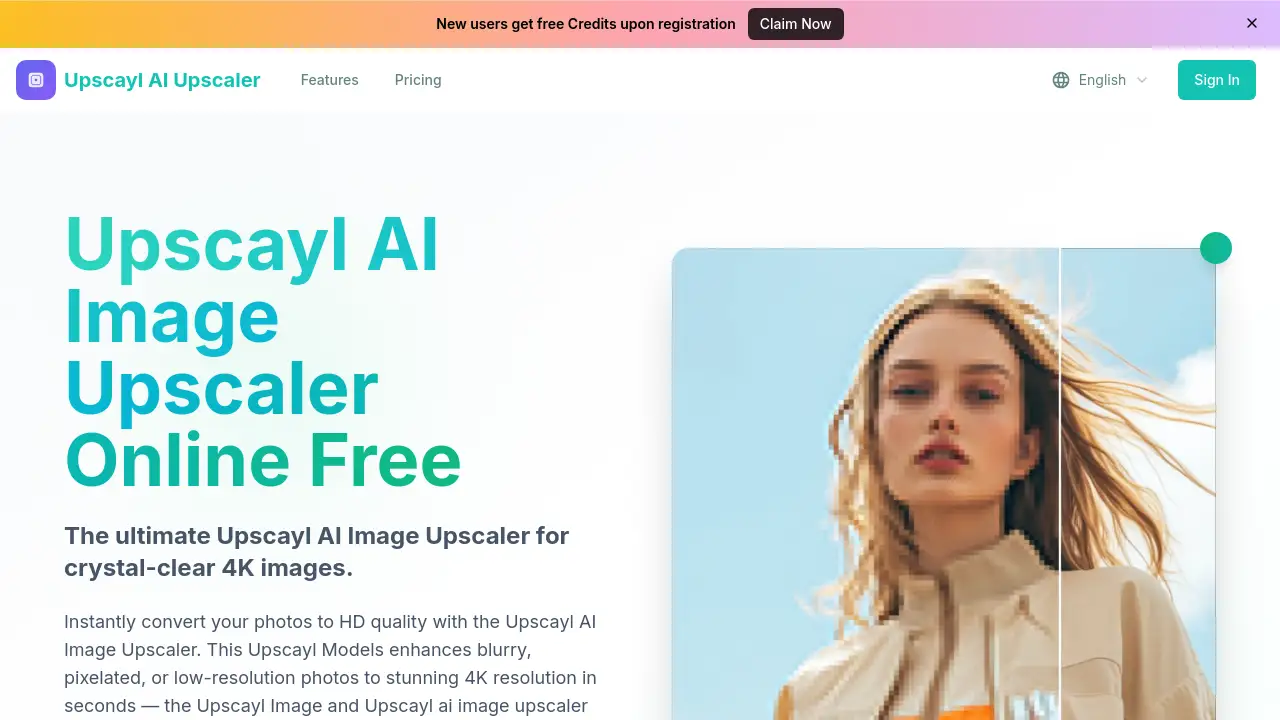
The Upscayl AI Image Upscaler is a powerful tool that transforms low-quality photos into stunning high-definition images using advanced artificial intelligence.
What is upscayl?
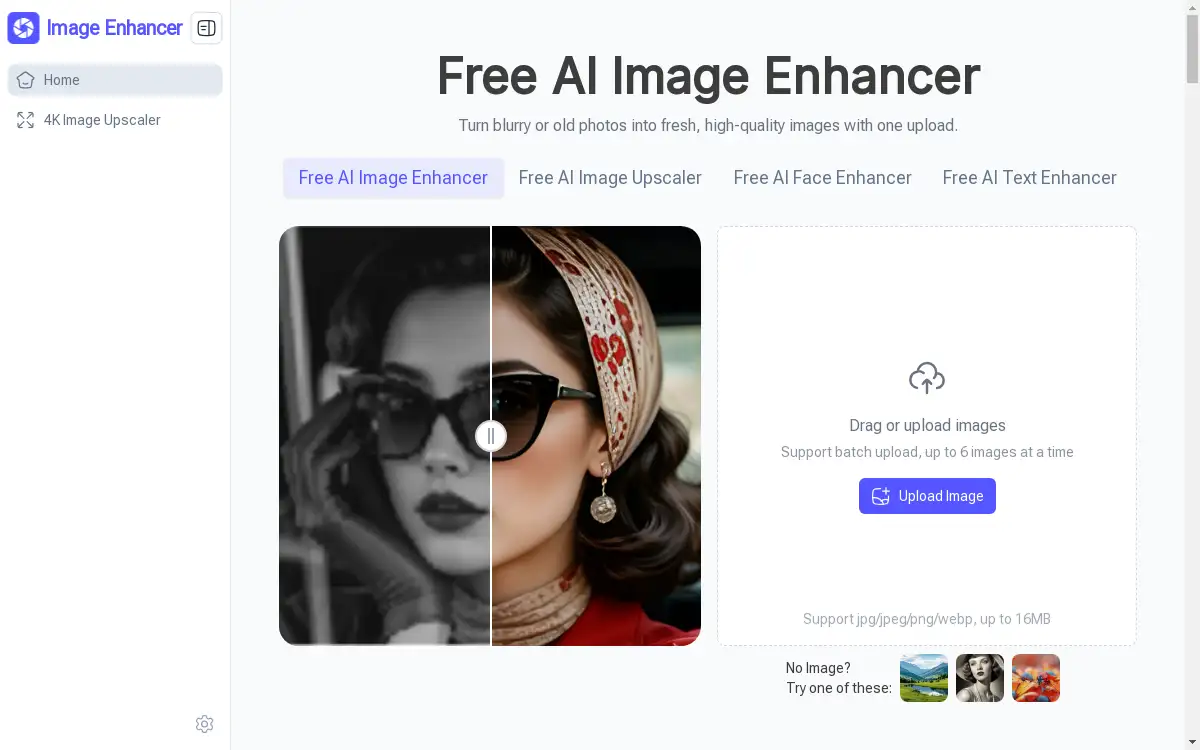
Upscayl is an AI-powered image upscaling application designed to solve the common problem of blurry, pixelated, or low-resolution photos. It leverages sophisticated Upscayl Models to analyze and intelligently reconstruct images, enhancing them to crisp 4K quality in seconds. This tool is suitable for anyone who wants to improve the visual quality of their pictures, from photographers restoring old family portraits to social media managers needing high-res content and e-commerce sellers optimizing product shots. The Upscayl Image technology focuses on preserving natural textures and details, making it a reliable Upscayl ai image upscaler for both personal and professional use.
Key Features of upscayl
AI-Powered Detail Enhancement
The core Upscayl AI Image Upscaler technology analyzes image content to reconstruct lost information, delivering clear, natural-looking results ideal for restoring old photos and enhancing portraits for print-ready quality.
Professional 4K Upscaling
Transform images into crisp, high-resolution output suitable for business use, product shots, and high-quality printing, with exceptional detail preservation offered by the Upscayl Models.
Instant HD Conversion
Convert photos to HD quality in seconds with lightning-fast processing, vibrant color enhancement, and support for universal formats, making it a highly efficient Upscayl ai image upscaler.
Face Enhancement Technology
Run GFPGAN face enhancement alongside upscaling to specifically improve facial features, perfect for portrait photography and restoring old pictures of people.
Multiple Resolution Outputs
Choose from a range of practical upscaling factors, including 1K, 2K, 4K, 6K, and 8K outputs, to match specific project requirements and maintain high-quality results.
Wide Format Support
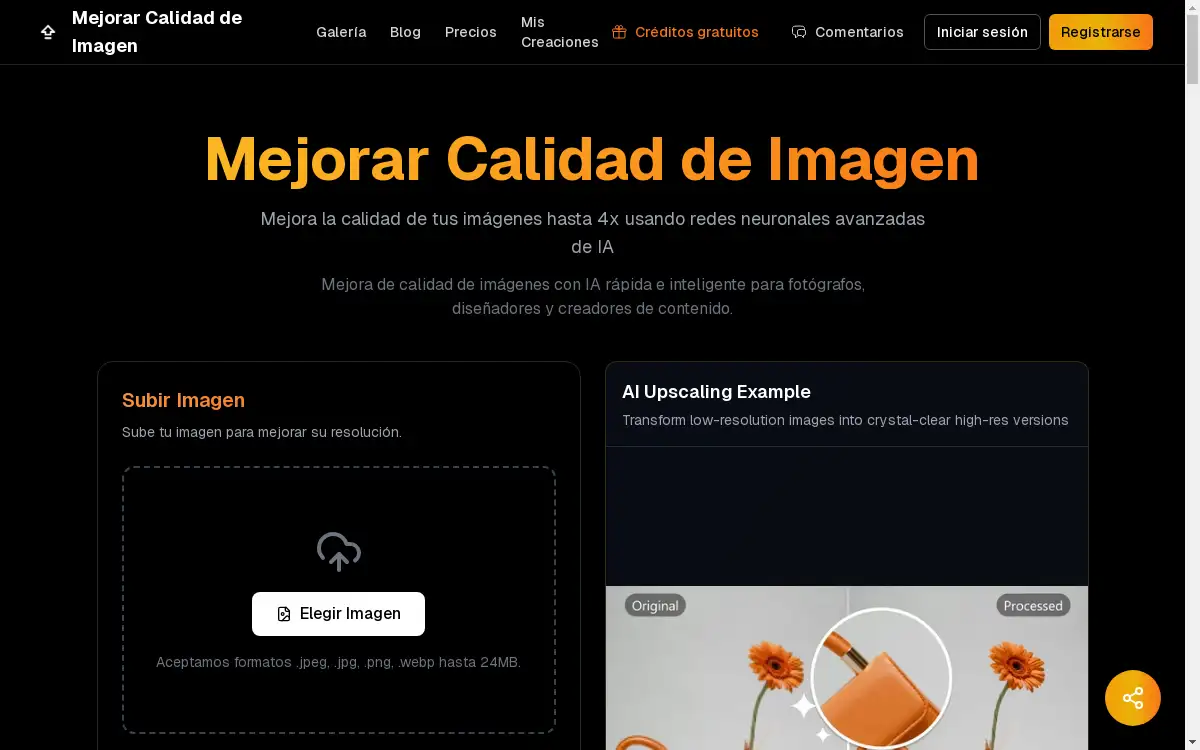
Seamlessly process images in JPEG, JPG, PNG, WEBP, and BMP formats (up to 10MB) for smooth workflows across different devices and platforms.
Use Cases for upscayl
Restoring Old Photographs
Breath new life into vintage, faded, or damaged family photos by using the Upscayl AI Image Upscaler to enhance resolution, reduce noise, and restore sharp details.
Enhancing Social Media Content
Create visually striking and high-definition images for Instagram, Facebook, or Twitter feeds, ensuring your content stands out with the clarity provided by Upscayl Image technology.
Optimizing E-commerce Product Shots
Improve the quality of online product photography to showcase finer details, textures, and colors, leading to better customer engagement and potentially higher sales.
Preparing Images for Print
Upscale digital photos to high-resolution, print-ready formats like 4K, ensuring posters, photo books, and marketing materials look professional and crisp.
Improving Low-Light or Blurry Photos
Salvage pictures taken in poor lighting conditions or with camera shake by reducing blur and graininess through AI-powered reconstruction.
How to Use upscayl
Using the Upscayl AI Image Upscaler is a straightforward three-step process designed for users of all skill levels.
- Upload Your Image: Visit the Upscayl website and drag and drop your image into the upload area, or click to browse your files. The tool supports JPG, PNG, WEBP, JPEG, and BMP formats with a maximum size of 10MB.
- Select Options and Process: Choose your desired output resolution (from 1K to 8K) and toggle the "Face Enhance" option if needed. Then, initiate the AI processing. The advanced Upscayl Models will analyze and enhance your image in seconds.
- Download the Result: Once processing is complete, download your newly upscaled, high-definition image. The final Upscayl Image is ready for use on social media, in print, or for professional projects.
Target Audience for upscayl
- Photographers and hobbyists looking to enhance image quality.
- Graphic designers and digital artists needing high-res source material.
- Social media managers and content creators.
- E-commerce business owners and product photographers.
- Archivists, historians, or individuals restoring old family albums.
- Marketing professionals preparing visuals for campaigns.
Is upscayl Free?
Upscayl offers several pricing tiers, including a free option with limitations and paid plans for higher-volume users. The available plans are structured as annual subscriptions with significant savings.
| Plan | Price (Billed Annually) | Key Features & Credits |
|---|---|---|
| Professional | $4.9/month (Save 50%) | Perfect for photographers. 200 HD conversions/month (2,400/year). Includes Portrait mode & Ultra Clean AI. |
| Business | $7.9/month (Best Value) | Ideal for e-commerce teams. 500 HD conversions/month (6,000/year). Adds batch processing API access. |
| Enterprise | $9.9/month (Save 50%) | For high-volume users. 3,000 HD conversions/month (36,000/year). Includes advanced API and dedicated support. |
Note: Pricing is based on the "Yearly" option from the reference material, which shows a flash sale. Standard monthly pricing may differ.
upscayl's Pros and Cons
| Aspect | Pros | Cons |
|---|---|---|
| Ease of Use | Simple, three-step web interface; no technical skills required. | Limited to web platform; no dedicated desktop app mentioned. |
| Speed & Performance | Lightning-fast AI processing; results in seconds. | File size limit of 10MB may restrict some high-resolution originals. |
| Output Quality | AI-powered, near-lossless upscaling; preserves textures and details effectively. | Quality can vary depending on the source image's original condition. |
| Pricing & Value | Transparent tiered plans; free option available for testing. | Higher-volume plans require an annual commitment for the best price. |
| Features | Includes useful tools like face enhancement and multiple output resolutions. | Lacks more advanced manual editing controls found in professional software. |
Frequently Asked Questions about upscayl
What image formats does the Upscayl AI Image Upscaler support?
The tool supports a wide range of common formats, including JPG, JPEG, PNG, WEBP, and BMP. This makes it versatile for processing images from various sources like digital cameras, smartphones, and scans.
How does the AI in Upscayl work to improve my photos?
The Upscayl AI Image Upscaler uses advanced deep learning models, specifically the Upscayl Models, to analyze your low-resolution image. It intelligently predicts and generates new pixel data to increase resolution while reducing noise, sharpening blurry areas, and reconstructing lost details for a clearer, more defined Upscayl Image.
Is there a limit to how many photos I can upscale for free?
Yes, while a free option exists, it comes with a limited number of conversions. For regular or high-volume use, one of the paid subscription plans (Professional, Business, or Enterprise) offers a set number of monthly credits for HD photo conversions.
Can Upscayl improve faces in old group photos?
Yes, by enabling the "Face Enhance" option, which runs the GFPGAN model alongside the main upscaling. This feature specifically targets facial features, smoothing skin, enhancing eyes, and improving overall clarity in portraits and group photos.
What is the maximum resolution I can upscale an image to?
The Upscayl ai image upscaler provides several output options. You can upscale your images to 1K, 2K, 4K, 6K, or even 8K resolution, depending on your needs for web use, high-quality printing, or digital displays.
Are the upscaled images suitable for commercial use?
Yes, images processed through the paid plans, particularly the Business and Enterprise tiers, are intended for commercial use. The technology is designed to deliver professional, print-ready 4K output suitable for product shots, marketing materials, and other business applications.
upscayl Tags
Upscayl AI Image Upscaler, AI image upscaler, free image enhancer, upscale photo to 4K, improve image quality online, restore old photos AI, blurry photo fix, high-resolution converter, image upscaling software, photo restoration tool, AI photo enhancer, batch image upscale