Introduction
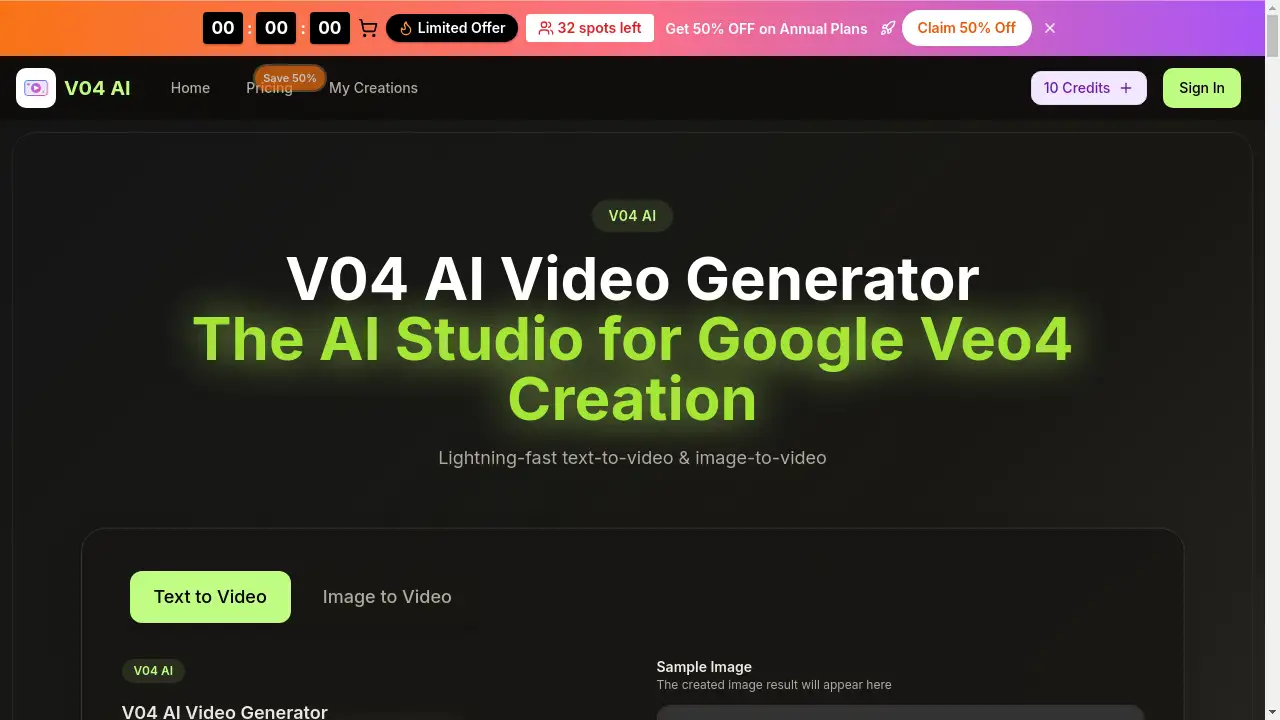
V04 AI Video Generator is an all-in-one AI studio for creating cinematic videos from text and images.
What is v04 ai video?
The V04 AI video generator is a comprehensive AI-powered platform designed to transform text descriptions or static images into professional-quality videos. It addresses the common challenge of video production, which is often time-consuming, resource-intensive, and requires technical skill. By leveraging advanced AI models like Google Gemini V04 AI and proprietary technology like Flow V04 AI, the tool simplifies the entire process. Users can generate coherent, stylistically consistent video clips in seconds, making it an ideal solution for content creators, marketers, educators, and businesses needing to produce engaging visual content quickly and efficiently. The platform’s focus on cinematic quality and user-friendly workflow makes advanced AI video creation accessible to a broad audience.
Key Features of v04 ai video
Multi-Model Access
The platform allows users to select and switch between different AI models, including the V04 AI Model, Veo 3, and Sora 2, to achieve the best visual style and quality for each specific scene or project.
4K-Ready Quality
It generates high-definition video output, ensuring sharp detail and professional-grade visuals suitable for marketing campaigns, social media, and client deliverables.
Native Audio Generation
This V04 AI tool can create synchronized audio elements like dialogue, ambient sound, and sound effects directly within the video generation workflow, reducing the need for separate audio editing software.
Fast Generation Speed
Users can preview video results in seconds, enabling rapid iteration and faster turnaround times from concept to final render, which is powered by efficient Google V04 AI Video technology.
Commercial Usage Rights
Outputs come with a license for commercial use, giving creators and businesses the confidence to use generated videos in advertisements, monetized content, and client projects.
Flexible Workflow Tools
Features like batch generation, scene-splitting, and prompt helpers streamline the creative process, helping teams move from an initial idea to a polished final video with fewer manual steps.
Use Cases for v04 ai video
Marketing and Advertisement Clips
Businesses can rapidly produce high-quality promotional videos and ad spots for social media or websites using text-to-video prompts, maintaining brand consistency with Flow V04 AI.
Social Media Content Creation
Digital creators and influencers can generate eye-catching short-form videos, reels, and stories to engage their audience, utilizing both image-to-video and text prompts for varied content.
Explainer and Educational Videos
Educators and trainers can transform lesson outlines or scripts into clear, visual explainer videos, making complex information more accessible and engaging for viewers.
Product Demos and E-commerce Reels
E-commerce brands can create dynamic product showcases and demo videos to highlight features and boost online sales, using the tool’s high-resolution output for a professional look.
How to Use v04 ai video
- Access the Generator: Navigate to the V04 AI video generator interface on the platform.
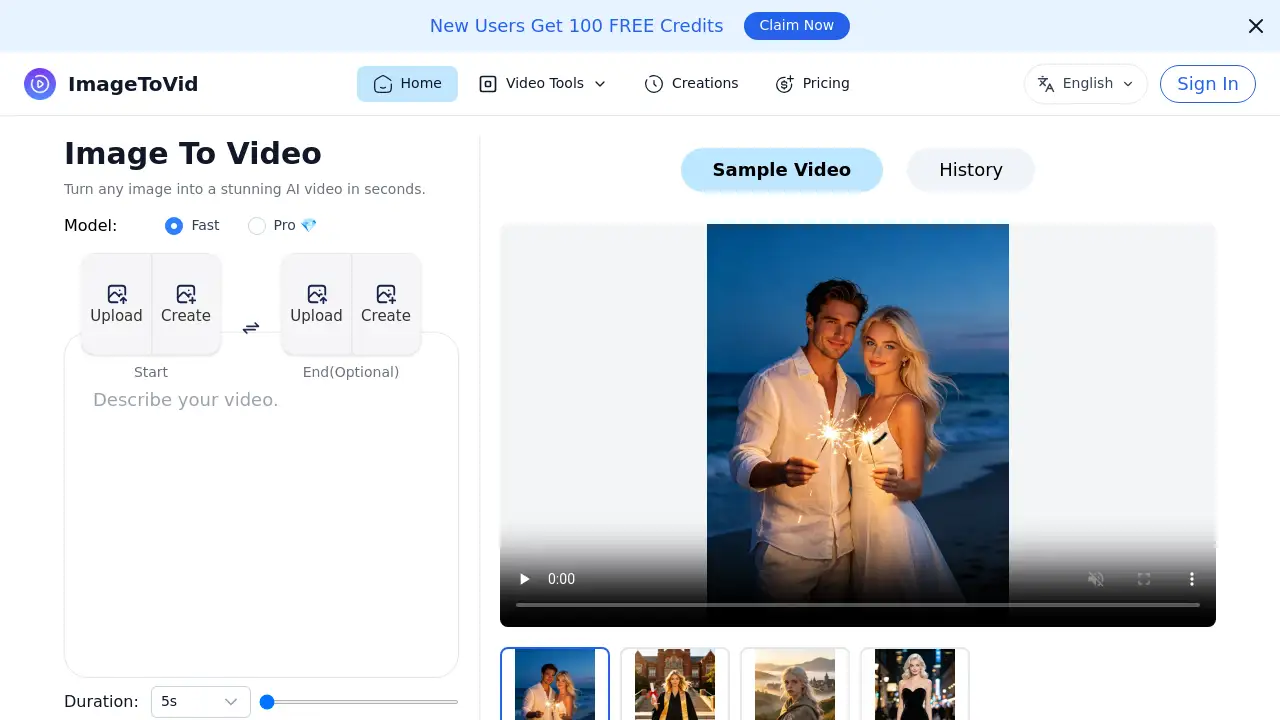
- Input Your Source Material: Either type a detailed text prompt or upload a reference image to guide the AI video creation.
- Configure Settings: Adjust parameters like aspect ratio (e.g., 16:9 for YouTube, 9:16 for TikTok), video quality (720p or 1080p), and desired duration.
- Generate and Preview: Click the generate button. The V04 AI video generator will create a video clip in seconds for you to preview.
- Refine and Export: Use available editing tools to make adjustments, then download the final video without a watermark for immediate use.
Target Audience for v04 ai video
- Digital Content Creators and Influencers
- Marketing Teams and Advertising Agencies
- Small Business Owners and Entrepreneurs
- Educators and Trainers
- Social Media Managers
Is v04 ai video Free?
The platform offers a credit-based pricing system. A limited number of free credits are available to start. For ongoing use, paid plans provide monthly credits. The current annual plans are offered at a 50% discount.
| Plan | Price (Billed Annually) | Key Features & Credits |
|---|---|---|
| Basic | $15.9/month | 1,000 credits/month, V04 AI Video Generation, Commercial License, Basic AI models. |
| Professional | $25.9/month | 2,000 credits/month, All Basic features plus access to advanced models (Veo 3, Sora 2), priority queue. |
| Enterprise | $49.9/month | 6,000 credits/month, All Professional features, highest credit volume for teams and high-volume projects. |
v04 ai video's Pros and Cons
| Aspect | Pros | Cons |
|---|---|---|
| Speed & Efficiency | Extremely fast generation allows for quick iteration and rapid content production. | Output video duration may be limited compared to manual editing for long-form content. |
| Ease of Use | The text-to-video and image-to-video interface is straightforward, lowering the barrier to entry. | Mastering effective prompts for complex scenes (Flow V04 AI) may require a learning curve. |
| Output Quality | Delivers high-resolution, 4K-ready video suitable for professional use. | The final polish may still differ from high-budget, manually produced video. |
| Cost | Can be cost-effective for teams producing regular video content compared to hiring production resources. | For individual hobbyists with minimal needs, the subscription cost might be a consideration. |
| Features | Includes a robust set of V04 AI tool features like audio generation and commercial rights. | The most advanced models and features are gated behind higher-tier plans. |
Frequently Asked Questions about v04 ai video
What makes V04 AI different from other AI video generators?
V04 AI distinguishes itself by integrating Google Gemini V04 AI and proprietary Flow V04 AI technology, which focuses on maintaining character and scene consistency across generated video clips, a challenge for many AI video tools.
Does V04 AI offer any free credits?
Yes, new users can start with a limited number of free credits to test the V04 AI video generator and its core text-to-video and image-to-video capabilities before committing to a paid plan.
Can I use videos created with V04 AI for commercial purposes?
Yes. One of the key features is the inclusion of a commercial usage license with its plans, allowing users to legally monetize and use the generated videos in client work, ads, and other business applications.
What video formats and resolutions does it support?
The tool allows generation in standard aspect ratios like 16:9 and 9:16, with output qualities of 720p HD and 1080p Full HD, ensuring compatibility with most social media and professional platforms.
How long can the AI-generated videos be?
Based on the interface options, users can typically generate clips in set durations, such as 5 or 10 seconds, which is ideal for social media clips, ads, and scene snippets. Longer narratives would require generating multiple clips.
What is Flow V04 AI?
Flow V04 AI is a proprietary technology within the platform designed to guide the AI in creating videos with consistent visual style, character appearance, and narrative flow across different shots or scenes, enhancing overall coherence.
v04 ai video Tags
V04 AI video generator, text to video, image to video, AI video creation, Flow V04 AI, Google Gemini V04 AI, Google V04 AI Video, AI video tool, video marketing tool, AI content creation, cinematic AI video, social media video maker