Introduction
A review of the Veo 3 AI video generation model, which transforms text and images into high-quality videos with audio.
What is Veo 3 AI?
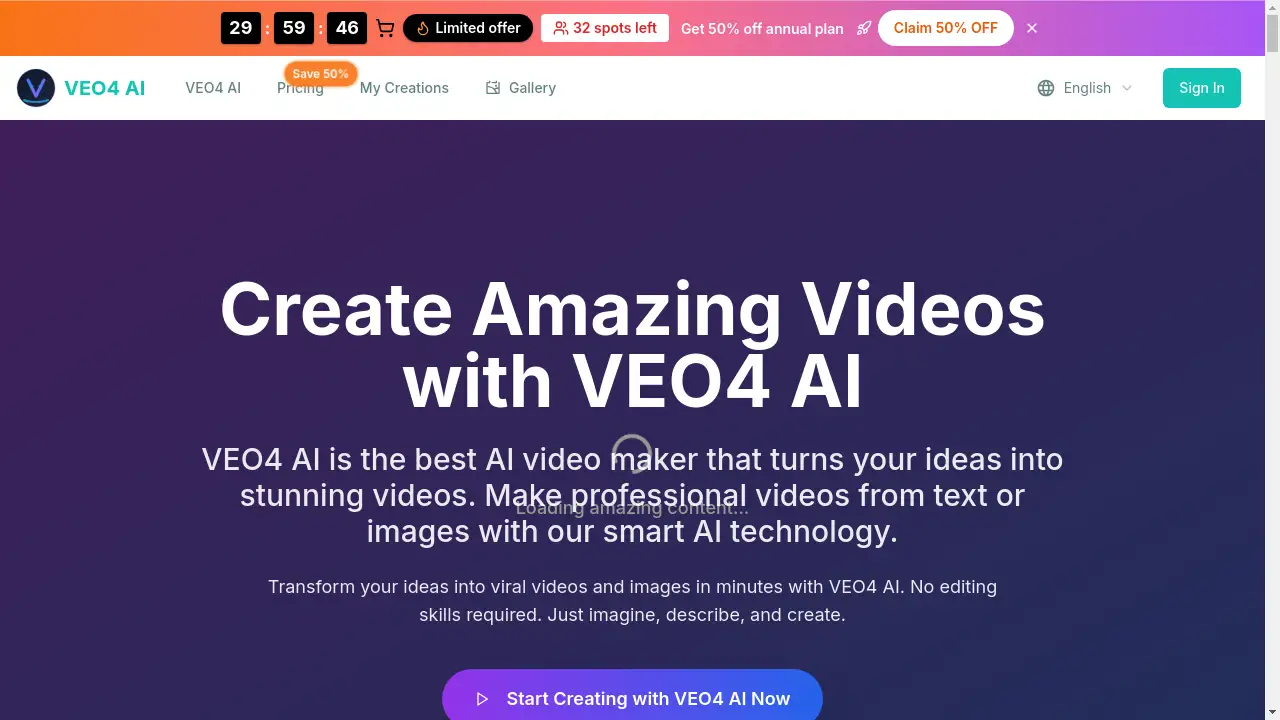
Veo 3 AI is the latest advanced AI video generator developed by Google DeepMind. This cutting-edge model represents a significant leap forward in the field of AI video generation, allowing users to create professional-quality videos directly from text descriptions or reference images. It solves the problem of complex and expensive video production by making it accessible through simple prompts, enabling creators to generate stunning, realistic videos with synchronized audio. The technology is suitable for a wide range of users, from marketers and educators to filmmakers and hobbyists, who want to bring their ideas to life quickly and efficiently. The improvements in Veo 3 vs Veo 2 are substantial, particularly in terms of realism, motion, and the revolutionary addition of native audio generation.
Key Features of Veo 3 AI
Unprecedented Realism and 4K Output
Veo 3 AI sets a new standard with breathtaking visual fidelity, generating videos in stunning 4K resolution with a deep understanding of real-world physics and lighting for unparalleled authenticity.
Integrated Native Audio Generation
A revolutionary feature, this AI video generator creates all audio natively, adding synchronized sound effects, ambient noise, and dialogue directly from the text prompt, eliminating the need for separate audio editing tools.
Advanced Prompt Adherence
The Veo 3 model demonstrates superior understanding and follows complex creative instructions with high accuracy, ensuring the final AI video closely matches the user's textual and visual vision.
Superior Creative Control & Motion Mastery
Users can achieve detailed control over object movements and camera paths using features like 'Motion Master', allowing for precise cinematic direction within the generated video.
Seamless Integration with Google Ecosystem
Veo 3 is designed to work within Google's creative tools, offering integration with Google AI Studio for exploration and Google Flow for creating more complex, cinematic sequences.
Enhanced Consistency for Storytelling
The model shows significant progress in maintaining character and stylistic consistency across multiple shots, which is crucial for creators aiming to produce longer, coherent narrative videos.
Use Cases for Veo 3 AI
Marketing and Advertising Content
Businesses can rapidly prototype and produce promotional videos, social media clips, and product demos by simply describing the desired scene, speeding up campaign creation.
Educational and Explainer Videos
Educators and trainers can create engaging animated explanations, historical reenactments, or scientific visualizations by inputting descriptive text, making complex topics easier to understand.
Creative Storytelling and Short Films
Independent filmmakers and writers can visualize scenes, generate concept footage, or even create entire short films by crafting detailed prompts that guide the AI video generation process.
Prototyping and Concept Visualization
Designers and developers can use Veo 3 to quickly visualize product concepts, app interfaces, or architectural designs in motion, facilitating better communication and iteration.
How to Use Veo 3 AI
- Define Your Vision: Start by conceptualizing your video. Decide if it will be a pure text-to-video creation or if you will use reference images to guide the Veo 3 AI model.
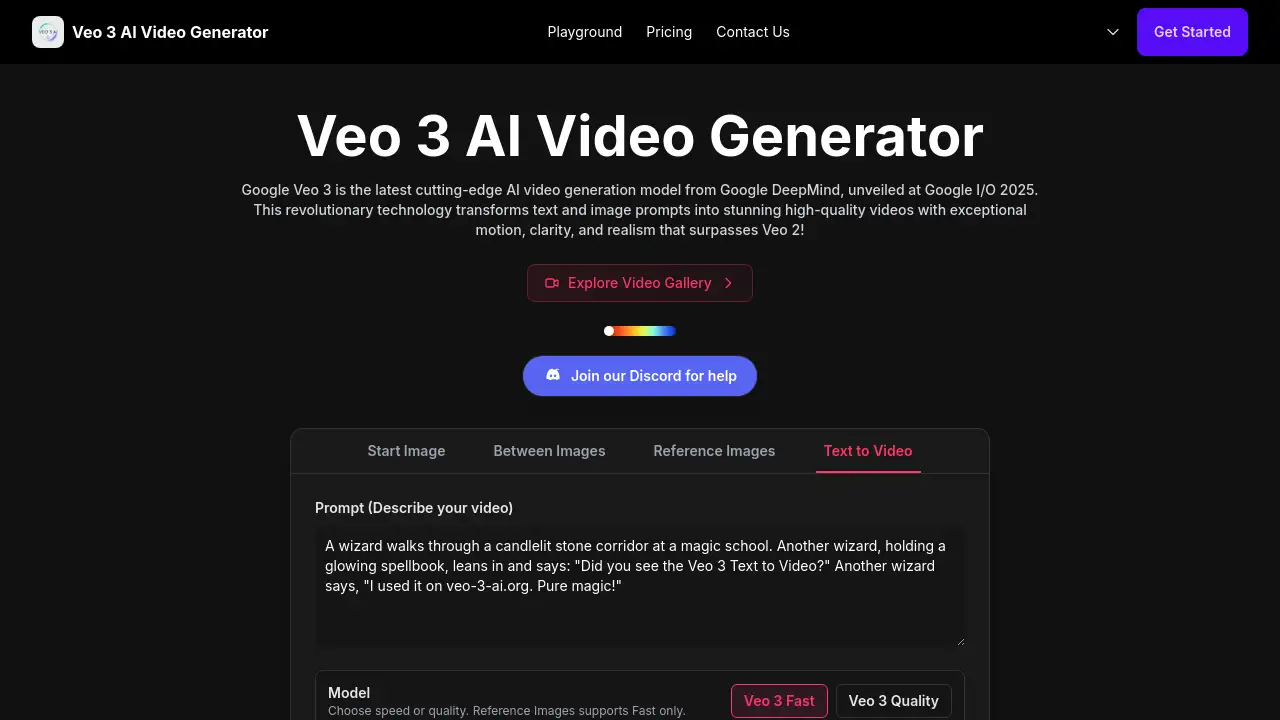
- Craft Your Prompt: In the interface, input a detailed text description of your desired video. The more descriptive you are about actions, scenery, style, and desired audio, the better the result. You can also upload images for the AI to reference.
- Adjust Settings: Customize parameters like aspect ratio and choose between speed or quality for generation. Note that using reference images may limit some options.
- Generate and Review: Initiate the AI video generation. Once complete, review your video. You can then refine your prompt based on the output and regenerate to improve the result.
Target Audience for Veo 3 AI
- Content Creators and Marketers needing quick, high-quality video content for social media, websites, or ads.
- Filmmakers and Animators looking for a tool to visualize concepts, create storyboards, or produce elements for larger projects.
- Educators and Trainers who want to create engaging visual aids and explanatory videos without video editing expertise.
- Business Professionals requiring prototypes, presentations, or internal communication videos.
- Hobbyists and Tech Enthusiasts interested in exploring the cutting edge of AI video generation and creative AI tools.
Is Veo 3 AI Free?
Specific pricing details for direct access to Veo 3 AI are not explicitly stated on the reference site. The product is described as being available within the Gemini app for Google AI Ultra, suggesting it may be part of a larger, tiered subscription service. Users are typically directed to official Google platforms like Google AI Studio or the Video Cloud Console for access and detailed pricing information. It is common for such advanced AI models to offer limited free credits or trials initially.
Veo 3 AI's Pros and Cons
| Aspect | Pros | Cons |
|---|---|---|
| Technology & Quality | Exceptional video realism and 4K output. Revolutionary native audio generation. | Access may be gated behind premium subscriptions (e.g., Google AI Ultra). |
| Usability & Control | Powerful prompt adherence and creative control features like Motion Master. | May have a learning curve to craft optimal prompts for complex scenes. |
| Integration | Seamlessly integrates with Google's ecosystem (AI Studio, Google Flow). | Primarily tied to the Google ecosystem, limiting use with other platforms. |
| Innovation | Represents a major leap forward in AI video generation, especially over Veo 2. | As a very new technology, its full capabilities and limitations are still being explored by users. |
Frequently Asked Questions about Veo 3 AI
What is the main difference between Veo 3 and Veo 2?
The main advancements in Veo 3 vs Veo 2 include significantly improved video quality and realism, the groundbreaking addition of integrated native audio generation, and enhanced prompt adherence for more accurate AI video creation.
Do I need video editing skills to use Veo 3 AI?
No, advanced video editing skills are not required. The core power of this AI video generator lies in translating descriptive text prompts into finished videos. However, understanding how to write effective prompts will yield better results.
Can I use my own images with Veo 3?
Yes, Veo 3 supports image-to-video generation. You can upload reference images to guide the style, composition, or characters in your AI video, though this may limit some generation options like aspect ratio.
What is Google Flow in relation to Veo 3?
Google Flow appears to be a complementary tool or workflow that works with Veo 3, potentially used for creating more cinematic sequences or managing multi-shot projects, enhancing the overall creative pipeline.
Is the audio really generated from the text prompt?
Yes, a key feature of Veo 3 is its ability to generate synchronized audio natively. This includes sound effects, background ambiance, and character dialogue based solely on the descriptions in your text prompt.
Where can I access Veo 3 to try it?
According to the reference information, Veo 3 is available in the Gemini app for Google AI Ultra. Users are also directed to explore it through platforms like Google AI Studio or the Video Cloud Console for official access.
Veo 3 AI Tags
Veo 3 AI, Google Veo 3, AI video generator, text to video, AI video generation, Veo 3 vs Veo 2, native audio generation, Google AI Studio, Google Flow, create AI video, video from text, DeepMind AI, 4K AI video, Motion Master