Introduction
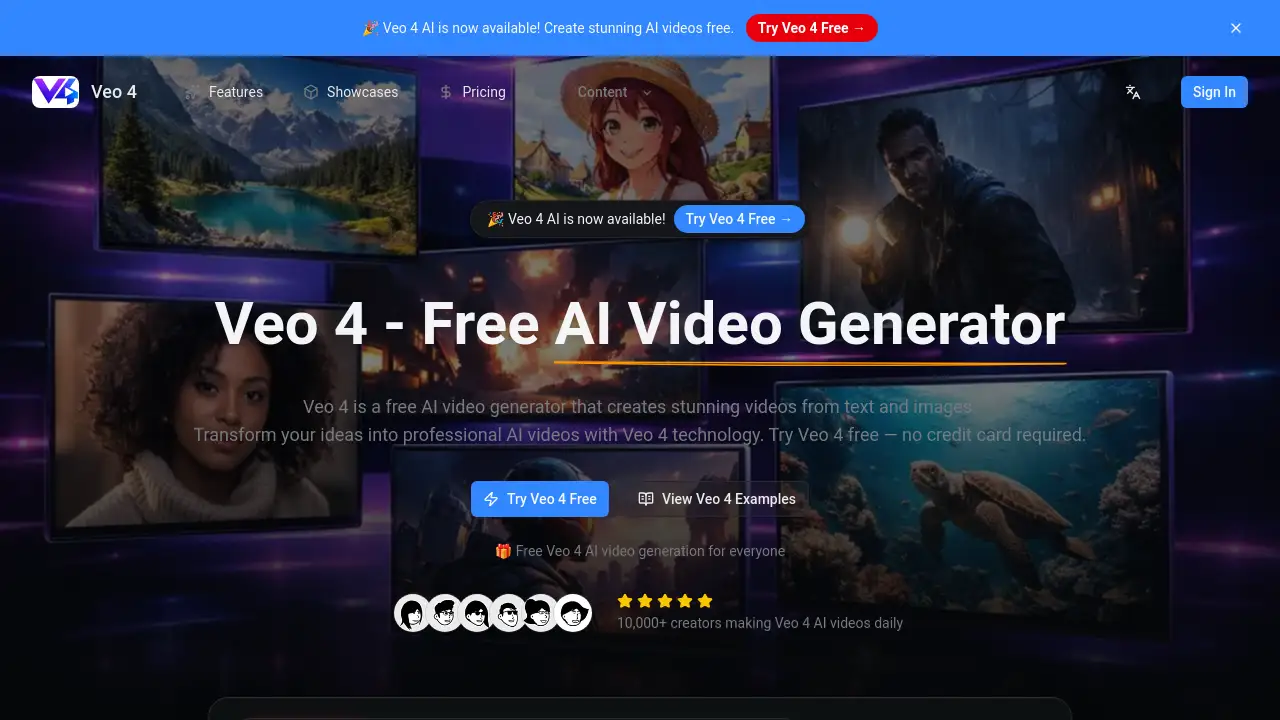
Veo 4 AI is a free AI video generator for creating stunning videos from text and images.
What is Veo 4 AI?
Veo 4 AI is an online platform designed to simplify and democratize video creation. It solves the problem of needing expensive equipment, software, or specialized skills to produce high-quality video content. By leveraging AI video generator technology, Veo 4 AI allows users to transform simple text descriptions or existing images into professional-looking videos in seconds. This tool is suitable for a wide range of users, from social media managers and marketers to educators and hobbyists. The fact that it offers a free tier with no credit card required makes it an accessible entry point for anyone looking to explore text to video and image to video creation.
Key Features of Veo 4 AI
Free Access
Create videos daily without any payment or credit card required, making AI video generation accessible to everyone.
High-Definition Output
Generate professional-grade video content in resolutions up to 4K, ensuring excellent visual clarity for any project.
Diverse Video Styles
Choose from multiple aesthetics including realistic, anime, cinematic, and artistic styles to match the specific tone of your content.
Rapid Processing
Optimized technology ensures videos are generated in just a few seconds, allowing for quick iteration and fast turnaround on projects.
Style Transfer
Apply artistic effects to transform the look and feel of your generated videos with advanced style transfer capabilities.
Developer API
Integrate Veo 4 AI's text to video and image to video functions directly into other applications for automated or batch processing.
Use Cases for Veo 4 AI
Social Media Content Creation
Quickly produce engaging, scroll-stopping video clips for platforms like Instagram, TikTok, and YouTube to boost audience engagement.
Marketing and Advertising
Generate cost-effective video assets for digital ad campaigns, product demos, or brand storytelling without a full production crew.
Educational Content
Create visual aids, animated explanations, and engaging lesson materials to help students understand complex topics more easily.
Creative Prototyping
Rapidly visualize concepts for films, game cinematics, or art projects, allowing for fast iteration and creative exploration.
How to Use Veo 4 AI
Using the Veo 4 AI video generator is a straightforward process designed for users of all skill levels.
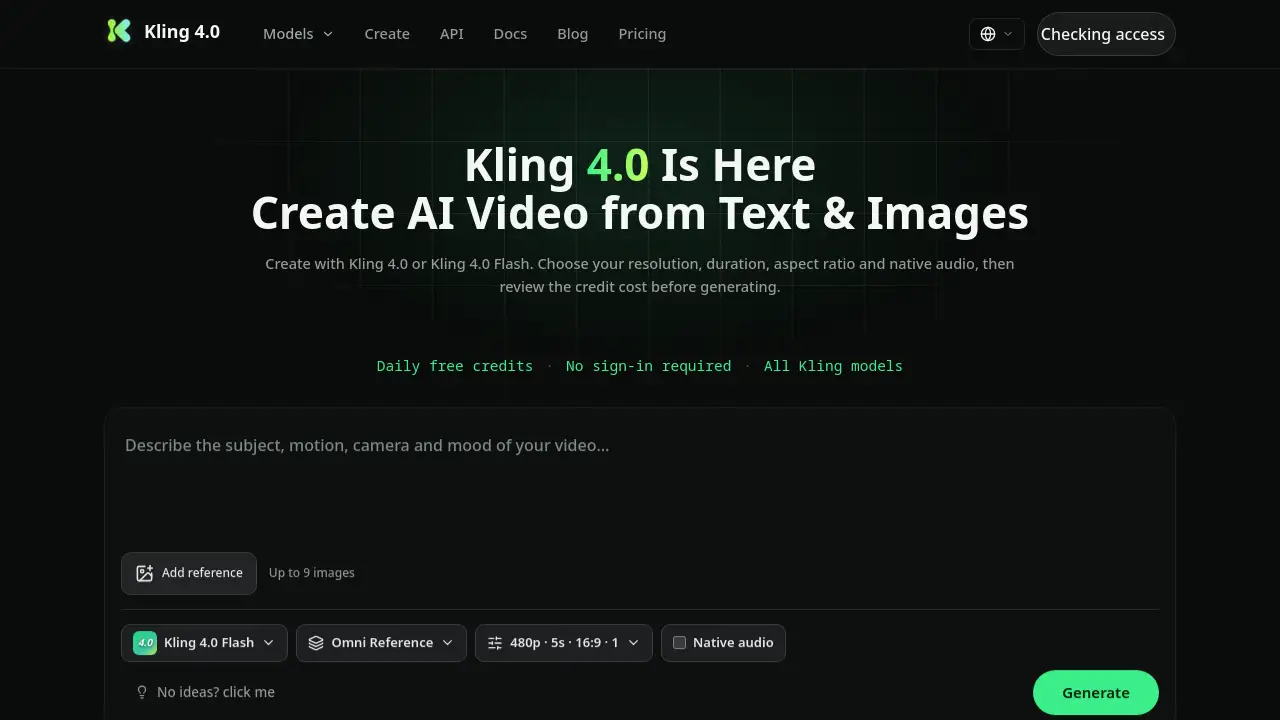
- Access the Platform: Visit the Veo 4 AI website. You can start creating immediately with the free tier, no signup required for the first generation.
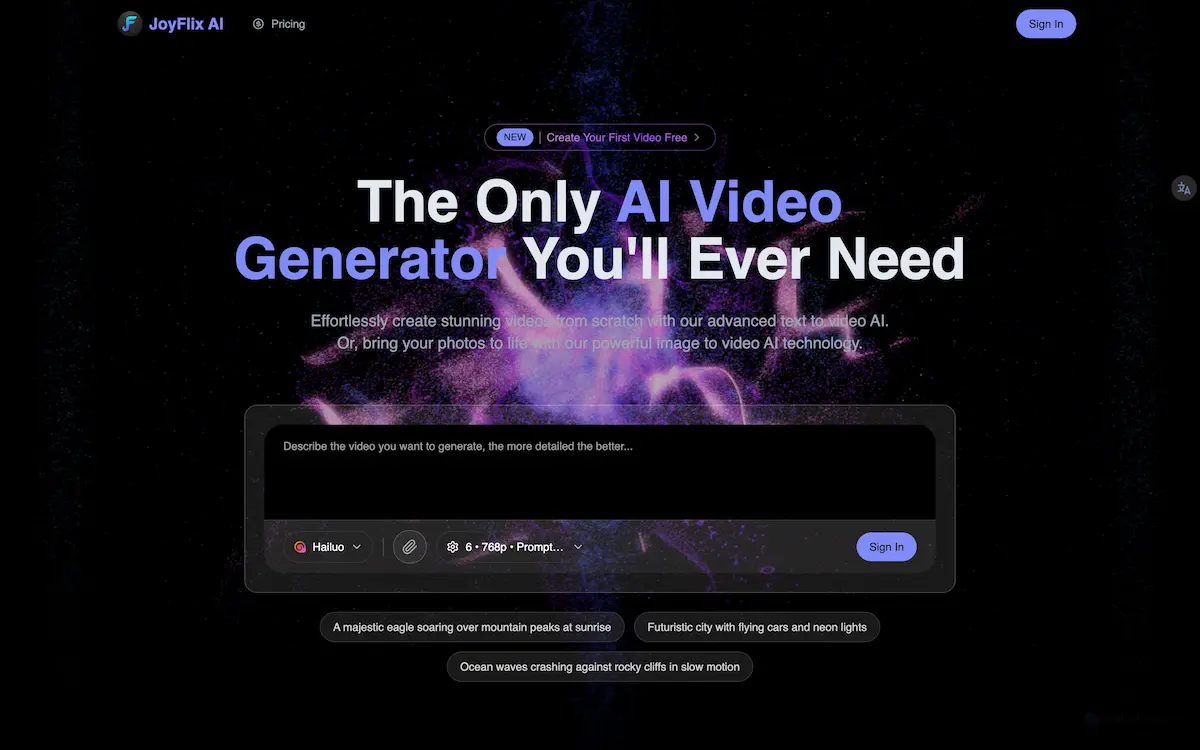
- Enter Your Prompt: In the provided field, type a detailed description of the video you want. For best results, be specific about scenes, actions, styles, and the desired motion.
- Customize Settings: Select your preferred video style, resolution (up to 4K), and aspect ratio to tailor the output to your needs.
- Generate and Download: Initiate the generation process. Within seconds, your Veo 4 AI video will be ready to download in MP4 format for immediate use.
Target Audience for Veo 4 AI
- Content Creators and Social Media Managers
- Digital Marketers and Advertising Professionals
- Educators and Trainers
- Startup Founders and Entrepreneurs
- Game Developers and Animators
- Hobbyists and Creative Individuals
Is Veo 4 AI Free?
Yes, Veo 4 AI offers a free tier that allows users to generate AI videos without providing credit card details. Based on the reference information, this free plan enables daily video creation. For specific details on potential premium plans, advanced features, or usage limits beyond the free tier, users should refer to the official Veo 4 AI website.
Veo 4 AI's Pros and Cons
| Aspect | Pros | Cons |
|---|---|---|
| Accessibility | Completely free tier with no credit card required lowers the barrier to entry. | Advanced features or high-volume usage may require a paid plan (details not specified). |
| Ease of Use | Simple, four-step process makes AI video generation quick and intuitive. | Output quality is dependent on the user's ability to craft effective text prompts. |
| Speed & Efficiency | Generates videos in seconds, drastically faster than traditional video production. | As an AI tool, creative control is indirect compared to manual editing software. |
| Output Quality | Produces HD and up to 4K resolution videos suitable for professional use. | The AI's interpretation of a prompt may not always match the user's exact vision. |
Frequently Asked Questions about Veo 4 AI
Is Veo 4 AI really free to use?
Yes. The platform offers a free tier for AI video generation. Users can create videos without entering credit card information, making it a risk-free way to try the Veo 4 AI video generator.
What kind of videos can I create with Veo 4 AI?
You can create a wide variety of videos, from realistic scenes and animated clips to artistic and cinematic sequences. The output depends on the text prompt or image you provide and the style you select.
How long does it take to generate a video?
Veo 4 AI is optimized for speed, typically generating videos in a matter of seconds. This fast processing allows for rapid creation and experimentation.
Do I need to download any software?
No. Veo 4 AI is a web-based platform. You can access and use the free AI video generator directly from your browser without any installations.
What video formats and resolutions are supported?
Videos are generated and downloaded in the standard MP4 format. The tool supports outputs up to 4K resolution, providing high-quality results for various uses.
Can I use Veo 4 AI videos for commercial projects?
While the reference information confirms free generation, the specific licensing terms for commercial use of the generated content should be checked directly on the Veo 4 AI official website.
Veo 4 AI Tags
Veo 4 AI, free AI video generator, text to video, image to video, create AI video, AI video maker, online video generator, Veo 4 free, AI video creation, video from text, AI video tool, HD video generator