Introduction
A powerful AI video generator for creating cinematic clips with sound.
What is VEO 4 Video Generator?
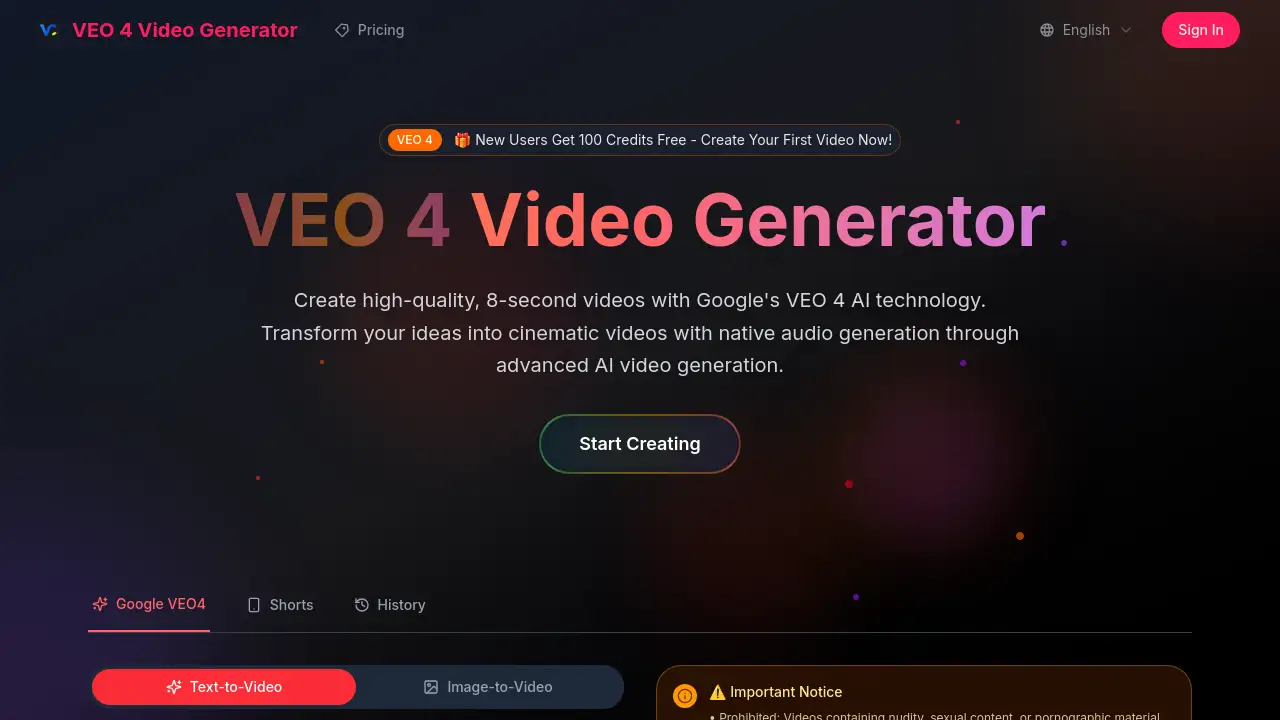
The VEO 4 Video Generator is an advanced AI video creation tool that transforms text descriptions into high-quality, 8-second video clips. Built on Google's state-of-the-art VEO 4 model and accessible via Google AI Studio, it addresses the need for quick, professional-looking video content without requiring complex editing skills or expensive equipment. This AI video generator is suitable for content creators, marketers, educators, and anyone looking to produce short, engaging visual stories. Its significance lies in its ability to generate not just visuals but also integrated, native audio, creating a more immersive and complete video experience from a simple text prompt.
Key Features of VEO 4 Video Generator
Native Audio Generation
The tool automatically creates and synchronizes sound effects, ambient noises, and character dialogue with the video, making content feel more realistic and cohesive without needing separate audio editing.
Advanced Prompt Understanding
This AI video generator accurately interprets detailed, narrative-driven descriptions written in everyday language, translating complex scenes and actions into coherent video clips.
Cinematic Quality Output
Leveraging Google's VEO 4 model, it produces videos with realistic physics, professional lighting, and smooth camera movements that emulate a movie-like aesthetic.
Seamless Google AI Studio Integration
Users can quickly generate videos through the powerful and accessible interface of Google AI Studio, which hosts the underlying big model engine.
Multimodal AI Comprehension
The system understands the relationships between visual elements, motion, and audio cues to produce professionally cohesive content that feels intentionally produced.
Use Cases for VEO 4 Video Generator
Social Media Content Creation
Ideal for generating eye-catching, short-form video clips for platforms like TikTok, Instagram Reels, and YouTube Shorts to boost engagement.
Marketing and Advertisement
Businesses can use this AI video generator to create quick promotional videos, product showcases, or animated explainers for digital marketing campaigns.
Educational and Training Materials
Educators and trainers can produce concise, illustrative video segments to explain concepts, demonstrate procedures, or enhance presentations.
Creative Storytelling and Concept Visualization
Writers, artists, and designers can bring storyboards, characters, and abstract ideas to life quickly for pitches, prototyping, or personal projects.
How to Use VEO 4 Video Generator
Using this AI video generator is a straightforward process designed for users of all skill levels.
- Sign Up for Access: Visit the platform (like veo4free.io) and sign up. New users typically receive free credits to start creating.
- Craft Your Prompt: In the provided text box, describe the video scene you want in clear, descriptive language. Include details about setting, characters, actions, and mood.
- Generate the Video: Select your preferences, such as enabling audio, and click the generate button. The VEO 4 model will process your prompt and create an 8-second video.
- Review and Download: Preview your generated video. If satisfied, you can download the high-resolution, watermark-free file for your use.
Target Audience for VEO 4 Video Generator
- Social media managers and content creators
- Digital marketers and advertising professionals
- Educators, trainers, and instructional designers
- Small business owners and entrepreneurs
- Writers, filmmakers, and creative professionals for pre-visualization
- Hobbyists interested in exploring AI-powered creativity
Is VEO 4 Video Generator Free?
Based on available information, the service offers a way to start creating for free. The homepage mentions a sign-up incentive of 100 free credits. For detailed, ongoing pricing plans and subscription features, users should refer to the official VEO 4 Video Generator website or its Google AI Studio access page.
| Plan | Price | Features |
|---|---|---|
| Free Trial | $0 | Typically includes a limited number of free credits (e.g., 100) to generate initial videos and test the platform. |
VEO 4 Video Generator's Pros and Cons
| Aspect | Pros | Cons |
|---|---|---|
| Ease of Use | Simple, text-prompt interface requires no technical video editing skills. | Output is limited to 8-second clips, which may not suit longer-form needs. |
| Output Quality | Produces high-quality, cinematic videos with realistic physics and motion. | As an AI model, results can sometimes vary and may require prompt refinement. |
| Audio Capabilities | Native audio generation with synchronized sound is a significant advantage over silent generators. | Users have limited direct control over the specific audio elements generated. |
| Accessibility | Integrated with Google AI Studio, providing a reputable and accessible platform. | Must adhere to strict content policies prohibiting violent, hateful, or adult material. |
Frequently Asked Questions about VEO 4 Video Generator
What is VEO 4 and how does it work?
VEO 4 Video Generator is an AI model developed by Google that creates short videos from text descriptions. It works by analyzing a user's written prompt, understanding the scene, characters, and actions described, and then generating a corresponding 8-second video clip with synchronized audio through its advanced algorithms.
What makes VEO 4 different from other AI video generators?
The key differentiators are its native audio generation, which creates sound directly within the video, and its exceptional adherence to complex, narrative-driven prompts. Its output is also noted for high cinematic quality, leveraging Google's advanced research in AI video generation.
Can I use videos created with VEO 4 for commercial purposes?
Yes, according to the provided information, videos generated through the platform can be used for commercial projects. They are typically provided as unwatermarked, high-resolution downloads, granting users full usage rights for the content they create.
Do I need experience with video editing to use it?
No technical video editing experience is necessary. The VEO 4 Video Generator is designed to be used by anyone. Users only need to describe their idea in natural language, and the AI handles the complex task of video and audio generation.
What are the limitations on video content?
The platform enforces strict content policies. Prohibited content includes nudity, sexual material, violence, hate speech, discrimination, and any illegal or harmful material. Violating these rules may result in account restrictions.
How long does it take to generate a video?
While exact times can vary based on server load and prompt complexity, AI video generation with models like VEO 4 typically takes from a few seconds to a couple of minutes to process a prompt and render the final video clip.
VEO 4 Video Generator Tags
AI video generator, VEO 4 Video Generator, Google VEO 4, text to video AI, cinematic AI video, video maker AI, Google AI Studio, native audio generation, AI video creator, short video generator, create video from text, AI video production