Introduction
VideoPicAI is a powerful AI video generator that helps creators turn ideas into stunning visual stories. Using cutting-edge models, the platform produces professional-quality images, videos, and short films from simple text prompts. This review covers its features, use cases, pricing, and overall value for anyone seeking a versatile AI creation tool.
What is VideoPicAI?
VideoPicAI is an all-in-one AI platform designed to generate professional images, videos, and short films from text descriptions. It solves the problem of time-consuming manual creation and limited skills, allowing anyone to produce high-quality visuals quickly. Whether you are a digital artist, marketer, filmmaker, or content creator, this AI video generator offers a streamlined workflow. It matters because it removes technical barriers and enables rapid ideation, making it suitable for both professionals and hobbyists. The platform also supports various artistic styles, from photorealistic to anime, oil painting, and 3D.
Key Features of VideoPicAI
Text-to-Image Generation
Create photorealistic, anime, oil painting, and 3D style images from simple text descriptions. This AI image generator delivers high-resolution outputs suitable for digital art and concept design.
Video Generation
Turn text or images into short videos and cinematic clips. The AI video generator handles scene transitions, motion, and composition, making it ideal for social media ads, b-roll, and storyboards.
Short Film Creation
Generate complete short films with narrative flow. This feature leverages advanced AI to produce multi-scene videos, reducing the need for traditional filming equipment and editing skills.
Image-to-Video
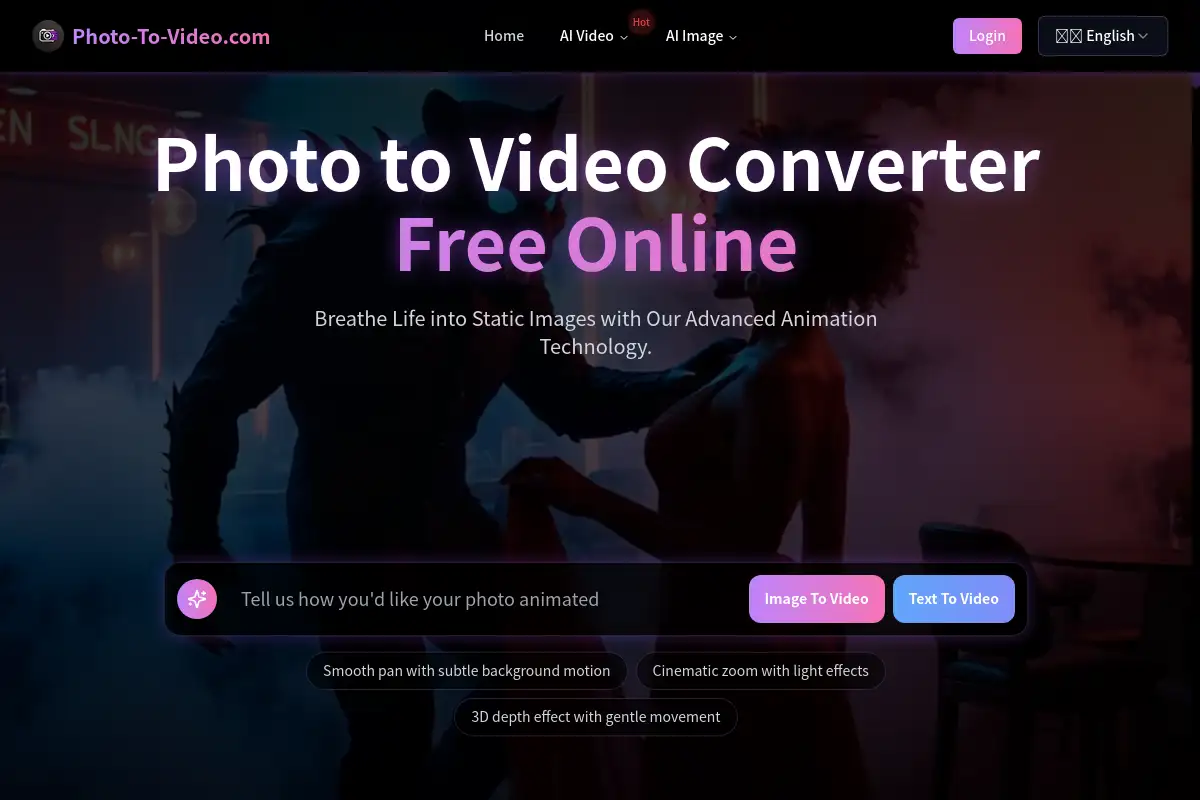
Upload an existing image and transform it into a moving video. This tool is especially useful for animating still artwork or adding motion to product shots.
Style Variety
Choose from multiple artistic styles including anime, oil painting, 3D render, and photorealistic. The AI video generator maintains consistency across frames, ensuring a cohesive look.
High Resolution Output
Produce images and videos at high resolution, suitable for professional prints, presentations, and online publishing without quality loss.
Use Cases for VideoPicAI
Marketing Campaigns
Quickly generate eye-catching video ads and social media posts. The AI video generator helps marketing teams scale content production without increasing headcount.
Concept Art and Storyboarding
Filmmakers and game developers use the AI image generator to visualize scenes, character designs, and environment concepts, speeding up pre-production.
Content Creation for Social Media
Create daily posts, stories, and short-form videos effortlessly. The text to video AI capabilities allow creators to keep up with high posting demands.
Asset Generation for Games
Produce texture assets, character art, and background images. The AI video generator also helps generate animated cutscenes or promotional trailers.
How to Use VideoPicAI
- Sign Up – Create a free account on the VideoPicAI website to receive trial credits.
- Choose a Tool – Select from text-to-image, text-to-video, image-to-video, or short film creation.
- Enter a Prompt – Describe the desired scene, style, and mood using natural language.
- Generate – Click the generate button and wait a few seconds for the AI video generator to process.
- Download or Share – Review the output, make adjustments if needed, then download the final file in high resolution.
Target Audience for VideoPicAI
- Digital Artists and Illustrators
- Marketing and Advertising Professionals
- Filmmakers and Video Editors
- Game Developers and Indie Studios
- Content Creators and Social Media Managers
- Graphic Designers and Creative Directors
- Freelancers and Agency Owners
- Startup Founders building brand identity
Is VideoPicAI Free?
VideoPicAI offers a free trial with 50 one-time credits for basic image generation and standard resolution output (with watermarks). The Popular plan provides 1,000 credits per month, unlocks all generation modes, high-resolution output, priority support, and removes watermarks. Credits expire monthly. For detailed pricing, visit the official VideoPicAI pricing page.
| Plan | Price | Features |
|---|---|---|
| Free Trial | $0 | 50 credits, basic image generation, standard resolution, watermarked, community support |
| Popular | Monthly subscription | 1,000 credits/month, all modes, high resolution, no watermark, priority support |
VideoPicAI's Pros and Cons
| Aspect | Pros | Cons |
|---|---|---|
| Features | Text-to-image, video, short film; multiple styles | Free trial only 50 credits; credits expire monthly |
| Ease of Use | Simple text prompts; fast generation | Learning curve for advanced styles and prompts |
| Quality | High resolution; professional outputs | Some outputs may require refinement for exact vision |
| Pricing | Free tier available; affordable for teams | No lifetime plan; recurring monthly cost |
| Support | Priority support on paid plans | Community support only on free plan |
Frequently Asked Questions about VideoPicAI
Is the output from VideoPicAI watermarked?
Yes, outputs from the free trial are watermarked. The paid Popular plan removes all watermarks.
Can I use generated images and videos for commercial purposes?
Commercial use is allowed, but terms vary by plan. The paid subscription grants broader commercial rights. Always check the official terms.
How does the credit system work?
Each generation consumes a certain number of credits based on resolution and mode. Free users get 50 one-time credits. Paid users receive 1,000 credits each month, which expire at the end of the billing cycle.
What resolutions are supported for images and videos?
The free plan outputs standard resolution. The Popular plan offers high-resolution output (e.g., up to 4K for images). Specific video resolution details are available in-platform.
Can I cancel my subscription anytime?
Yes, subscriptions can be canceled at any time. Credits already used will not be refunded, but remaining credits are forfeited.
Does VideoPicAI support batch processing?
The free plan has limited batch processing. The paid plan includes standard processing queues, but further details are available on the pricing page.
VideoPicAI Tags
AI video generator, AI image generator, text to video AI, AI video creation, AI short film, AI art generator, text to image, video creation tool, AI content creation, AI filmmaking, VideoPicAI review, AI media generator