Introduction
Effortlessly add AI-generated, copyright-free music to your videos.
What is Video Music-Score?
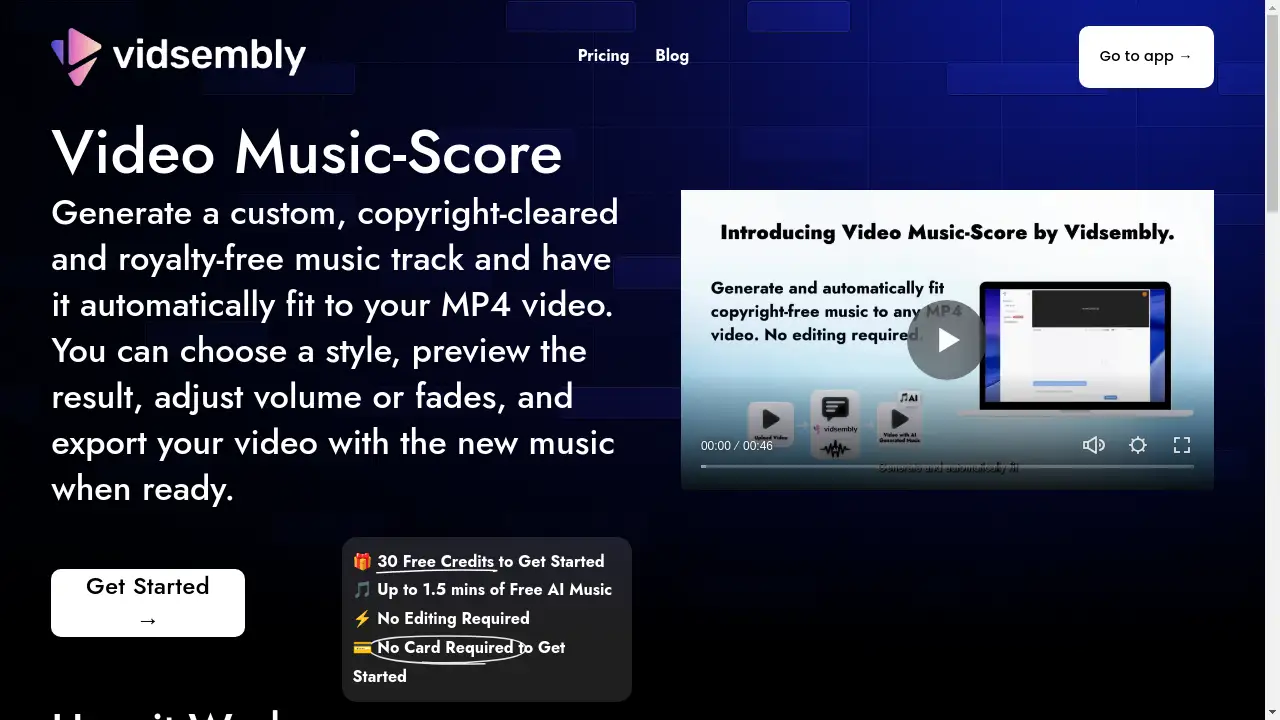
Video Music-Score is an AI-powered online tool designed to simplify video editing. It addresses the common challenge of finding and integrating suitable background music by allowing users to generate a custom, copyright-cleared music track that automatically synchronizes with their MP4 video. This product eliminates the need for manual audio editing, making it an ideal solution for content creators, marketers, educators, and social media enthusiasts who need to produce professional-looking videos quickly and without copyright concerns. The tool's core value lies in its ability to deliver a complete, music-synced video in seconds, saving significant time and effort.
Key Features of Video Music-Score
Generate Custom Music Tracks
The tool creates unique, AI-generated music tailored to your video, ensuring you have an original soundtrack.
Copyright-Cleared and Royalty-Free Music
All generated music is cleared for use, allowing you to publish your videos on platforms like YouTube without worrying about copyright claims.
Automatic Video Synchronization
Once you select a style, the tool automatically fits the generated music track to the exact length of your uploaded MP4 video.
Multiple Music Styles
Users can choose from six different music styles to find the perfect audio atmosphere that matches their video's content.
Preview and Adjust Volume
Before exporting, you can preview the result and easily adjust the music volume to achieve the perfect balance with your video's original audio.
Add Fade In and Out Effects
The tool provides options to add smooth fade-in and fade-out effects to the music track for a more polished and professional sound.
Use Cases for Video Music-Score
Social Media Clips
Quickly add engaging, copyright-free background music to short-form videos for platforms like TikTok, Instagram Reels, and YouTube Shorts.
Marketing and Product Videos
Create compelling promotional and product demo videos with soundtracks that enhance the message and brand identity.
Educational and Presentation Videos
Educators and students can easily score instructional videos or school projects to make them more dynamic and engaging.
Personal Project Intros
Design polished introductions or outros for vlogs, team projects, and other personal video content without any audio editing skills.
How to Use Video Music-Score
Using the Video Music-Score tool is a straightforward, four-step process that requires no prior editing experience.
- Create a Project and Upload: Start by creating a new project and uploading your MP4 video file.
- Choose a Music Style: Select one of the six available AI music styles to generate your custom soundtrack.
- Adjust Audio Settings: Preview the video with the new music and use the sliders to adjust the volume or add fade effects.
- Export Your Final Video: Once satisfied with the result, export your video with the new, perfectly synced music track.
Target Audience for Video Music-Score
- Social media content creators and influencers
- Digital marketers and small business owners
- Educators, students, and academic institutions
- Video bloggers (vloggers) and hobbyists
- Anyone needing quick background music for short videos without audio editing
Is Video Music-Score Free?
Video Music-Score offers a generous free plan to get started. New users receive 30 free credits upon signing up, with no credit card required. This initial credit allocation can generate up to 1.5 minutes of free AI music. Credits are consumed when generating new music and making volume adjustments, while previewing is always free. This model allows users to thoroughly test the tool's capabilities before considering any potential premium options for extended use.
Frequently Asked Questions about Video Music-Score
Who is Video Music-Score for?
This tool is designed for anyone who wants to add background music to their videos without performing any audio editing. It is perfect for creators of short social videos, product clips, intros, school projects, and marketing content.
What video formats are supported?
Currently, Video Music-Score supports MP4 video files. The tool works best with videos under 30 seconds but can handle videos up to 5 minutes in length and 500MB in file size.
Is the music really copyright-free?
Yes, all music generated by the tool is copyright-cleared and royalty-free for your video projects. This means you can typically upload these videos to platforms like YouTube and monetize them, though users are responsible for ensuring their final content meets all platform-specific requirements.
How are credits used?
Credits are used in two ways: generating new music costs 5 credits for every 15 seconds of music, and volume adjustments consume 1 credit for every 3 adjustments made. Previewing your video with the music does not use any credits.
What should I do if the tool gets stuck?
If the tool gets stuck on "Project Rendering," it is recommended to delete the project and try again. You will not be charged twice for this. If you encounter a "resource not found" error after changing the volume, simply refreshing the page often resolves the issue.
Video Music-Score Tags
video background music tool, AI music generator, copyright-free music for video, royalty-free soundtrack, add music to MP4, automatic video scoring, AI music styles, video soundtrack tool, online video editor, social media video music, video music sync, generate custom music track